
BLEASS BLEASS Peaks
Professional music gear - detailed information and where to buy
Product Description
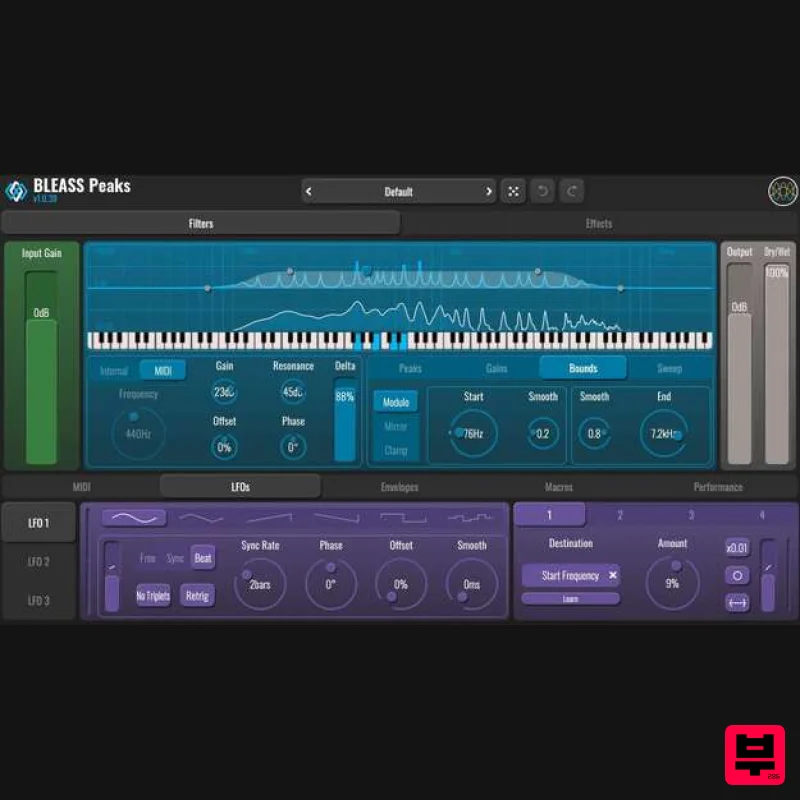
- Groundbreaking polyphonic filter Creative filtering plugin that turns filtering into a true performance tool. Based on a polyphonic bell-filter architecture
- BLEASS Peaks can be controlled via MIDI: each note triggers its own resonant filter voice
- allowing filtering to be played like an instrument. Uncompromising MIDI-driven expression At the core of BLEASS Peaks lies a filtering engine capable of generating multiple resonant peaks and notches from a fundamental frequency. In MIDI mode
- these resonances are driven by incoming notes
- allowing up to eight simultaneous filter voices. Technically
- BLEASS Peaks relies on a bell-filter architecture that distributes and controls these resonances across the spectrum. The filter’s fundamental frequency can be set manually or via MIDI
- while the distribution
- number and width of the resonances can be adjusted. Integrated modulation sources (LFOs
- envelopes
- macros and MIDI controls) can then be used to animate the filtering. Filtering and effects combined in a single plugin In addition to its filter engine
- BLEASS Peaks also integrates several effects such as distortion
- compression
- bitcrush and delay. These processes can be combined with the filtering to easily build complete creative effects chains. PC: Windows 8 and later VST3 (64-bit) AAX Mac: macOS 10.9 and later (64-bit only) (including macOS 11 Big Sur and M1 processors) VST3 (64-bit) Audio Unit Please note: BLEASS Reverb is used as an example. Registration 1. Go to https://www.bleass.com/redeem
- enter your registration code located within your Plugin Boutique account and click SUBMIT. 2. Enter your email address and click SUBMIT. You will now be sent your serial number and installers for your software. Your BLEASS software is now registered! Mac Installation 1. Go to your email account and locate the 'BLEASS Product License' email. 2. Copy and paste the Mac installer URL into your browser and click enter to download the installer. 3. Open the Installer file and click ‘Continue’. 4. Click ‘Continue’. 5. Click 'Install'. 6. Enter your login details and click 'Install Software'. 7. Your software is now installed - click 'Close'. 8. Open your newly installed BLEASS software inside your DAW and click ‘UNREGISTERED’. 9. Enter your email address and the serial number you were given in your BLEASS Product Licence email > Click ‘OK’. Your software is now activated and ready to use in your DAW! Windows Installation 1. Go to your email account and locate the 'BLEASS Product License' email. 2. Copy and paste the Windows installer URL into your browser and click enter to download the installer. 3. Open the installer and click 'Yes'. 4. Click 'Next >'. 5. Click 'Install'. 6. Click 'Finish'. 7. Open your newly installed BLEASS software inside your DAW and click ‘UNREGISTERED’. 8. Enter your email address and the serial number you were given in your BLEASS Product Licence email > Click ‘OK’. Your software is now activated and ready to use in your DAW!
Additional Information
About the BLEASS BLEASS Peaks
Discover the distinctive sound and feel of the BLEASS BLEASS Peaks, a standout choice among Filter.
Why Choose the BLEASS BLEASS Peaks?
- •Authentic BLEASS craftsmanship and design
- •Versatile sound suitable for multiple musical genres
- •Professional build quality and reliable performance
- •Part of BLEASS's respected Filter lineup
Compare & Explore
Browse our complete selection of BLEASS instruments or explore other Filter options. Use our comparison tools to find the perfect match for your musical style and budget.
Similar Products
Gooey Audio The Snake
Filter
$30
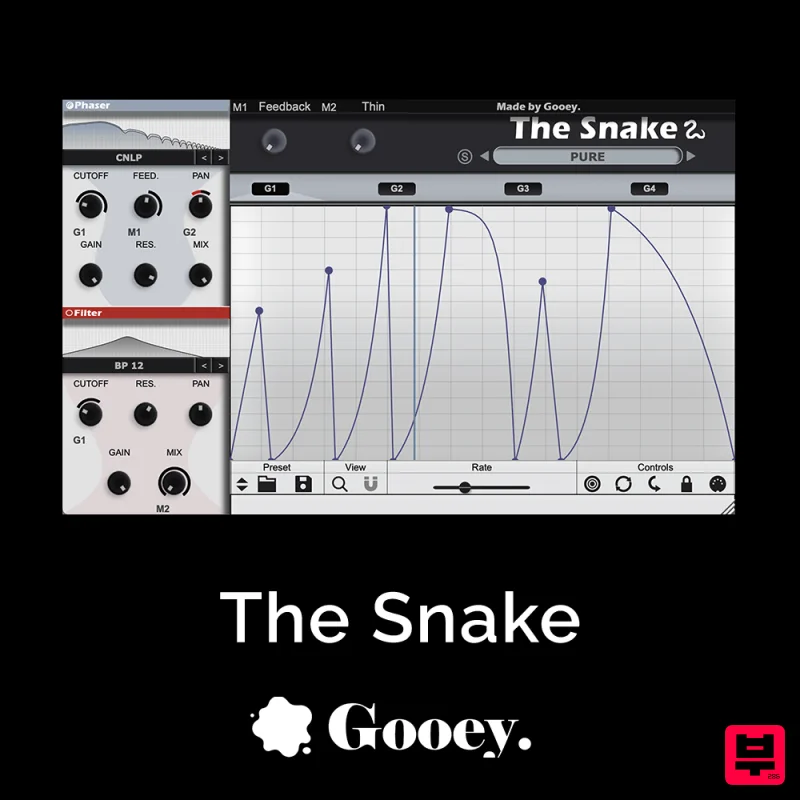
The Snake has a venomous bite with colorful comb filters, phasers, and more. With The Snake you can widen the stereo...
Moonwave Aperture
Filter
$30
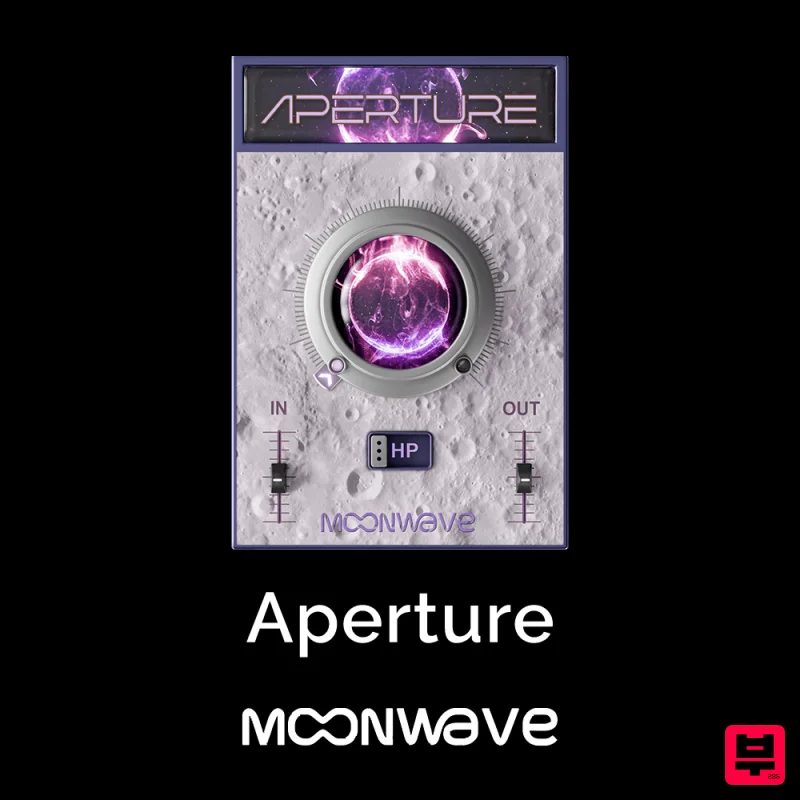
Shape The Horizon Of Sound Unlock the gateway to precision filtering with Aperture, a powerful tool designed to give...
FabFilter Simplon
Filter
$30
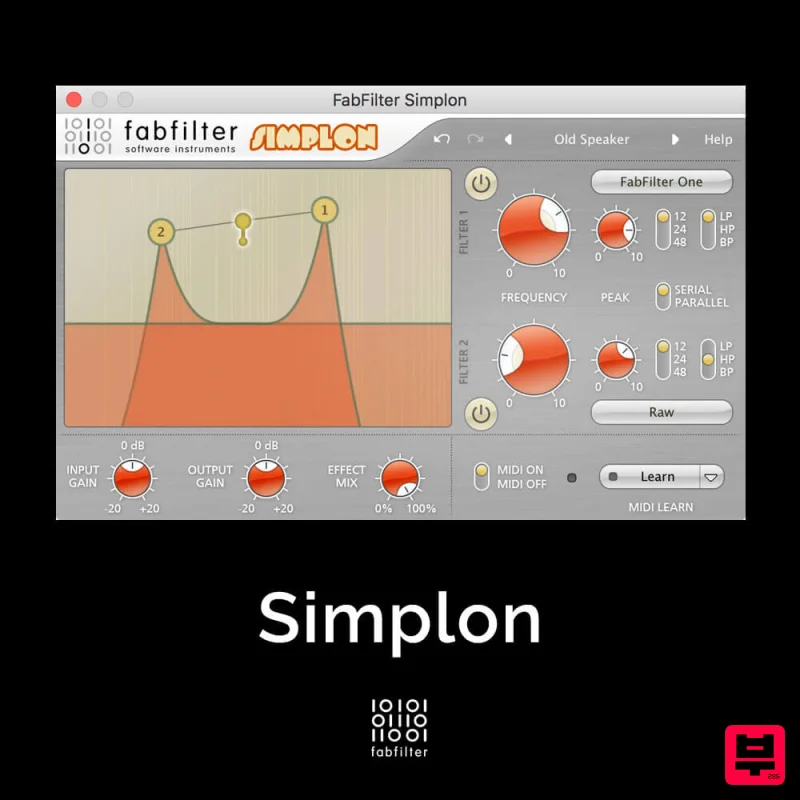
Unique Filters, Easy Display FabFilter Simplon is a simplified version of FabFilter Volcano 2 with two independent...
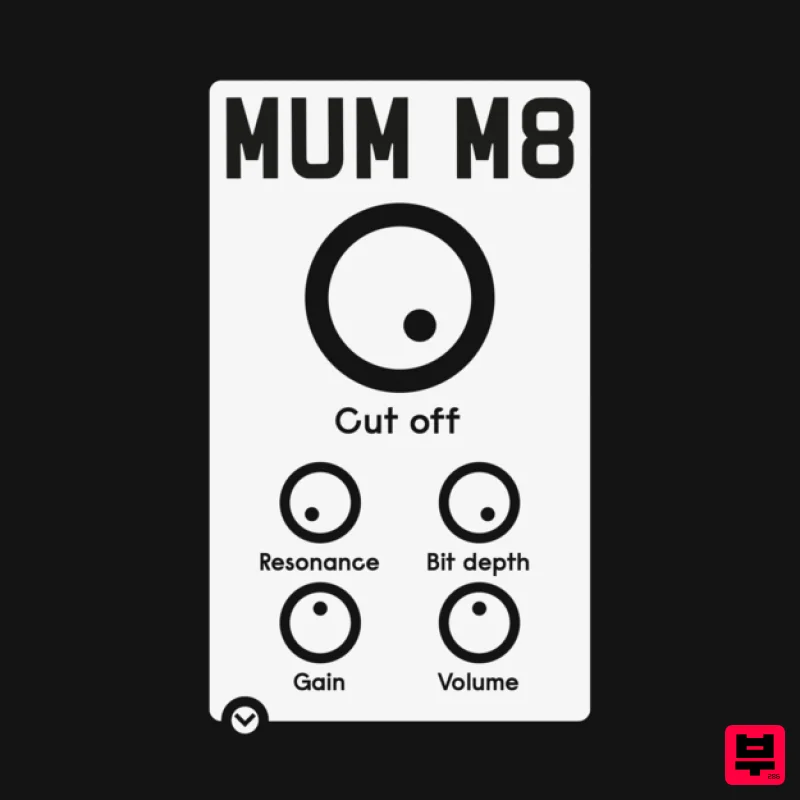
ALM / Busy Circuits MUM M8 DSP
Filter
$10
‘MUM M8 DSP’ is a low pass filter plug-in emulating the filter used in the classic Akai S950 12 bit sampler with...
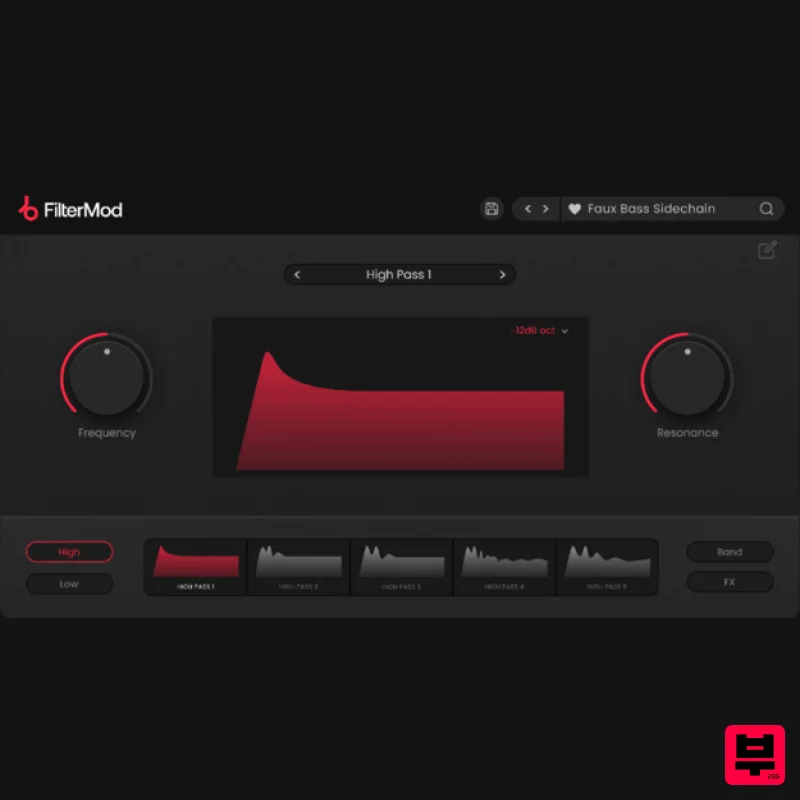
Plugin Boutique FilterMod
Filter
$51
Animate your Filtering Whether it's drums, bass, synths, pads or vocals, filtering is a key element of the production...
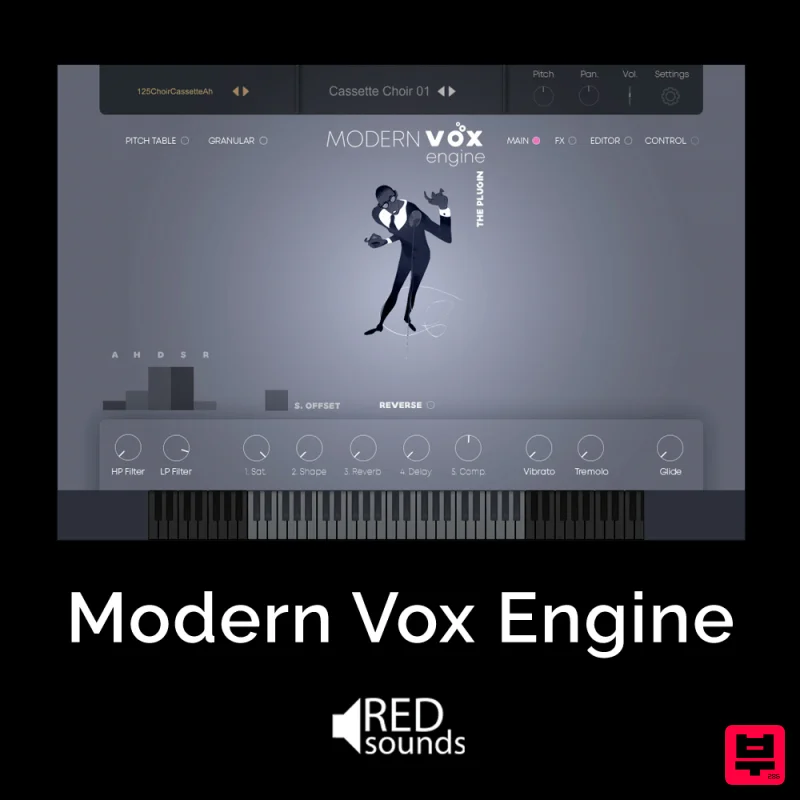
Red Sounds Modern Vox Engine
Filter
$30
Please welcome a collaboration. Red Sounds x Channel Robot. Over a year in development. We recorded vocal samples for 5...

NoiseAsh Action Filter
Filter
$30
ANALOG FILTER ADDICTION With tons of classic filter models, unique advanced modulation options and convincing analog...
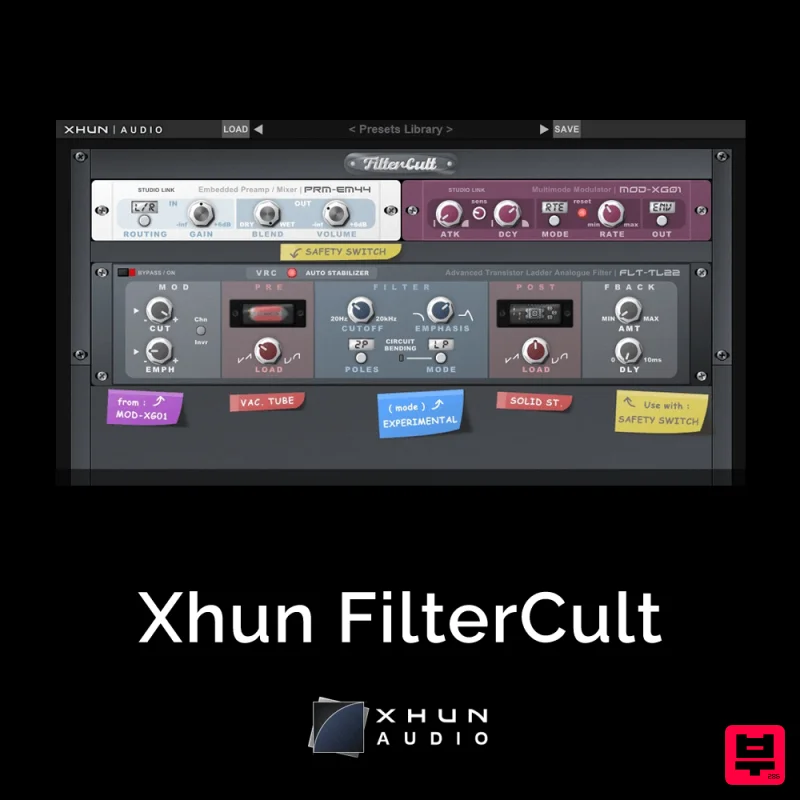
XHUN Audio Xhun FilterCult
Filter
$30
FilterCult is an accurate simulation of the infamous and iconic transistor ladder analogue filter, meticulously...
Frequently Asked Questions
The BLEASS BLEASS Peaks stands out for its exceptional BLEASS craftsmanship and innovative design.
Yes! With its affordable price point and quality construction, it's perfect for learning filter.
Browse the similar products section to see how it stacks up against other filter.

