
BLEASS BLEASS Flanger
Professional music gear - detailed information and where to buy
Product Description
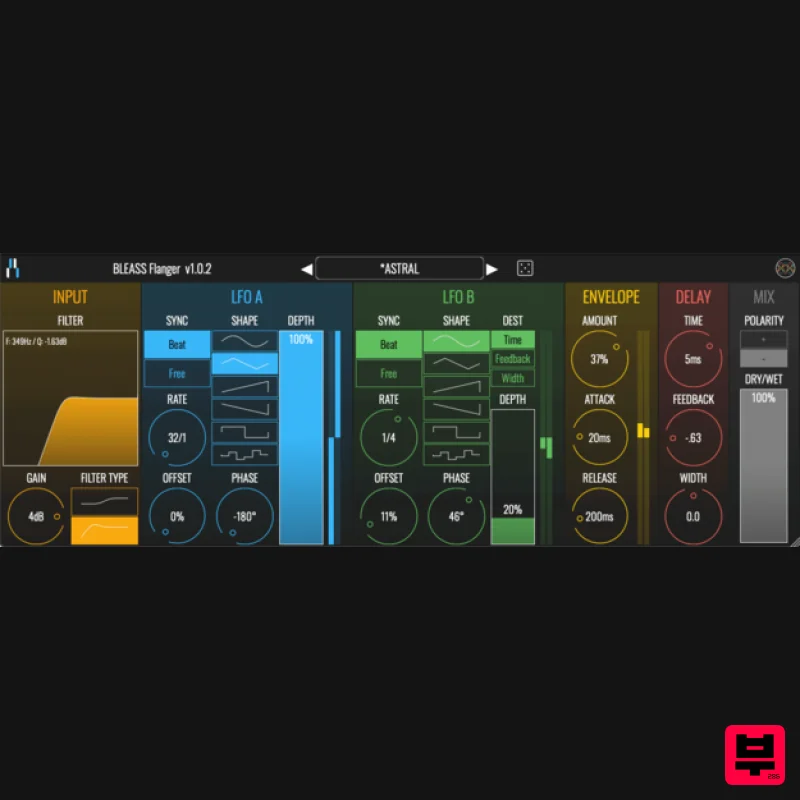
- Extensive Sonic Flanging BLEASS Flanger is a comprehensive flanging effect with a wide range of sonic possibilities thanks to 2 LFOS
- 3 Stages of modulation and beat synchronization. BLEASS Flanger is a rich sounding flanging effect offering a wide range of synchronised modulations which colours sound in a novel and unique way thanks to its complex algorithmic combinations. This Flanger offers three stages of modulation as well as two LFOs
- combined offering great sonic versatility – from classic sine flanger sounds to crazy rhythmic modulations courtesy of its 6 different LFO shapes. The ability to easily synchronize the flanging effect with the beat makes it ideal to bring subtle flanging variations while evolving harmoniously with a song’s dynamics. BLEASS’ customary interface design makes for a and efficient UI with clear visual feedback
- increasing the enjoyment and playability of sound designing. As with other BLEASS plugins
- BLEASS Flanger is very low on CPU usage and works in all compatible hosts & DAWs. INPUT stage: Low-shelf/High-pass input filter Input gain LFO A stage: (This LFO modulates DELAY TIME) SYNC: sets LFO’s synchronization between BEAT SYNC and FREE SYNC RATE: sets LFO’s rate OFFSET: when BEAT SYNC mode is activated
- sets LFO’s offset relatively to the beat SHAPE: select LFO’s shape between sine
- triangle
- sawtooth
- inverted sawtooth
- square and random PHASE: sets offset between the LFO’s two stereo channels DEPTH: sets LFO’s amount as a percentage of DELAY TIME’s value STEREO METER: represents LFO’s state LFO B stage: (This LFO can modulate either DELAY TIME
- DELAY FEEDBACK or DELAY WIDTH) SYNC: sets the LFO’s synchronization between BEAT and FREE RATE: sets the LFO’s rate OFFSET: if SYNC is set to BEAT
- sets LFO’s offset relatively to the beat SHAPE: select LFO’s shape between sine
- triangle
- sawtooth
- inverted sawtooth
- square and random PHASE: sets offset between LFO’s two channels DESTINATION: sets the LFO’s destination between DELAY TIME
- FEEDBACK and WIDTH DEPTH: sets LFO’s amount as a percentage of DESTINATION’s value METER: represents LFO’s state (depending on the selected modulation destination) ENVELOPE FOLLOWER stage: (modulates DELAY TIME depending on the input signal’s level) AMOUNT: sets the amount of modulation as a percentage of DELAY TIME’s value ATTACK: sets the attack of the follower RELEASE: sets the release of the follower DELAY stage: TIME: sets average delay time FEEDBACK: sets average delay feedback WIDTH: sets delay time’s difference between both channels (and average delay time when width is modulated by LFO B) MIX stage: POLARITY: if set to “+“
- wet signal is added to the dry signal
- if set to “-“
- wet signal is subtracted to the dry signal DRY/WET: sets the amount of wet signal added (or subtracted) to the dry signal System Requirements PC Windows 8 and later (64-bit) VST3 Mac macOS 10.9 and later (64-bit only) (including macOS 11 Big Sur and M1 processors) VST3 / Audio Unit Format BLEASS Flanger is not a standalone product
- it requires host software. BLEASS Flanger is compatible with all VST3 / Audio Unit compatible DAWs Please note: BLEASS Reverb is used as an example. Registration 1. Go to https://www.bleass.com/redeem
- enter your registration code located within your Plugin Boutique account and click SUBMIT. 2. Enter your email address and click SUBMIT. You will now be sent your serial number and installers for your software. Your BLEASS software is now registered! Mac Installation 1. Go to your email account and locate the 'BLEASS Product License' email. 2. Copy and paste the Mac installer URL into your browser and click enter to download the installer. 3. Open the Installer file and click ‘Continue’. 4. Click ‘Continue’. 5. Click 'Install'. 6. Enter your login details and click 'Install Software'. 7. Your software is now installed - click 'Close'. 8. Open your newly installed BLEASS software inside your DAW and click ‘UNREGISTERED’. 9. Enter your email address and the serial number you were given in your BLEASS Product Licence email > Click ‘OK’. Your software is now activated and ready to use in your DAW! Windows Installation 1. Go to your email account and locate the 'BLEASS Product License' email. 2. Copy and paste the Windows installer URL into your browser and click enter to download the installer. 3. Open the installer and click 'Yes'. 4. Click 'Next >'. 5. Click 'Install'. 6. Click 'Finish'. 7. Open your newly installed BLEASS software inside your DAW and click ‘UNREGISTERED’. 8. Enter your email address and the serial number you were given in your BLEASS Product Licence email > Click ‘OK’. Your software is now activated and ready to use in your DAW!
Additional Information
About the BLEASS BLEASS Flanger
Experience the quality and tone that makes the BLEASS BLEASS Flanger a popular choice for musicians.
Why Choose the BLEASS BLEASS Flanger?
- •Authentic BLEASS craftsmanship and design
- •Versatile sound suitable for multiple musical genres
- •Professional build quality and reliable performance
- •Part of BLEASS's respected Flanger lineup
Compare & Explore
Browse our complete selection of BLEASS instruments or explore other Flanger options. Use our comparison tools to find the perfect match for your musical style and budget.
Similar Products
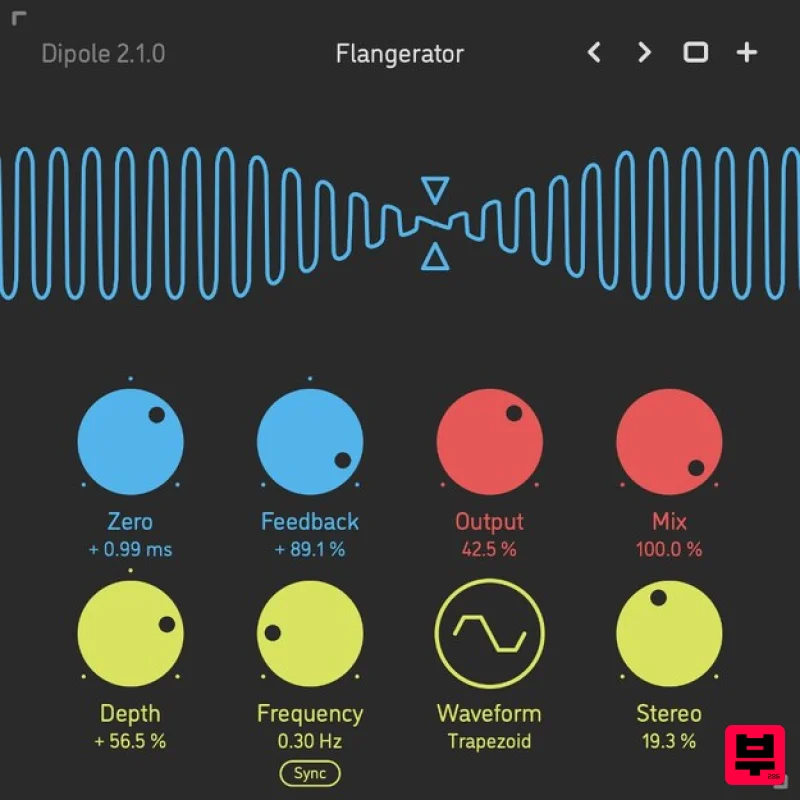
Sinevibes Dipole
Flanger
$29
Through-Zero Flanger Dipole is a through-zero flanger. It employs two delay lines with dual-mode feedback, and one of...
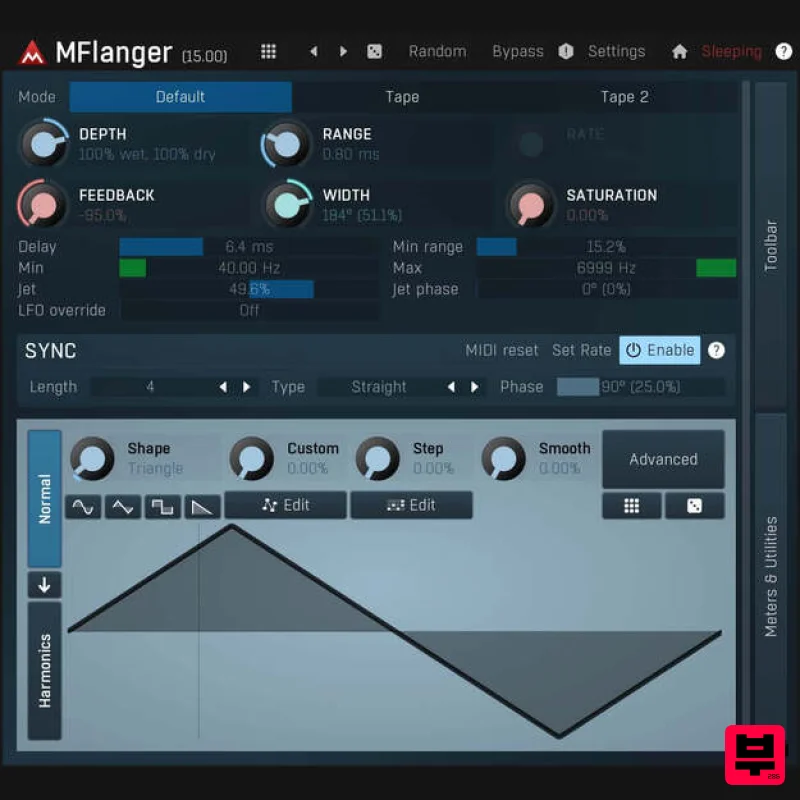
MeldaProduction MFlangerMB
Flanger
$51
MFlangerMB is a powerful multiband flanger that allows you to fully adjust its shape. Where other flangers end, this...
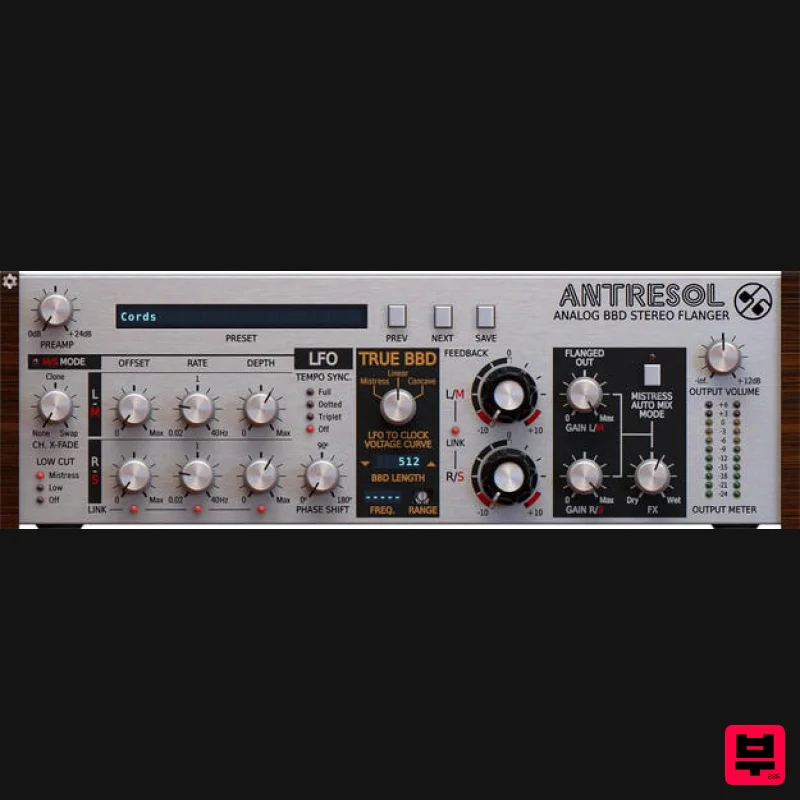
D16 Group Antresol
Flanger
$62
An Incarnation of an Iconic Stompbox you will Surely Appreciate A Legendary Flanger Resurrected In bringing the classic...
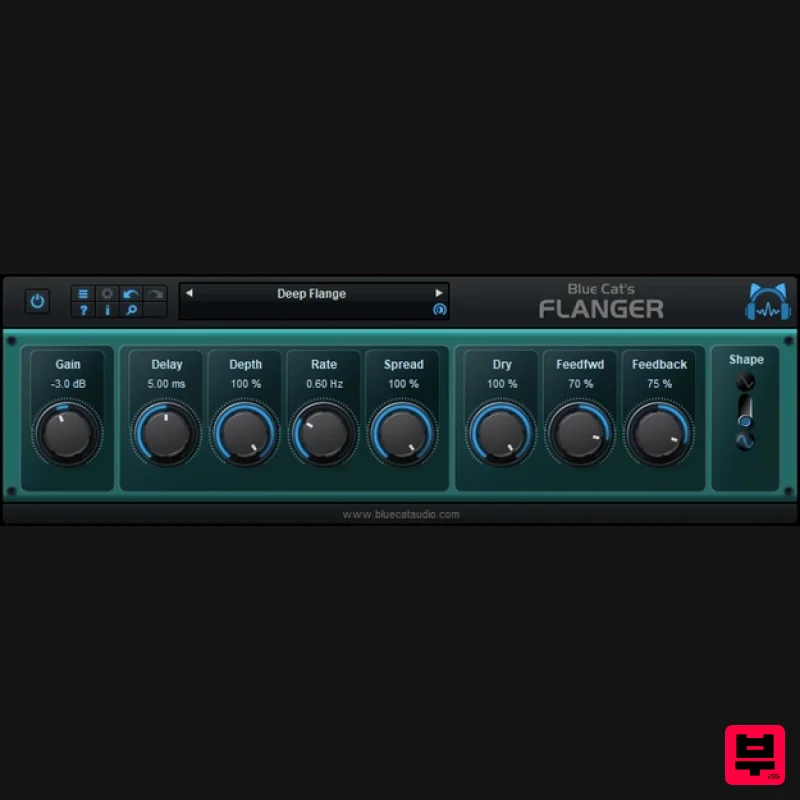
Blue Cat Audio Blue Cat's Flanger
Flanger
Free
Very famous during the '70s and '80s, the Flanger effect can be used on almost any audio track: on drums, voices synths...
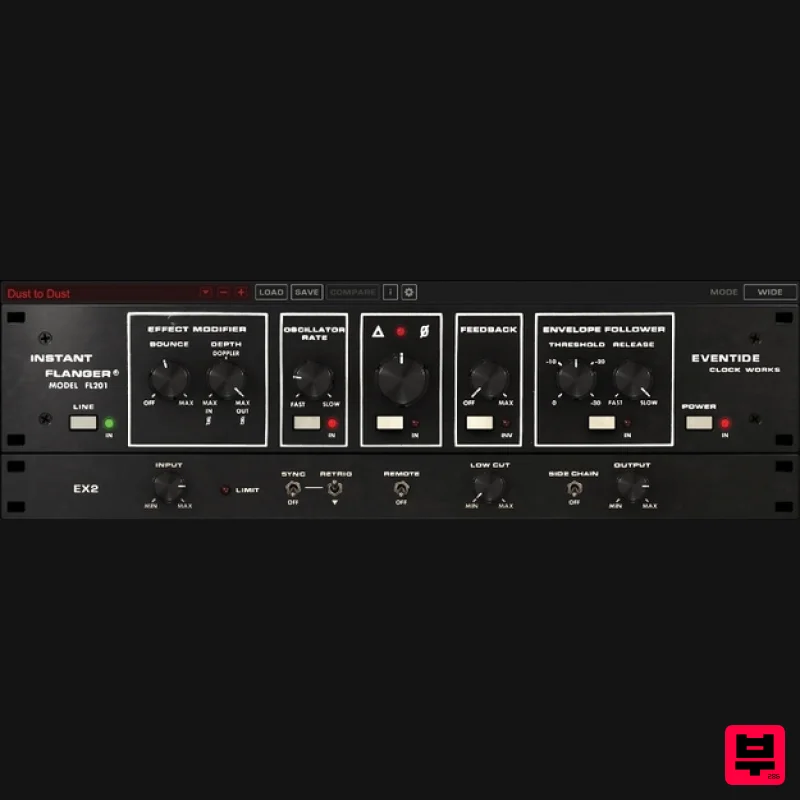
Eventide Instant Flanger Mk II
Flanger
$135
Classic Flanging for a Modern Mix The Instant Flanger Mk II brings the great sound of vintage tape flanging to your...
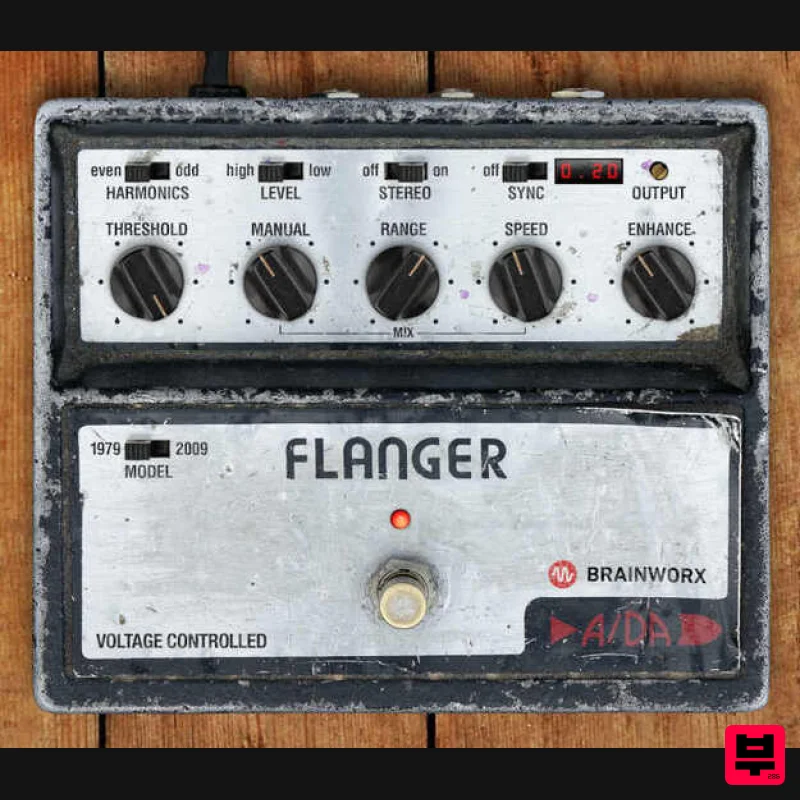
Plugin Alliance ADA Flanger
Flanger
$21
The Timeless Analog Flanging Hit Machine The Analog Flanger That Rules Them All With its rich and colorful tone, the...
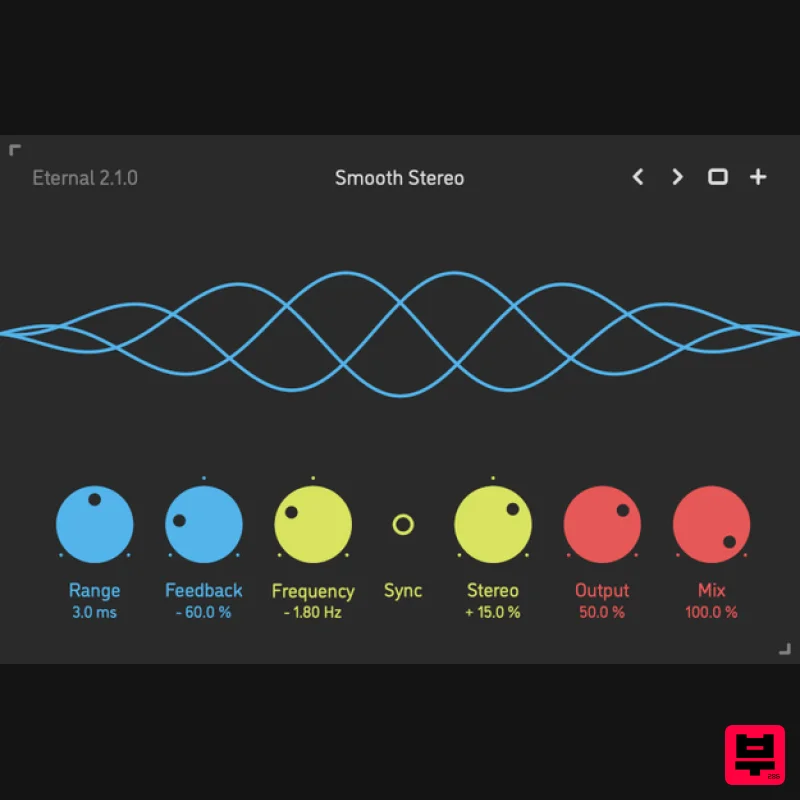
Sinevibes Eternal v2
Flanger
$29
Barber-Pole Flanger Eternal by Sinevibes is a barber-pole flanger effect. Unlike a traditional flanger which typically...
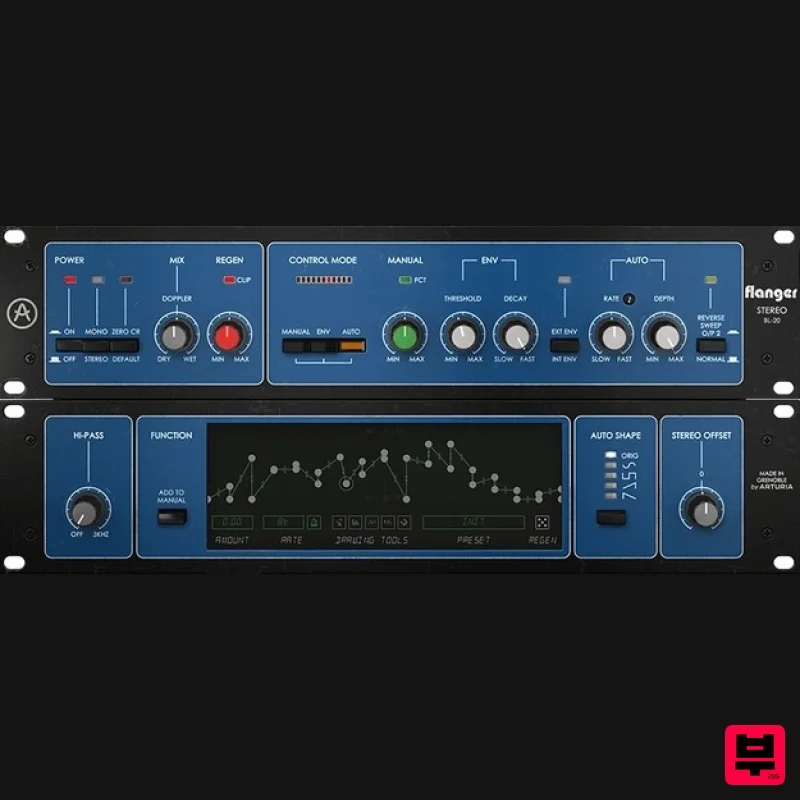
Arturia Flanger BL-20
Flanger
$104
Advanced Modulation Powerhouse The flanger effect but not as you know it. Based on a beloved studio classic, Flanger...
Frequently Asked Questions
The BLEASS BLEASS Flanger stands out for its exceptional BLEASS craftsmanship and innovative design.
Yes! With its affordable price point and quality construction, it's perfect for learning flanger.
Browse the similar products section to see how it stacks up against other flanger.

