
BLEASS BLEASS Delay
Professional music gear - detailed information and where to buy
Product Description
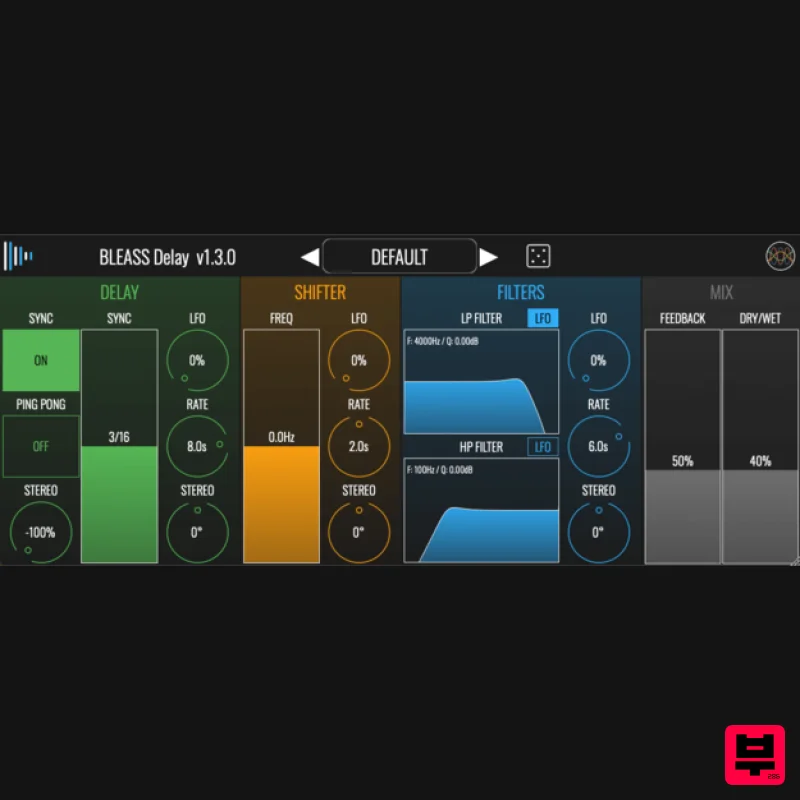
BLEASS Delay Multi-purpose Delay / Echo / Frequency Shifter BLEASS delay transforms your sounds into cinematic and experimental sonic experiences! It is constantly creating flux in the audio signal making your music even more lively. BLEASS delay is also ideal for making track build-ups and transitions. BLEASS Delay is a multi-purpose Delay / Echo / Frequency Shifter with High Pass & Low Pass Filters as well as Stereo Effects Features Delay Line with Sync and Ping Pong Stereo options Frequency Shifter in the feedback stage for creating harmonic flux Two Filters (Low Pass / High Pass with resonance) for creating warm analogue Echo effects Each stage has its own LFO with Stereo Phase to create even wider space movements. System Requirements PC Windows 8 and later (64-bit) VST3 Mac macOS 10.9 and later (64-bit only) (including macOS 11 Big Sur and M1 processors) VST3 / Audio Unit Format: BLEASS Delay is not a standalone product, it requires host software. BLEASS Delay is compatible with nearly all VST3 / Audio Unit compatible DAWs. Please note: BLEASS Reverb is used as an example. Registration 1. Go to https://www.bleass.com/redeem, enter your registration code located within your Plugin Boutique account and click SUBMIT. 2. Enter your email address and click SUBMIT. You will now be sent your serial number and installers for your software. Your BLEASS software is now registered! Mac Installation 1. Go to your email account and locate the 'BLEASS Product License' email. 2. Copy and paste the Mac installer URL into your browser and click enter to download the installer. 3. Open the Installer file and click ‘Continue’. 4. Click ‘Continue’. 5. Click 'Install'. 6. Enter your login details and click 'Install Software'. 7. Your software is now installed - click 'Close'. 8. Open your newly installed BLEASS software inside your DAW and click ‘UNREGISTERED’. 9. Enter your email address and the serial number you were given in your BLEASS Product Licence email > Click ‘OK’. Your software is now activated and ready to use in your DAW! Windows Installation 1. Go to your email account and locate the 'BLEASS Product License' email. 2. Copy and paste the Windows installer URL into your browser and click enter to download the installer. 3. Open the installer and click 'Yes'. 4. Click 'Next >'. 5. Click 'Install'. 6. Click 'Finish'. 7. Open your newly installed BLEASS software inside your DAW and click ‘UNREGISTERED’. 8. Enter your email address and the serial number you were given in your BLEASS Product Licence email > Click ‘OK’. Your software is now activated and ready to use in your DAW!
Additional Information
About the BLEASS BLEASS Delay
Experience the quality and tone that makes the BLEASS BLEASS Delay a popular choice for musicians.
Why Choose the BLEASS BLEASS Delay?
- •Authentic BLEASS craftsmanship and design
- •Versatile sound suitable for multiple musical genres
- •Professional build quality and reliable performance
- •Part of BLEASS's respected Delay lineup
Compare & Explore
Browse our complete selection of BLEASS instruments or explore other Delay options. Use our comparison tools to find the perfect match for your musical style and budget.
Similar Products

Korneff Audio Micro Digital Reverberator
Delay
Red Sounds Mojo-Fi
Delay
Martinic Lem Echo Music
Delay
Phantom Sounds Analog Drift
Delay
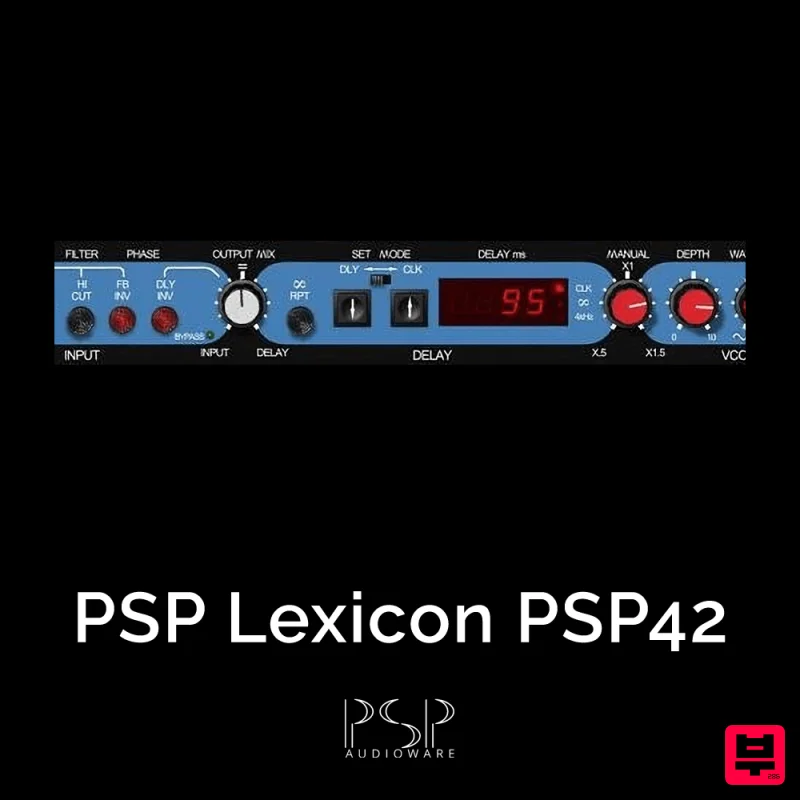
PSP Audioware PSP Lexicon PSP42x
Delay
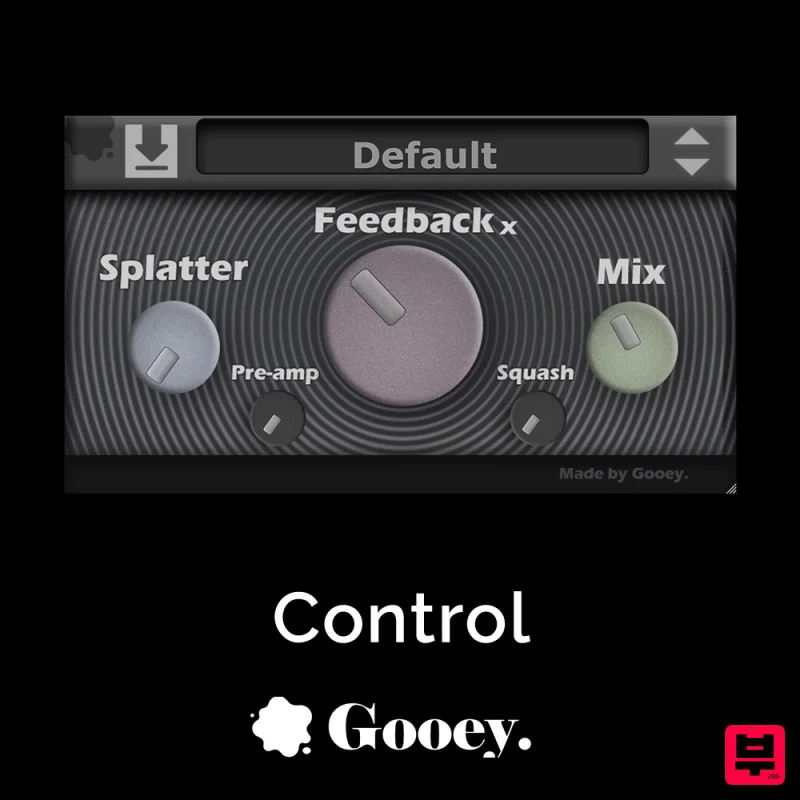
Gooey Audio Control
Delay

Beastsamples Beast-DLAY
Delay
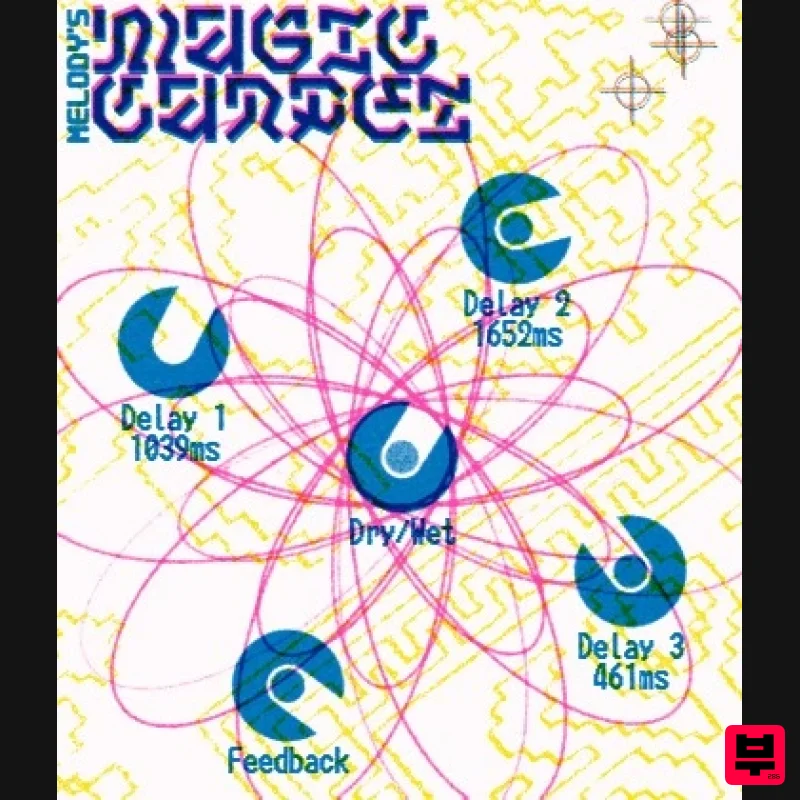
UnplugRed Magic Carpet
Delay

