
Black Rooster Audio KH-EQ1
Professional music gear - detailed information and where to buy
Black Rooster Audio
KH-EQ1
Product Info
* Prices may vary. Check retailer for current pricing and availability.
Product Description
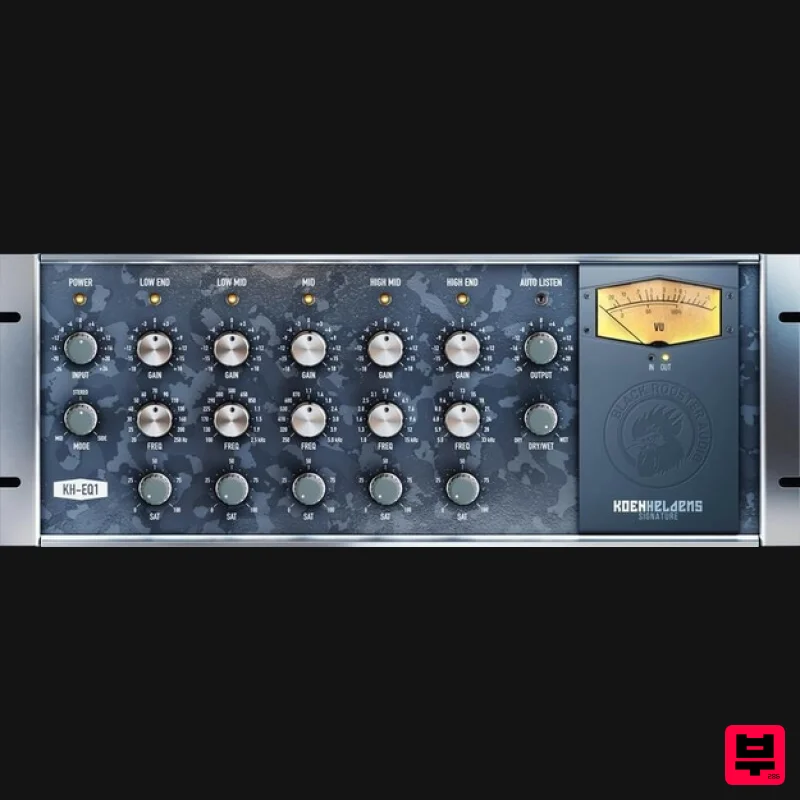
- Semi-Parametric Equalizer The KH-EQ1 is a semi-parametric 5-band EQ like no other. It features rich-sounding frequency band controls that allow you to add color to each band while encouraging creative sound shaping with its highly musical functionality. The KH-EQ1 - the second part of the Koen Heldens signature series - is a professional studio EQ with a twist
- which features harmonic per-band saturation and Black Rooster Audio's innovative
- stepless Mid<->Stereo<->Side router. Each license includes custom presets created by Koen himself
- giving you the professional studio experience you’ve been waiting for. It is the perfect addition to any producer’s arsenal
- and it’s the ideal tool for adding richness and creativity to your productions! The History of the EQ The equalizer
- or EQ
- is one of the most used yet most misunderstood audio processes out there. It is a vital tool that any producer should have in their toolkit. Simply put
- it is used to adjust the response of one or more frequencies in an audio signal
- which can help shape or make any element of your mix less or more prominent. The EQ was initially used for telecommunication purposes and dates back to acoustic telegraphy. It was later used in radio and broadcast and continued to evolve until it became a staple in every studio. Daniel N. Flickinger designed the first parametric equalizer in 1971. His invention achieved filtering circuits that were previously impossible
- and his patent introduced circuit topology that continues to be relevant today. These legendary hardware EQs turned into digital EQ plug-ins with countless customization options and styles as time went on. While some EQs work more accurately than others
- this essential tool allows users to surgically remove or boost any frequency they desire
- without compromising the timbre of each element
- or by changing it completely. While advanced equalization can take years to perfect
- it is a total game-changer when performed correctly - with enough practice
- it allows for complete control over any sound. In addition to working on individual elements
- it can also be used in mastering when used on the master track of a final mix. Features SSE2 Optimized Code DSP operations are pipelined using the SSE2 instruction set. This ensures a high-performance operation despite its very complex computations. HighDPI Retina Support The user interfaces support high pixel density on both Windows and Mac OS systems
- giving you the most enjoyable user experience on high DPI displays. Please refer to your DAW manual to learn whether it is HighDPI compatible if you're working on Windows. System Requirements Mac Mac OSX 10.9 or newer (M1/M2 supported) Intel Core CPU or Apple SIlicon M1/M2 Processor 1GB of RAM VST
- VST3
- AU or AAX compatible host (64bit) Display resolution of 1280x1024 pixels or more PC Windows 7 or newer SSE2 compatible processor (Intel Core CPU recommended) 1GB of RAM VST
- VST3 or AAX compatible host Display resolution of 1280x1024 pixels or more Please Note: VLA-3A is used as an example. Activation 1. Go to https://blackroosteraudio.com/en/myaccount/licensemanager or click 'Download' in your Plugin Boutique User Account. 2. Click 'REGISTER NEW ACCOUNT' > If you already have an account
- skip to step 5. 3. Enter the required information > Click 'Register'. 4. Go to your email and locate the email from Black Rooster Audio > Click 'ACTIVATE ACCOUNT'. 5. Login to your account. 6. Enter the serial number found within your Plugin Boutique User Account in the 'eCoupon Code' section > Click 'SUBMIT CODE'. 7. Please make note of your newly received 'serial number' > Click on 'Plugin Download' under MyAccount. 8. Download the relevant installer. PC 1. Run the .exe installer. 2. Click 'I accept the agreement' > 'Next >'. 3. Click 'Next >'. 4. Click 'Next >'. 5. Click 'Next >'. 6. Click 'Next >'. 7. Click 'Install'. 8. Click 'Finish'. 9. Open your DAW and locate VLA-3A. 10. Click the lock icon. 11. Enter your email address and the serial number received previously in your Black Rooster Audio account > Click 'Unlock Plug-In'. Your software is now activated and ready to use! Mac 1. Run the .dmg installer. 2. Click 'Continue'. 3. Click 'Continue'. 4. Click 'Continue'. 5. Click 'Agree'. 6. Click 'Continue'. 7. Click 'Install'. 8. Open your DAW and locate VLA-3A. 9. Click the lock icon. 10. Enter your email address and the serial number received previously in your Black Rooster Audio account > Click 'Unlock Plug-In'. Your software is now activated and ready to use!
Additional Information
About the Black Rooster Audio KH-EQ1
The Black Rooster Audio KH-EQ1 combines traditional design with modern performance for EQ enthusiasts.
Why Choose the Black Rooster Audio KH-EQ1?
- •Authentic Black Rooster Audio craftsmanship and design
- •Versatile sound suitable for multiple musical genres
- •Professional build quality and reliable performance
- •Part of Black Rooster Audio's respected EQ lineup
Compare & Explore
Browse our complete selection of Black Rooster Audio instruments or explore other EQ options. Use our comparison tools to find the perfect match for your musical style and budget.
Similar Products
FSK Audio Bark24 | Dyn
EQ
$120
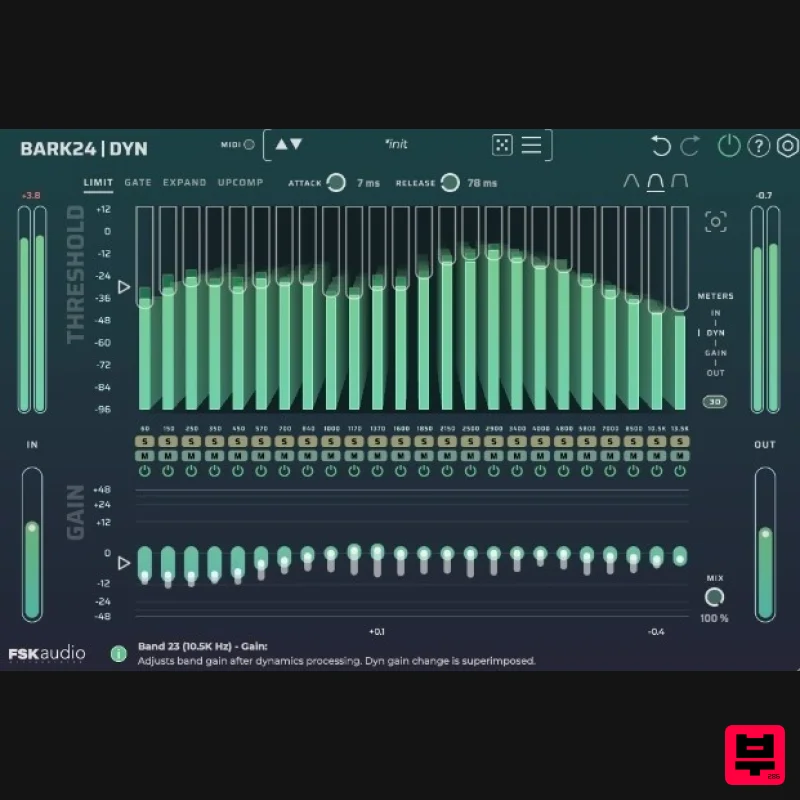
Bark24 | Dyn is a dynamic EQ that takes you far beyond a standard compressor or EQ. Based on the Bark scale - a model...
Rave Generation TubEQ
EQ
$42
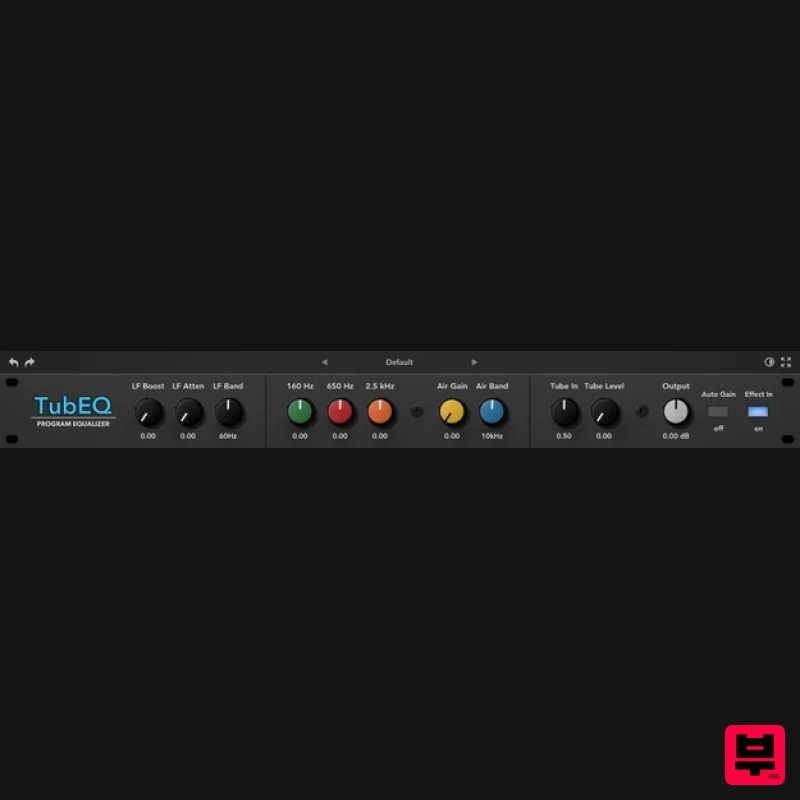
TubEQ is an authentic analog equalizer plugin that combines the musical character of two legendary EQs in a single...
Slate Digital Infinity Horizon
EQ
$156
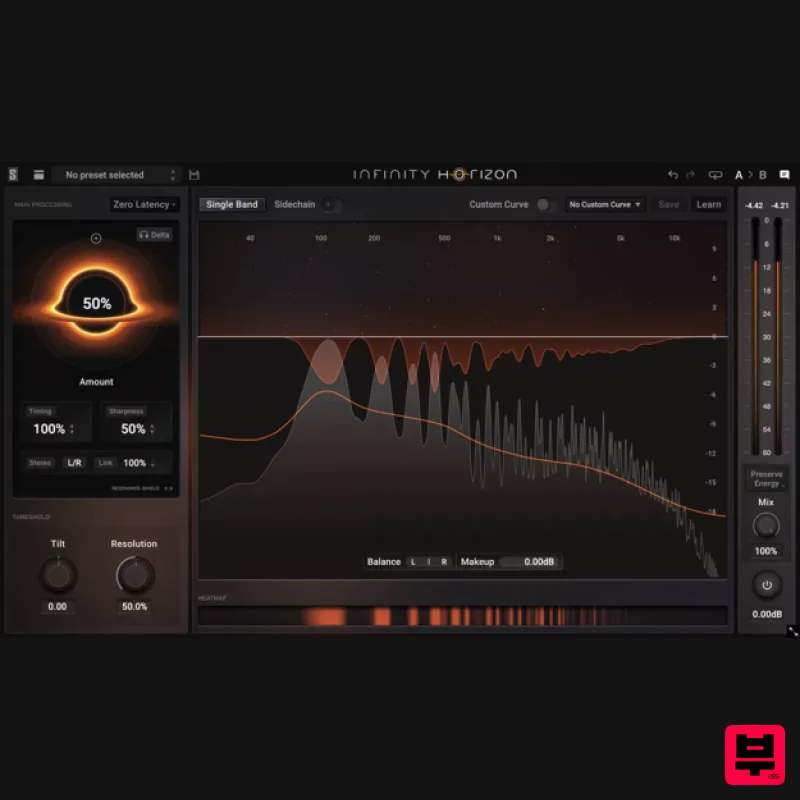
Rogue Frequencies Cannot Escape Infinity Horizon finds harsh frequency build ups and them in real time. If you're...
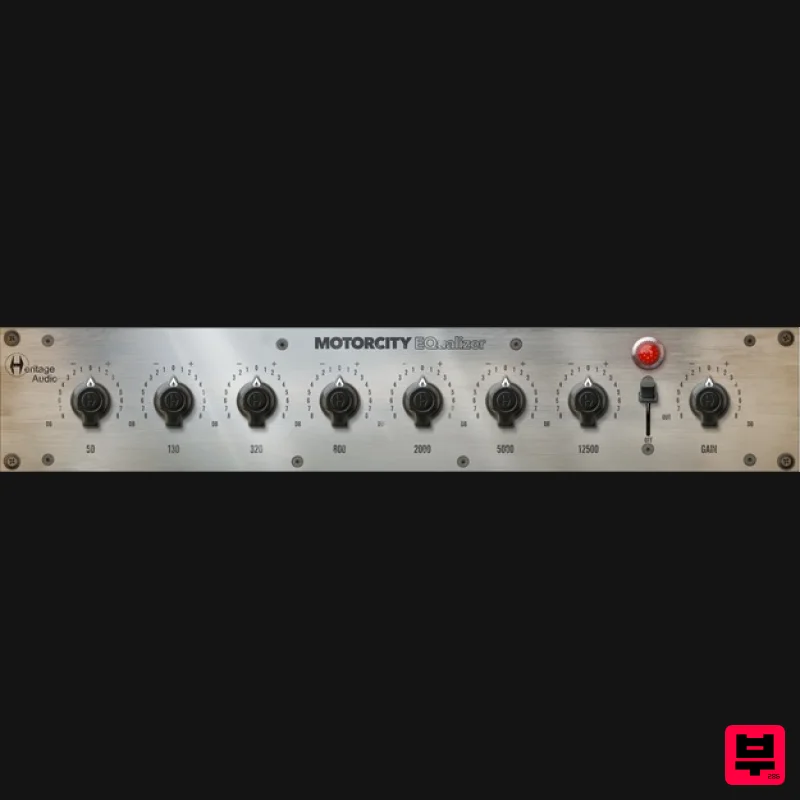
Heritage Audio MOTORCITY EQ
EQ
$104
The classiest EQ ever created finally gets the thorough plugin treatment it so long deserved Recreated from the...
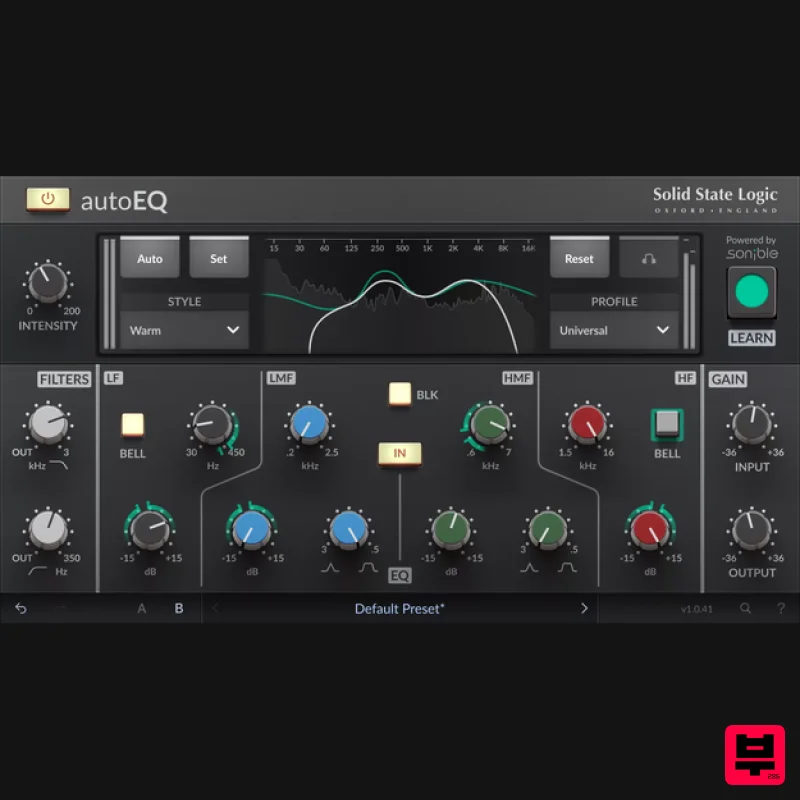
Solid State Logic SSL autoEQ
EQ
$109
SSL 4000E EQ processing with sonible AI assisted analysis Introducing autoEQ, part of the autoSeries with autoDYN and...
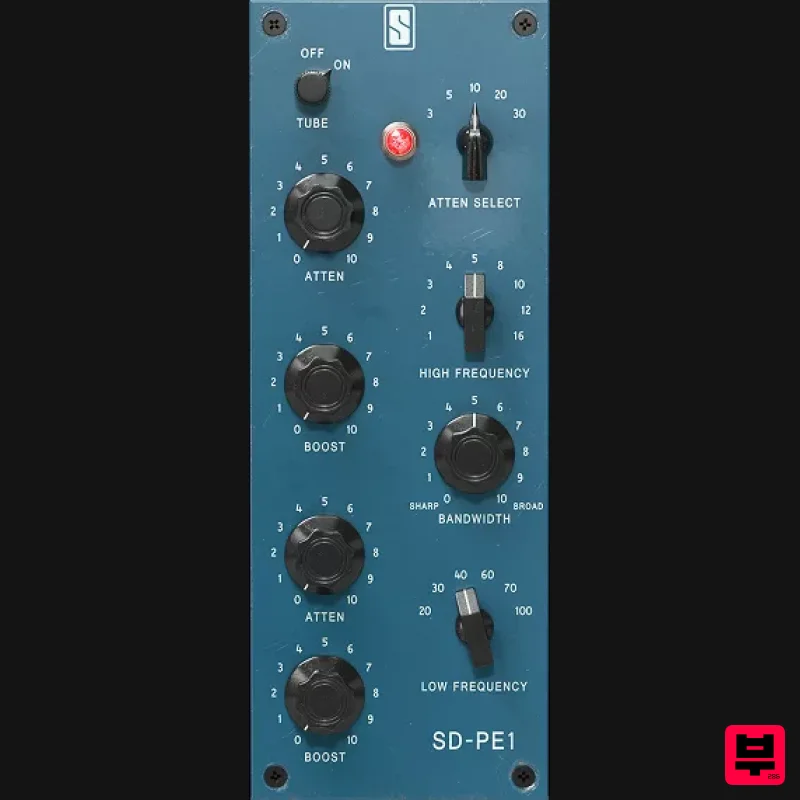
Slate Digital SD-PE1
EQ
$104
Meet SD-PE1! The most unique passive equalizer ever made joins the ever-expanding lineup of processors that make up the...
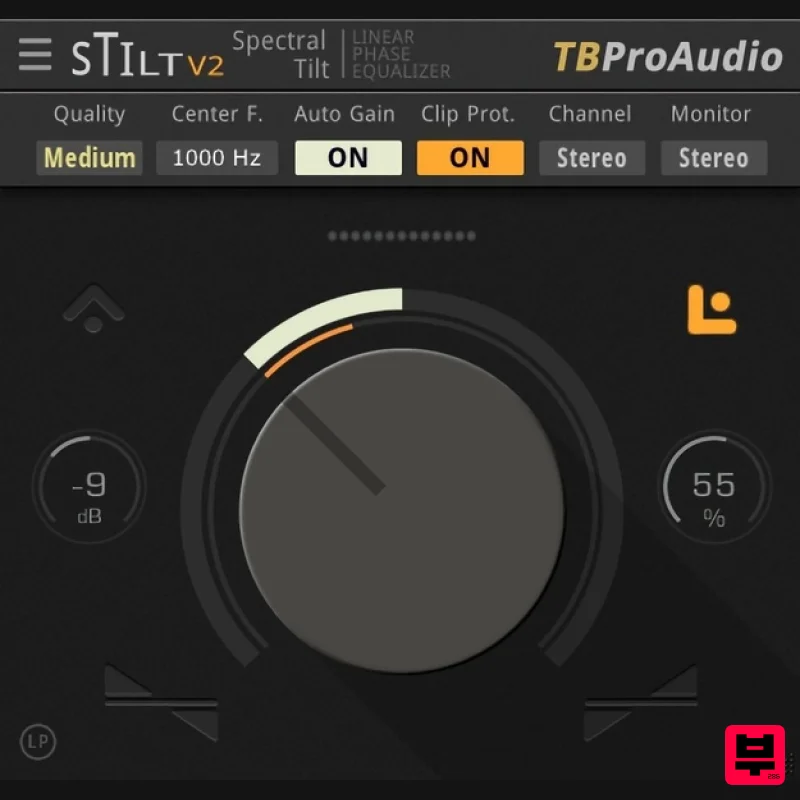
TBProAudio sTiltV2
EQ
Free
sTilt is a linear/minimum phase and IIR filter which tilts the audio spectrum around a given center frequency. Features...
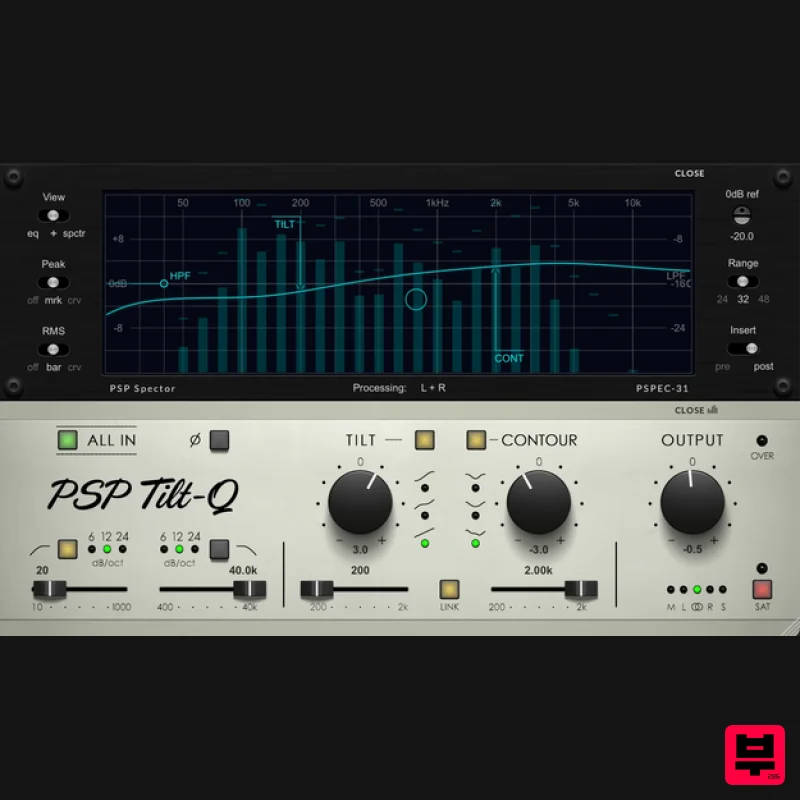
PSP Audioware PSP Tilt-Q
EQ
$72
Tilt Equalizer with Three Characteristics Musical tilt EQ offering three distinct curve shapes, allowing you to quickly...
Frequently Asked Questions
The Black Rooster Audio KH-EQ1 stands out for its exceptional Black Rooster Audio craftsmanship and innovative design.
Yes! With its affordable price point and quality construction, it's perfect for learning eq.
Browse the similar products section to see how it stacks up against other eq.

