
Behringer X Air XR18 Hands On Bundle
Professional music gear - detailed information and where to buy

Behringer
X Air XR18 Hands On Bundle
Product Info
* Prices may vary. Check retailer for current pricing and availability.
The XR18 is a fantastic entry point into digital mixing, especially for bands or sound reinforcement needing a lot of channels in a compact format. Its remote control via tablet or phone is genuinely useful, and the Ultranet system keeps things running smoothly. It’s a great value for anyone on a budget needing a flexible and powerful mixer.
Product Description
Behringer X Air XR18 Hands On Bundle
*Bundle offer comprising*, Behringer X Air XR18
- *18-Channel Digital Mixer*
- Remote controllable via integrated router with Wi-Fi
- Ethernet and multi-channel USB audio interface
- 16 mic/line XLR/jack combo inputs
- 2 line inputs via 6.3 mm jack
- Main out XLR
- 6 Aux / Monitor sends
- 4 integrated effect processors
- 100-band analyser
- Stereo headphone output
- Ultranet Monitor connection
- MIDI input and output
- Android and other software apps available
- Installation depth: 114 mm
- Dimensions with side panels and front brackets (W x H x D): 333 x 140 x 150 mm
- Dimensions without side panels (W x H x D): 311 x 132 x 150 mm
- Weight: 3.2 kg
- Includes rack mounts
- Suitable cases: Art.#465628# and Art.#464046# (both not included in the scope of delivery)
- Suitable gig bag: Art.#379654# (not included in the scope of delivery)
- Tutorial Experts Hands On Behringer X Air
- *Video Tutorial (Download)*
- Detailed video tutorial on the Behringer X Air series
- German and English interactive video tutorial for PC
- Mac and tablet
- Eight hours total running time
- Overview and basics
- Possible connections and connection options
- Use of the X Air Edit software
- Detailed examination of the channel strips
- Use of the scribble strip
- Input section and levelling of various signal sources
- Gate
- EQ and compressor in use
- Functions in the main output section
- Mute and DCA groups
- Creating a monitor mix with the bus sends
- Combining channels in a subgroup
- Using the internal effects
- Internal effects as insert FX in the channels
- Integrating external effects
- Use of presets and snapshots
- Saving and loading channel strip settings
- Managing snapshots
- Advanced options for loading snapshots
- Saving and loading effect settings
- Functions of the utility menu
- The "In/Out" menu and signal flow
- Extended options via the USB port
- Routing between X Air mixer and computer
- Practical examples for different fields of application
- Combination with Waves-Multirack
- Using the Auto Mix function
- Control via an iPad or Android tablet
- Includes more than 50 presets for EQ
- compressor etc.
- System requirements: Win7 or later / Mac OSX 10.6 or later
- 1.6 GHz CPU
- 0.5 GB RAM
- 1920 x 1080 monitor
- sound card
- • Excellent channel count for small to medium-sized bands.
- • Ultranet protocol offers reliable, low-latency wireless connectivity.
- • Integrated effects processors provide usable reverb and delay options.
- • Compact size and weight make it ideal for mobile setups.
- • Motorized faders can feel less precise compared to analog or high-end digital mixers.
- • Build quality, while decent, uses primarily plastic components; not as robust as premium units.
- • USB interface limitations restrict simultaneous recording/playback of all channels.
Product Video
Key Features
Similar Products

DAS Audio EVENT-M210A-230
Active Stage Monitors

Applause Jump Dark Matter
Other Acoustic Guitars

Mackie Thump Go Bag Bundle
Battery Powered Speaker Systems
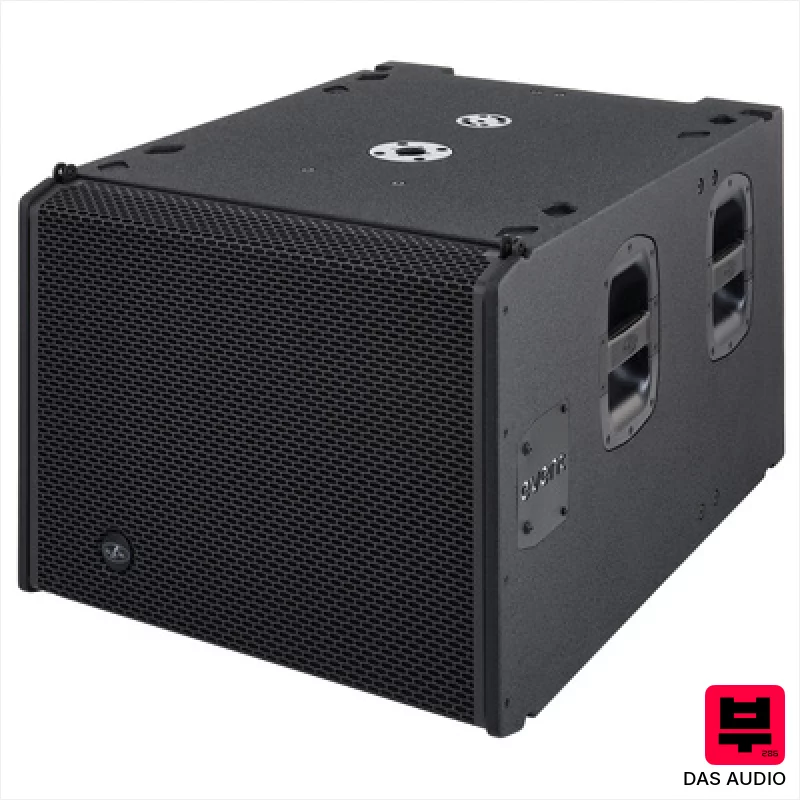
DAS Audio EVENT-118A
Active Subwoofers

Mackie Thump 210/115s Power Bundle
Band PA Sets
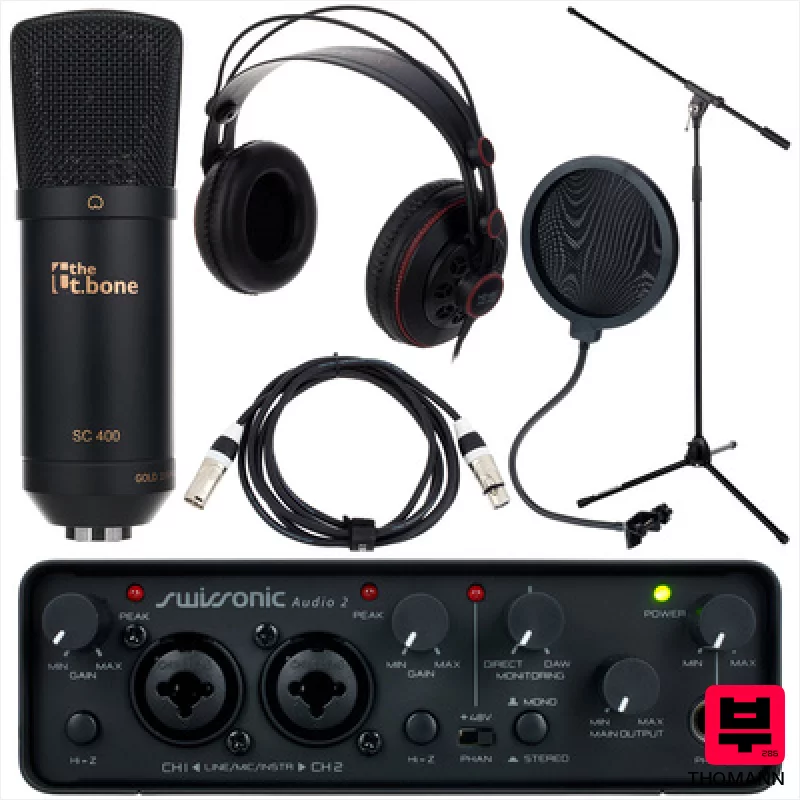
Thomann Home Studio Bundle
Studio Packages

DAS Audio EVENT 8x26A/4x115A Bundle
Line Arrays

Manuel Rodriguez Superior Flamenco Sabicas C3-F
Flamenco Guitars

