
BEATSURFING RANDOM Metal
Professional music gear - detailed information and where to buy
BEATSURFING
RANDOM Metal
Product Info
* Prices may vary. Check retailer for current pricing and availability.
Product Description
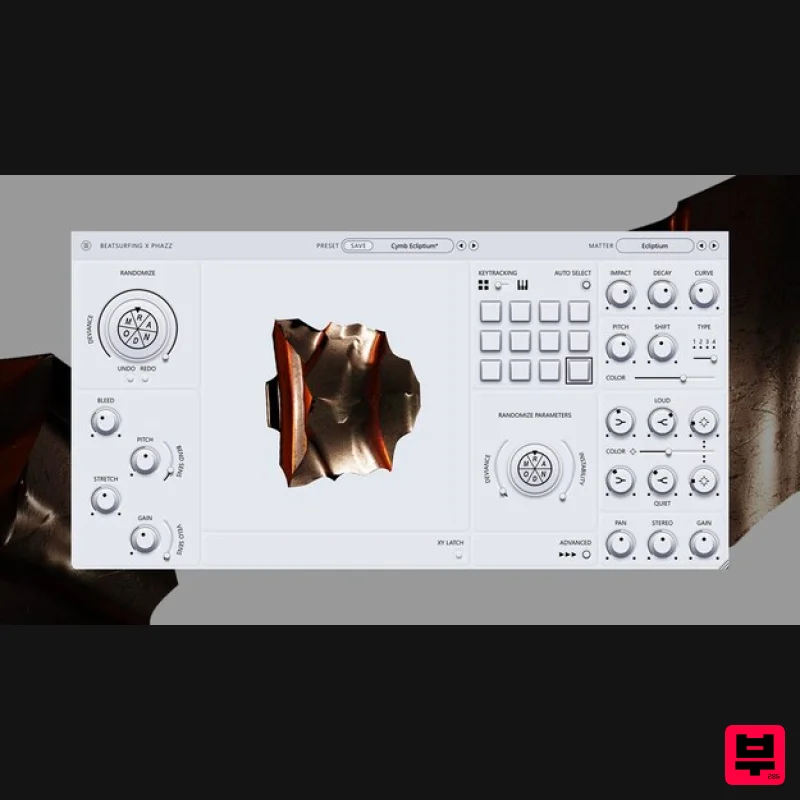
- Infinite Percussive Sounds Inspire creativity and exploration with percussive chaos RANDOM Metal is a unique percussive mono synthesizer designed to inspire creativity and exploration. With 25 distinct percussive engines
- expressive controls
- and a focus on randomization
- it's the perfect tool for musicians and sound designers looking to create unique and evolving sounds. <iframe allow="accelerometer; autoplay; clipboard-write; encrypted-media; gyroscope; picture-in-picture; web-share" allowfullscreen="" frameborder="0" height="315" src="https: //www.youtube.com/embed/88ws3NHzofg?si=YBODYpX-9ScKKL0N" title="YouTube video player" width="560"></iframe> Embrace the Chaos of RANDOM Metal RANDOM Metal is all about experimentation and sonic exploration. Stop digging through endless samples – find the perfect percussive sound with just a click. Let your creativity run wild
- embrace the chaos
- and discover new sounds that will set your music apart. RANDOM Metal is made to increase your percussive potential and start creating extraordinary sounds. Artists collaboration - Herrmutt Lobby & Phazz The collaboration between Herrmutt lobby and Phazz on RANDOM Metal
- a percussive synth
- was a creative journey reminiscent of crafting an album. They built a collection of prototypes of engines as "sketches
- " each with unique percussive potential. Through a process of refining and curating
- these sketches transformed into a powerful instrument
- capable of both standard and experimental sounds. RANDOM Metal offers producers a tool for crafting basic percussion elements
- but it truly shines when exploring the unconventional. With its blend of familiar percussion and the unexpected
- Herrmutt lobby and Phazz hope to inspire new sounds and styles in the world of music production. Features 40+ Percussive Matter type: Choose from a wide range of sonic textures
- from aggressive metallic cymbals to shakers
- hi-hats or odd percussive sounds. Randomization: Instantly transform your sounds with the “RANDOM” button
- with adjustable deviance for subtle or dramatic changes. Expressive XY Pad: Experiment with hundreds of dynamic parameters
- unique to each engine
- for endless experimentation and exploration Dual Modes: Trigger 12 unique pads or play notes chromatically. Unlock endless creative possibilities with seamless controls. Pad's Features Individual Pad Parameters: Fine-tune each pad’s sound with controls for instability
- impact
- decay
- curve
- gain
- pitch shift
- FX color
- and type. Loud and Quiet Knobs: Sculpt your sound’s dynamic range by adjusting the amplitude of high and low frequencies. Mix and FX Color Amount: Set the dry/wet control twice—once for the louder parts of the signal and once for the quieter parts—to create a dynamic FX mix. Pan/Stereo: Position your sounds in the stereo field and adjust width/depth. Lots of Presets for Sound Design: Start with inspiring presets or dive into deep sound design with each engine's unique parameters. System Requirements Windows Windows 10 2GHz Pentium IV processor or equivalent A host that supports 32-bit or 64-bit VST At least 16MB free disk space Formats: VST
- VST3
- AAX macOS macOS 10.13 High Sierra or later Intel or Apple Silicon processor A host application that supports 64-bit VST or AudioUnit at least 52MB free disk space Formats: AU
- VST3
- AAX For licenses of the format pibxxxxxxxxxxxxrandom-metal - please follow this installation guide. For licenses of the format XXXX-XXXX-XXXX-XXXX-XXXX - please follow the instructions below. Please Note: LunchTable is used as an example Mac 1. Download the installer from within your Plugin Boutique User Account and double-click it to extract the contents > Open the .pkg file to begin the installation. 2. Click 'Continue'. 3. Click 'Continue'. 4. Click 'Install'. 5. Click 'Close'. 6. Open your DAW > Open LunchTable. 7. Enter the license code
- found within your Plugin Boutique User Account. Your software is now installed and ready to use within your DAW. PC 1. Download the installer from within your Plugin Boutique User Account and double-click it to extract the contents > Open the .exe file to begin the installation. 2. Select the installation location > Click 'Next'. 3. Click 'Install'. 4. Click 'Finish'. 5. Open your DAW > Open LunchTable. 6. Enter the license code
- found within your Plugin Boutique User Account. Your software is now installed and ready to use within your DAW.
Additional Information
About the BEATSURFING RANDOM Metal
The BEATSURFING RANDOM Metal combines traditional design with modern performance for Drum Synth enthusiasts.
Why Choose the BEATSURFING RANDOM Metal?
- •Authentic BEATSURFING craftsmanship and design
- •Versatile sound suitable for multiple musical genres
- •Professional build quality and reliable performance
- •Part of BEATSURFING's respected Drum Synth lineup
Compare & Explore
Browse our complete selection of BEATSURFING instruments or explore other Drum Synth options. Use our comparison tools to find the perfect match for your musical style and budget.
Similar Products
UVI Drum Designer
Drum Synth
$156
Created for producers and sound designer of any genre, Drum Designer 1.5 provides innovative tools allowing you to...
The Him DSP Kick Ninja
Drum Synth
$63
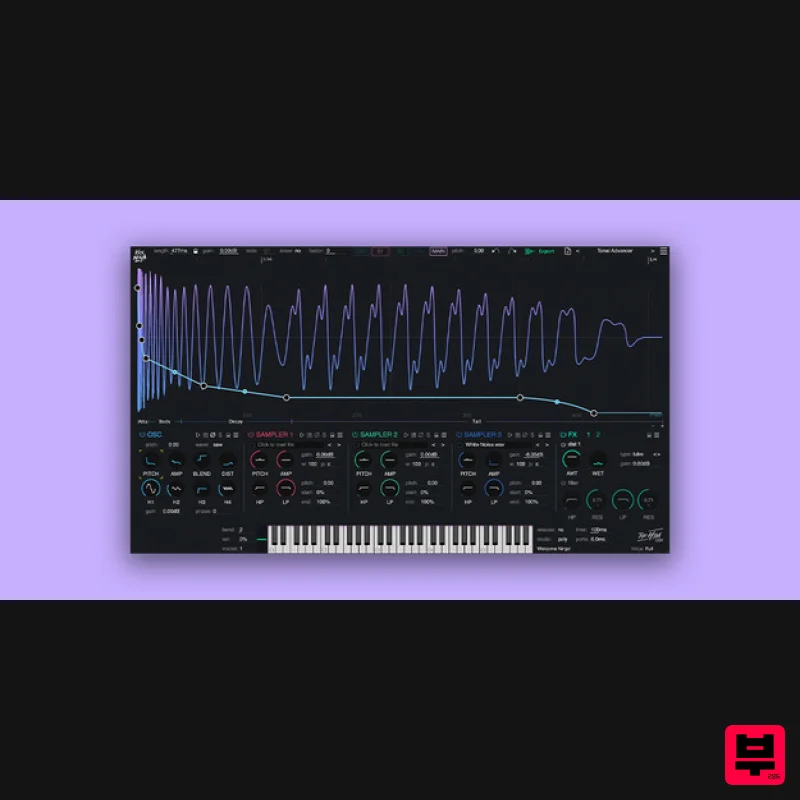
Do you want perfect kicks? Kick Ninja gives you full control over every aspect of your kick drums. With AI...
Steinberg Backbone
Drum Synth
$156
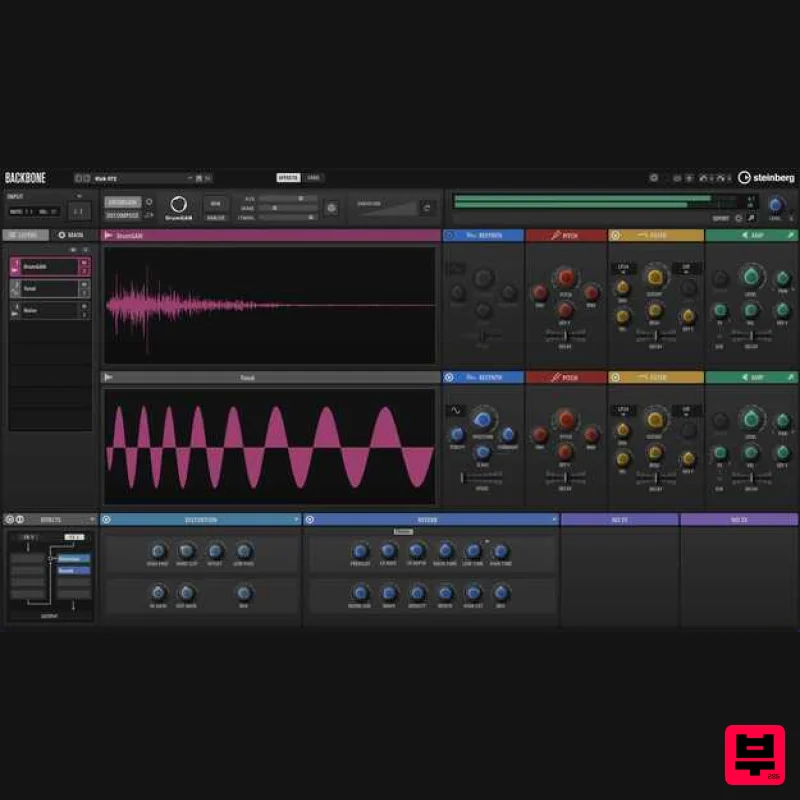
A Revolutionary Way To Design Your Own Drums Backbone is your new, innovative drum designer for single kicks, snares,...
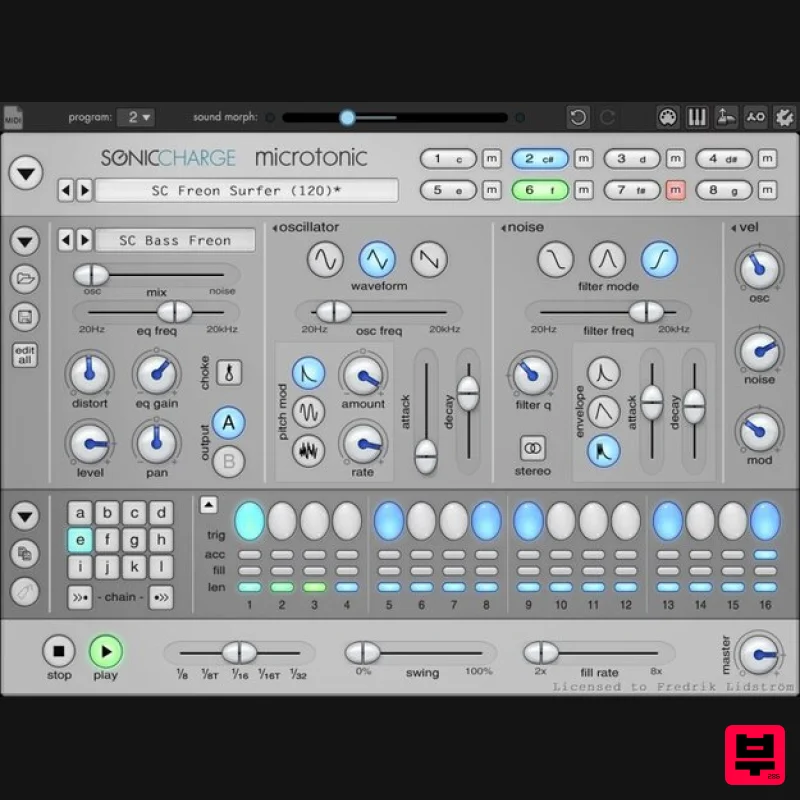
Sonic Charge Microtonic
Drum Synth
$125
is a VST / AU plug-in for Windows and Mac featuring a unique drum and percussion synthesizer...
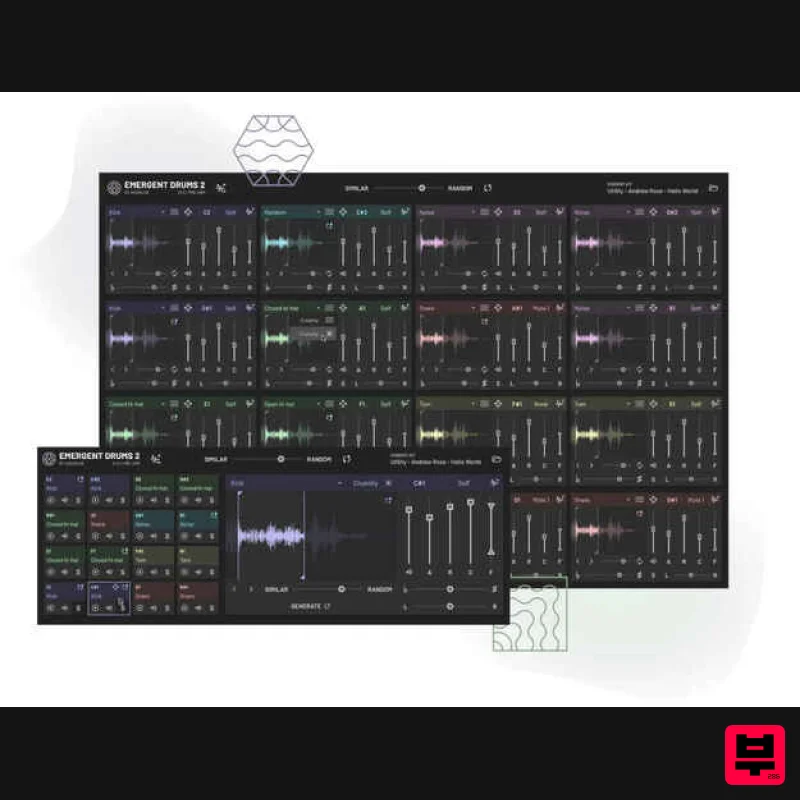
Audialab Emergent Drums 2
Drum Synth
$292
Revolutionize Your Sound with Emergent Drums 2 Experience the future of sound design with Emergent Drums 2, an...
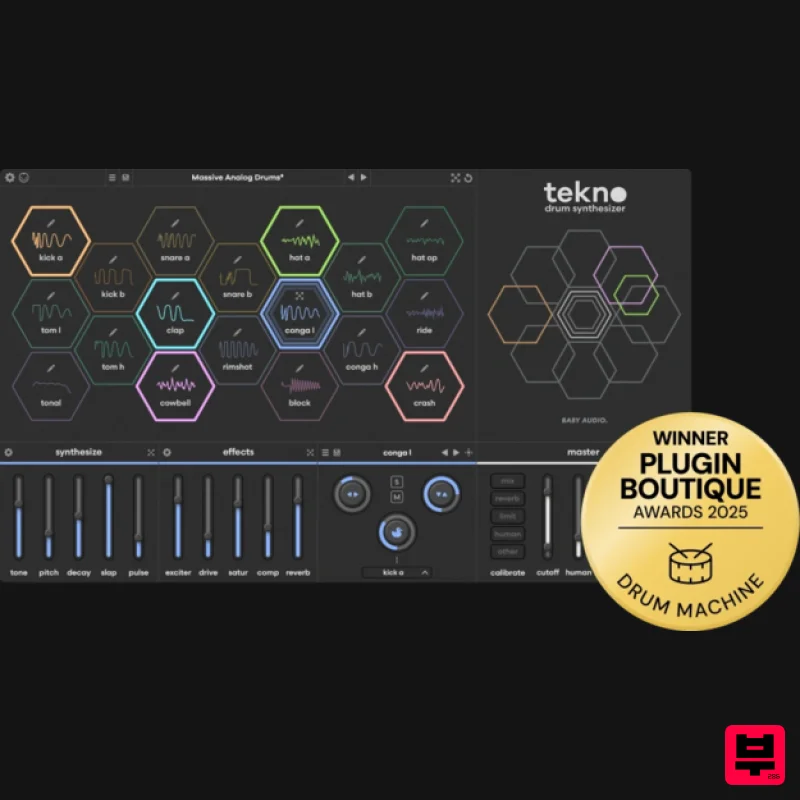
Audio Tekno
Drum Synth
$124
Supercharge your drum sound Create sequences that never repeat Tekno v1.1 includes a brand-new creative sequencer built...
Frequently Asked Questions
The BEATSURFING RANDOM Metal stands out for its exceptional BEATSURFING craftsmanship and innovative design.
Yes! With its affordable price point and quality construction, it's perfect for learning drum synth.
Browse the similar products section to see how it stacks up against other drum synth.

