
BeatSkillz Chorust
Professional music gear - detailed information and where to buy
BeatSkillz
Chorust
Product Info
* Prices may vary. Check retailer for current pricing and availability.
Product Description
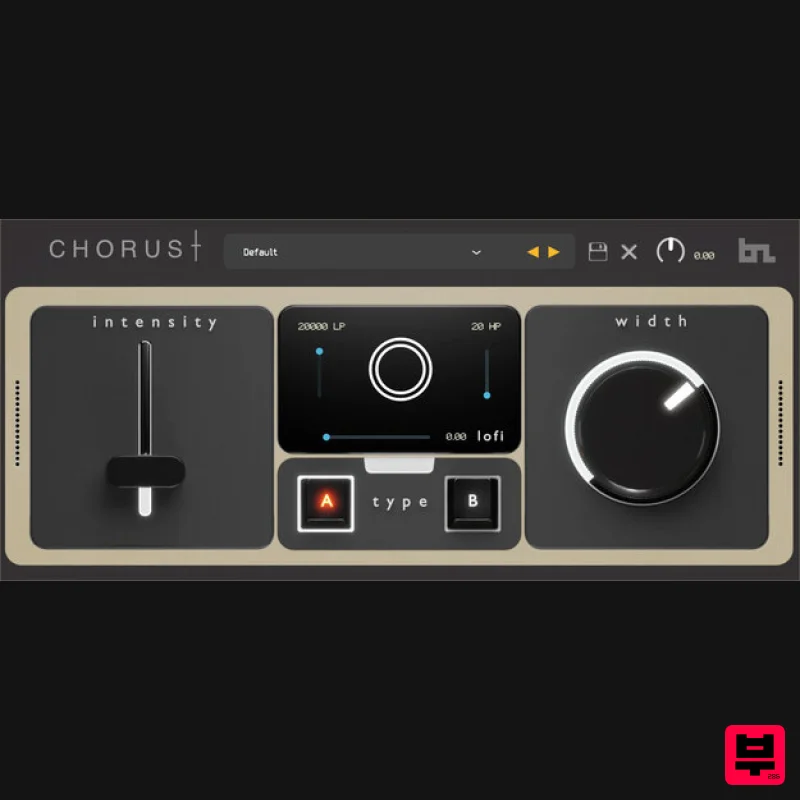
- Introducing Chorust – a vintage modulation plugin with lo-fi and ladder filter controls that is a remarkable addition to your audio production toolkit
- transporting you back to the golden era of lush and captivating sounds. This meticulously crafted plugin combines the timeless charm of vintage chorus effects with cutting-edge capabilities
- allowing you to infuse your music with a touch of nostalgic elegance. What Does It Do? Chorust takes inspiration from classic hardware units and breathes new life into them with its advanced lo-fi and filter controls. With these intuitive parameters
- you have the power to sculpt your audio’s spaciousness and depth
- effortlessly recreating the “sweet and silky” sounds found on many 70s/80s records. But Chorust doesn’t stop there – it introduces ladder filters to add an extra layer of sonic character to your tracks. These legendary filters
- known for their and musical response
- let you shape the timbre and frequency response of the audio
- further enhancing its vintage authenticity. Sculpt your audio with precision
- dialing in the perfect amount of modulation and width to captivate your listeners. Harness the sonic allure of vintage chorus effects
- unleash your creativity with lofi controls
- and add a touch of nostalgia with ladder filters – all within the convenience of this extraordinary plugin. Step into the past
- shape the present
- and redefine your audio with Chorust. System Requirements Mac macOS 10.13 Mojave or later (64-bit only) Intel i5 or later / Apple Silicon M1/M2 processor VST3
- AAX PC Windows 10 or later (64-bit only) VST3
- AAX Please note: You will need to be online to activate this product. Installation Windows 1. Download the installation package from within your Plugin Boutique User Account and extract the contents. Launch the .exe file. 2. Click 'Install'. 3. Once installed
- click 'Finish'. Mac 1. Download the installation package from within your Plugin Boutique User Account and extract the contents. Launch the .pkg file. 2. Click 'Continue'. 3. Click 'Continue'. 4. Click 'Install'. 5. Once installation is complete
- click 'Close'. Activation 1. Open the plugin within your DAW
- and click 'Register'. Alternatively
- if you already have an account on Beatskillz or Tone Empire
- enter your existing email ID and Password
- and click 'Login'. 2. You will be taken to the BeatSkillz/Tone Empire registration page. Enter your details here in the provided boxes
- and click 'Register'. 3. Having input your information
- you will now receive a verification email to your email address. Navigate to this
- and click the 'Click Here' link inside. 4. Head back to the plugin dialogue box within your DAW
- and enter the details exactly as they were input to the BeatSkillz/Tone Empire registration page in step 2. Click 'Login'. 5. Enter the serial number from within your Plugin Boutique User Account
- and click 'Activate'. 6. Your plugin is now activated and ready to use!
Additional Information
About the BeatSkillz Chorust
Experience the quality and tone that makes the BeatSkillz Chorust a popular choice for musicians.
Why Choose the BeatSkillz Chorust?
- •Authentic BeatSkillz craftsmanship and design
- •Versatile sound suitable for multiple musical genres
- •Professional build quality and reliable performance
- •Part of BeatSkillz's respected Chorus lineup
Compare & Explore
Browse our complete selection of BeatSkillz instruments or explore other Chorus options. Use our comparison tools to find the perfect match for your musical style and budget.
Similar Products
Rave Generation Super Chorus
Chorus
$42
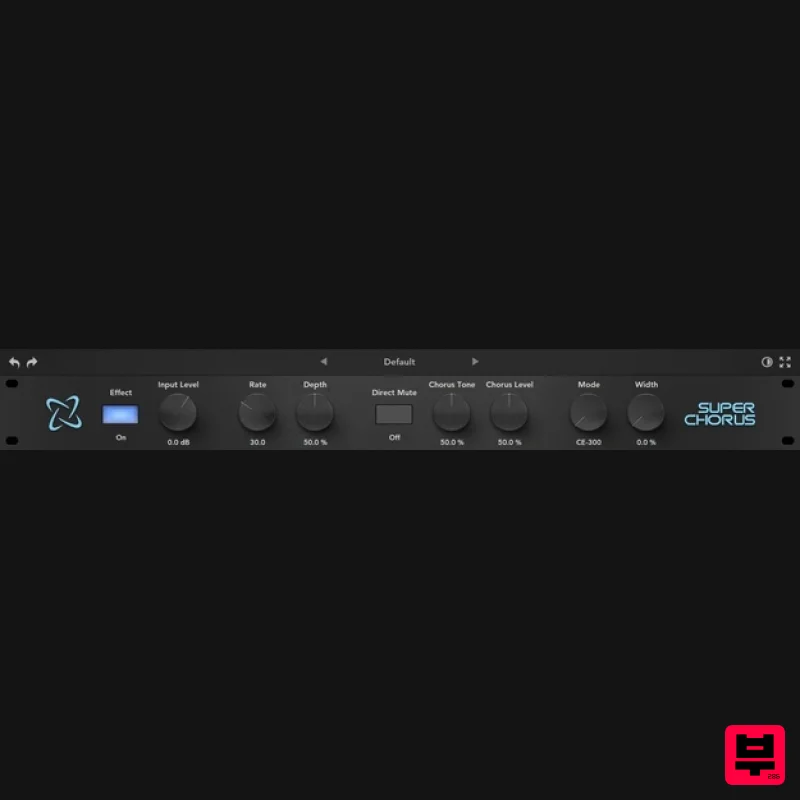
Super Chorus is an authentic emulation plugin that faithfully recreates five iconic chorus and modulation circuits from...
New Nation Software Quoir
Chorus
$30
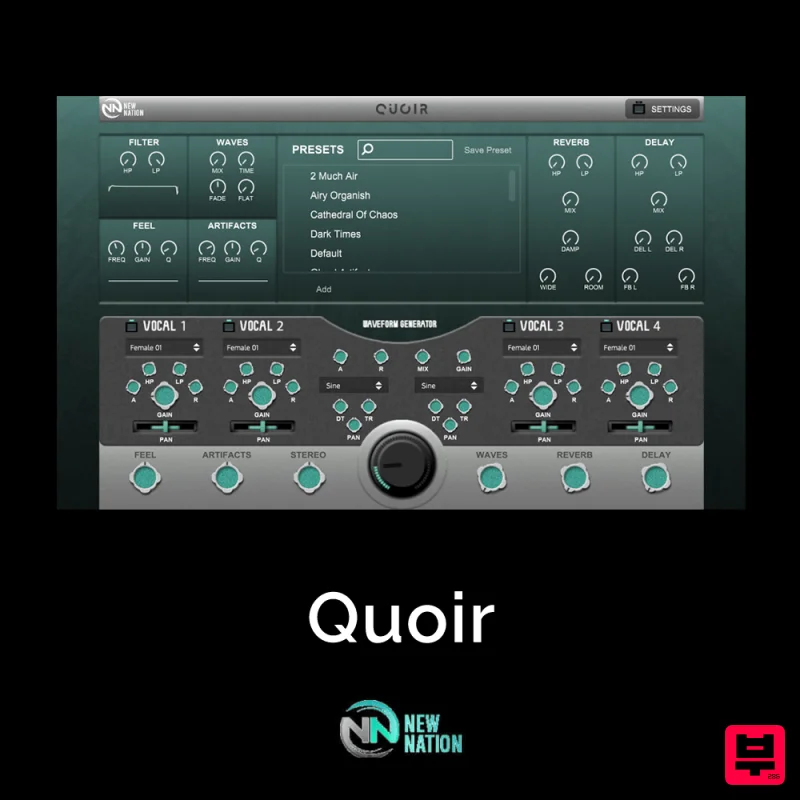
Simple & Unique Vocal & Choir Sounds. The Quoir – Mixed Vocals Instrument VST will help you get the vocal & choir...

Platone Studio Stage Chorus
Chorus
$30
Stage Chorus Stage Chorus by Platone Studio is not just a chorus plugin — it’s an entire vocal ensemble at your...
Universal Audio Brigade Chorus
Chorus
$30
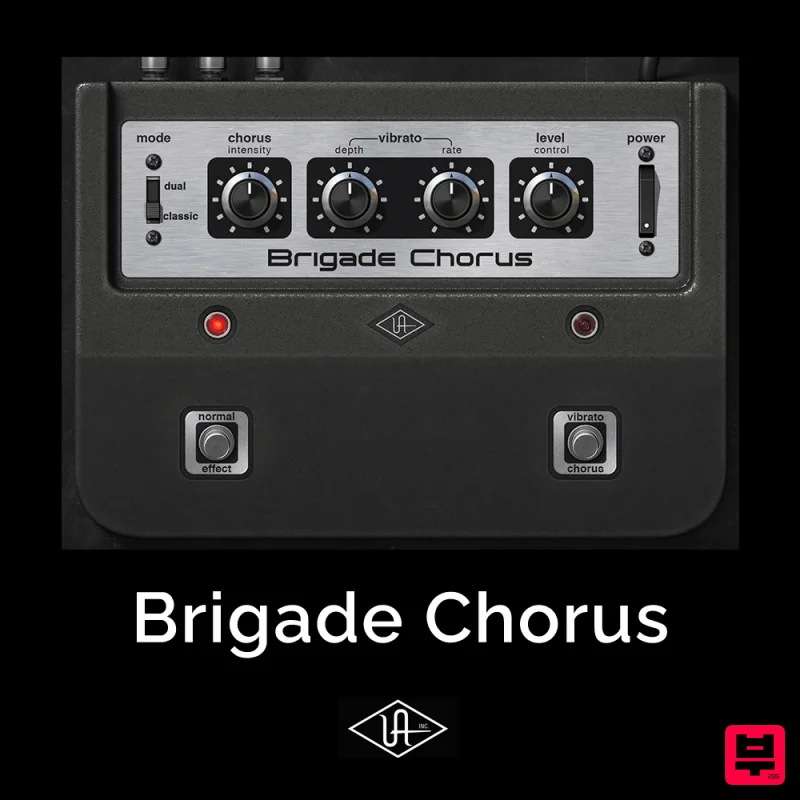
Add ’70s analog movement and vibrato to anything The Brigade Chorus plug‑in emulates every inch of the legendary...
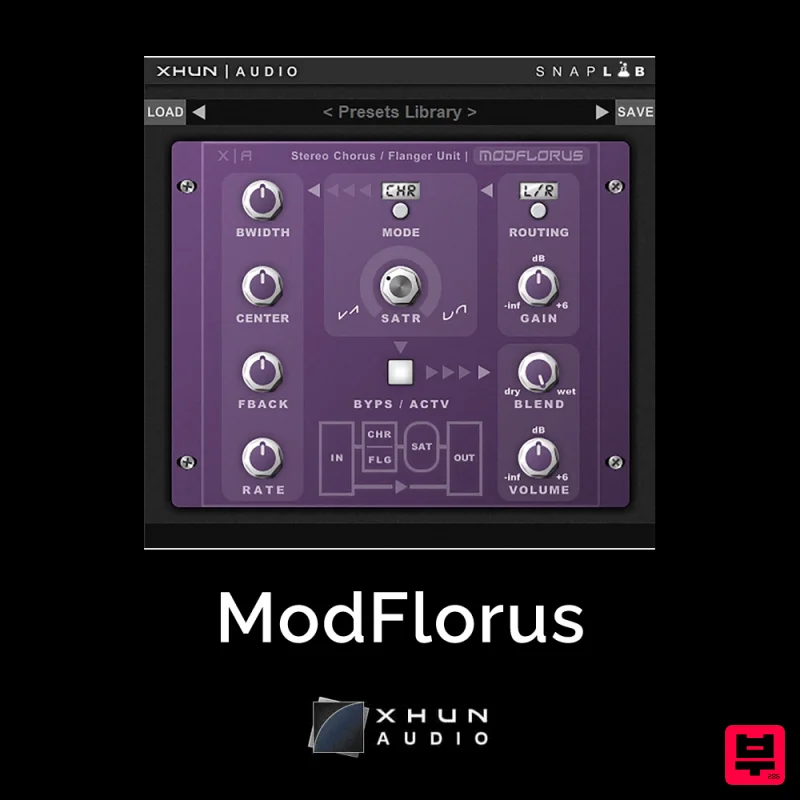
XHUN Audio ModFlorus
Chorus
$30
ModFlorus is a versatile, combined stereo chorus / flanger processor unit, an essential tool to bring out space and...
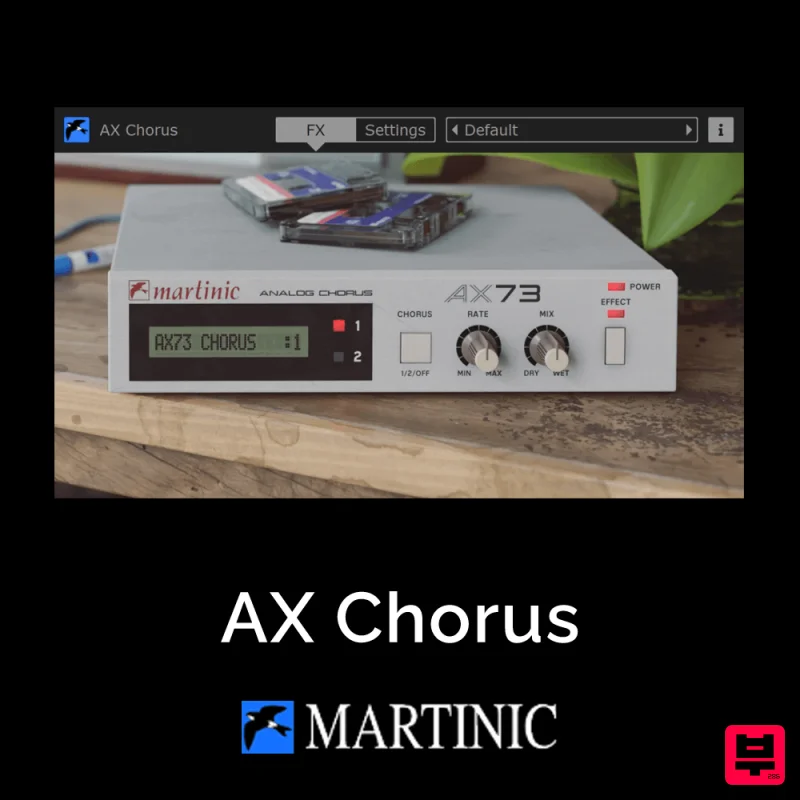
Martinic AX Chorus
Chorus
$30
Capturing the Essence of the BBD Chip The AX Chorus is based on the ACE modeled MN3009 Bucket Brigade (BBD) chip found...
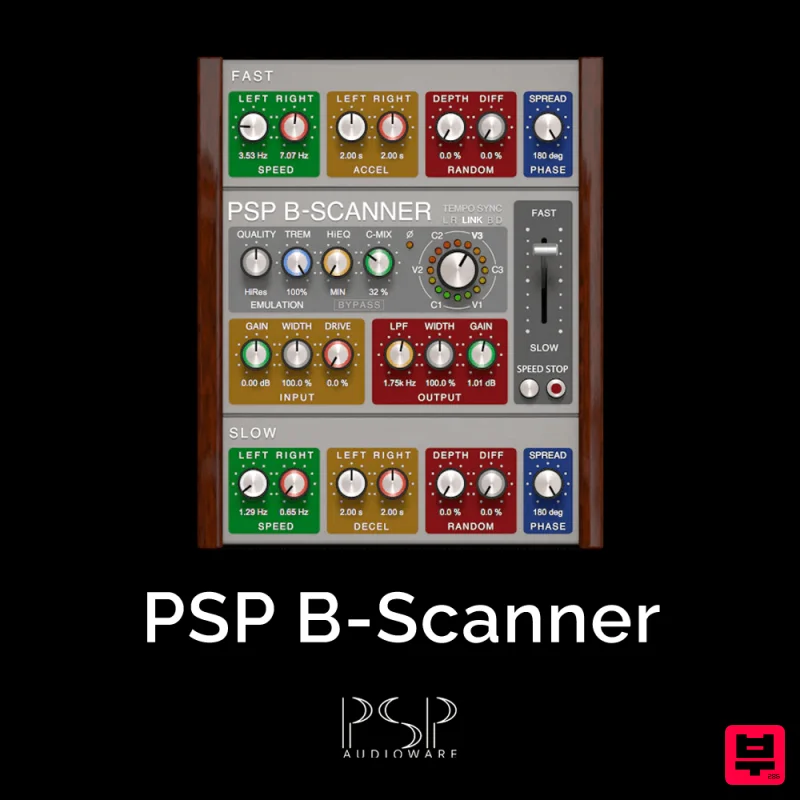
PSP Audioware PSP B-Scanner
Chorus
$30
PSP B-Scanner is an emulation of the analog scanner-based effect available in the most sought-after models of vintage...
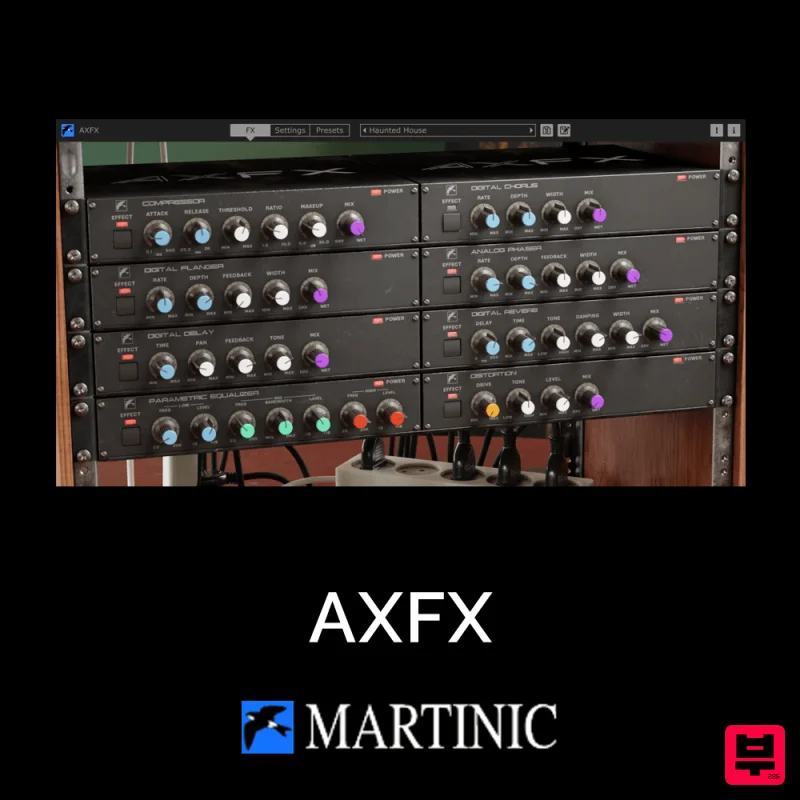
Martinic AXFX
Chorus
$30
Unveiling the Essence of an Iconic Era The Martinic AXFX AAX/AU/CLAP/VST 8-unit effect rack plugin is based on the...
Frequently Asked Questions
The BeatSkillz Chorust stands out for its exceptional BeatSkillz craftsmanship and innovative design.
Yes! With its affordable price point and quality construction, it's perfect for learning chorus.
Browse the similar products section to see how it stacks up against other chorus.

