
Beat Zampler Expansion: Ultimate Drums
Professional music gear - detailed information and where to buy
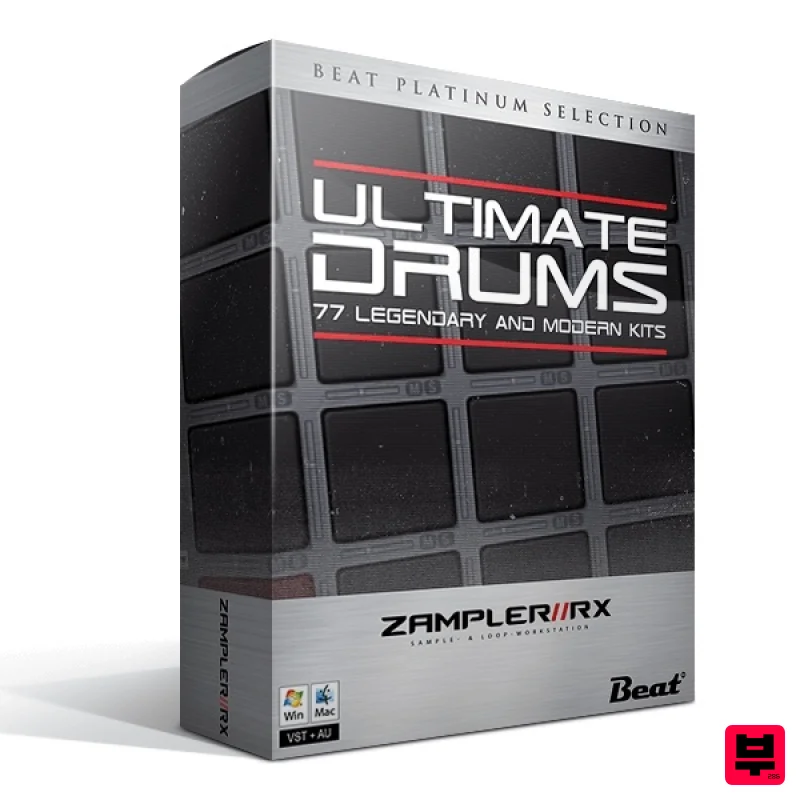
Beat
Zampler Expansion: Ultimate Drums
Product Info
* Prices may vary. Check retailer for current pricing and availability.
Product Description
- Not only because 303 + 808 + 909 equals 2020
- Beat searched their sample archive for sounds of the legendary drum machine
- and sampled all the drummies they could find in the studio that host the typical TR-909 sound. Namely the Roland TR8 and TR-09
- the well rocked Novation DrumStation and a brand new MC-707. But Beat didn't just record the grooveboxes and modules
- they refined them for you as always with their outboard setup. Among others with their TLA Ivory compressor and their MPC 2500
- which has already become something like their number 1 for powerful and dirty drums. And Beat have gone one step further! The pack contains not only drums without end
- but also patterns in MIDI format! Features 42 Drum kits by Roland TR-909
- TR-09
- MC-707 and Novation DrumStation 15 Single Drum-shot patches 20 TB-03 Acid patches 212 MIDI Drum patterns System Requirements 198MB available disk space Zampler 1.0.2+ Important Note: This software requires a copy of Zampler 1.0.2+ or higher. You can download Zampler for free HERE. Note: Zampler Expansion: Toraiz AS-1 is used as the example. Mac 1. Download the .zip folder from within your User Account
- and double-click it to reveal its contents. 2. Save the main folder entitled 'Toraiz AS-1' to a computer location of choice
- e.g documents or to an external hard drive. 3. Open Zampler within your DAW > Go to 'Bank' and click 'Load'. 4. Find the .fxb file inside of the download folder > Click 'Open'. 5. The Zampler patches can now be found by clicking on the patch name. Your patch is now loaded and ready to use within Zampler. Windows 1. Download the .zip folder from within your User Account
- and double-click it to reveal its contents. 2. Save the main folder entitled 'Toraiz AS-1' to a computer location of choice
- e.g documents or to an external hard drive. 3. Open Zampler within your DAW > Go to 'Bank' and click 'Load'. 4. Find the .fxb file inside of the download folder > Click 'Open'. 5. The Zampler patches can now be found by clicking on the patch name. Your patch is now loaded and ready to use within Zampler.
Additional Information
About the Beat Zampler Expansion: Ultimate Drums
Experience the quality and tone that makes the Beat Zampler Expansion: Ultimate Drums a popular choice for musicians.
Why Choose the Beat Zampler Expansion: Ultimate Drums?
- •Authentic Beat craftsmanship and design
- •Versatile sound suitable for multiple musical genres
- •Professional build quality and reliable performance
- •Part of Beat's respected Expansion Packs lineup
Compare & Explore
Browse our complete selection of Beat instruments or explore other Expansion Packs options. Use our comparison tools to find the perfect match for your musical style and budget.
Similar Products

Tracktion Poly-One Expansion Pack (for Attracktive)
Expansion Packs

Tracktion SH-20 Expansion Pack (for Attracktive)
Expansion Packs

Tracktion Suitcase in a Box Expansion Pack (for Attracktive)
Expansion Packs

Tracktion DG-8000 Expansion Pack (for Attracktive)
Expansion Packs

Tracktion Stonegrabber D-232 Expansion Pack (for Attracktive)
Expansion Packs

Tracktion Langweil 150 Expansion Pack (for Attracktive)
Expansion Packs

Tracktion Taurinorum Expansion Pack (for Attracktive)
Expansion Packs

Tracktion SA-1000 Expansion Pack (for Attracktive)
Expansion Packs

