
AYAIC COS Pro
Professional music gear - detailed information and where to buy
Product Description
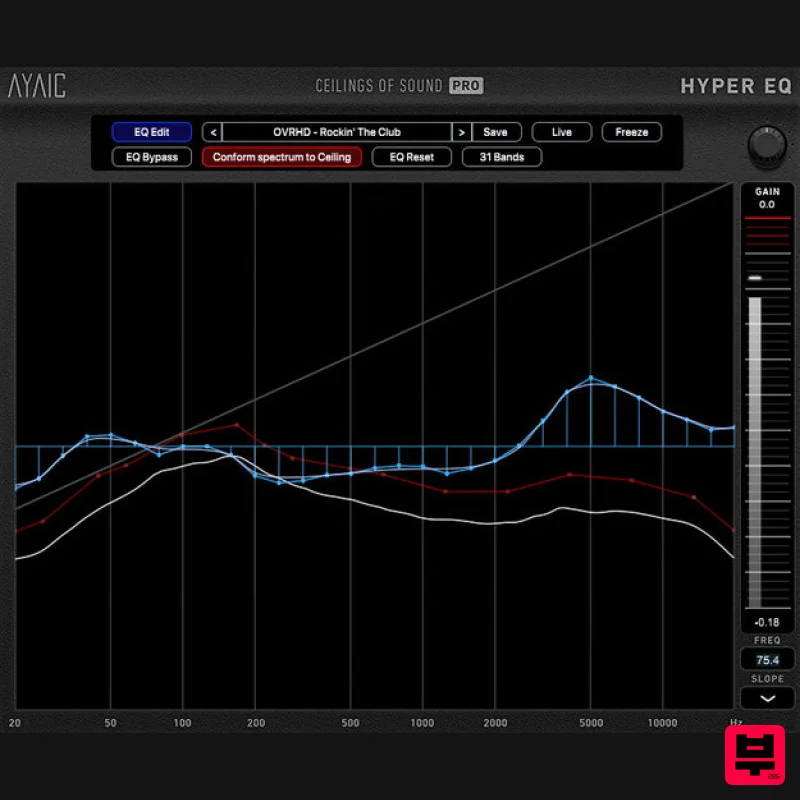
- Incredible EQ Power Ceilings Of Sound Pro is AYAIC's first Hyper-EQ and a truly unique equalizer
- designed to streamline your editing and capture detail & presence in your mix. It is also the first equalizer to incorporate the spectrum of noise as equalization "knobs". 15 user-definable "ceiling" bands containing 49 noise-slopes each allow you to create sonic-ceiling shapes that drive the settings of a 50/31-band graphic equalizer. The EQ operates at 0 latency
- low CPU load yet are hi-precision
- even at low frequencies where it really matters. A "conform spectrum to ceiling" feature conforms the EQ to your ceiling shape with the click of a button. 49 ceiling guides help you balance your ceiling shapes to equalize faster and better than ever. This means whether you're working with one of the hundreds of presets
- one of your own created presets or simple manipulating the ceiling shape of your raw audio during mix-down/mastering
- perfect equalization is a "click" away. AYAIC are certain that once you begin using Ceilings Of Sound Pro you'll quickly discover why it's called a Hyper-EQ. Ceilings Of Sound Pro is optimized for multiple instances during projects with large track-counts and its controls are intuitive
- allowing you to quickly adjust crossover & slope parameters or type in values. Whether you are a Producer
- Mix/Mastering Engineer
- Musician or Singer/Songwriter
- Ceilings Of Sound Pro has got you covered with more than 700 presets to breath new life into your recording
- mixing and mastering projects. Features 15 user-definable ceiling bands with 49 noise-slopes each. Click-n-drag ergonomics. "Auto generate ceiling" function for quick and easy ceiling creation. Switchable 50/31-band graphic EQ with 0 latency
- low-CPU
- hi-precision. "Conform spectrum to ceiling" feature that instantly adheres the equalizer to the ceiling shape. 49 ceiling guides. Equalizer is fully automatable using your DAW. "LIVE" function with spectrum and analyzer average options. Metering with infinite hold and click-reset. Optimized for multiple instances. System Requirements Display resolution: larger than 1280 x 800 Memory: 4GB RAM Supported Plugin Formats AAX
- AU
- VST2
- VST3 AYAIC plug-ins require an iLok2 or iLok3 USB key
- or an iLok manager account and an iLok cloud session for authorization Supported Operating Systems Mac OS 10.10 through 13 Windows 7 through 11 Mac Intel Core 15/15/17/Xeon-M1/M2 (minimum 2GHz recommended) PC Intel Core 13/15/17/Xeon/AMD Quad-Core or newer Butch Vig "Ceilings Of Sound is a new addition to my plugin arsenal
- it's a very useful tool when I'm dealing with a sonically dense mix." Registration 1. Launch the iLok License Manager application > Sign into your account. 2. Enter your iLok user ID and password > Click 'Sign in'. 3. Navigate to the top-right of the iLok License Manager window
- and click the 'Redeem an Activation Code' button
- as marked below. 4. You should have now received a new email from Moog Music titled 'Your Moogerfooger Effects Plug-ins Activation Code and Downloads'. Copy and paste the iLok license code from within this email into the pop-up window within iLok License Manager. Click 'Next'. 5. Select an activation location
- then click 'Redeem'. 6. Your licence has now been activated
- and you are ready to install your software. Installation Mac 1. Download the installation file from within your Plugin Boutique User Account
- and unzip its contents. Launch the enclosed .pkg file. 2. Click 'Continue'. 3. Click 'Continue'. 4. Click 'Install'. 5. Once the installation process has completed
- click 'Close'. 6. Upon launching your DAW
- you may encounter an iLok activation window. If so
- click 'Activate'. 7. Having already completed registration for your product in the previous steps (see 'Registration')
- click 'Skip'. 8. Enter your iLok credentials
- and click 'Next'. 9. Launch the plugin within your DAW
- and enjoy! Windows 1. Download the installation file from within your Plugin Boutique User Account
- and unzip its contents. Launch the enclosed .exe file. 2. Select which elements you would like to install
- then click 'Next'. 3. Click 'Install'. 4. Once the installation process has completed
- click 'Finish'. 5. Upon launching your DAW
- you may encounter an iLok activation window. If so
- click 'Activate'. 6. Having already completed registration for your product in the previous steps (see 'Registration')
- click 'Skip'. 7. Enter your iLok credentials
- and click 'Next'. 8. Launch the plugin within your DAW
- and enjoy!
Additional Information
About the AYAIC COS Pro
The AYAIC COS Pro combines traditional design with modern performance for EQ enthusiasts.
Why Choose the AYAIC COS Pro?
- •Authentic AYAIC craftsmanship and design
- •Versatile sound suitable for multiple musical genres
- •Professional build quality and reliable performance
- •Part of AYAIC's respected EQ lineup
Compare & Explore
Browse our complete selection of AYAIC instruments or explore other EQ options. Use our comparison tools to find the perfect match for your musical style and budget.
Similar Products
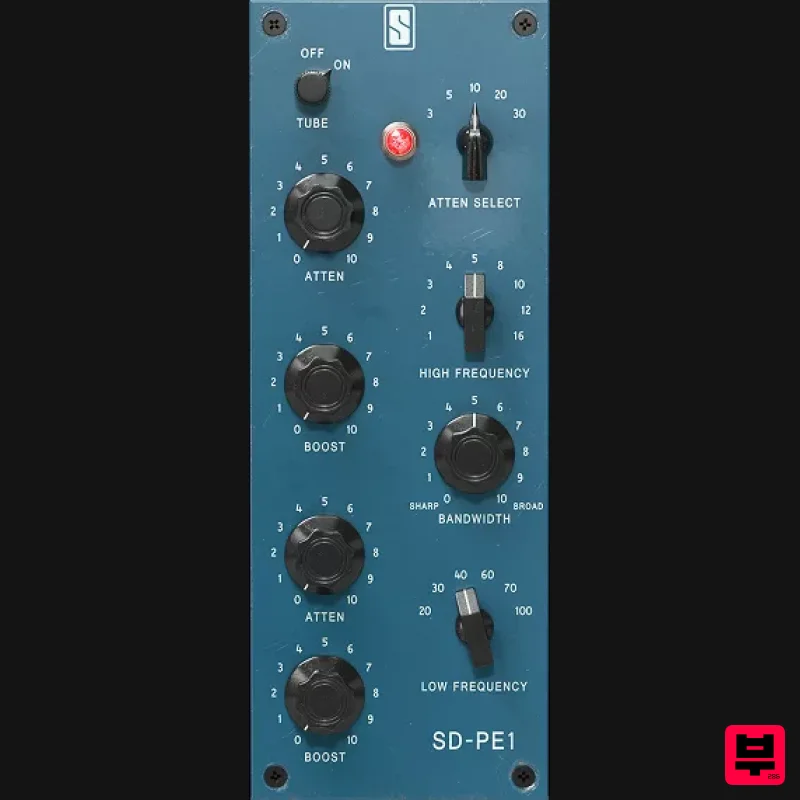
Slate Digital SD-PE1
EQ
$104
Meet SD-PE1! The most unique passive equalizer ever made joins the ever-expanding lineup of processors that make up the...
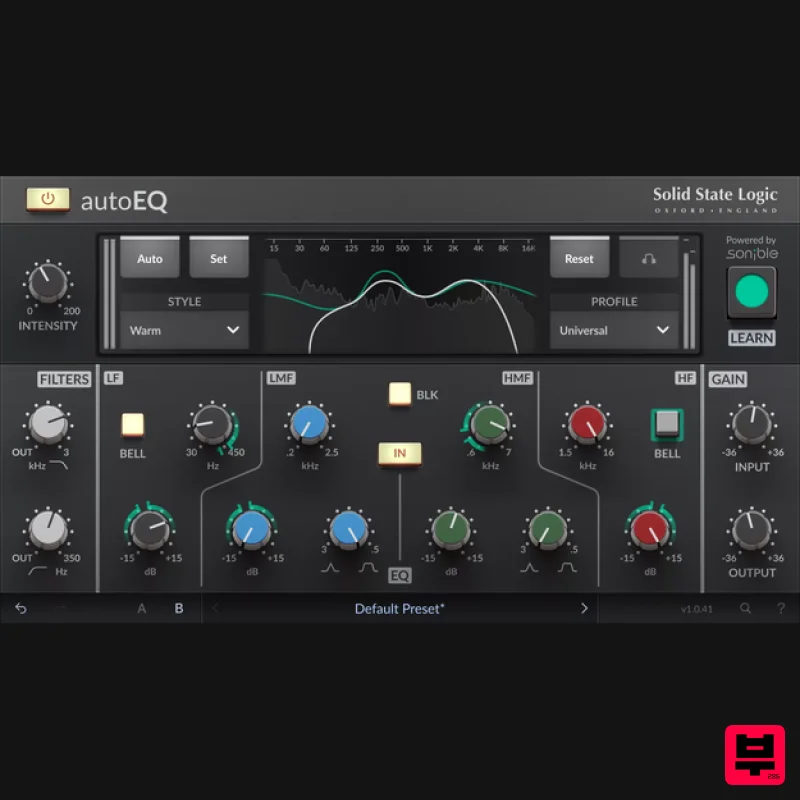
Solid State Logic SSL autoEQ
EQ
$109
SSL 4000E EQ processing with sonible AI assisted analysis Introducing autoEQ, part of the autoSeries with autoDYN and...
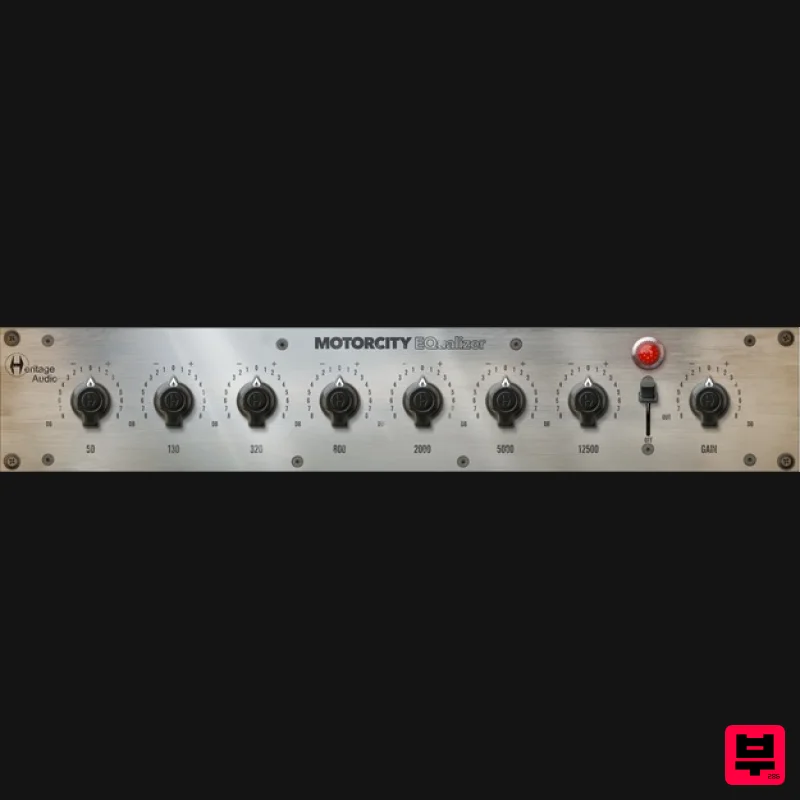
Heritage Audio MOTORCITY EQ
EQ
$104
The classiest EQ ever created finally gets the thorough plugin treatment it so long deserved Recreated from the...
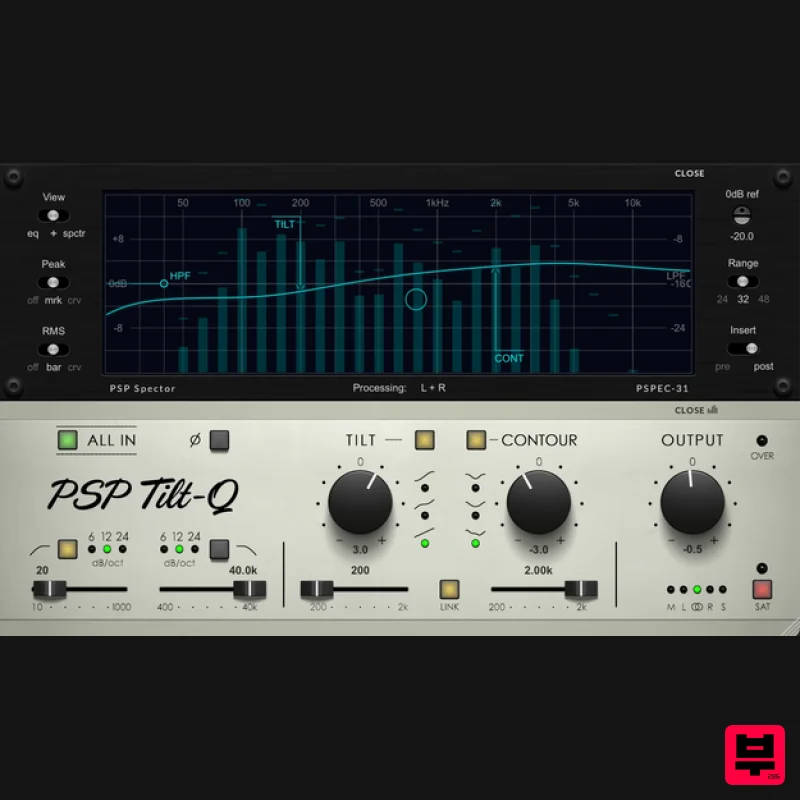
PSP Audioware PSP Tilt-Q
EQ
$72
Tilt Equalizer with Three Characteristics Musical tilt EQ offering three distinct curve shapes, allowing you to quickly...
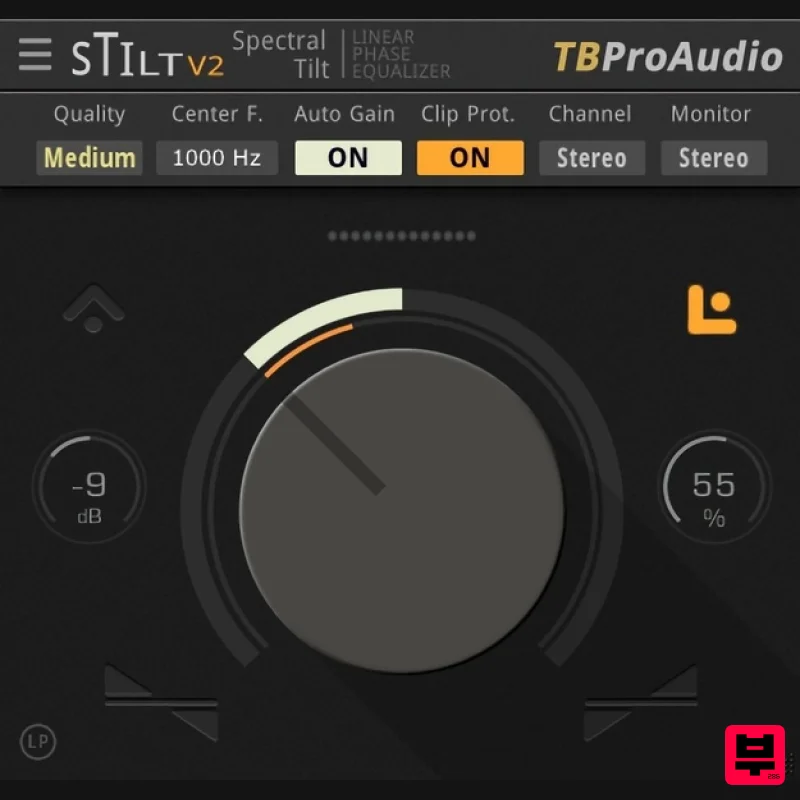
TBProAudio sTiltV2
EQ
Free
sTilt is a linear/minimum phase and IIR filter which tilts the audio spectrum around a given center frequency. Features...
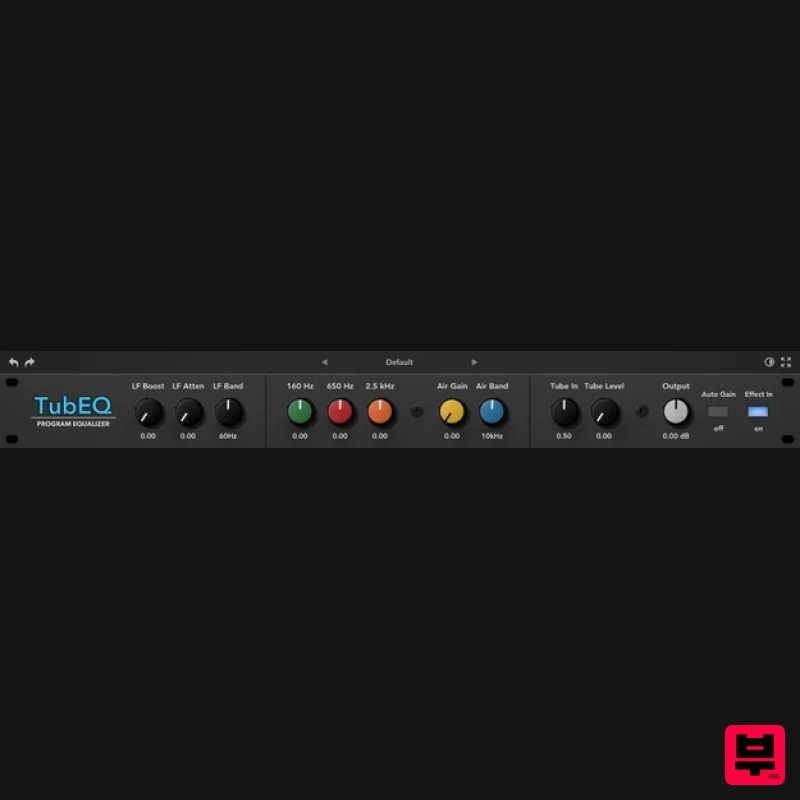
Rave Generation TubEQ
EQ
$42
TubEQ is an authentic analog equalizer plugin that combines the musical character of two legendary EQs in a single...
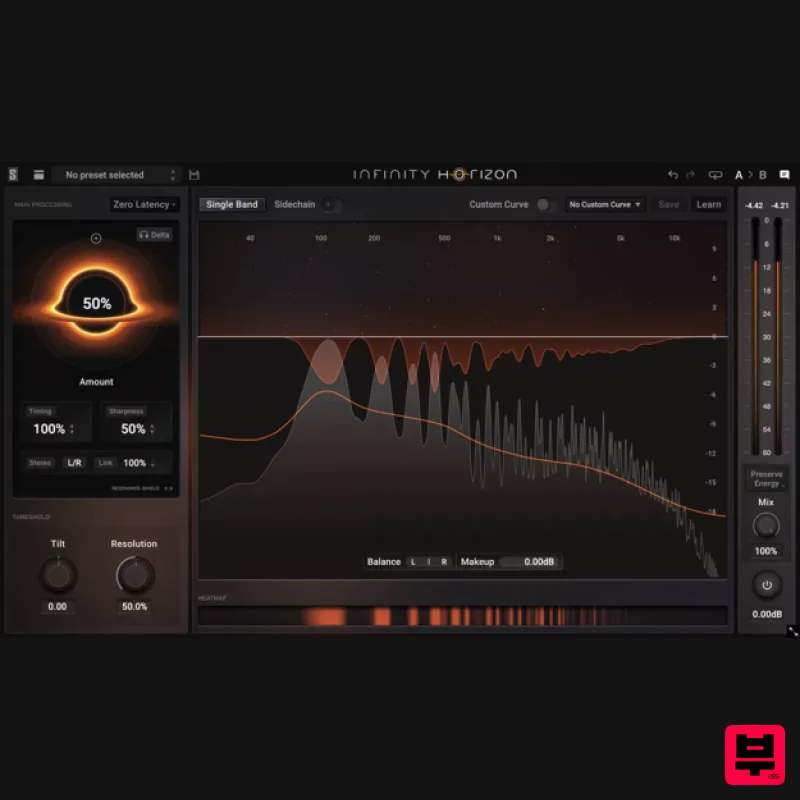
Slate Digital Infinity Horizon
EQ
$156
Rogue Frequencies Cannot Escape Infinity Horizon finds harsh frequency build ups and them in real time. If you're...
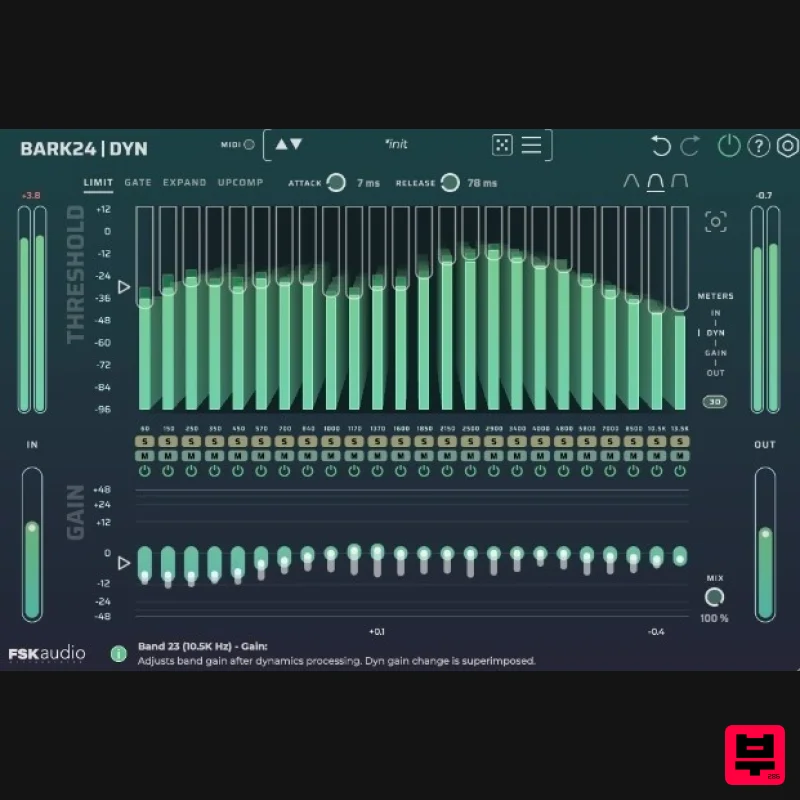
FSK Audio Bark24 | Dyn
EQ
$120
Bark24 | Dyn is a dynamic EQ that takes you far beyond a standard compressor or EQ. Based on the Bark scale - a model...
Frequently Asked Questions
The AYAIC COS Pro stands out for its exceptional AYAIC craftsmanship and innovative design.
Yes! With its affordable price point and quality construction, it's perfect for learning eq.
Browse the similar products section to see how it stacks up against other eq.

