
Audiority Tube Modulator
Professional music gear - detailed information and where to buy
Product Description
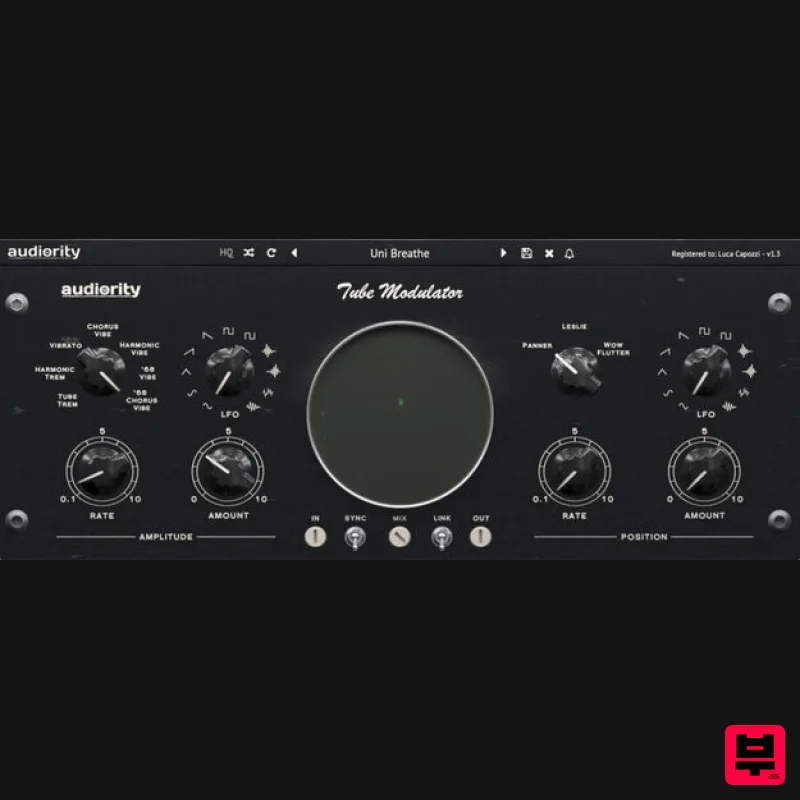
- Tube Modulator is a collection of several tremolo
- vibrato and spatial position effect circuits ranging from the late ‘50s tube bias tremolo to the late ‘60s psychedelic vibe pedals. Tube Modulator spatial effects include a panner
- a rotary speaker and a wide stereo “wow & flutter” simulators. A wide XY scope will show you the current amplitude and spatial position modulation to get instant feedback from your settings. Tube Modulator is Colored by Design
- adding a great amount of warmth and colour to your signal. Features 7 Tremolo / Vibrato modes 3 Spatial Position effects 11 Waveforms LFO XY Scope Parameters Linking Tempo Sync Coloured by Design System Requirements Mac (Intel) OSX 10.9 or later (64-bit only) Intel i5 or higher 2GB RAM Screen resolution: 1024×768 VST2
- VST3
- AU 64-bit host Mac (Apple Silicon) macOS 11.0 or later (64-bit only) Apple M1 or higher 2GB RAM Screen resolution: 1024×768 VST2
- VST3
- AU 64-bit host Windows Windows 7 (64-bit only) Intel i5 or higher 2GB RAM Screen resolution: 1024×768 VST2
- VST3 64-bit host Please Note: Pro Tools 11 or higher is required in order to use the AAX 64-bit version. Awards Note: LDC2 Compander is used as an example. Mac Registration 1. Visit https://www.audiority.com/register and enter your personal details > Click 'Register.' 2. Once logged in
- Click the 'Redeem' button at the top of the page and enter the redeem code
- found in your Plugin Boutique User Account > Click 'Submit'. 3. Click the 'My Plugins' button > Select the Mac Installer. 4. Locate the .dmg installer file from the 'Downloads' section of your computer
- and double-click it to begin the installation process > click ‘Continue.’ Installation 1. Open the .dmg file > Open the .pkg file to begin the installation. 2. Click 'Continue'. 3. Click 'Continue'. 4. Click 'Continue'. 5. Click 'Agree'. 6. Click 'Continue'. 7. Click 'Install'. 8. Enter your computer Username and Password > Click 'Install Software'. 9. Click 'Close'. Activation 1. Open the newly installed plugin in your DAW > Click 'Register Online'. 2. Enter your username and email address that you registered at Audiority > Click 'Login'. Your plugin is now activated and ready to use. Windows Registration 1. Visit https: //www.audiority.com/register and enter your personal details > Click 'Register.' 2. Once logged in
- Click the 'Redeem' button at the top of the page and enter the redeem code
- found in your Plugin Boutique User Account > Click 'Submit'. 3. Click the 'My Plugins' button > Select the Windows Installer. Installation 1. Double-click the installer to extract the contents > Double-click the .exe file to begin the installation. 2. Select 'I Accept the Agreement' > Click 'Next'. 3. Click 'Next'. 4. Click 'Next'. 5. Click 'Next'. 6. Click 'Install'. 7. Click 'Finish'. Activation 1. Open the newly installed plugin in your DAW > Click 'Register Online'. 2. Enter your username and email address that you registered at Audiority > Click 'Login'. Your plugin is now activated and ready to use.
Additional Information
About the Audiority Tube Modulator
Experience the quality and tone that makes the Audiority Tube Modulator a popular choice for musicians.
Why Choose the Audiority Tube Modulator?
- •Authentic Audiority craftsmanship and design
- •Versatile sound suitable for multiple musical genres
- •Professional build quality and reliable performance
- •Part of Audiority's respected Modulator lineup
Compare & Explore
Browse our complete selection of Audiority instruments or explore other Modulator options. Use our comparison tools to find the perfect match for your musical style and budget.
Similar Products
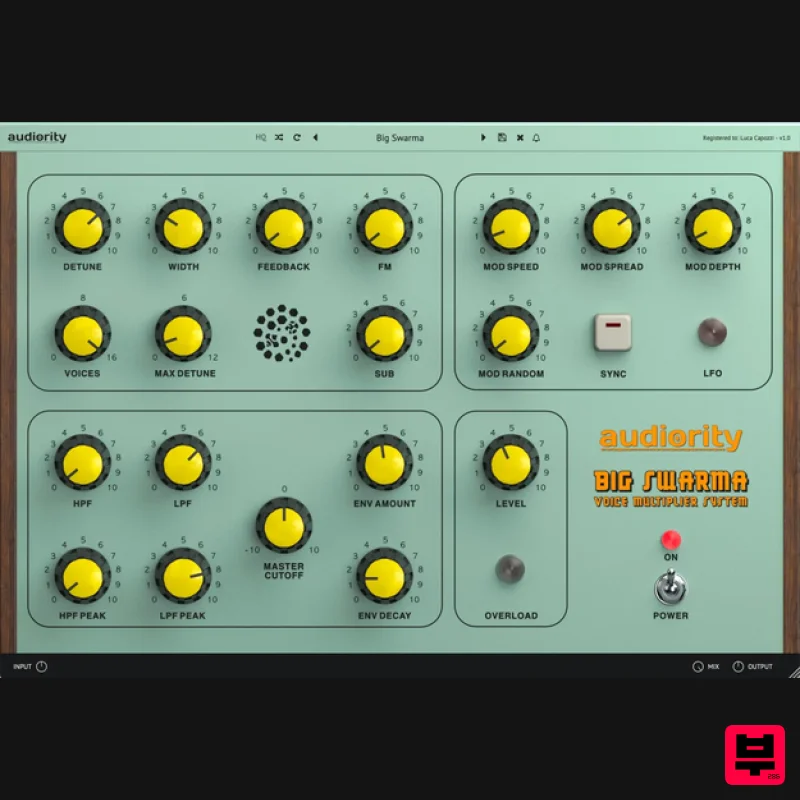
Audiority Big Swarma
Modulator
$62
The Ultimate Voice Multiplier & Feedback Plugin Big Swarma is a powerful voice multiplier and feedback unit designed to...
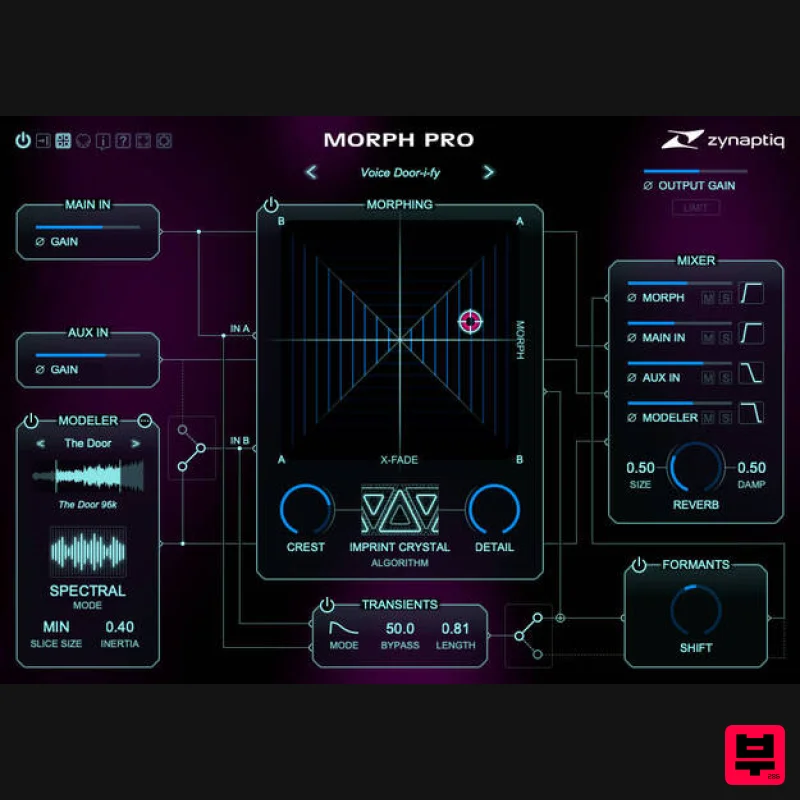
Zynaptiq MORPH 3 PRO
Modulator
$323
Note: Customers who purchased MORPH 2 on or after January 1st, 2024 are eligible for a free MORPH 3 upgrade via the...
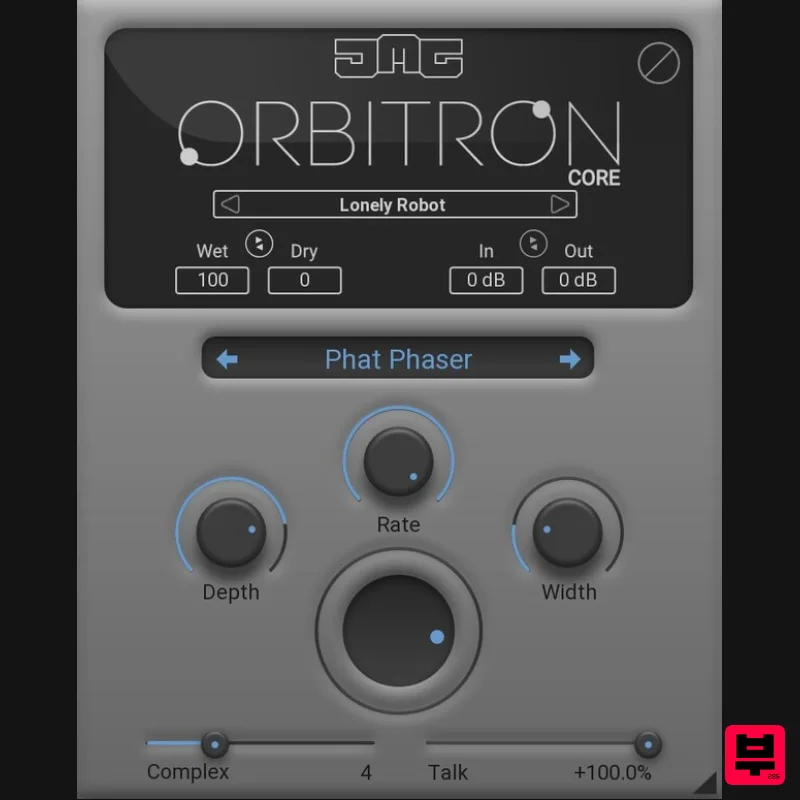
United Plugins Orbitron Core
Modulator
$30
Essential Modulation, Elevated Sound Orbitron Core is the streamlined gateway to JMG Sound's revolutionary modulation...
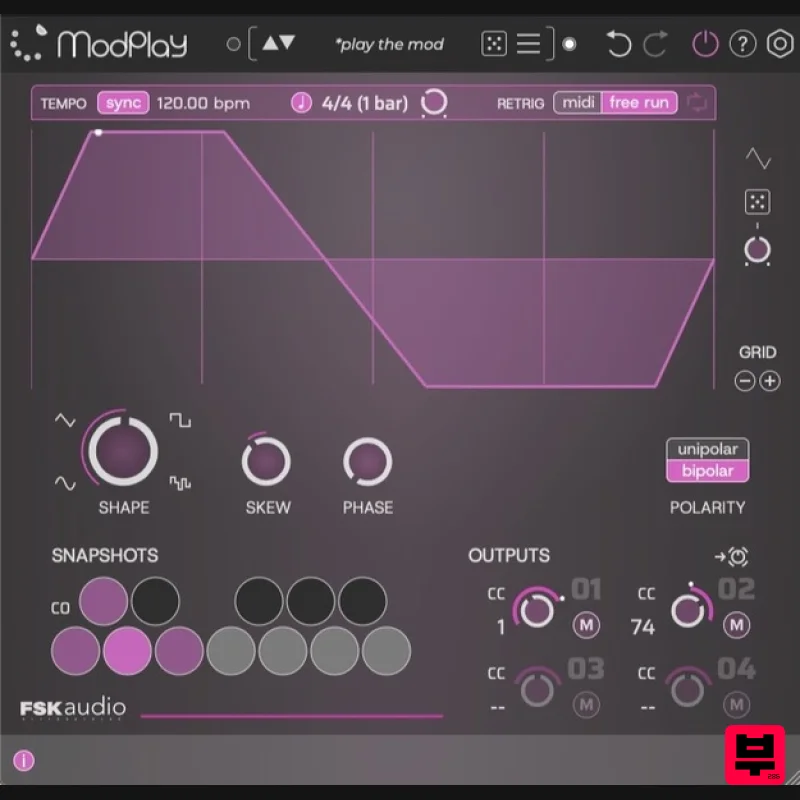
FSK Audio ModPlay
Modulator
$47
ModPlay is a unique MIDI LFO plug-in purpose built to super charge your favorite plug-ins! It is a “plug-in for your...
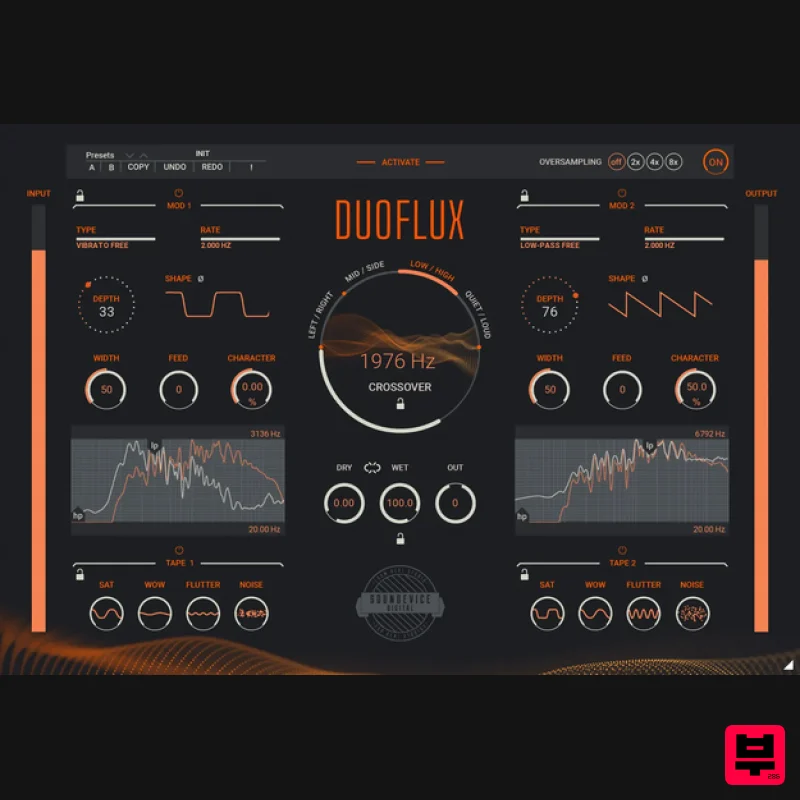
United Plugins DuoFlux
Modulator
$83
Double Modulation, Infinite Movement There are tasks a single modulation plugin cannot handle. Unless it is Duoflux....
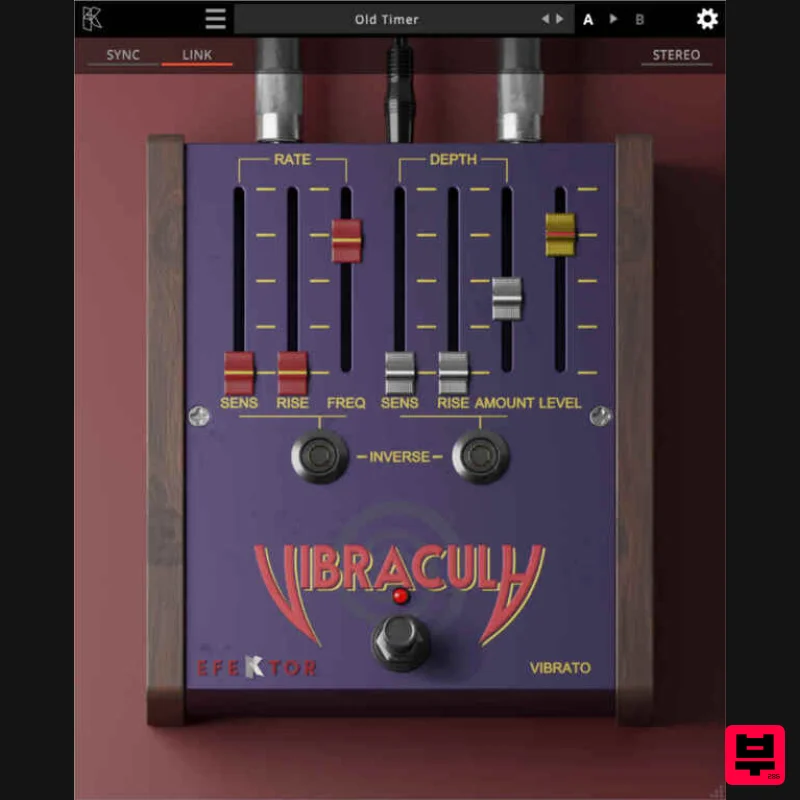
Kuassa EFEKTOR Vibracula
Modulator
$20
Modulate your notes with a classic, lush vibrato effect. From subtle, emotional waves to intense pitch fluctuations...
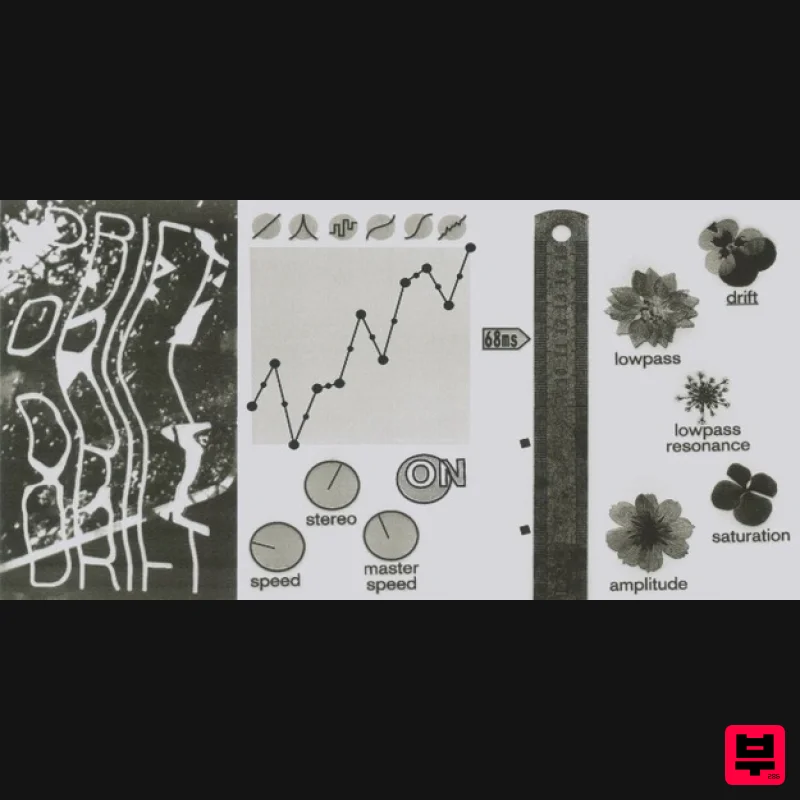
UnplugRed ModMan
Modulator
Free
Modulation effect that produces organic and ever changing randomized movements, based on a perlin noise algorithm....
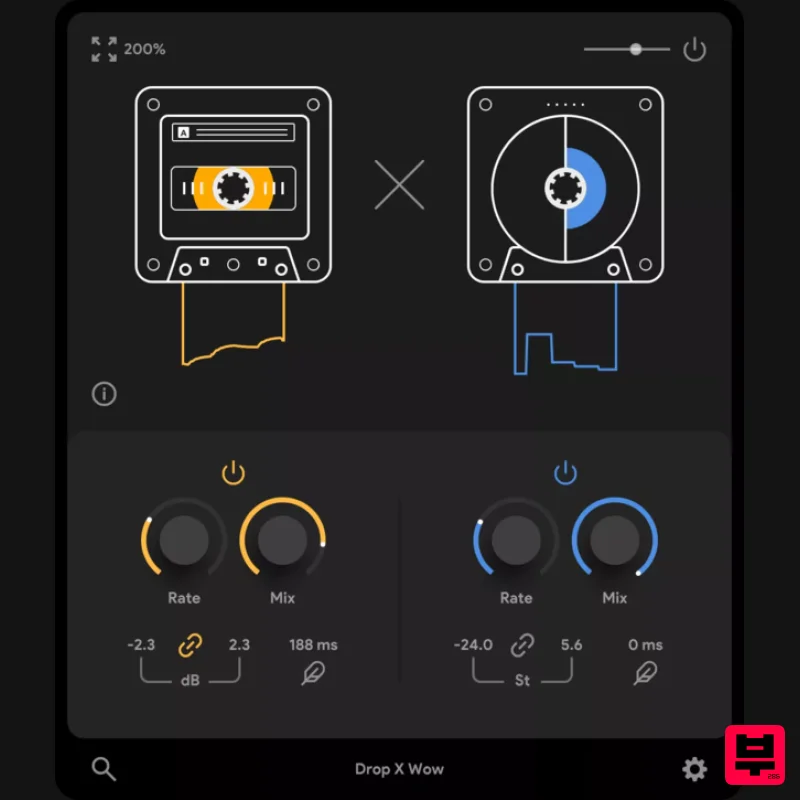
Thenatan Audio DropWow
Modulator
$35
DropWow is a simple yet highly effective tool designed to help you create interesting LoFi imperfections. With just...
Frequently Asked Questions
The Audiority Tube Modulator stands out for its exceptional Audiority craftsmanship and innovative design.
Yes! With its affordable price point and quality construction, it's perfect for learning modulator.
Browse the similar products section to see how it stacks up against other modulator.

