
Audiority Solidus VS8100
Professional music gear - detailed information and where to buy
Audiority
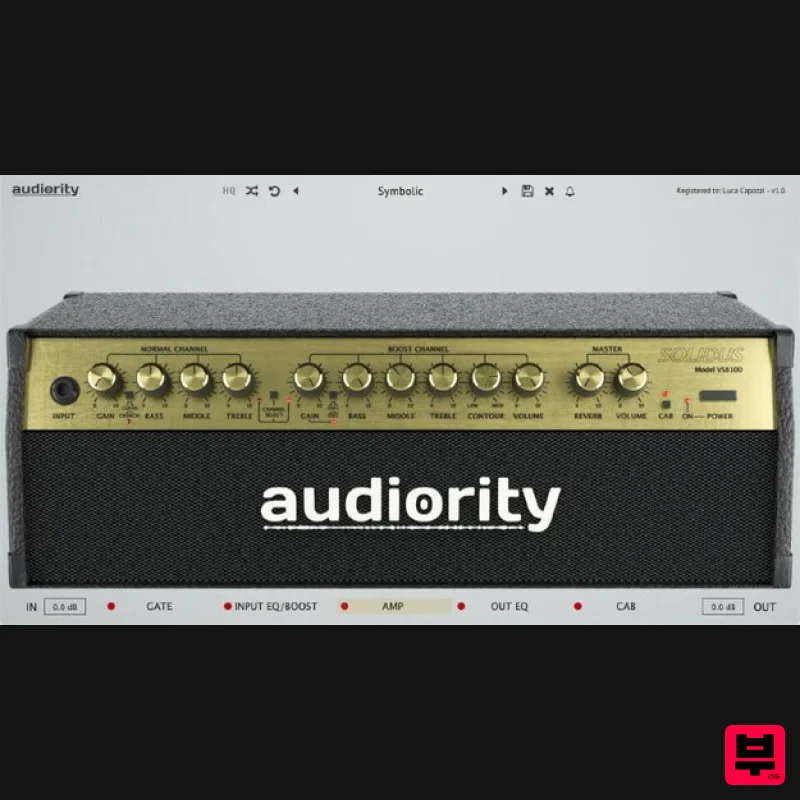
Solidus VS8100
Product Info
* Prices may vary. Check retailer for current pricing and availability.
Product Description
- Solidus VS8100 is an analogue simulation of the iconic Marshall® Valvestate™ 8100
- solid-state amplifier from 1991. The original head was the first incarnation of the Valvestate™ series
- a solid-state amplifier with a 12AX7 tube as a driver for the distorted channel tone stack
- which defined the history of death metal through the 90s. It featured two channels: a Normal channel
- for clean guitars
- and a Boost channel for distortions. Audiority carefully modelled the original amplifier and added some goodies to further shape your guitar tone: a noise gate
- an EQ/Booster (to make your own custom clean booster)
- a post-amp 5 band EQ and a Cab Loader. Integrated cabinets provided by Dr Bonkers Sound Lab and Valhallir.at Features Analog Modelled Solid State Amplifier 2 Channels (Normal/Boost) Normal Channel modes: Clean; Crunch Boost Channel modes: OD1; OD2 Noise Gate Customizable Clean Boost (10 Band EQ → Booster) Post Amp 5 Band Equalizer Integrated Cabinet Simulator Resizable interface System Requirements PC Windows 7 or later 64-bit only Intel i5 or higher 2GB RAM 1024×768 screen resolution VST2
- VST3
- AAX 64-bit host Intel Mac OSX 10.8 or later Intel i5 or higher 2GB RAM 1024×768 screen resolution VST2
- VST3
- AAX 64-bit host Silicon Mac macOS 11.0 or later Apple M1 or higher 2GB RAM Screen resolution: 1024×768 CLAP
- VST2
- VST3
- AU 64-bit host PT11 or higher
- AAX 64-bit host Note: LDC2 is used as the example. Mac Registration 1. Visit https://www.audiority.com/register and enter your personal details > Click 'Register.' 2. Once logged in
- Click the 'Redeem' button at the top of the page and enter the redeem code
- found in your Plugin Boutique User Account > Click 'Submit'. 3. Click the 'My Plugins' button > Select the Mac Installer. 4. Locate the .dmg installer file from the 'Downloads' section of your computer
- and double-click it to begin the installation process > click ‘Continue.’ Installation 1. Open the .dmg file > Open the .pkg file to begin the installation. 2. Click 'Continue'. 3. Click 'Continue'. 4. Click 'Continue'. 5. Click 'Agree'. 6. Click 'Continue'. 7. Click 'Install'. 8. Enter your computer Username and Password > Click 'Install Software'. 9. Click 'Close'. Activation 1. Open the newly installed plugin in your DAW > Click 'Register Online'. 2. Enter your username and email address that you registered at Audiority > Click 'Login'. Your plugin is now activated and ready to use. Windows Registration 1. Visit https: //www.audiority.com/register and enter your personal details > Click 'Register.' 2. Once logged in
- Click the 'Redeem' button at the top of the page and enter the redeem code
- found in your Plugin Boutique User Account > Click 'Submit'. 3. Click the 'My Plugins' button > Select the Windows Installer. Installation 1. Double-click the installer to extract the contents > Double-click the .exe file to begin the installation. 2. Select 'I Accept the Agreement' > Click 'Next'. 3. Click 'Next'. 4. Click 'Next'. 5. Click 'Next'. 6. Click 'Install'. 7. Click 'Finish'. Activation 1. Open the newly installed plugin in your DAW > Click 'Register Online'. 2. Enter your username and email address that you registered at Audiority > Click 'Login'. Your plugin is now activated and ready to use.
Additional Information
About the Audiority Solidus VS8100
The Audiority Solidus VS8100 combines traditional design with modern performance for Amp Simulator enthusiasts.
Why Choose the Audiority Solidus VS8100?
- •Authentic Audiority craftsmanship and design
- •Versatile sound suitable for multiple musical genres
- •Professional build quality and reliable performance
- •Part of Audiority's respected Amp Simulator lineup
Compare & Explore
Browse our complete selection of Audiority instruments or explore other Amp Simulator options. Use our comparison tools to find the perfect match for your musical style and budget.
Similar Products
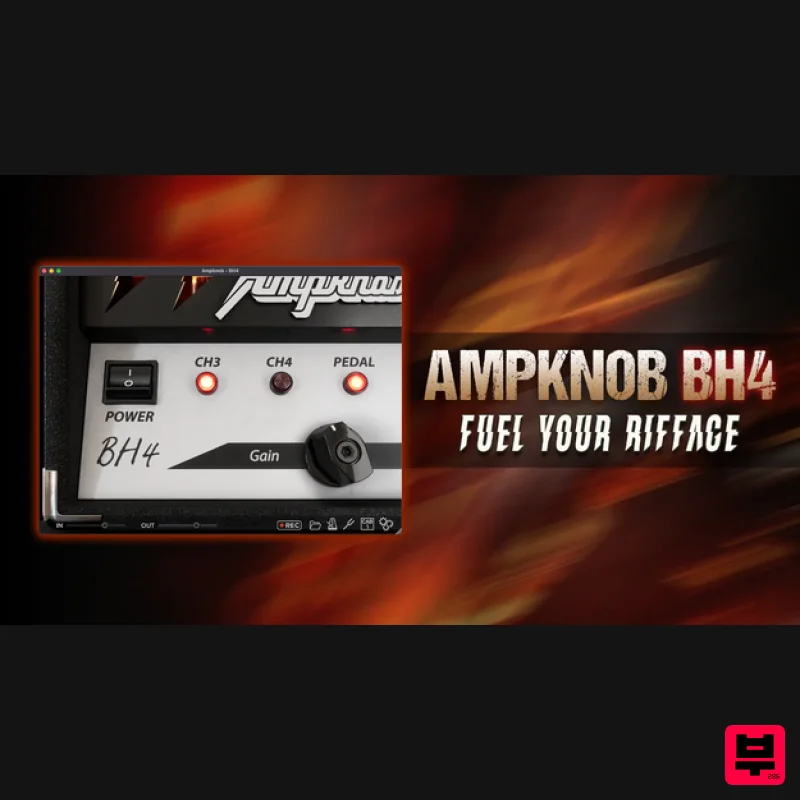
Bogren Digital AmpKnob BH4
Amp Simulator
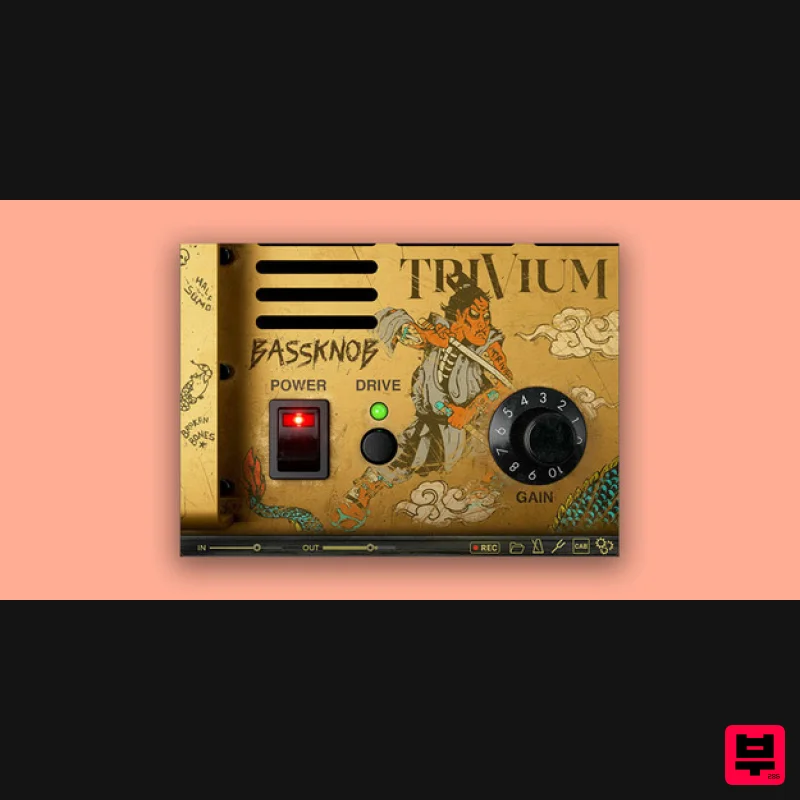
Bogren Digital BassKnob Trivium
Amp Simulator
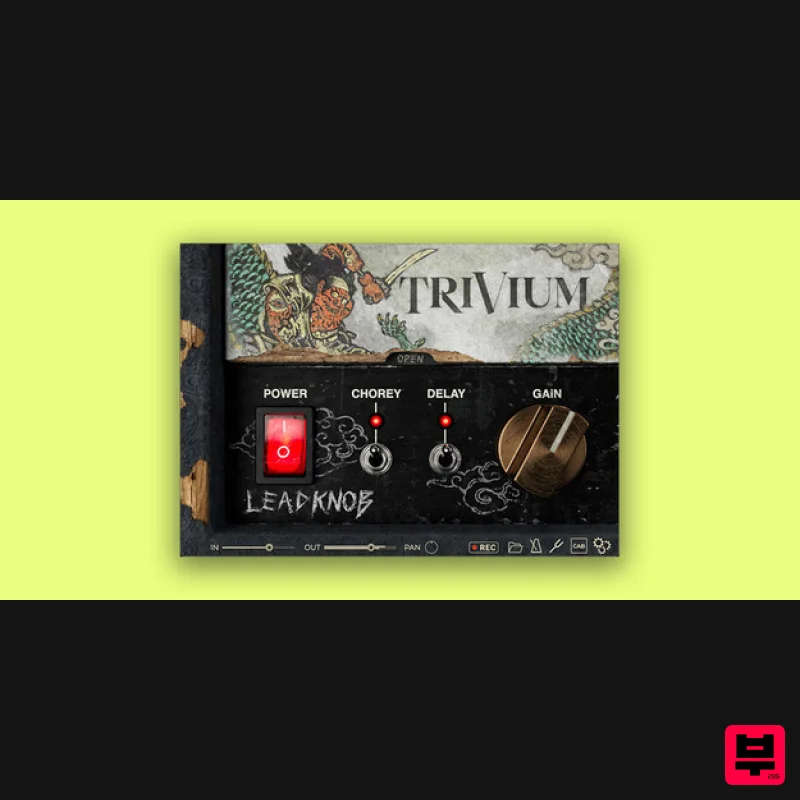
Bogren Digital AmpKnob Trivium Lead
Amp Simulator
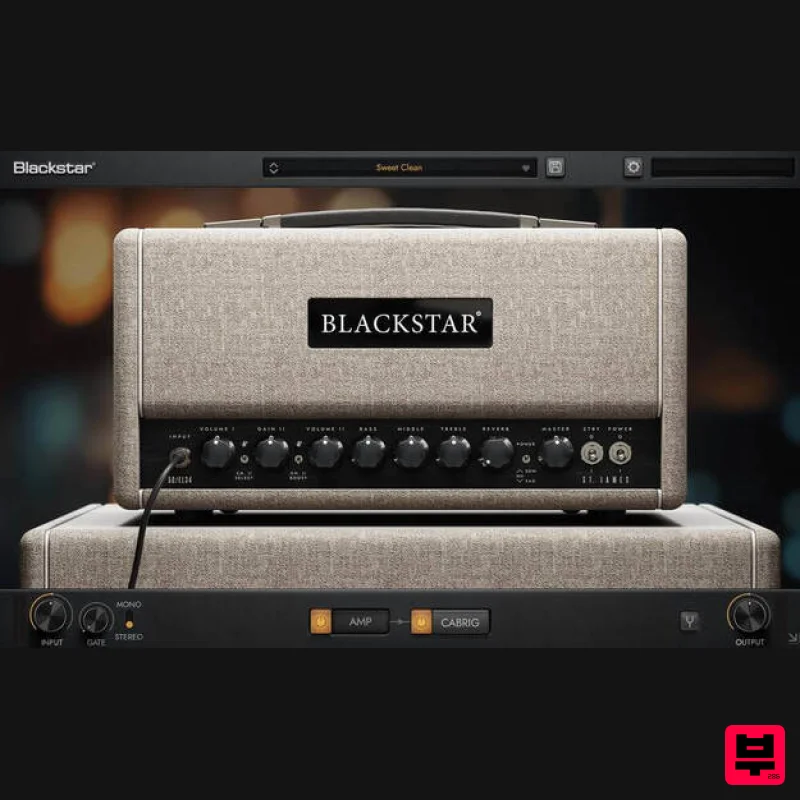
Blackstar St. James EL34
Amp Simulator
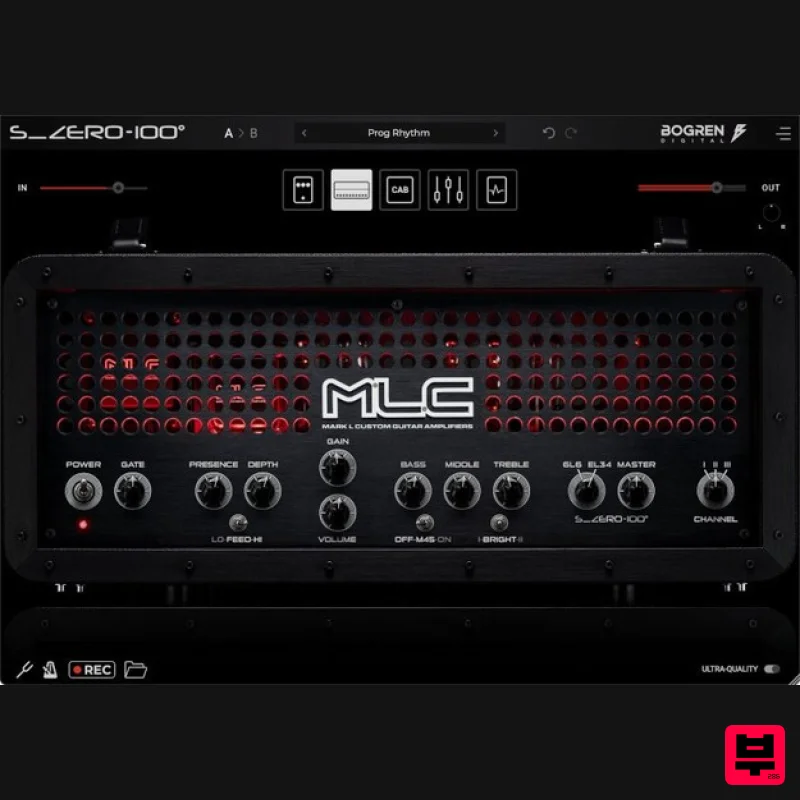
Bogren Digital MLC S_Zero 100
Amp Simulator

Two Notes Audio Engineering Torpedo Wall of Sound | Plugin Boutique Edition
Amp Simulator
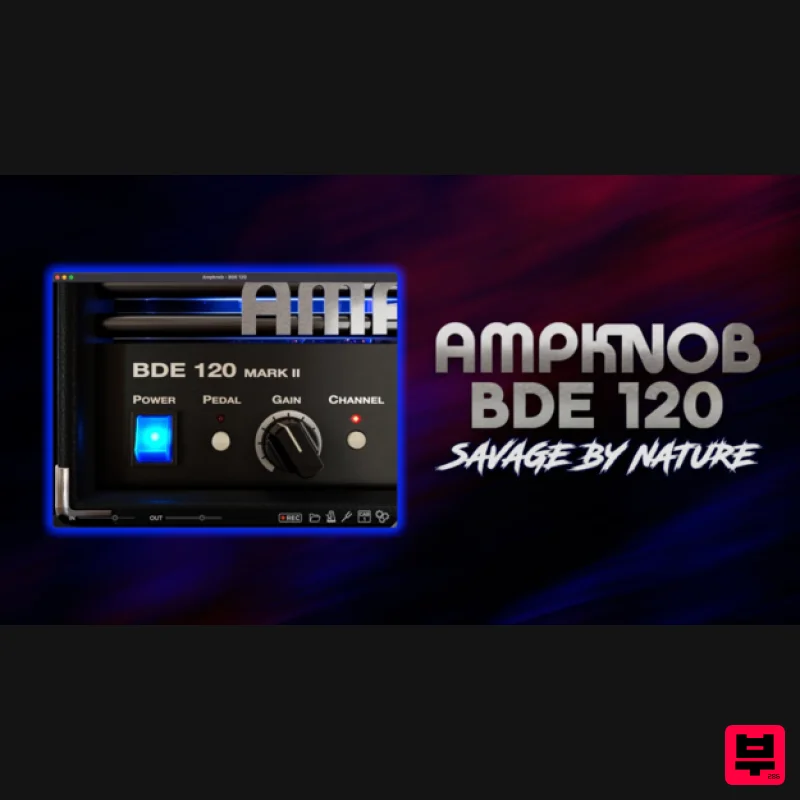
Bogren Digital AmpKnob BDE 120
Amp Simulator
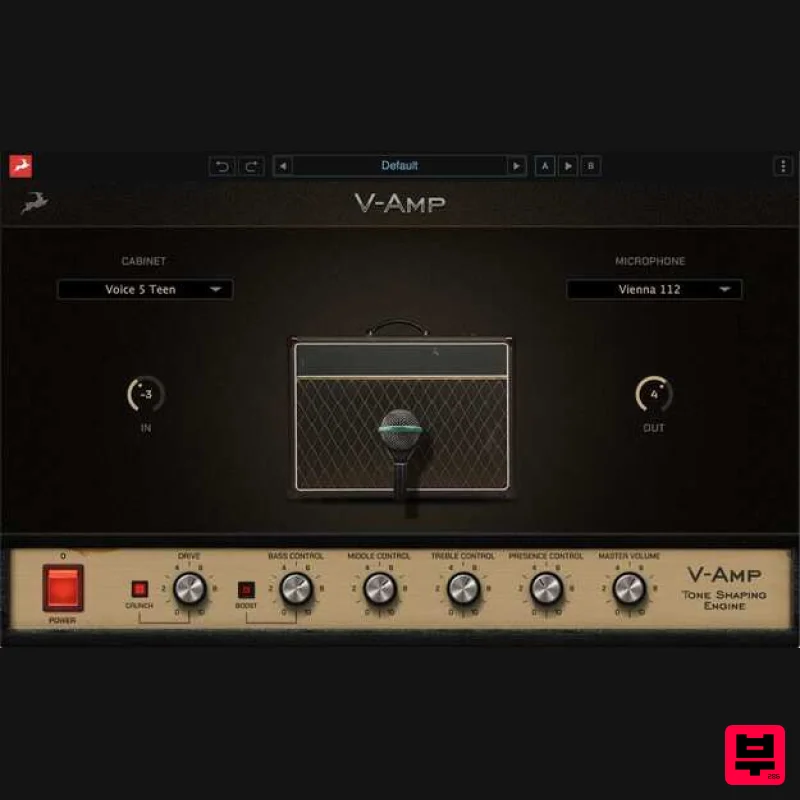
Antelope Audio V-AMP
Amp Simulator

