
Audiority Omnisphere: Driving Force II
Professional music gear - detailed information and where to buy
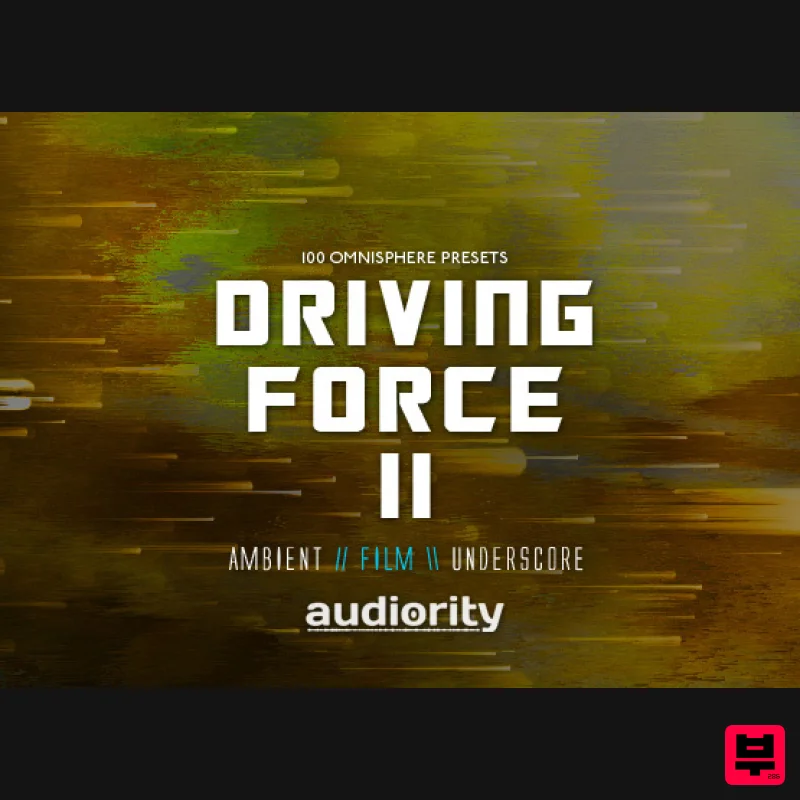
Audiority
Omnisphere: Driving Force II
Product Info
* Prices may vary. Check retailer for current pricing and availability.
Product Description
- 100 New Omnisphere Presets for Dark Ambient
- Film
- Soundtrack and Underscore Music Driving Force II is the sequel of our best selling Driving Force Omnisphere soundbank focused on polyphonic driving pulses
- hybrid drum patterns
- textural arpeggios and energetic bass loops. We also included “non pattern” versions of some presets
- so you can tweak them to fit your score. Driving Force II features 100 new modern presets designed for Dark Ambient
- Film
- Soundtrack and Underscore. The “Arp + Rhythm” folder includes: 24 Bass Loops
- 10 Drum Loops
- 10 High Loops
- 12 Mid Loops
- 6 Textural Loops. Features 62 Arp + Rhythm 20 Synth Bass 16 Pads + Textures 2 Keyboards System Requirements Full version of Spectrasonics Omnisphere 2.1.0d or higher is required Legacy version requires full version of Spectrasonics Omnisphere 1.5.7d or higher Note: Spectrasonics Omnisphere is required to run this Expansion Pack. Note: Audiority's Driving Force SoundBank is used as the example. 1. Download the zip folder from your User Account. Note: Ensure that your Omnisphere plugin is not running when downloading the zip folder. 2. Double-click the zip folder to extract and reveal its contents. 3. Open Omnisphere and click on the 'Utility' menu to select the 'Install .omnisphere' option from the drop-down selection. 4. Select your Audiority SoundBank file (which in this instance is 'Audiority Driving Force.omnisphere') and wait for the installation to complete. 5. The Audiority library appear within the Directory menu
- and is now ready for use within Omnisphere. Legacy Installation 1. If you are installing the Legacy Omnisphere v1 presets
- you'll need to locate and open the 'Legacy' presets folder that is available within the zip folder of your product download. 2. Double-click the preset folder (which in this instance is named 'audiority_driving_force.zip' file) to extract and reveal its contents > this action will create a new folder with the name of the soundbank e.g 'audiority_driving_force.' 3. Drag and Drop/Copy the entire folder into your Omnisphere Presets folder. For PC Computers
- the preset folder path is: Windows: C:\ProgramData\Spectrasonics\STEAM\Omnisphere\Settings Library\Patches Note: Program Data is usually located within a hidden folder
- so it will be faster to simply Copy and Paste or type the folder path into your computer's address bar. For Mac Computers
- the preset folder path is: Mac OSX: Macintosh HD/Library/Application Support/Spectrasonics/STEAM/Omnisphere/Settings Library/Patches 4. Open Omnisphere from your VST selection
- and refresh the Patch Library by clicking the circle arrow icon located at the bottom side the VST's Patch Browser. 5. You will now be able to locate and open your Audiority SoundBank via the 'Directory' menu of Omnisphere's browser section.
Additional Information
About the Audiority Omnisphere: Driving Force II
Experience the quality and tone that makes the Audiority Omnisphere: Driving Force II a popular choice for musicians.
Why Choose the Audiority Omnisphere: Driving Force II?
- •Authentic Audiority craftsmanship and design
- •Versatile sound suitable for multiple musical genres
- •Professional build quality and reliable performance
- •Part of Audiority's respected Synth Presets lineup
Compare & Explore
Browse our complete selection of Audiority instruments or explore other Synth Presets options. Use our comparison tools to find the perfect match for your musical style and budget.
Similar Products
W. A. Production Progressive Trance for InstaComposer 3
Synth Presets
W. A. Production Melodic Techno for InstaComposer 3
Synth Presets
Resonance Sound FILTH Vol. 1 for Serum 2
Synth Presets

Resonance Sound Main Stage Techno Vol. 1 for Serum 2
Synth Presets

Resonance Sound Stranger Serum Synths Vol. 1 for Serum 2
Synth Presets

Resonance Sound UK Speed Garage Vol. 1 for Serum 2
Synth Presets

W. A. Production Cinematic Synths for Babylon 2
Synth Presets
W. A. Production Progressive House for Babylon 2
Synth Presets

