
Audiority L12X Solid State Amplifier
Professional music gear - detailed information and where to buy
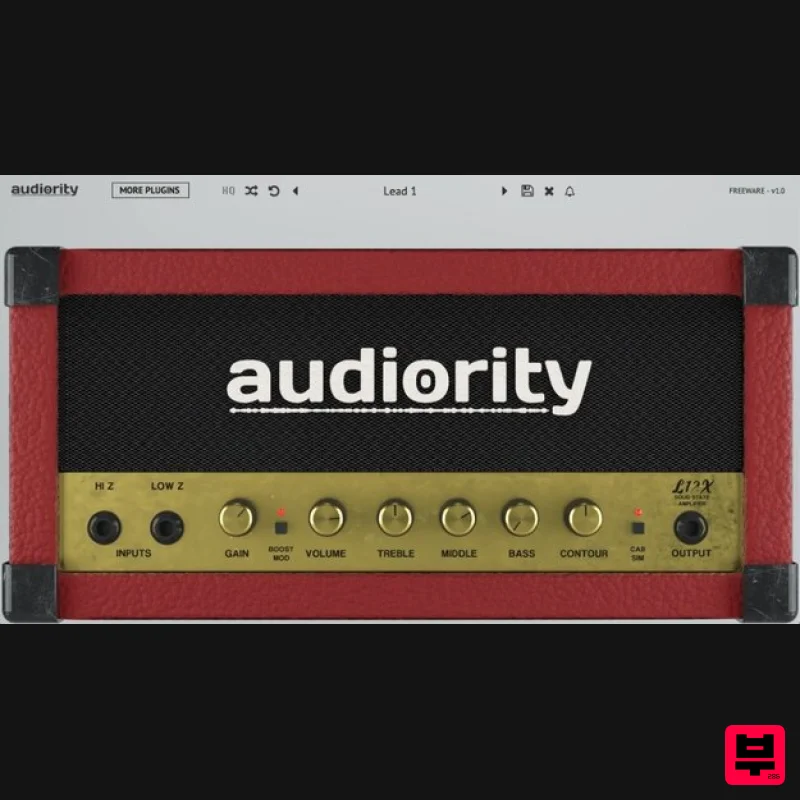
Audiority
L12X Solid State Amplifier
Product Info
* Prices may vary. Check retailer for current pricing and availability.
Product Description
- L12X is an analogue simulation inspired by the Marshall® Lead 12™ solid state amplifier of the late ‘80s. The original head was an op-amp based amplifier: instead of using tubes or transistors
- the op-amp is able to provide a huge amount of gain with very little or no distortion. However
- when the amplified signal reaches the voltage applied to power the op-amp
- it gets clipped. Marshall engineers exploited that to provide a great sounding amplifier with very few components. This little solid state head is able to push cabinets up to 4×12 and can easily sound like a JCM™. We modified the original circuit by adding a Contour knob (to get a more scooped tone) and an additional Boost overdrive stage. We also included an integrated Cab Simulator
- loaded with a Marshall cabinet IR featuring Celestion V30 cones. Integrated cabinet provided by Seacow Cabs. Important note: This is not a physical product and is a music software plugin for online download only. Key Features Analog Modelled Solid State Amplifier 2 Channels (Clean/Boost) 3 bands tone stack Contour Integrated Cabinet Simulator Resizable interface No License File required System Requirements Intel Mac OSX 10.8 or later Intel i5 or higher 2GB RAM Screen resolution: 1024×768 VST2
- VST3
- CLAP 64-bit host PT11 or higher
- AAX 64-bit host Silicon Mac macOS 11.0 or later Apple M1 or higher 2GB RAM Screen resolution: 1024×768 VST2
- VST3
- CLAP 64-bit host PT11 or higher
- AAX 64-bit host Windows Windows 7 64-bit or later 64-bit only Intel i5 or higher 2GB RAM Screen resolution: 1024×768 VST2
- VST3
- AAX 64-bit host Note: LDC2 Compander is used as the example. Mac 1. Download the .dmg file from within your Plugin Boutique User Account > Open it and then open the .pkg file to begin the installation. 2. Click 'Continue'. 3. Click 'Continue'. 4. Click 'Continue'. 5. Click 'Agree'. 6. Click 'Continue'. 7. Click 'Install'. 8. Enter your computer Username and Password > Click 'Install Software'. 9. Click 'Close'. Your plugin is now installed and ready to use within your DAW. Windows 1. Download the .zip file from within your Plugin Boutique User Account and double-click it to extract the contents > Open the .exe file to begin the installation. 2. Select 'I Accept the Agreement' > Click 'Next'. 3. Click 'Next'. 4. Click 'Next'. 5. Click 'Next'. 6. Click 'Install'. 7. Click 'Finish'. Your plugin is now installed and ready to use within your DAW.
Additional Information
About the Audiority L12X Solid State Amplifier
The Audiority L12X Solid State Amplifier represents excellent craftsmanship in the Amp Simulator category.
Why Choose the Audiority L12X Solid State Amplifier?
- •Authentic Audiority craftsmanship and design
- •Versatile sound suitable for multiple musical genres
- •Professional build quality and reliable performance
- •Part of Audiority's respected Amp Simulator lineup
Compare & Explore
Browse our complete selection of Audiority instruments or explore other Amp Simulator options. Use our comparison tools to find the perfect match for your musical style and budget.
Similar Products
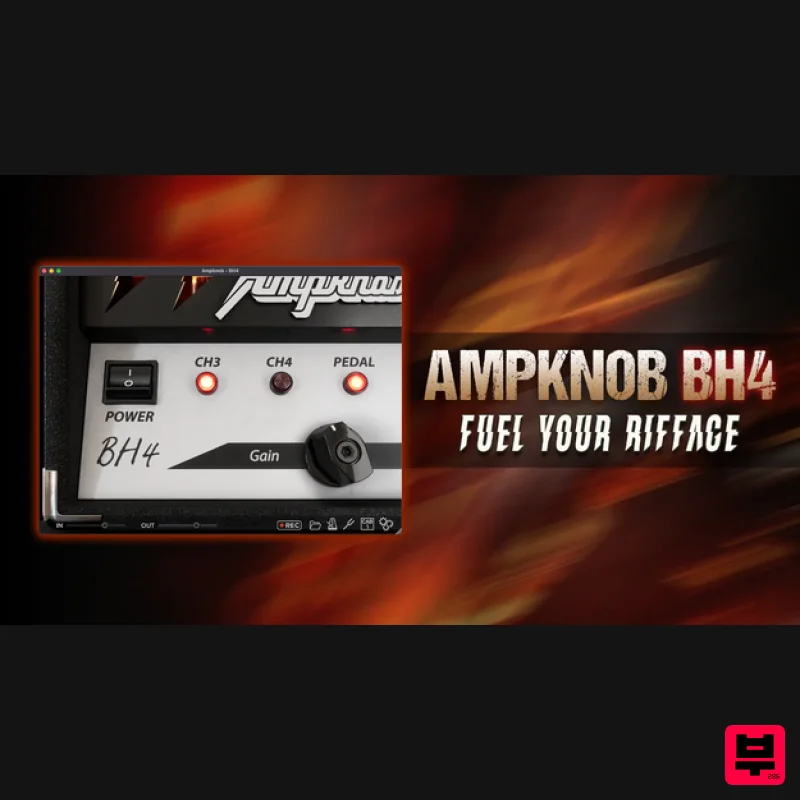
Bogren Digital AmpKnob BH4
Amp Simulator
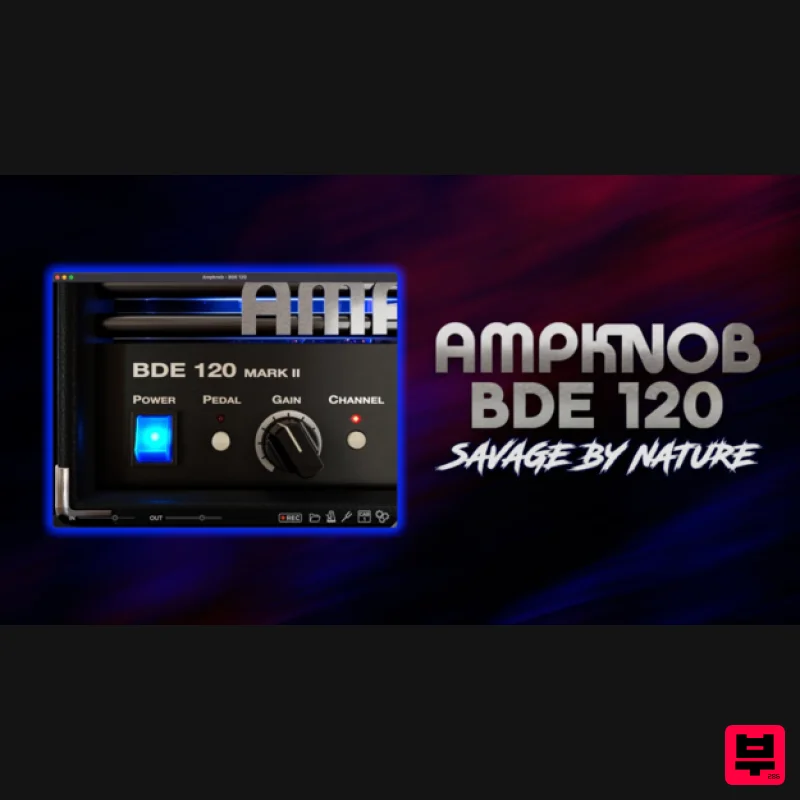
Bogren Digital AmpKnob BDE 120
Amp Simulator

Two Notes Audio Engineering Torpedo Wall of Sound | Plugin Boutique Edition
Amp Simulator
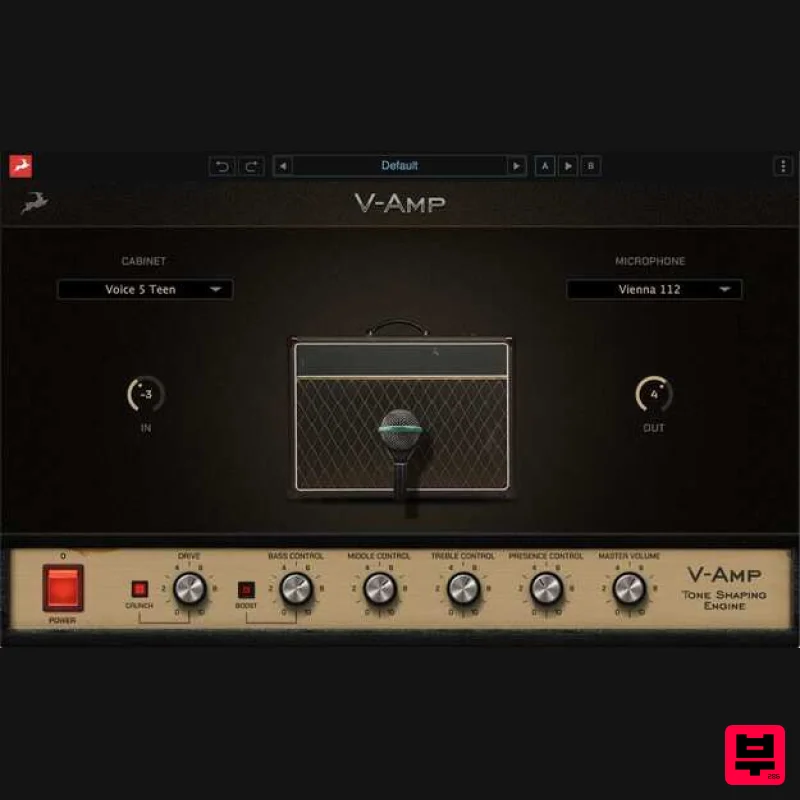
Antelope Audio V-AMP
Amp Simulator
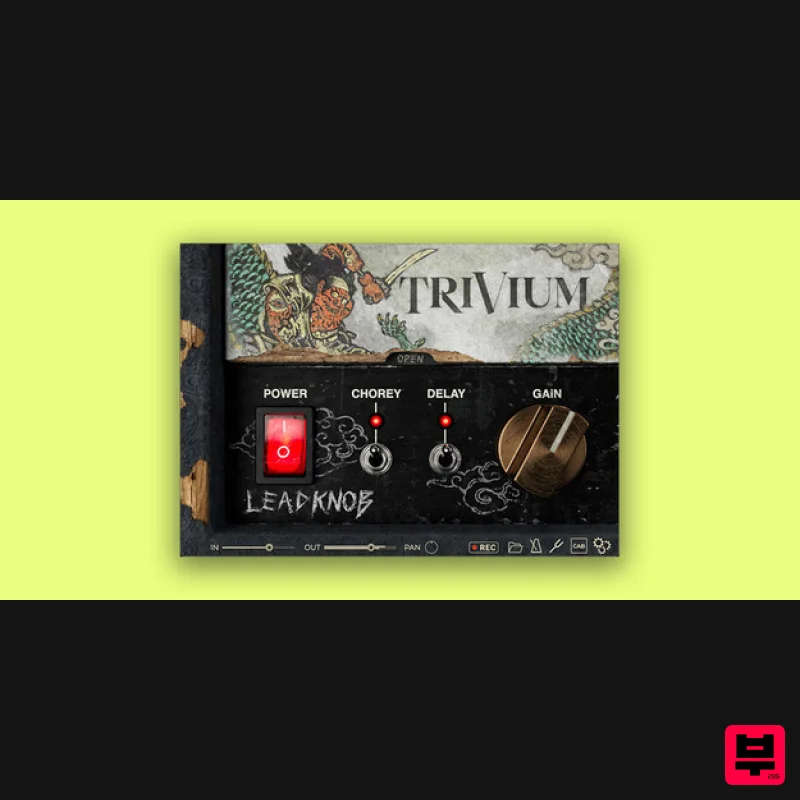
Bogren Digital AmpKnob Trivium Lead
Amp Simulator
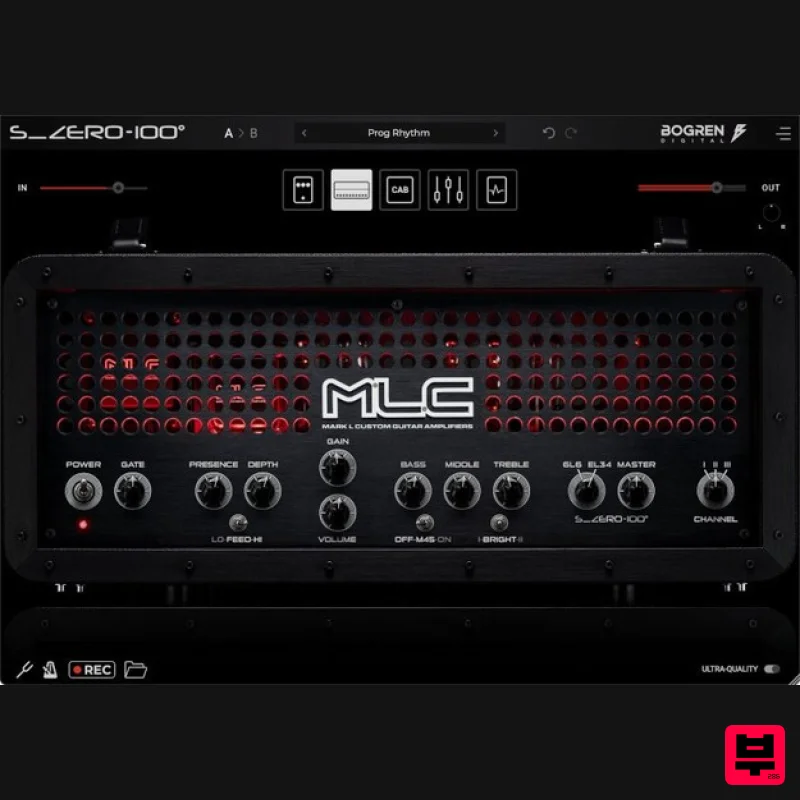
Bogren Digital MLC S_Zero 100
Amp Simulator
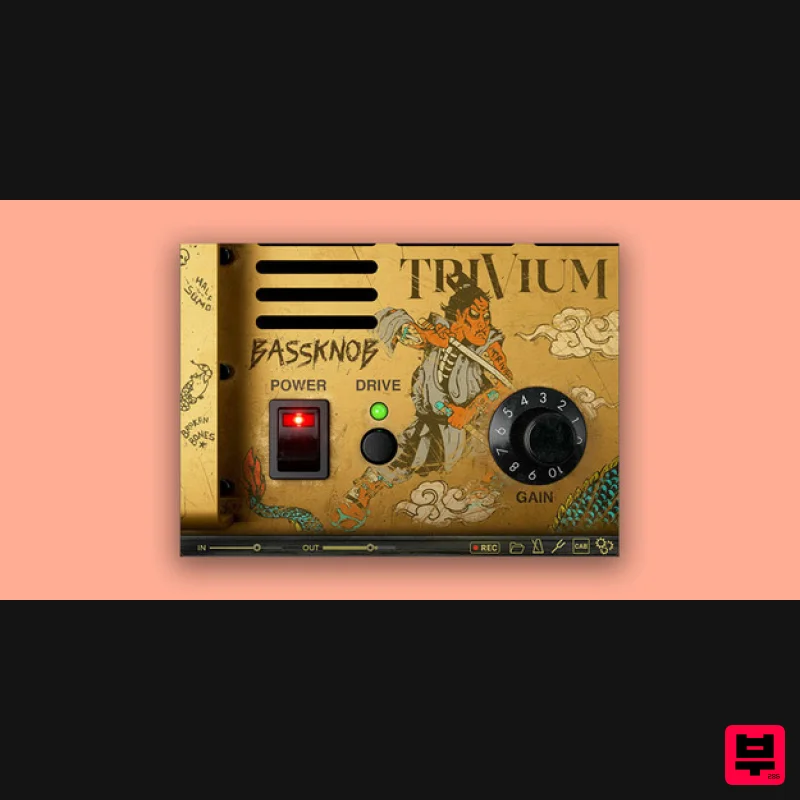
Bogren Digital BassKnob Trivium
Amp Simulator
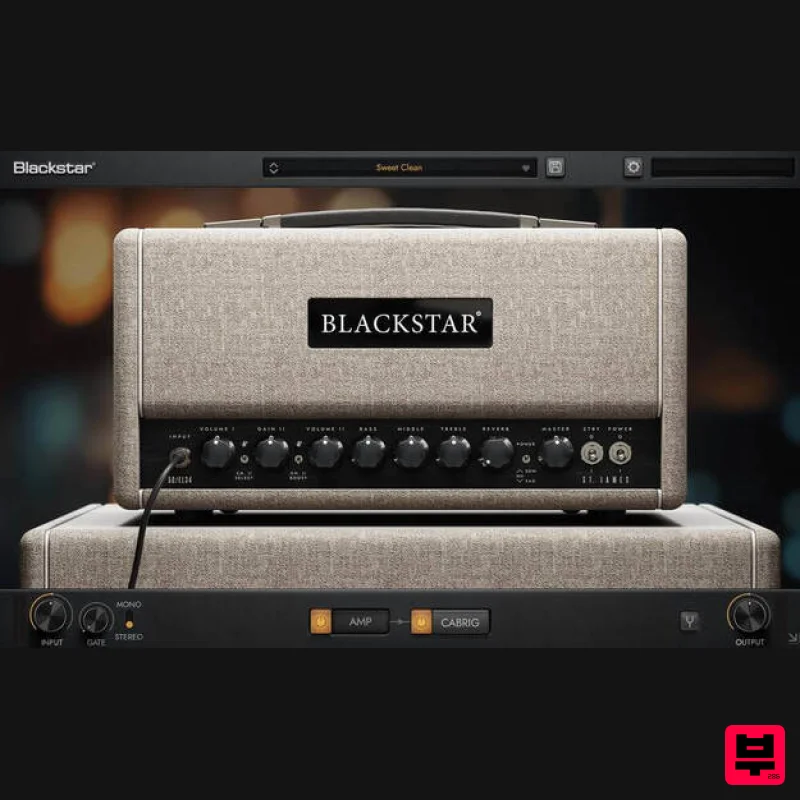
Blackstar St. James EL34
Amp Simulator

