
Audiority Harmonic Maximizer
Professional music gear - detailed information and where to buy
Product Description
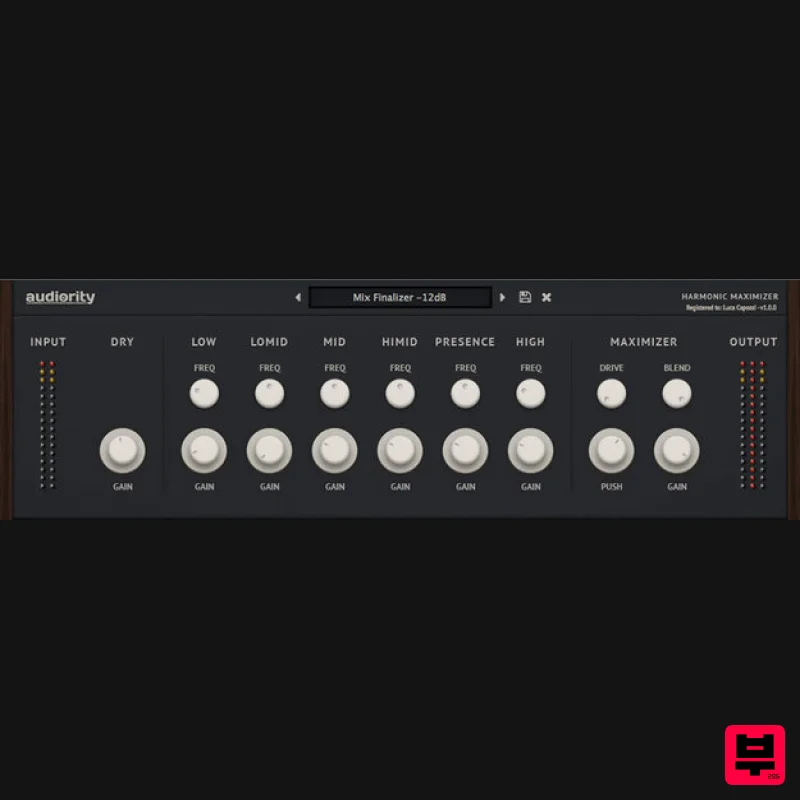
- Multi-band Exciter and Loudness Maximizer Harmonic Maximizer is a multi-band exciter and loudness shaping plugin that will make your tracks powerful and more alive. Features Multi-band Exciter Loudness Maximizer Auto Gain + Auto Release Saturation Blending System Requirements Mac (Intel) OSX 10.13 or later Intel i5 or higher 2GB RAM Screen resolution: 1024×768 VST2
- VST3
- AU 64-bit host PT11 or higher
- AAX 64-bit host Mac (Silicon) macOS 11.0 or later Apple M1 or higher 2GB RAM Screen resolution: 1024×768 VST2
- VST3
- AU 64-bit host PT11 or higher
- AAX 64-bit host PC: Windows 7 64bit or later Intel i5 or higher 2GB RAM Screen resolution: 1024×768 VST2
- VST3 64-bit host PT11 or higher
- AAX 64-bit host Note: LDC2 Compander is used as the example. Mac Registration 1. Visit https://www.audiority.com/register and enter your personal details > Click 'Register.' 2. Once logged in
- Click the 'Redeem' button at the top of the page and enter the redeem code
- found in your Plugin Boutique User Account > Click 'Submit'. 3. Click the 'My Plugins' button > Select the Mac Installer. 4. Locate the .dmg installer file from the 'Downloads' section of your computer
- and double-click it to begin the installation process > click ‘Continue.’ Installation 1. Open the .dmg file > Open the .pkg file to begin the installation. 2. Click 'Continue'. 3. Click 'Continue'. 4. Click 'Continue'. 5. Click 'Agree'. 6. Click 'Continue'. 7. Click 'Install'. 8. Enter your computer Username and Password > Click 'Install Software'. 9. Click 'Close'. Activation 1. Open the newly installed plugin in your DAW > Click 'Register Online'. 2. Enter your username and email address that you registered at Audiority > Click 'Login'. Your plugin is now activated and ready to use. Windows Registration 1. Visit https: //www.audiority.com/register and enter your personal details > Click 'Register.' 2. Once logged in
- Click the 'Redeem' button at the top of the page and enter the redeem code
- found in your Plugin Boutique User Account > Click 'Submit'. 3. Click the 'My Plugins' button > Select the Windows Installer. Installation 1. Double-click the installer to extract the contents > Double-click the .exe file to begin the installation. 2. Select 'I Accept the Agreement' > Click 'Next'. 3. Click 'Next'. 4. Click 'Next'. 5. Click 'Next'. 6. Click 'Install'. 7. Click 'Finish'. Activation 1. Open the newly installed plugin in your DAW > Click 'Register Online'. 2. Enter your username and email address that you registered at Audiority > Click 'Login'. Your plugin is now activated and ready to use.
Additional Information
About the Audiority Harmonic Maximizer
Experience the quality and tone that makes the Audiority Harmonic Maximizer a popular choice for musicians.
Why Choose the Audiority Harmonic Maximizer?
- •Authentic Audiority craftsmanship and design
- •Versatile sound suitable for multiple musical genres
- •Professional build quality and reliable performance
- •Part of Audiority's respected Exciter lineup
Compare & Explore
Browse our complete selection of Audiority instruments or explore other Exciter options. Use our comparison tools to find the perfect match for your musical style and budget.
Similar Products
Slate Digital FG-36A
Exciter
$51
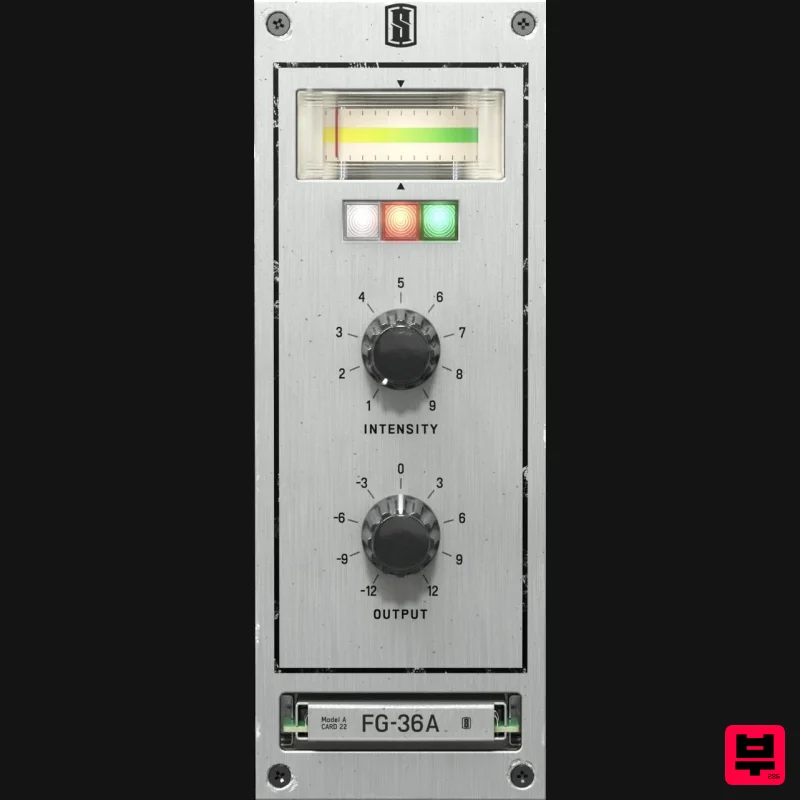
FG-36A is a faithful emulation of the legendary vintage exciter from the 1960s, bringing all the shimmer and sparkle of...
AudioThing Type B
Exciter
$62
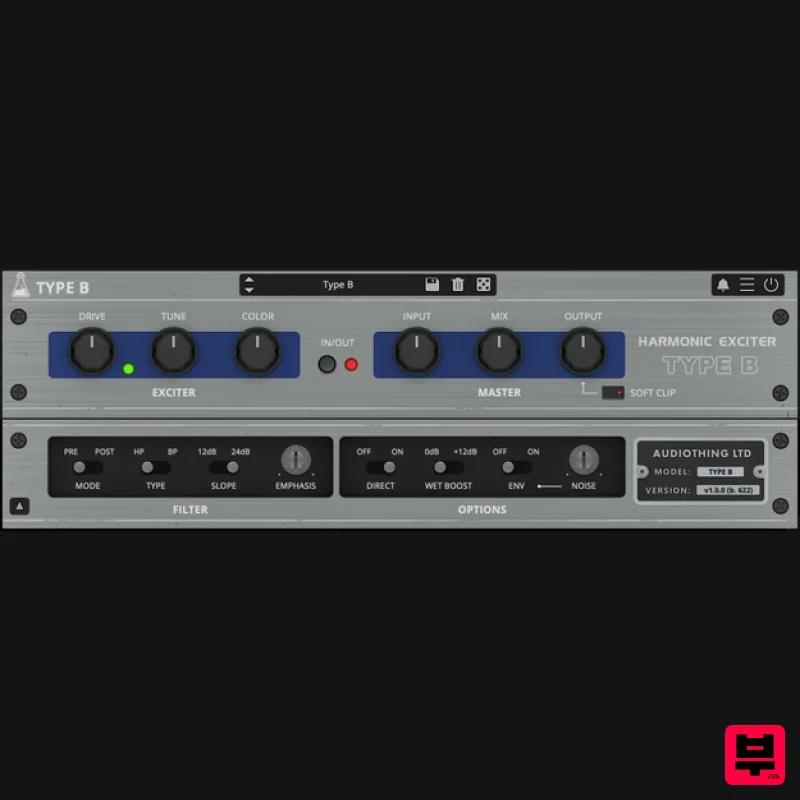
Vintage Exciter Type B is a plugin inspired by a famous vintage exciter effect. The original unit was designed to add...
Fine Cut Bodies La Petite Excite
Exciter
Free
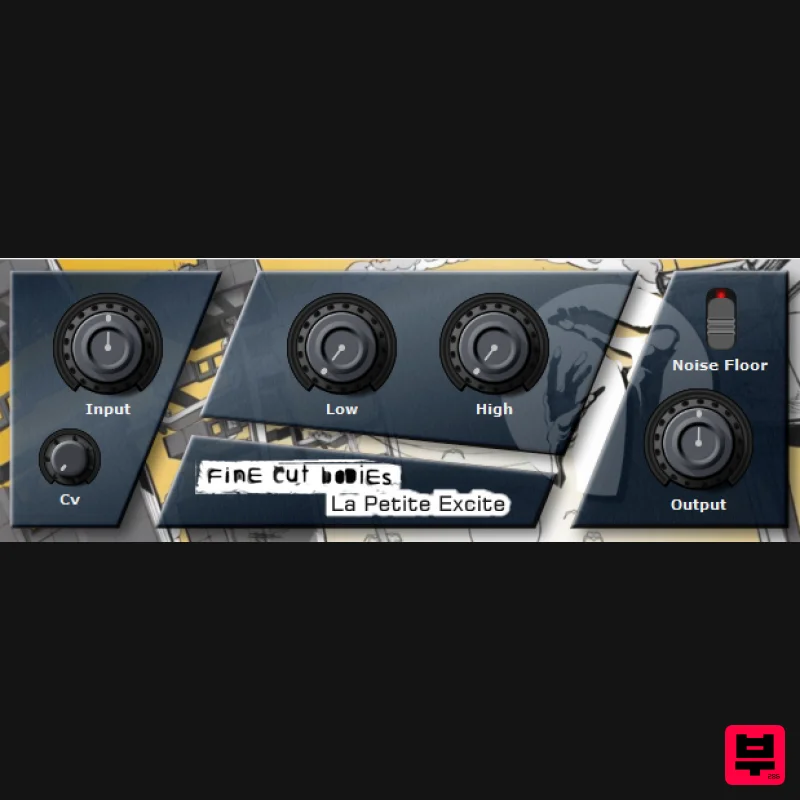
"La Petite Excite" is a exciter plugin and it can lead you into a brighter future when used wisely. System Requirements...
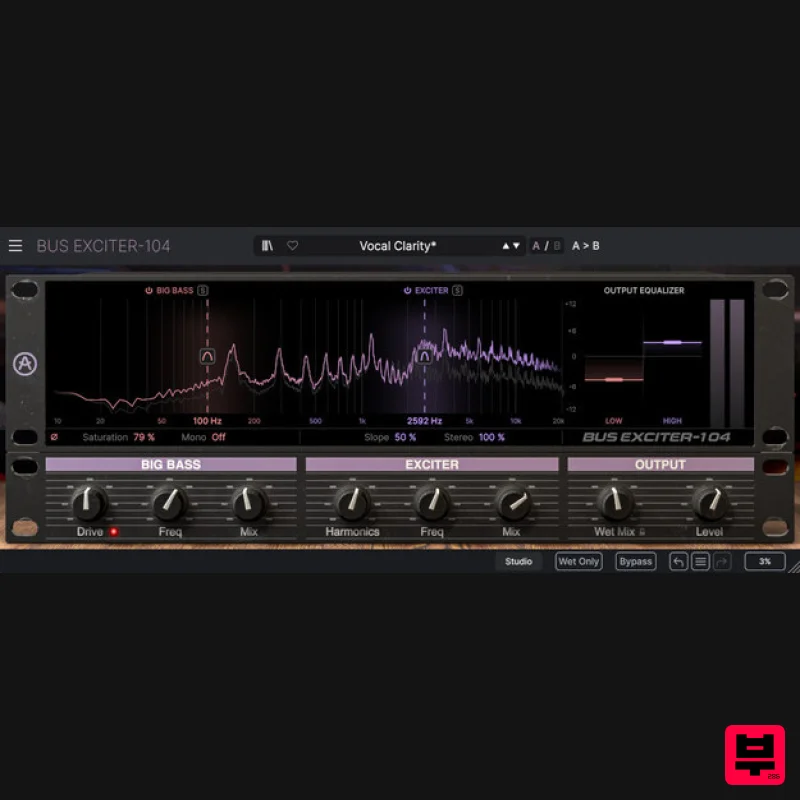
Arturia Bus EXCITER-104
Exciter
$104
Bus Exciter-104 recreates the classic audio signal enhancer, inviting you to beef up your kicks, add vocal presence and...
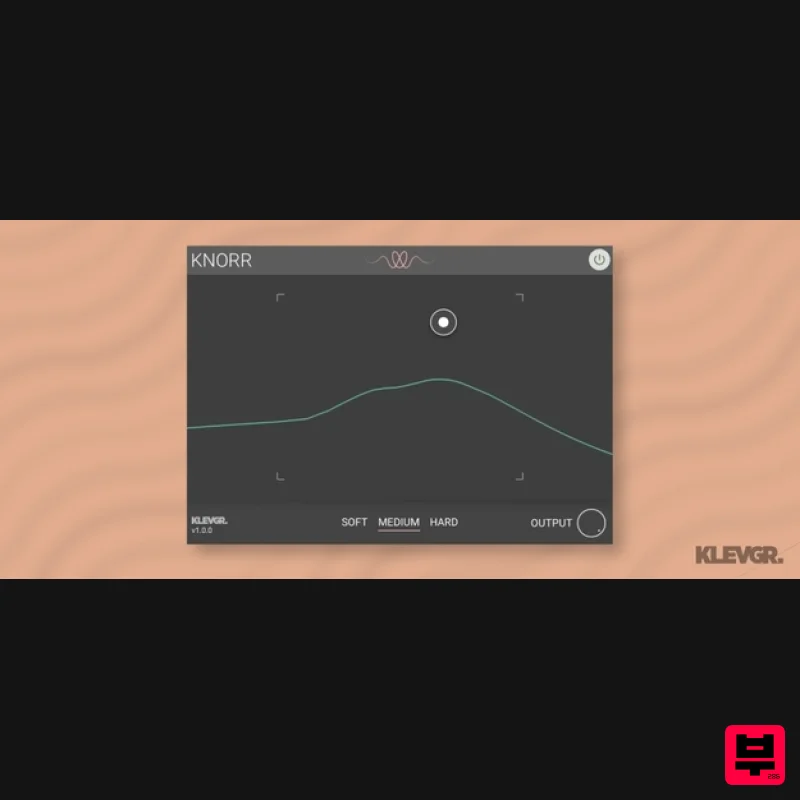
Klevgrand Knorr
Exciter
$28
Bass Vitalizer Wake up your low end Knorr is a plugin that adds intensity and edge to a monophonic low-frequency audio...
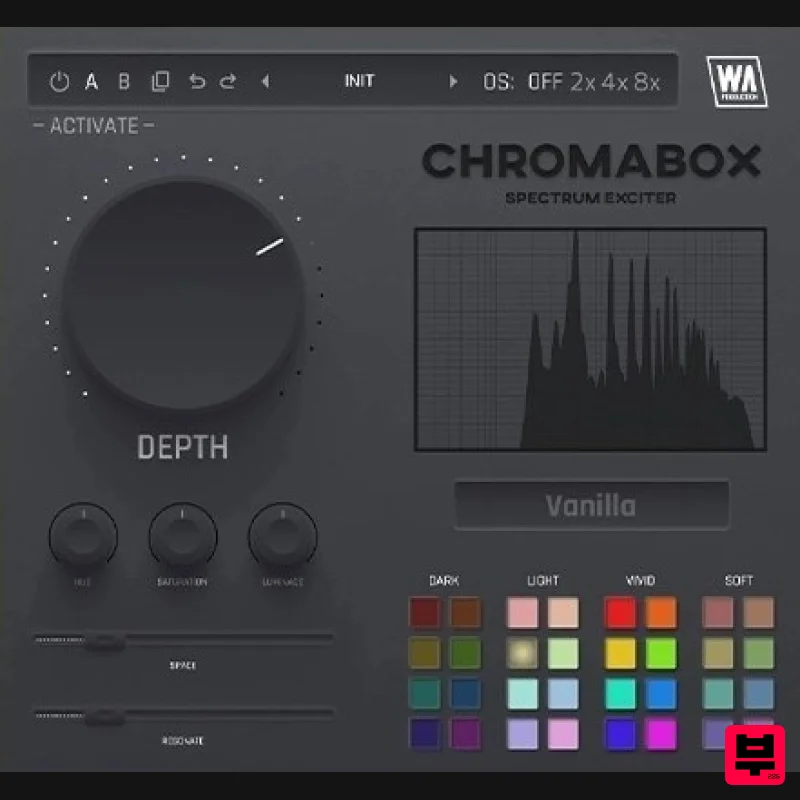
W. A. Production ChromaBox
Exciter
$13
Spectrum Exciter Have you ever had one of those moments where you just want to click a button and hear your sound come...
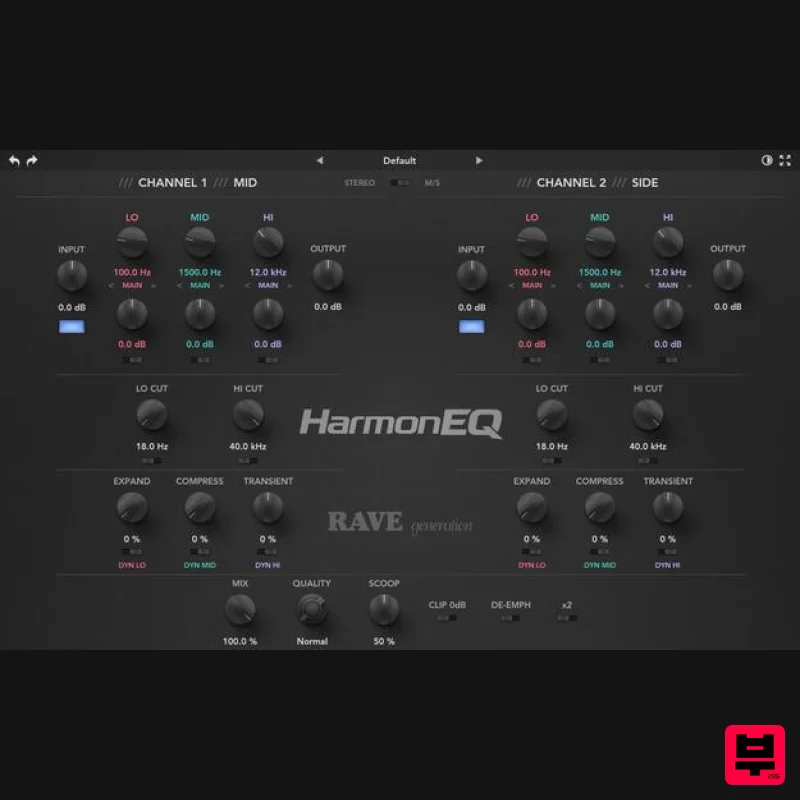
Rave Generation HarmonEQ
Exciter
$52
HarmonEQ is a harmonic exciter EQ plugin that adds musical harmonics and saturation to your audio. Unlike traditional...
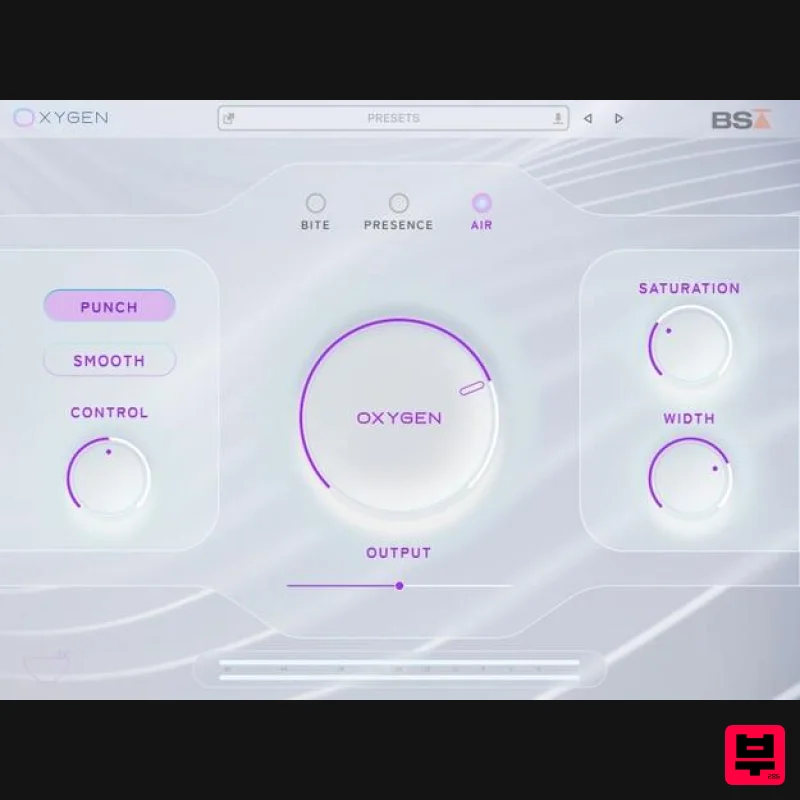
Black Salt Audio Oxygen
Exciter
$89
Breathe Life Into Your Mix Silky Top End Without The Harshness Oxygen uses a unique process to control & enhance the...
Frequently Asked Questions
The Audiority Harmonic Maximizer stands out for its exceptional Audiority craftsmanship and innovative design.
Yes! With its affordable price point and quality construction, it's perfect for learning exciter.
Browse the similar products section to see how it stacks up against other exciter.

