
Audiority Flanger 117
Professional music gear - detailed information and where to buy
Product Description
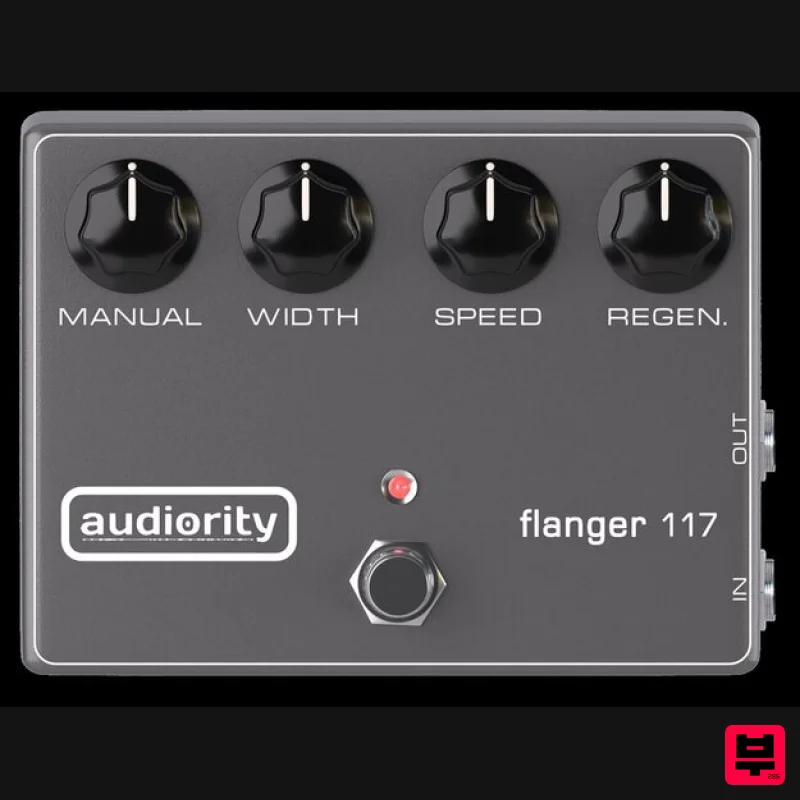
- Flanger 117 is a flanger plugin based on the MXR® M117 Flanger
- one of the most widely used flanger pedals from the 1970s. Known for its rich modulation
- deep sweeps
- and analog warmth
- the M117 became a favorite among guitarists and producers. This plugin accurately reproduces the sound and behavior of the original unit while expanding its capabilities with modern features like Through-Zero Flanging
- Negative Feedback
- Stereo Spread
- and more. Whether you're working with guitars
- synths
- bass
- vocals
- or drums
- Flanger 117 delivers the depth
- warmth
- and character of an actual analog flanger pedal. Features BBD Analog Flanger simulation Manual
- Width
- Speed and Regen controls Tempo Sync Negative Feedback Through-Zero Flanging Stereo Spread Dynamic Flanging via Envelope Follower Feedback Loop Drive Mix control Resizable interface System Requirements PC Windows 7 or later (64-bit only) Intel i5 or higher 2GB RAM Screen Resolution - 1024×768 VST2
- VST3
- AAX (64-bit host) Please Note: AAX Format requires Pro Tools 11 or higher. Intel Mac Mac OS X 10.8 or later (64-bit only) Intel i5 or higher 2GB RAM Screen Resolution - 1024×768 VST2
- VST3
- AAX (64-bit host) Please Note: AAX Format requires Pro Tools 11 or higher. Silicon Mac macOS 11 Big Sur or later (M1 Apple Silicon processor) (64-bit only) 2GB RAM Screen Resolution - 1024×768 VST2
- VST3
- AAX (64-bit host) Please Note: AAX Format requires Pro Tools 11 or higher. Note: LDC2 Compander is used as the example. Mac Registration 1. Visit https://www.audiority.com/register and enter your personal details > Click 'Register.' 2. Once logged in
- Click the 'Redeem' button at the top of the page and enter the redeem code
- found in your Plugin Boutique User Account > Click 'Submit'. 3. Click the 'My Plugins' button > Select the Mac Installer. 4. Locate the .dmg installer file from the 'Downloads' section of your computer
- and double-click it to begin the installation process > click ‘Continue.’ Installation 1. Open the .dmg file > Open the .pkg file to begin the installation. 2. Click 'Continue'. 3. Click 'Continue'. 4. Click 'Continue'. 5. Click 'Agree'. 6. Click 'Continue'. 7. Click 'Install'. 8. Enter your computer Username and Password > Click 'Install Software'. 9. Click 'Close'. Activation 1. Open the newly installed plugin in your DAW > Click 'Register Online'. 2. Enter your username and email address that you registered at Audiority > Click 'Login'. Your plugin is now activated and ready to use. Windows Registration 1. Visit https: //www.audiority.com/register and enter your personal details > Click 'Register.' 2. Once logged in
- Click the 'Redeem' button at the top of the page and enter the redeem code
- found in your Plugin Boutique User Account > Click 'Submit'. 3. Click the 'My Plugins' button > Select the Windows Installer. Installation 1. Double-click the installer to extract the contents > Double-click the .exe file to begin the installation. 2. Select 'I Accept the Agreement' > Click 'Next'. 3. Click 'Next'. 4. Click 'Next'. 5. Click 'Next'. 6. Click 'Install'. 7. Click 'Finish'. Activation 1. Open the newly installed plugin in your DAW > Click 'Register Online'. 2. Enter your username and email address that you registered at Audiority > Click 'Login'. Your plugin is now activated and ready to use.
Additional Information
About the Audiority Flanger 117
The Audiority Flanger 117 represents excellent craftsmanship in the Flanger category.
Why Choose the Audiority Flanger 117?
- •Authentic Audiority craftsmanship and design
- •Versatile sound suitable for multiple musical genres
- •Professional build quality and reliable performance
- •Part of Audiority's respected Flanger lineup
Compare & Explore
Browse our complete selection of Audiority instruments or explore other Flanger options. Use our comparison tools to find the perfect match for your musical style and budget.
Similar Products
Arturia Flanger BL-20
Flanger
$104
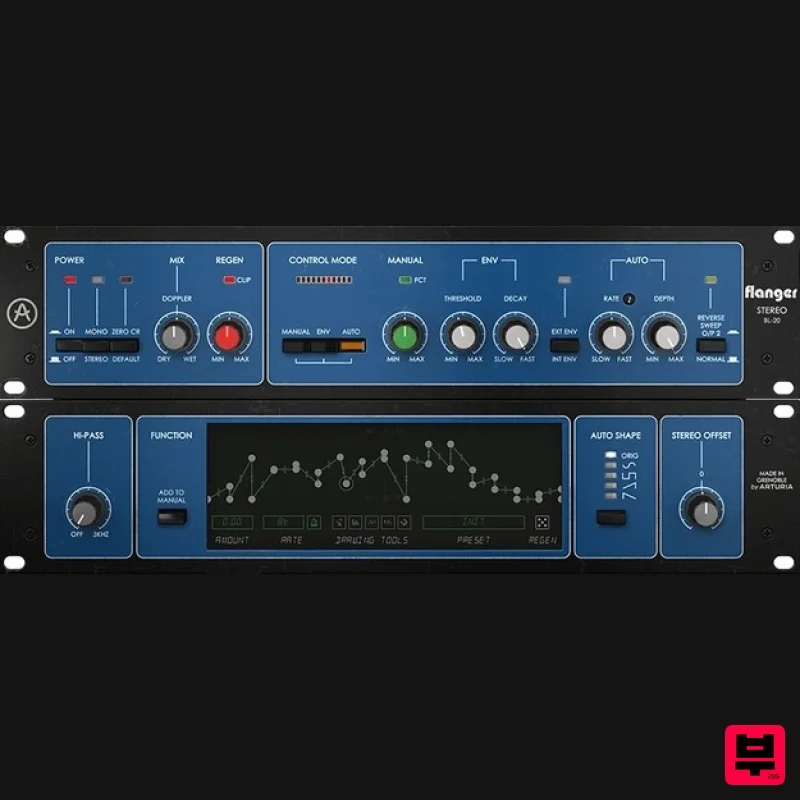
Advanced Modulation Powerhouse The flanger effect but not as you know it. Based on a beloved studio classic, Flanger...
Sinevibes Eternal v2
Flanger
$29
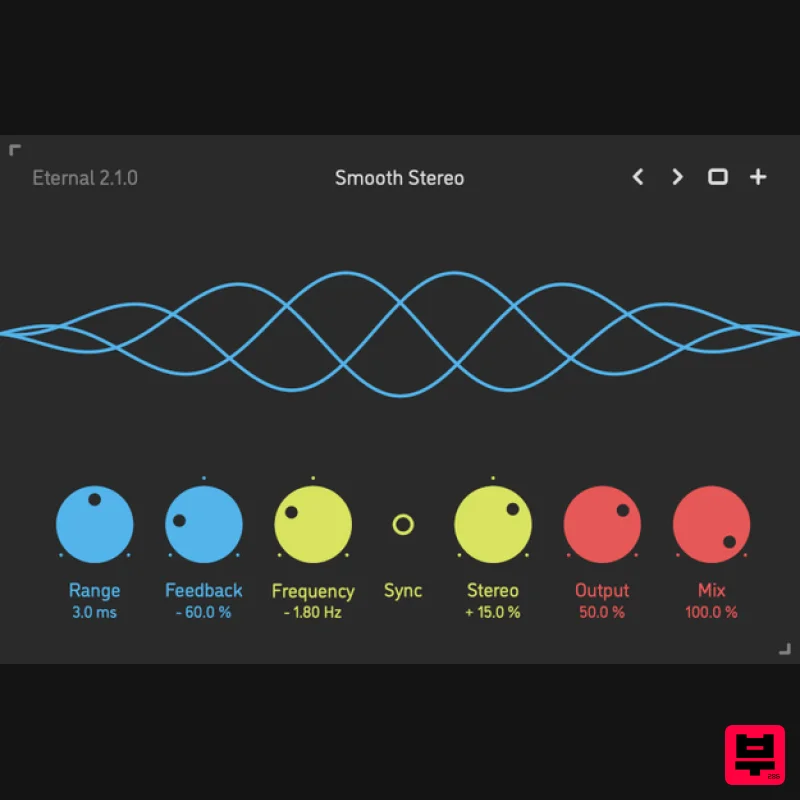
Barber-Pole Flanger Eternal by Sinevibes is a barber-pole flanger effect. Unlike a traditional flanger which typically...
Plugin Alliance ADA Flanger
Flanger
$21
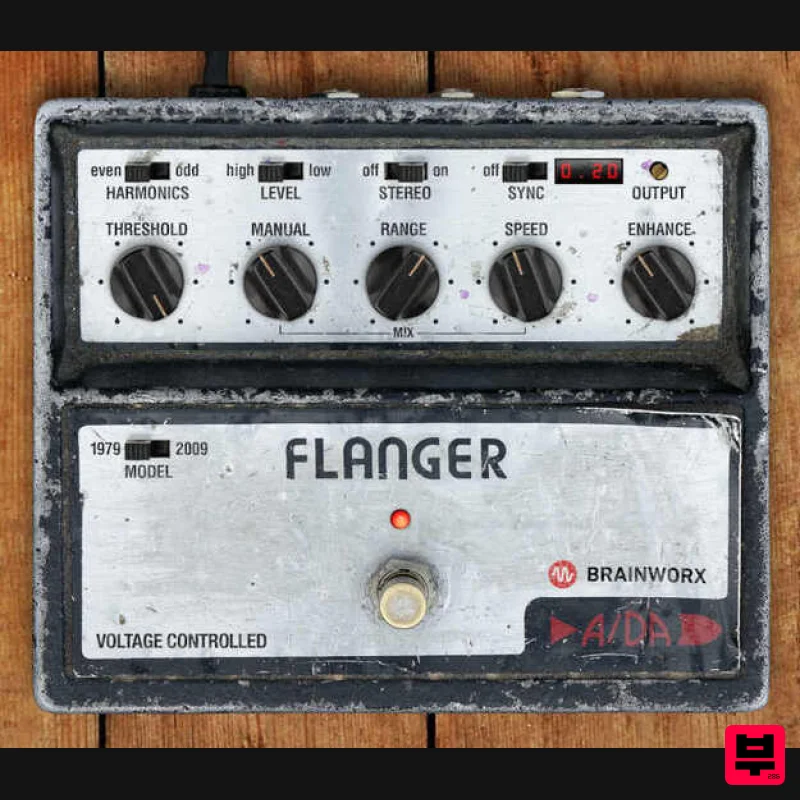
The Timeless Analog Flanging Hit Machine The Analog Flanger That Rules Them All With its rich and colorful tone, the...
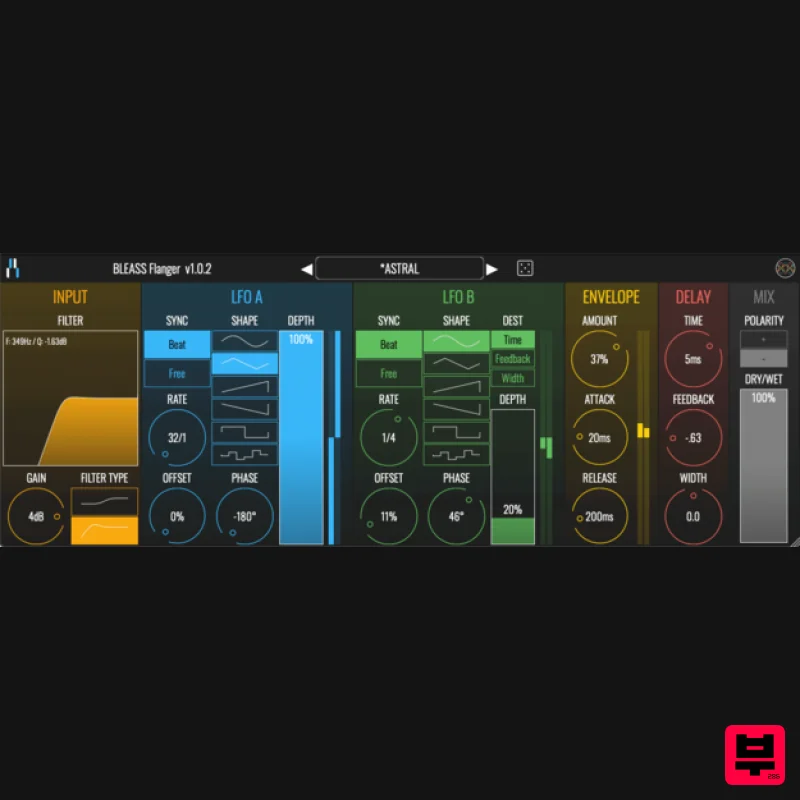
BLEASS BLEASS Flanger
Flanger
$21
Extensive Sonic Flanging BLEASS Flanger is a comprehensive flanging effect with a wide range of sonic possibilities...
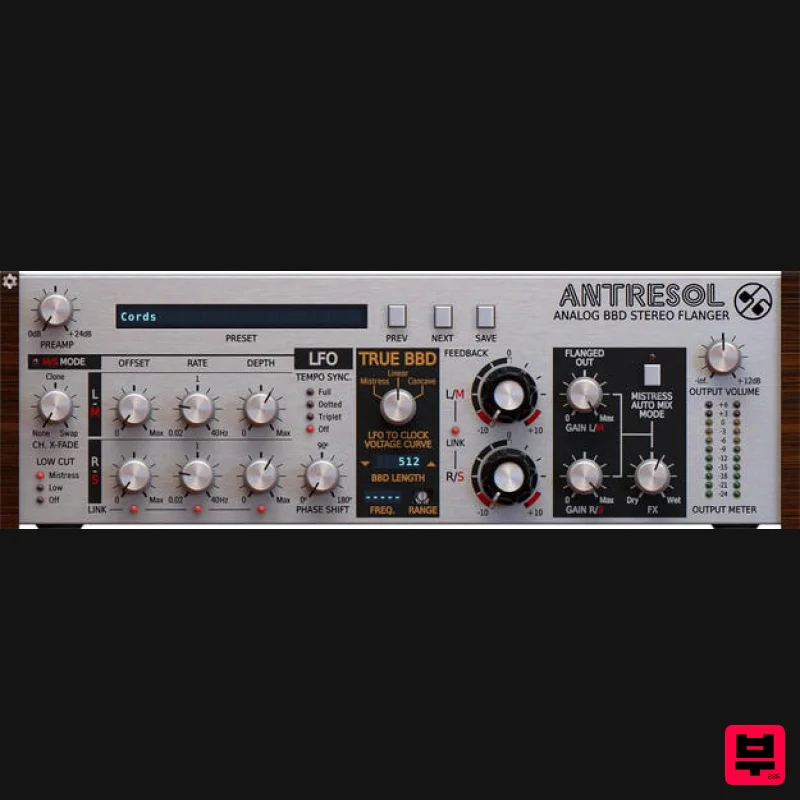
D16 Group Antresol
Flanger
$62
An Incarnation of an Iconic Stompbox you will Surely Appreciate A Legendary Flanger Resurrected In bringing the classic...
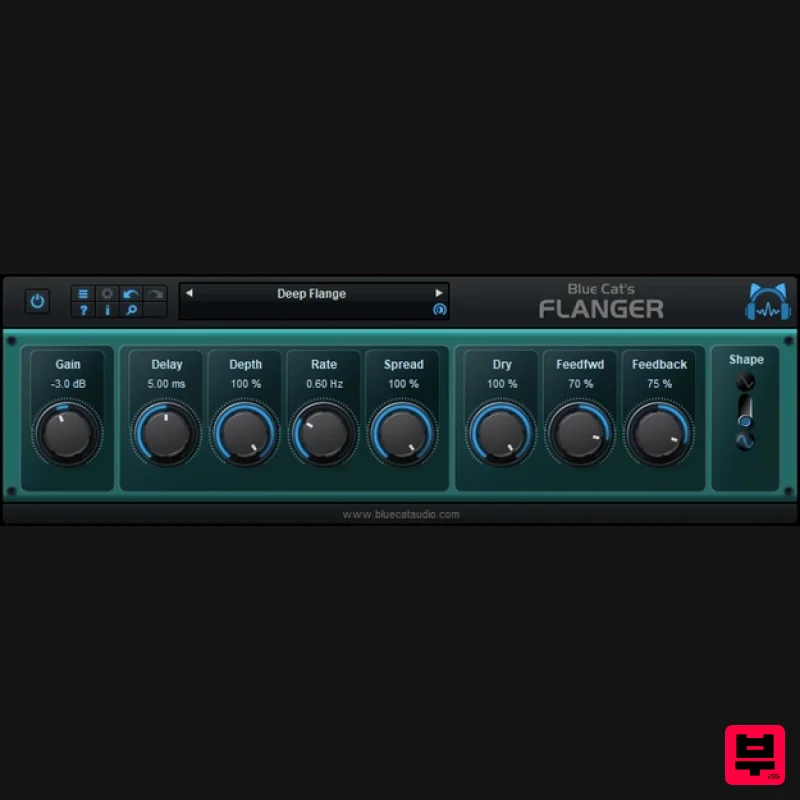
Blue Cat Audio Blue Cat's Flanger
Flanger
Free
Very famous during the '70s and '80s, the Flanger effect can be used on almost any audio track: on drums, voices synths...
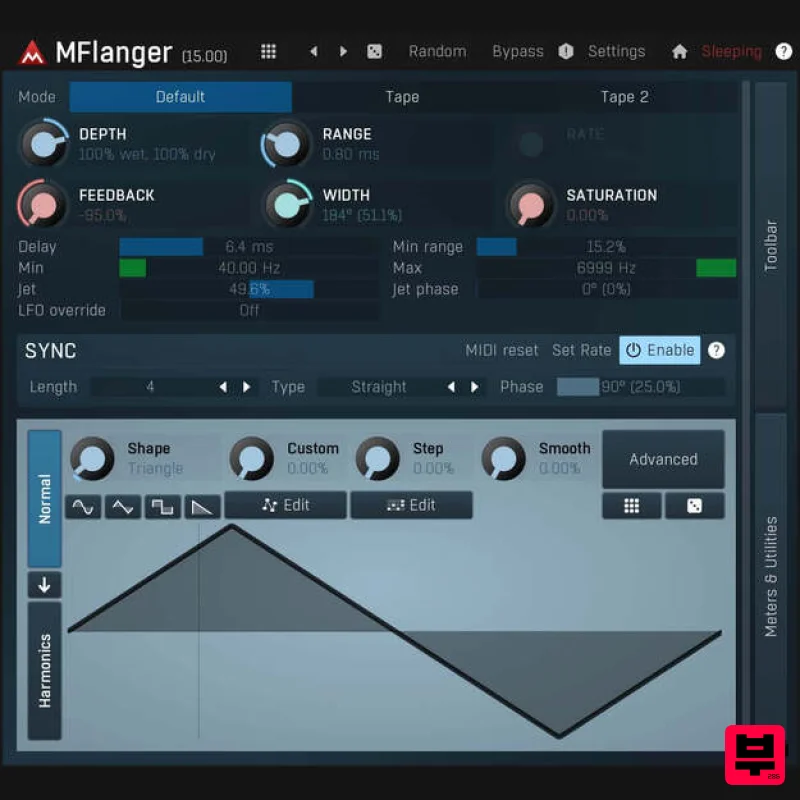
MeldaProduction MFlangerMB
Flanger
$51
MFlangerMB is a powerful multiband flanger that allows you to fully adjust its shape. Where other flangers end, this...
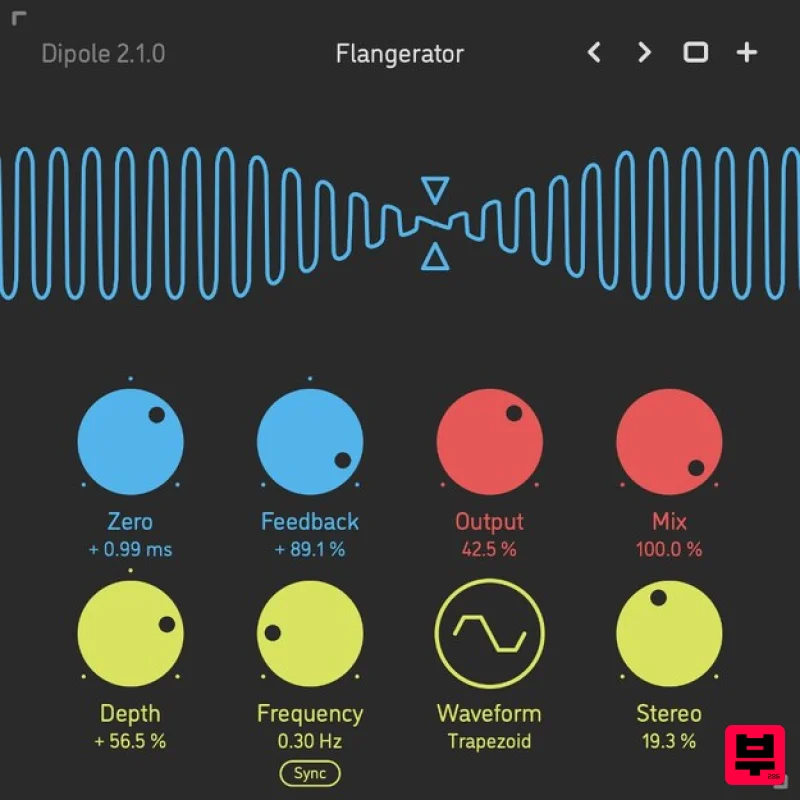
Sinevibes Dipole
Flanger
$29
Through-Zero Flanger Dipole is a through-zero flanger. It employs two delay lines with dual-mode feedback, and one of...
Frequently Asked Questions
The Audiority Flanger 117 stands out for its exceptional Audiority craftsmanship and innovative design.
Yes! With its affordable price point and quality construction, it's perfect for learning flanger.
Browse the similar products section to see how it stacks up against other flanger.

