
Audiority Blue Face
Professional music gear - detailed information and where to buy
Audiority
Blue Face
Product Info
* Prices may vary. Check retailer for current pricing and availability.
Product Description
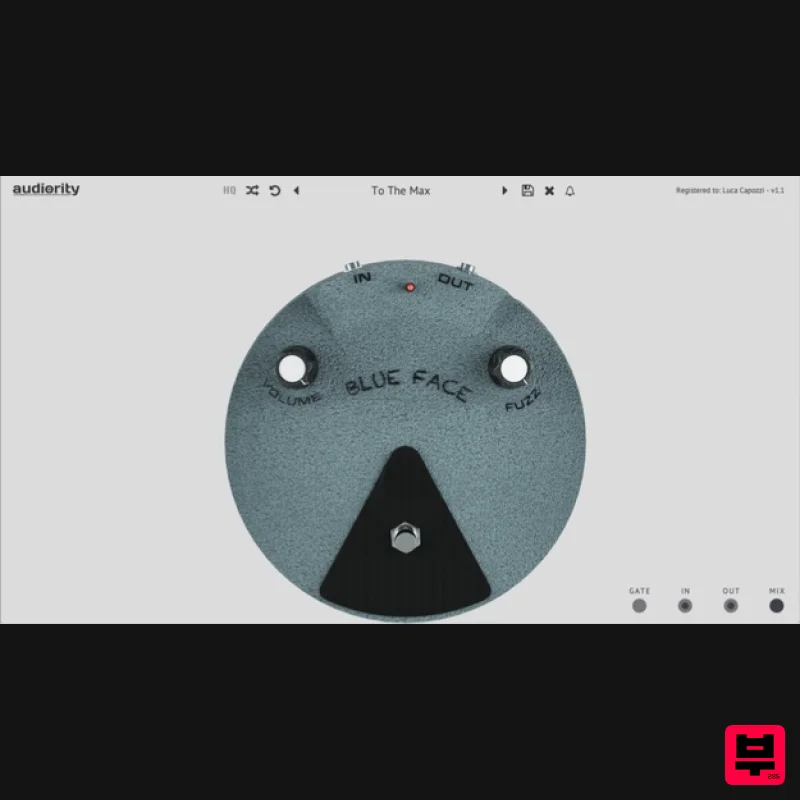
- Analog Modeled Vintage Fuzz Plugin. VST
- AU and AAX. Blue Face is an analog modeled simulation of a classic BC108 silicon vintage fuzz pedal made in the late ‘60s. Important note: This is not a physical product and is a music software plugin for online download only. This is one of the best-known fuzz pedals ever made
- used to fully blast amplifiers tube stages. We modified the original circuit to get more bite even at minimum settings. Features Independent Volume and Fuzz controls Pre and Post effect gain Mix control Resizable interface System Requirements PC Windows 7 or later (64-bit only) Intel i5 or higher 2GB RAM Screen resolution: 1024×768 VST2
- AAX 32-bit or 64-bit host MAC (Intel) OSX 10.13 or later (64-bit only) Intel i5 or higher 2GB RAM Screen resolution: 1024×768 VST2
- AU and AAX 64-bit host MAC (Silicon) macOS 11.0 or later (64-bit only) Apple M1 or higher 2GB RAM Screen resolution: 1024×768 VST2
- VST3
- AU 64-bit host PT11 or higher
- AAX 64-bit host Note: LDC2 Compander is used as the example. Mac Registration 1. Visit https://www.audiority.com/register and enter your personal details > Click 'Register.' 2. Once logged in
- Click the 'Redeem' button at the top of the page and enter the redeem code
- found in your Plugin Boutique User Account > Click 'Submit'. 3. Click the 'My Plugins' button > Select the Mac Installer. 4. Locate the .dmg installer file from the 'Downloads' section of your computer
- and double-click it to begin the installation process > click ‘Continue.’ Installation 1. Open the .dmg file > Open the .pkg file to begin the installation. 2. Click 'Continue'. 3. Click 'Continue'. 4. Click 'Continue'. 5. Click 'Agree'. 6. Click 'Continue'. 7. Click 'Install'. 8. Enter your computer Username and Password > Click 'Install Software'. 9. Click 'Close'. Activation 1. Open the newly installed plugin in your DAW > Click 'Register Online'. 2. Enter your username and email address that you registered at Audiority > Click 'Login'. Your plugin is now activated and ready to use. Windows Registration 1. Visit https: //www.audiority.com/register and enter your personal details > Click 'Register.' 2. Once logged in
- Click the 'Redeem' button at the top of the page and enter the redeem code
- found in your Plugin Boutique User Account > Click 'Submit'. 3. Click the 'My Plugins' button > Select the Windows Installer. Installation 1. Double-click the installer to extract the contents > Double-click the .exe file to begin the installation. 2. Select 'I Accept the Agreement' > Click 'Next'. 3. Click 'Next'. 4. Click 'Next'. 5. Click 'Next'. 6. Click 'Install'. 7. Click 'Finish'. Activation 1. Open the newly installed plugin in your DAW > Click 'Register Online'. 2. Enter your username and email address that you registered at Audiority > Click 'Login'. Your plugin is now activated and ready to use.
Additional Information
About the Audiority Blue Face
Discover the distinctive sound and feel of the Audiority Blue Face, a standout choice among Distortion.
Why Choose the Audiority Blue Face?
- •Authentic Audiority craftsmanship and design
- •Versatile sound suitable for multiple musical genres
- •Professional build quality and reliable performance
- •Part of Audiority's respected Distortion lineup
Compare & Explore
Browse our complete selection of Audiority instruments or explore other Distortion options. Use our comparison tools to find the perfect match for your musical style and budget.
Similar Products
Soundspear Blowfish
Distortion
Mastering The Mix IGNITE
Distortion
Rave Generation Rave Distortion 2
Distortion
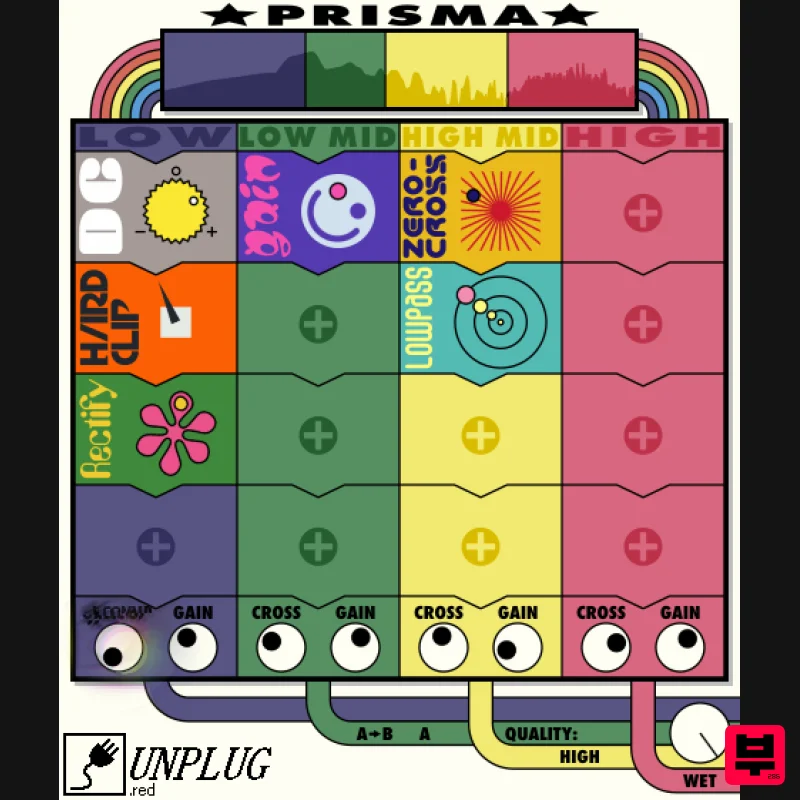
UnplugRed Prisma
Distortion
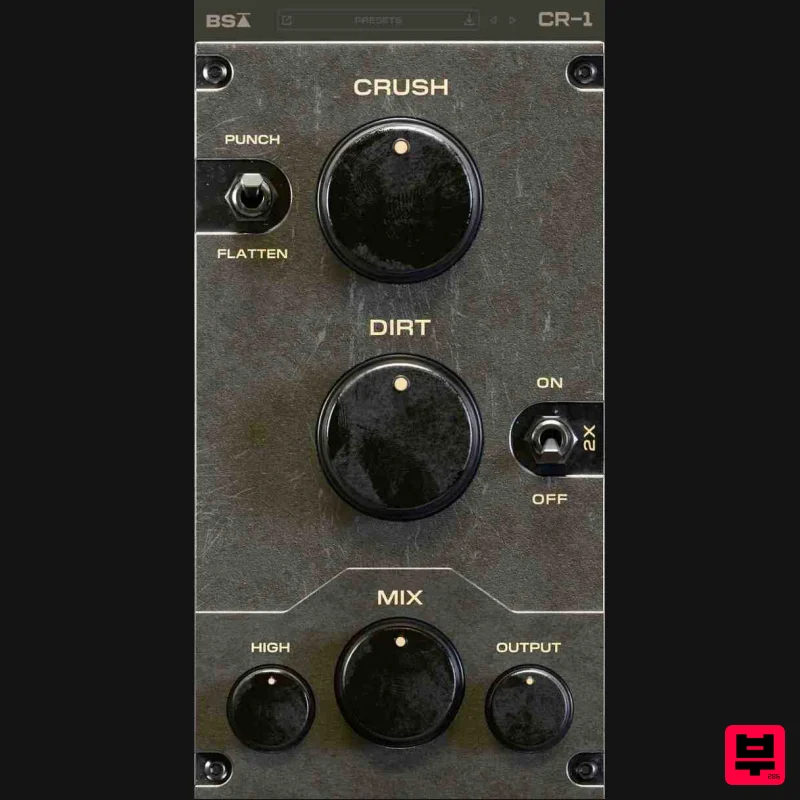
Black Salt Audio CR-1
Distortion
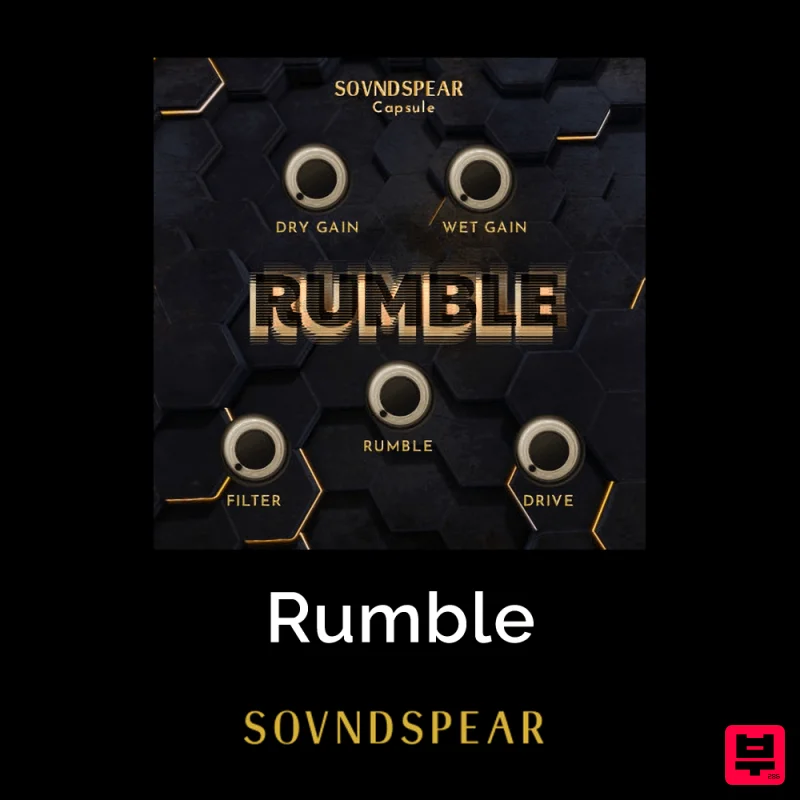
Soundspear Rumble
Distortion
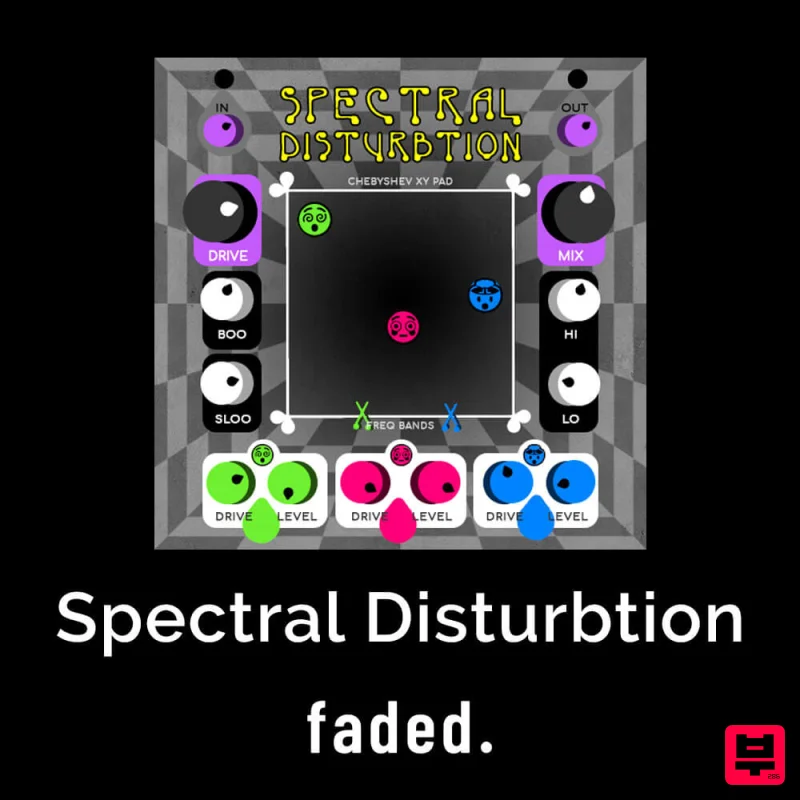
Faded Instruments Spectral Disturbtion
Distortion
Native Instruments Kolor
Distortion

