
Audiomodern Filterstep
Professional music gear - detailed information and where to buy
Audiomodern
Filterstep
Product Info
* Prices may vary. Check retailer for current pricing and availability.
Product Description
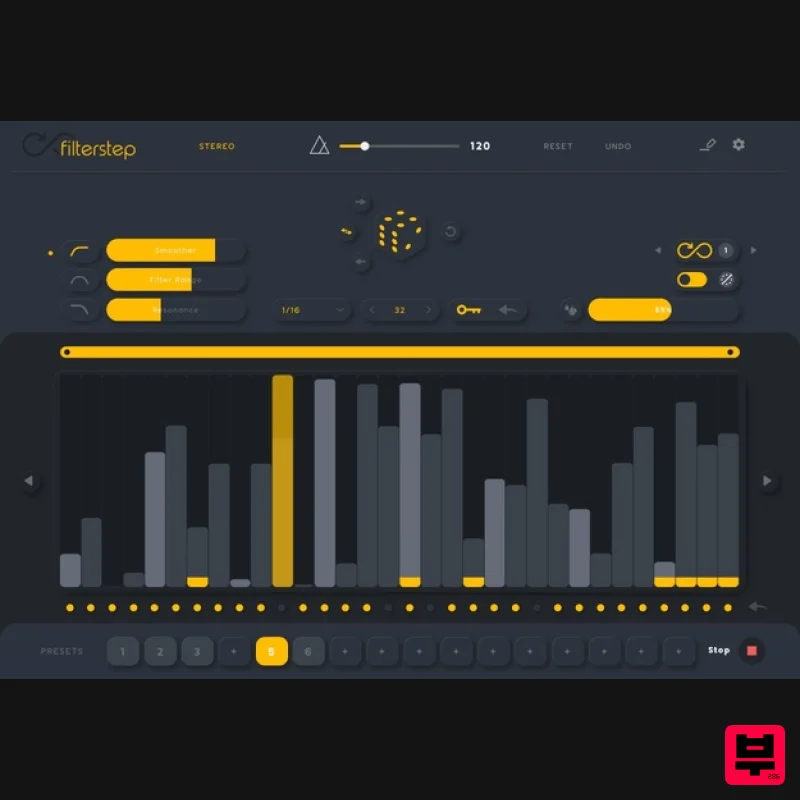
The Creative Motion Filter Shape Your Sound. Filterstep is a modern motion filter plugin which provides a great deal of potential for all kinds of intricate rhythmic movement. It can give you incredibly complex and nuanced results based on various filter effect settings, and almost infinite possibilities for sonic exploration and movement randomization. Filter. In Motion. Introduce contemporary character to your music. Craft Compelling Textures with Simple and intuitive parameter controls. Features VST/VST3/AU/AAX/Standalone Generate filter grooves in real-time Syncs to host tempo Wet/Dry mix control MIDI Controllable Infinity mode Quick load presets 64 & 32-bit compatible Instant/Tap bypass for live performance Quantization settings Motion selector Customizable sequence range Assign presets to quick-load section No two patterns will ever be the same System Requirements Mac OS X 10.12 or higher Windows 7 or higher At least 50 MB of free drive space Reliable internet connection for download delivery and product activation Awards MusicTech "A versatile and effective filter that deserves high praise." Note: Riffer is used as an example. Mac Installation 1. Download the .zip file from within your Plugin Boutique User Account and double-click it to extract the contents > Double-click the .pkg file to begin the installation. 2. Click 'Continue'. 3. Click 'Continue'. 4. Click 'Agree'. 5. Click 'Install'. 6. Enter your computer Username and Password > Click 'Install Software'. 7. Click 'Close'. 8. Open the installed software in your DAW. Your software is now ready to use! Windows Installation 1. Download the .zip file from within your Plugin Boutique User Account and double-click it to extract the contents > Double-click the .exe file to begin the installation. 2. Select 'I Accept the Agreement' > Click 'Next'. 3. Click 'Next'. 4. Click 'Next'. 5. Click 'Next'. 6. Click 'Next'. 7. Click 'Next'. 8. Click 'Install'. 9. Click 'Finish'. 10. Open the installed software in your DAW. Your software is now ready to use!
Additional Information
About the Audiomodern Filterstep
Discover the distinctive sound and feel of the Audiomodern Filterstep, a standout choice among Filter.
Why Choose the Audiomodern Filterstep?
- •Authentic Audiomodern craftsmanship and design
- •Versatile sound suitable for multiple musical genres
- •Professional build quality and reliable performance
- •Part of Audiomodern's respected Filter lineup
Compare & Explore
Browse our complete selection of Audiomodern instruments or explore other Filter options. Use our comparison tools to find the perfect match for your musical style and budget.
Similar Products

NoiseAsh Action Filter
Filter
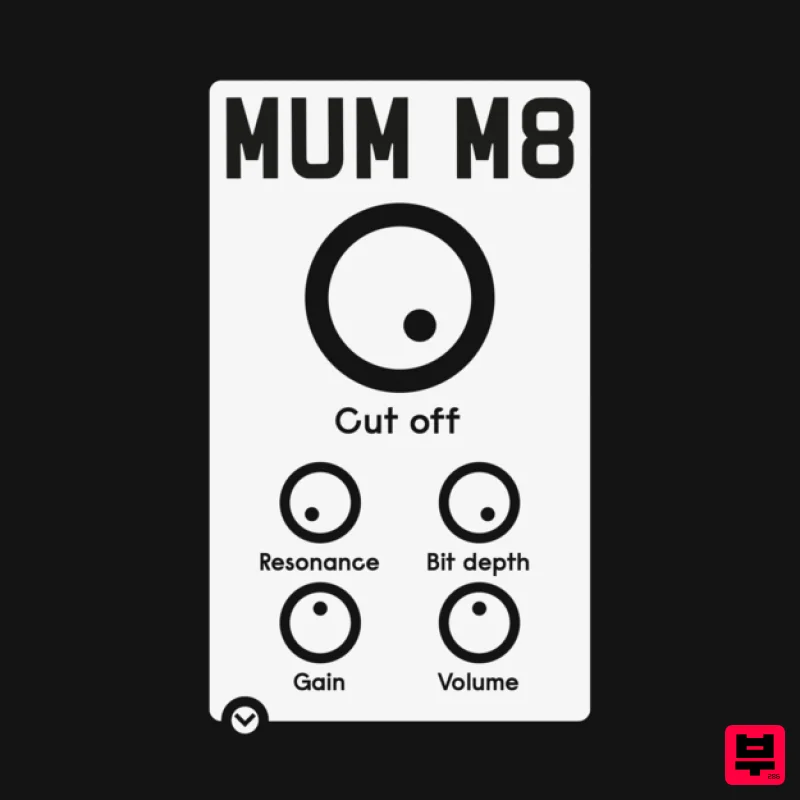
ALM / Busy Circuits MUM M8 DSP
Filter
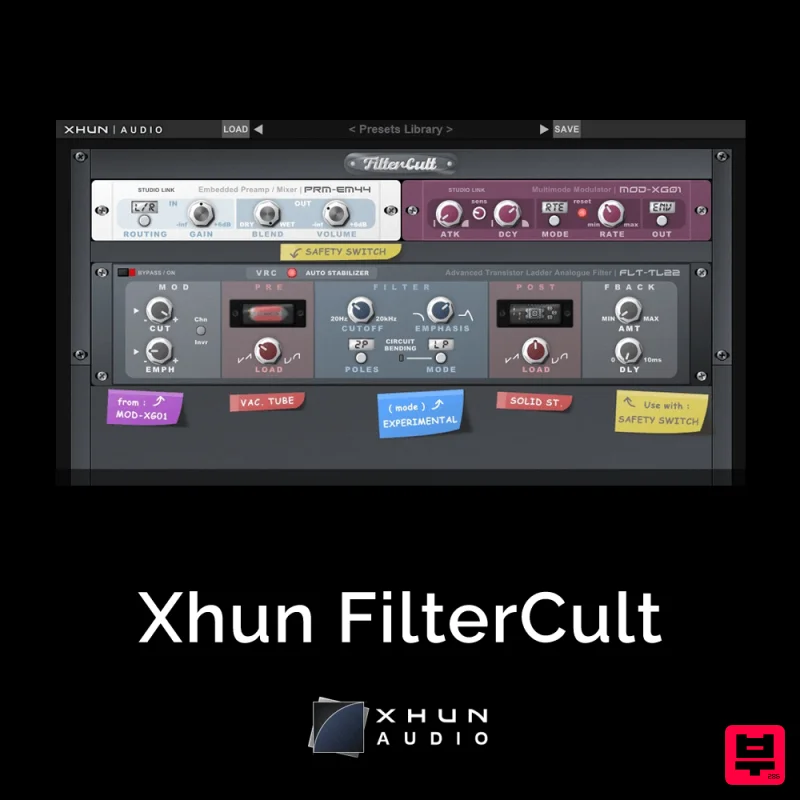
XHUN Audio Xhun FilterCult
Filter
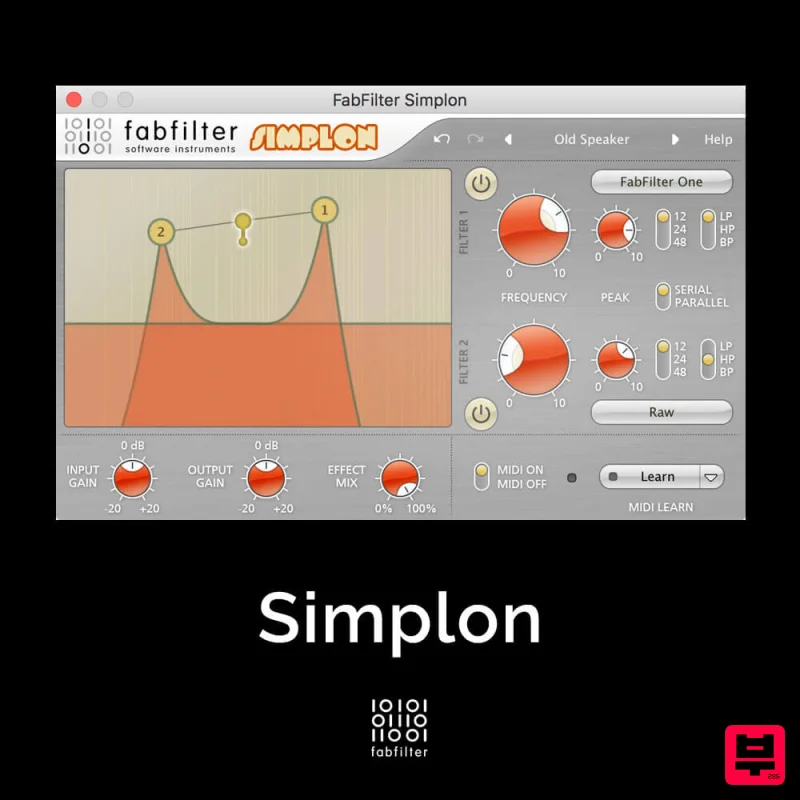
FabFilter Simplon
Filter
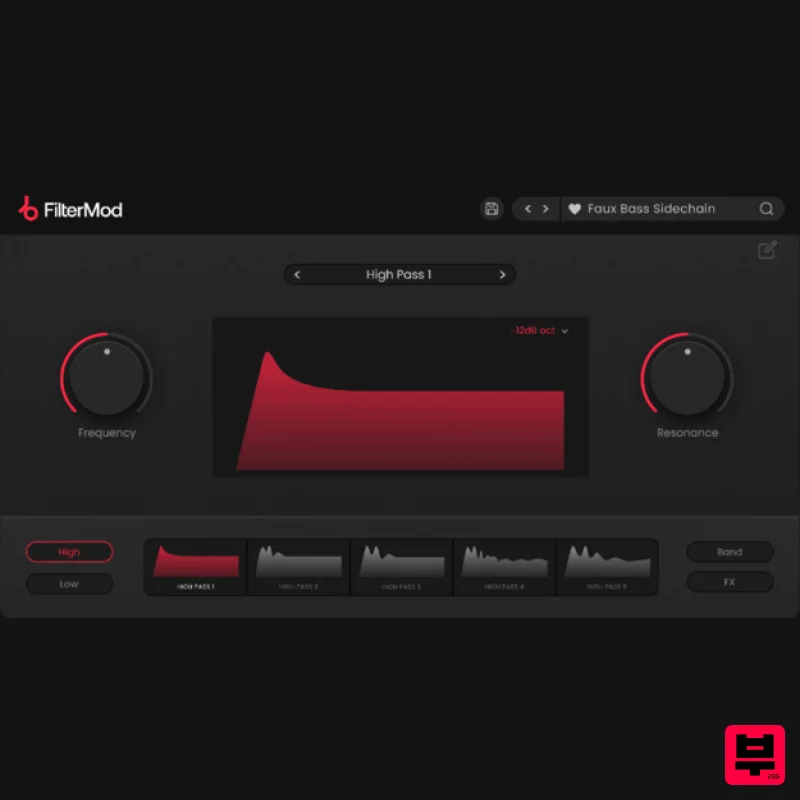
Plugin Boutique FilterMod
Filter
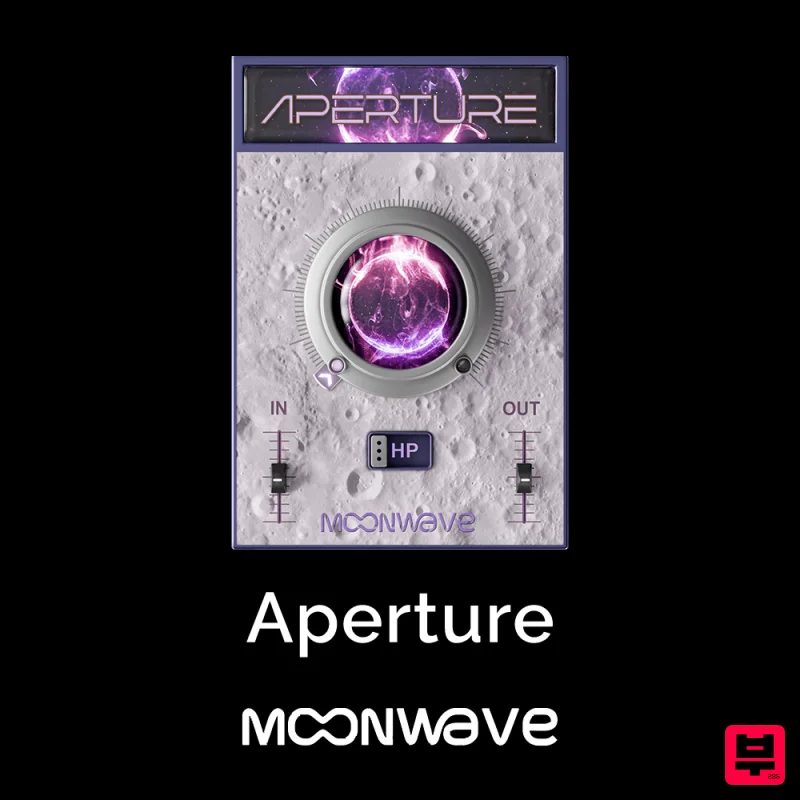
Moonwave Aperture
Filter
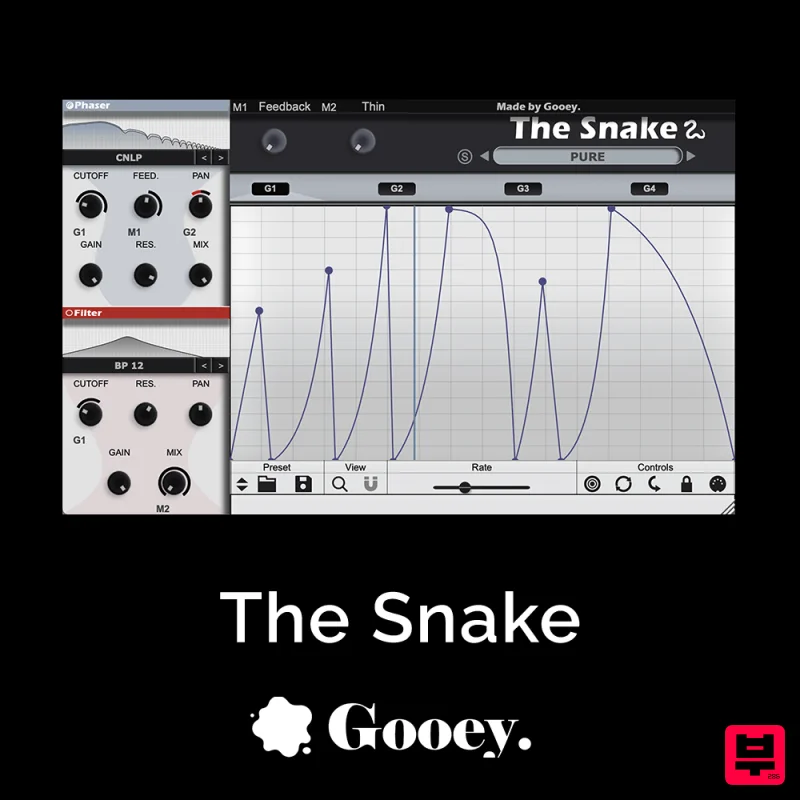
Gooey Audio The Snake
Filter

Red Sounds Modern Vox Engine
Filter

