
Audio TAIP
Professional music gear - detailed information and where to buy
Audio
TAIP
Product Info
* Prices may vary. Check retailer for current pricing and availability.
Product Description
- Warm Up Your Sound Tape recordings have a musical quality that digital mixes often lack. TAIP brings this quality into your DAW. It will add some authentic analogue heat to your tracks
- without the need to route any audio outside the box. Tape plugins are not a new concept. However
- this emulation method is. Instead of using traditional DSP
- Baby Audio has developed TAIP around an AI algorithm designed to decipher the invisible nuances of analogue circuits. The result is a truly faithful tape emulation that’s intuitive and creative in use – with some added features to accommodate a modern workflow. Use TAIP to bring a touch of warmth and glue to your tracks
- or ‘drive it like you hate it’ as an alternative to your distortion plugins. <iframe allow="accelerometer; autoplay; clipboard-write; encrypted-media; gyroscope; picture-in-picture; web-share" allowfullscreen="" frameborder="0" height="315" src="https: //www.youtube.com/embed/-1MkHotfxwg?si=cZrzl-jjIctCJIDe" title="YouTube video player" width="560"></iframe> Highlights AI-powered algorithm
- giving you the true warmth and behaviour of analogue tape. Flexible feature set
- allowing you to create a custom ‘tape flavour’ for any need. Use TAIP to add musical saturation and glue to drums
- instruments
- vocals
- and beyond. TAIP is Baby Audio's creation of the ideal ‘Tape Machine’ for the DAW-era
- combining an authentic vintage sound with a modern feature set. Its parameters will let you customize the right tape flavour for any need. Putting the 'AI' in TAIP ‘AI’ is an overused - and often misused - term. But Baby Audio believe it’s the future of music technology. It just needs to be used genuinely and with a legitimate purpose. For a hardware emulation project like TAIP
- AI offers an alternative - and in Baby Audio's opinion more faithful - approach over the traditional DSP method. Where a normal DSP emulation would entail ‘guesstimating’ the effect of various analogue components and their mutual dependencies
- TAIP can use AI / neural networks to accurately decipher the sonic qualities that make a tape machine sound and behave in the way it does. This happens by feeding an algorithm various training data of dry vs. processed audio and teaching it to identify the exact characteristics that make up the difference. Once these differences have been learned by the AI
- TAIP can apply them to new audio. This process may sound overly digital for a plugin that brings an analogue sound. But the reality is that ‘analogue’ and ‘digital’ are two fundamentally different domains. To get a computer to behave (or sound!) in a certain way
- it helps to think like it does. Re-creating an ‘analogue-style’ signal path in DSP is thinking about the problem like a human. The AI approach helps to solve the problem like a machine would – for a more faithful emulation. Presets TAIP comes loaded with 135 presets created by friends of Baby Audio - including: Mark Needham (Fleetwood Mac
- The Killers
- Bloc Party
- Elton John) Max Jaeger (Ariana Grande
- Kanye West
- Drake
- Calvin Harris) Eestbound (Travis Scott
- Young Thug
- Jazz Cartier) Rob Kleiner (Sia
- Britney Spears
- David Guetta
- Cee Lo) Cesar Sogbe (Prince
- David Byrne
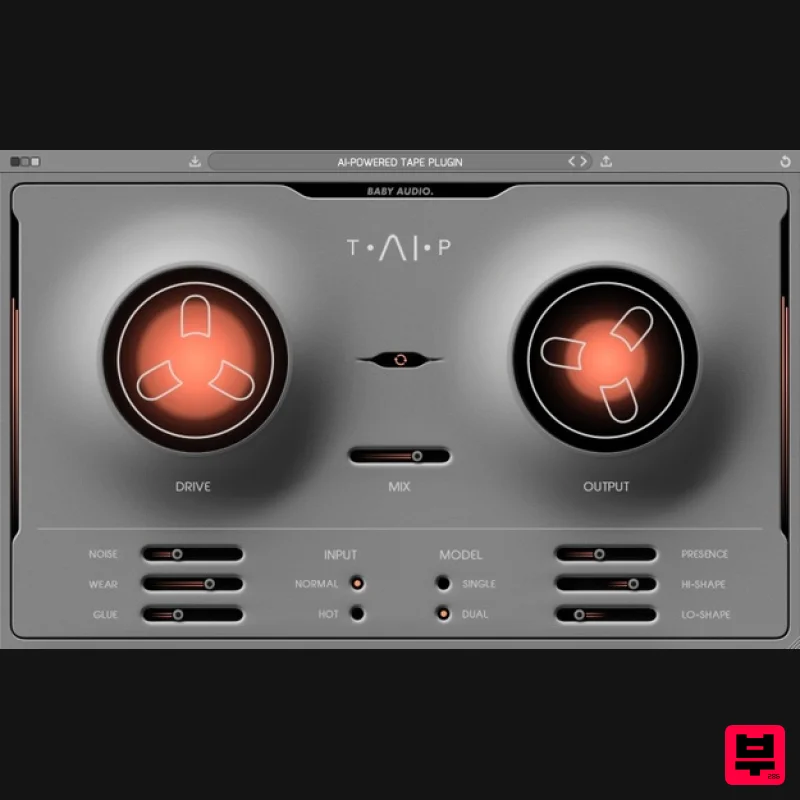
- Jennifer Lopez) Display Options Switch between three backgrounds (Black / Gray / White) Plugin window fully resizable Features DRIVE: Traditionally
- tape machines were designed to colour the sound as little as possible. TAIP is not. You can use the DRIVE knob to add just as much colour as you need - from a subtle touch of heat to heavy distortion. MIX/TAPE FLANGING: MIX lets you run your tape in parallel. You can combine MIX and WEAR to get a classic ‘tape flanging’ effect. This is caused by the wow and flutter of WEAR running in parallel with the dry track. MODEL: While SINGLE is a regular tape emulation
- DUAL creates a series of two tape emulations chained together under the hood
- each applying half of the DRIVE value. This will add slightly more weight to your signal. LO-SHAPE / HI-SHAPE: These sliders let you saturate the low/high end more or less than the rest of the frequency spectrum. (Example: Warm up a drum bus without distorting the low frequencies). GLUE: Tape machines are known to introduce a pleasing compression-like effect due to their low dynamic range. TAIP lets you add this effect – or even exaggerate it. Use GLUE for subtle cohesion or as an actual compressor. NOISE: Let's you add tape noise to taste – or avoid it altogether. WEAR: Combines wow
- flutter
- and an altered frequency response curve to emulate a worn-out tape machine. PRESENCE: Part of the tape warmth comes from an attenuated high-end. PRESENCE allows you to decide how much of that attenuation you want. It can bring back the brightness that is sometimes lost on tape. INPUT: Choose between NORMAL or HOT (more distorted) input levels without affecting the output volume. AUTO GAIN: Allows you to add more DRIVE while keeping a consistent plugin output level. System Requirements Mac Mac OS X 10.7 or later (64-bit only) Intel or M1 Apple Silicon Processor (Native compatibility) Formats: AU
- VST3 & AAX Compatible DAWS: Ableton Live
- Pro Tools
- Logic Pro
- FL Studio
- Cubase
- Nuendo
- Reaper
- Reason and any other major DAW software on the market Windows Windows 7 or later (32 / 64-bit) Formats: VST
- VST3 & AAX Compatible DAWS: Ableton Live
- Pro Tools
- FL Studio
- Cubase
- Nuendo
- Reaper
- Reason and any other major DAW software on the market Please Note: An internet connection is required to authorise this software. Cesar Sogbe "I've been kidnapped by this plugin! It can be subtle when adding color and depth and I totally love the fact that I can severely mutilate
- disfigure and mangle a sound if I choose to. I'm a big fan!" Neenah "It's easy to work with and the sound feels very intuitive; I always quickly get to where I want to go with it." Eestbound "I Love the sound of tape. It's one of those things that can breathe life into any source. TAIP is an amazing option
- but the Lo-Shaper slider on the plugin makes this a game-changer for me." Please Note: Comeback Kid is used as the example. macOS: Installation 1. Download the installer from within your Plugin Boutique User Account and open the .pkg file to begin the installation > Click 'Continue'. 2. Click 'Continue'. 3. Click 'Agree'. 4. Click 'Install'. 5. Enter your computer Username and Password > Click 'Install Software'. 6. Click 'Close'. Activation 1. Open the plugin within your DAW. 2. Enter the serial number
- found within your Plugin Boutique User Account > In order to proceed
- click the green button next to the box containing your serial number. 3. Click anywhere on the plugin interface to continue. Your software is now installed and ready to use within your DAW. Windows: Installation 1. Download the installer from within your Plugin Boutique User Account and double-click it to extract the contents > Open the .exe file to begin the installation. 2. Select 'I accept the agreement' > Click 'Next'. 3. Click 'Next'. 4. Click 'Next'. 5. Click 'Next'. 6. Click 'Next'. 7. Click 'Install'. 8. Click 'Finish'. Activation 1. Open the plugin within your DAW. 2. Enter the serial number
- found within your Plugin Boutique User Account > In order to proceed
- click the green button next to the box containing your serial number. 3. Click anywhere on the plugin interface to continue. Your software is now installed and ready to use within your DAW.
Additional Information
About the Audio TAIP
Discover the distinctive sound and feel of the Audio TAIP, a standout choice among Tape Emulation.
Why Choose the Audio TAIP?
- •Authentic Audio craftsmanship and design
- •Versatile sound suitable for multiple musical genres
- •Professional build quality and reliable performance
- •Part of Audio's respected Tape Emulation lineup
Compare & Explore
Browse our complete selection of Audio instruments or explore other Tape Emulation options. Use our comparison tools to find the perfect match for your musical style and budget.
Similar Products
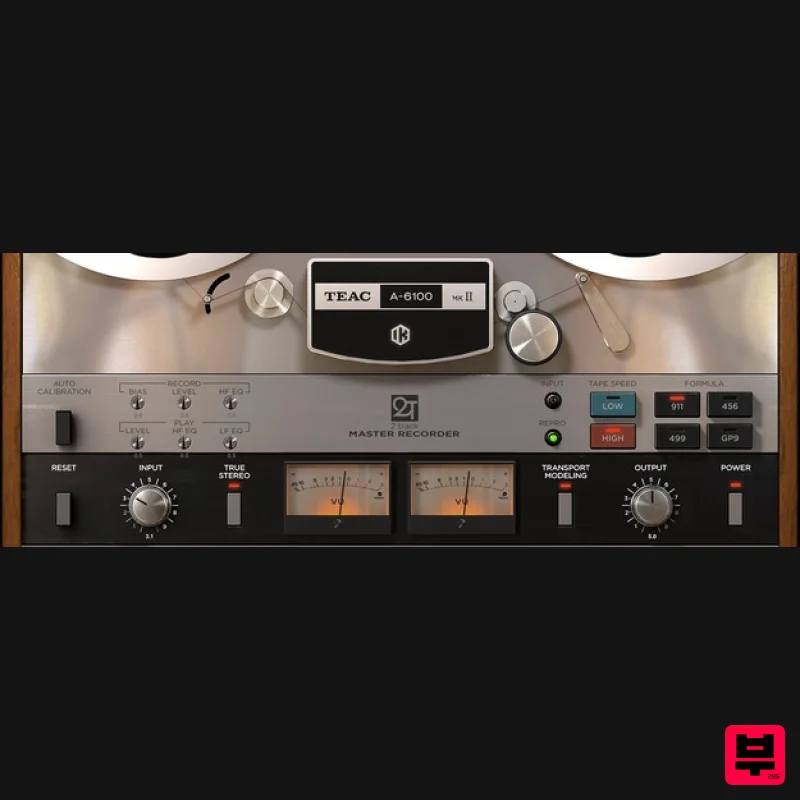
IK Multimedia TEAC A-6100 MKII
Tape Emulation
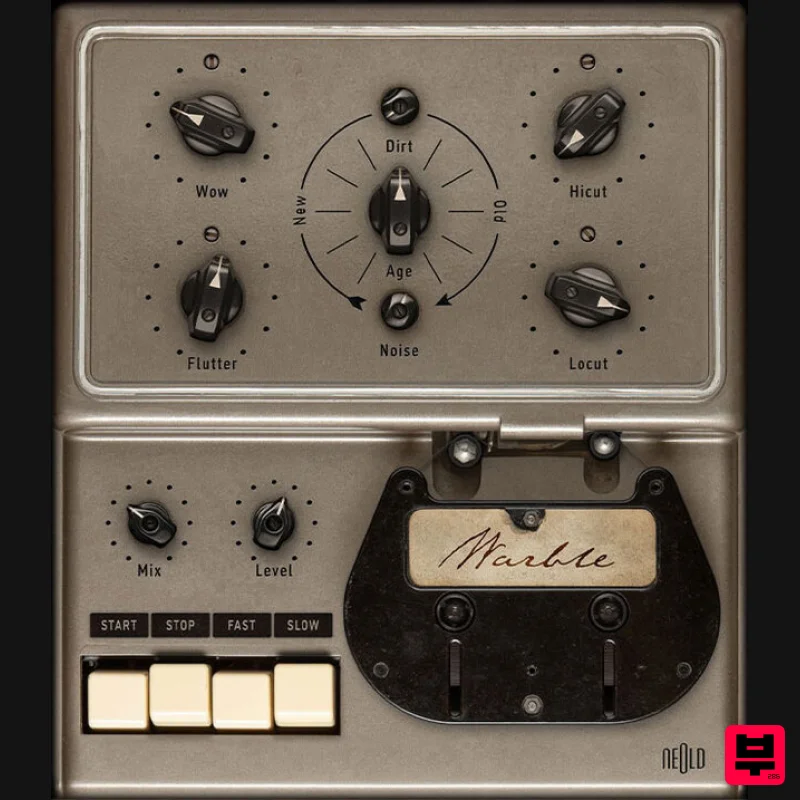
Plugin Alliance NEOLD WARBLE
Tape Emulation
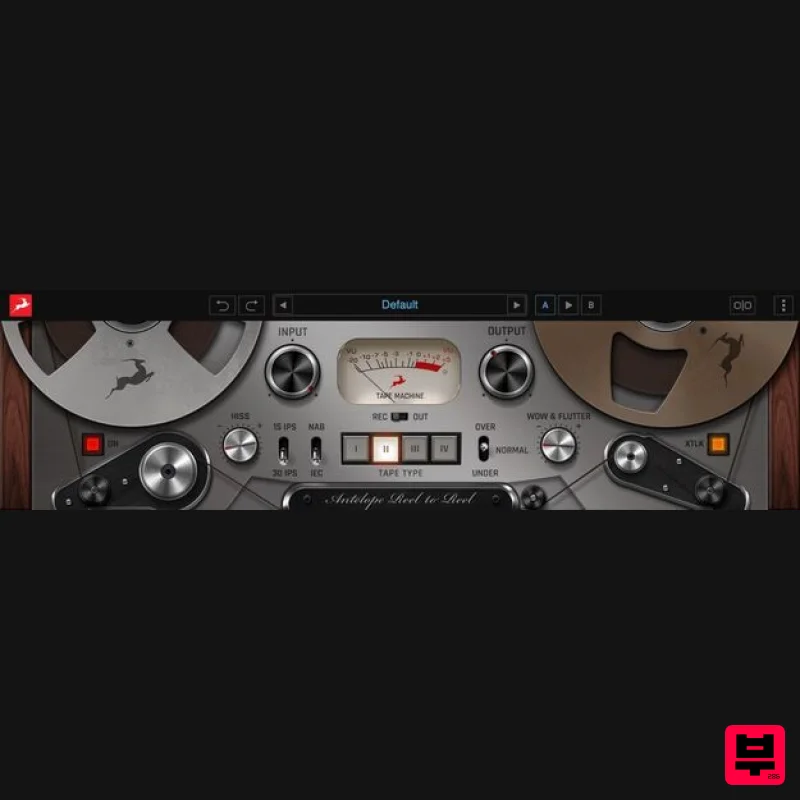
Antelope Audio Reel-To-Reel
Tape Emulation
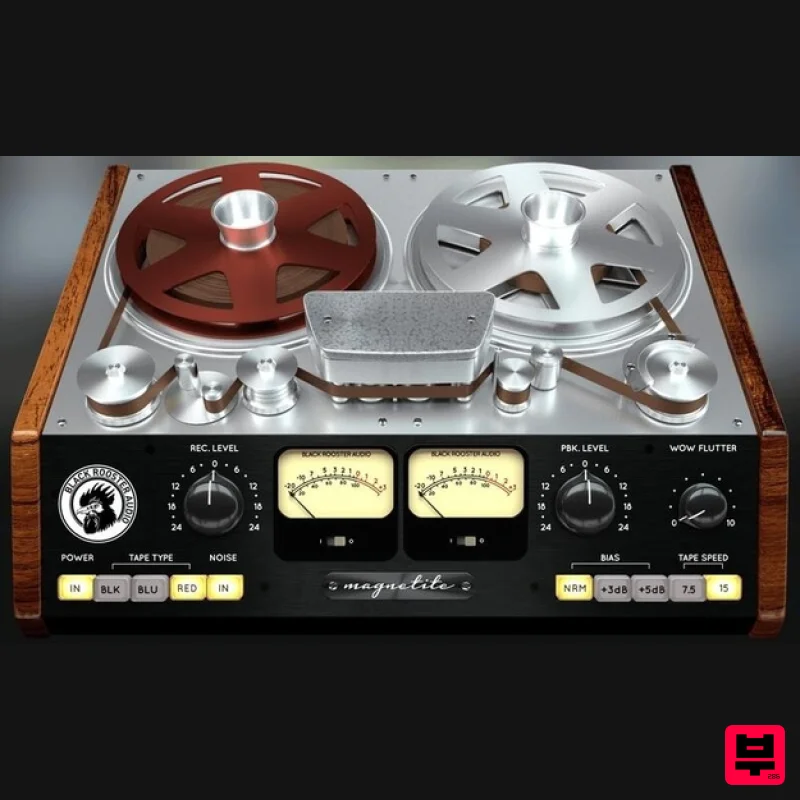
Black Rooster Audio Magnetite
Tape Emulation
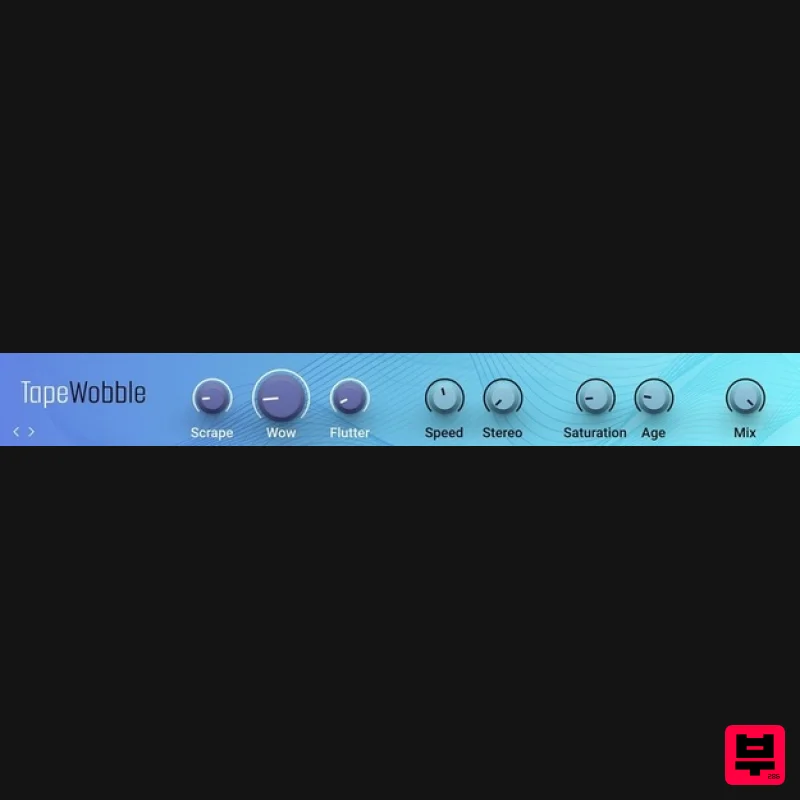
Native Instruments Tape Wobble
Tape Emulation
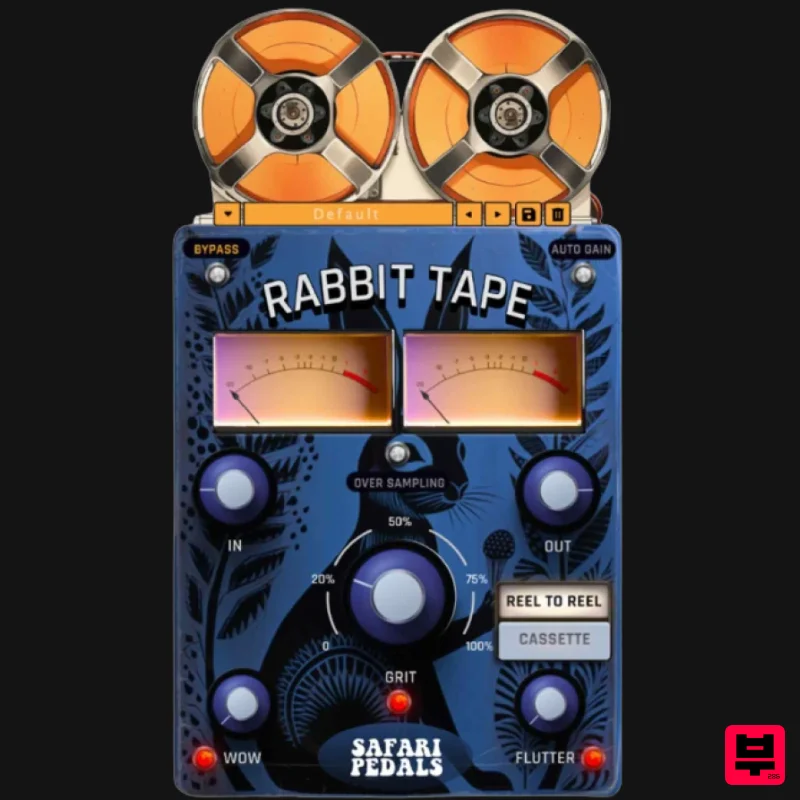
Safari Audio Rabbit Tape
Tape Emulation
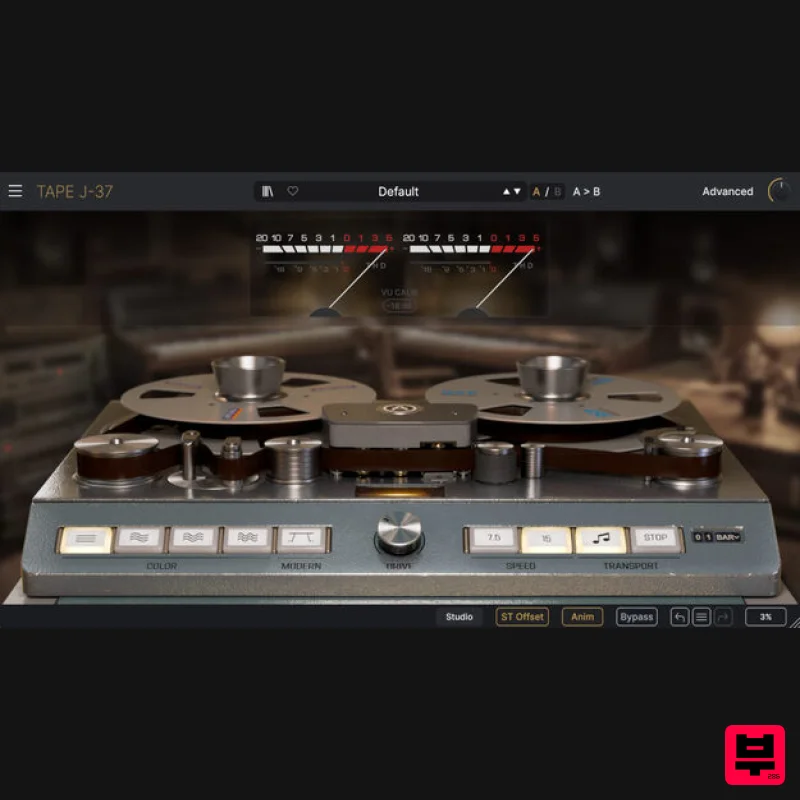
Arturia Tape J-37
Tape Emulation
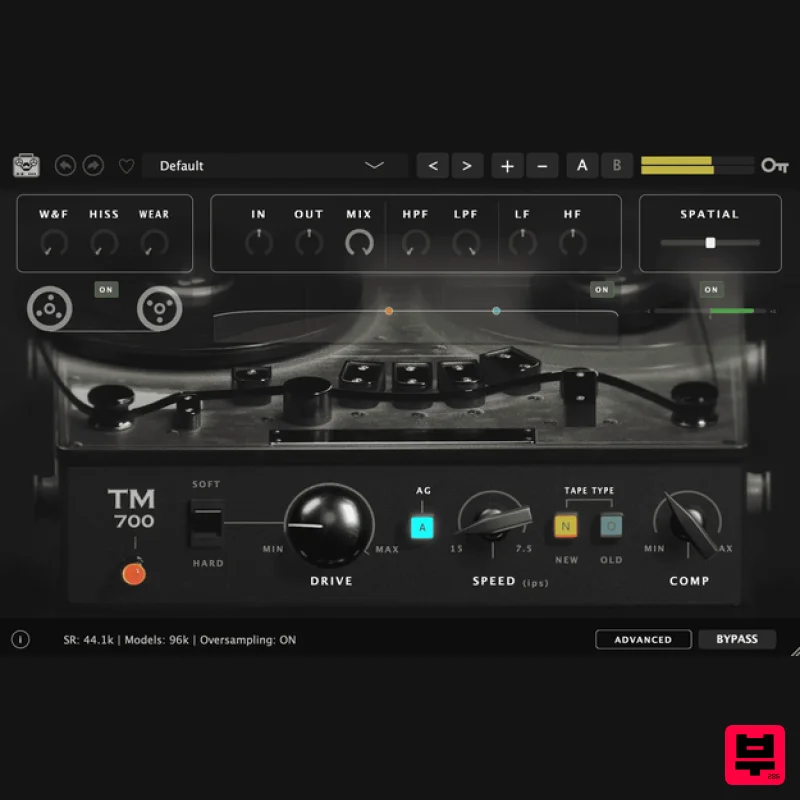
Tone Empire TM700 V3
Tape Emulation

