
Audio Magic Switch
Professional music gear - detailed information and where to buy
Product Description
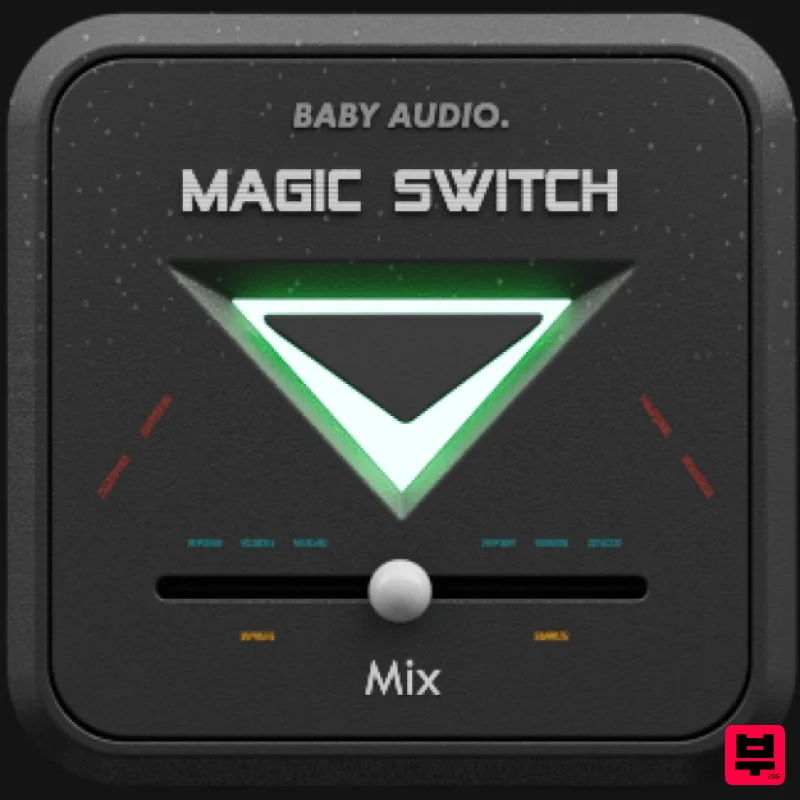
- Instant Magic Magic Switch is a free plug-in developed by BABY Audio. It is based on the 'Magic' feature from the brand's lo-fi multi-fx plug-in Super VHS. Super VHS was developed to give users an instantly gratifying suite of one-knob effects to infuse modern productions with the lo-fi magic of the 80s. The Super VHS plug-in hosts a channel strip of six effects
- each adding a unique flavour of VHS-era goodness. One of the most popular features in Super VHS is its 'Magic' button: A one-click chorus effect with a "deep
- dark and rich tone". The effect was inspired by the warm
- detuned synth-scapes of the 80s. And
- while
- it's not designed to exactly emulate any classic design
- BABY Audio set out to build its own ideal one-button chorus for the software age. And the company wanted to make it for a modern production scenario where the source sounds are cleaner and beg for more radical transformation. Magic Switch combines a custom-built chorus algorithm with a series of gentle
- analogue-modelled
- low-pass filters to give the wet signal a more mellow vibe. System Requirements Mac Mac OS X 10.7 or later (64-bit only) Intel or M1 Apple Silicon Processor (Native compatibility) Formats: AU
- VST3 & AAX Compatible DAWS: Ableton Live
- Pro Tools
- Logic Pro
- FL Studio
- Cubase
- Nuendo
- Reaper
- Reason and any other major DAW software on the market Windows Windows 7 or later (32 / 64-bit) Formats: VST
- VST3 & AAX Compatible DAWS: Ableton Live
- Pro Tools
- FL Studio
- Cubase
- Nuendo
- Reaper
- Reason and any other major DAW software on the market. Note: An internet connection is required to authorise this software. Note: Comeback Kid is used as the example. Mac Installation 1. Download the installer from within your Plugin Boutique User Account and open the .pkg file to begin the installation > Click 'Continue'. 2. Click 'Continue'. 3. Click 'Agree'. 4. Click 'Install'. 5. Enter your computer Username and Password > Click 'Install Software'. 6. Click 'Close'. Activation 1. Open the plugin within your DAW. Your software is now installed and ready to use within your DAW. Windows Installation 1. Download the installer from within your Plugin Boutique User Account and double-click it to extract the contents > Open the .exe file to begin the installation. 2. Select 'I accept the agreement' > Click 'Next'. 3. Click 'Next'. 4. Click 'Next'. 5. Click 'Next'. 6. Click 'Next'. 7. Click 'Install'. 8. Click 'Finish'. Activation 1. Open the plugin within your DAW. Your software is now installed and ready to use within your DAW.
Additional Information
About the Audio Magic Switch
The Audio Magic Switch combines traditional design with modern performance for Chorus enthusiasts.
Why Choose the Audio Magic Switch?
- •Authentic Audio craftsmanship and design
- •Versatile sound suitable for multiple musical genres
- •Professional build quality and reliable performance
- •Part of Audio's respected Chorus lineup
Compare & Explore
Browse our complete selection of Audio instruments or explore other Chorus options. Use our comparison tools to find the perfect match for your musical style and budget.
Similar Products
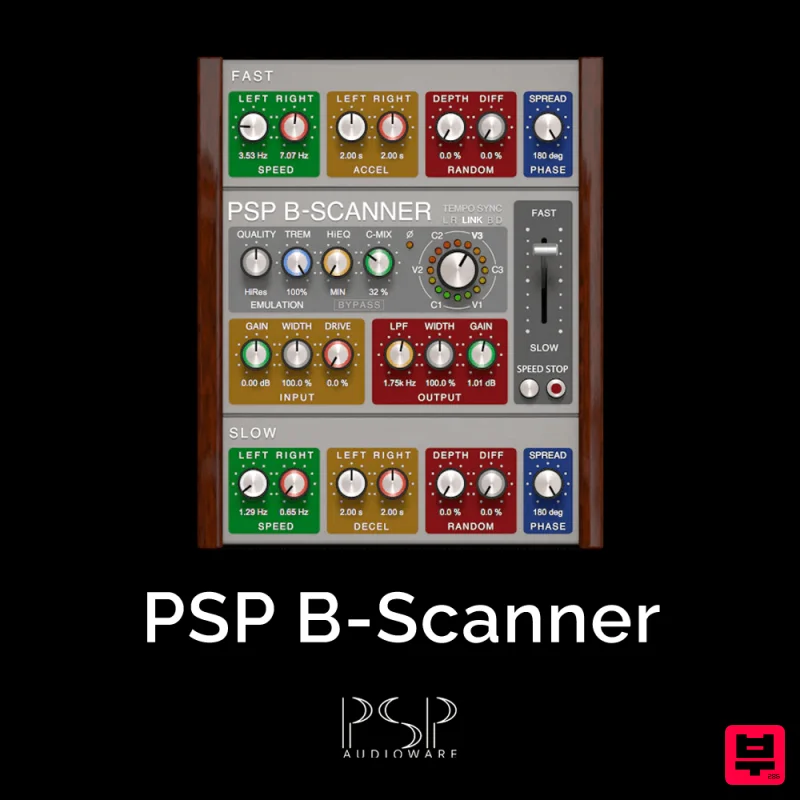
PSP Audioware PSP B-Scanner
Chorus
$30
PSP B-Scanner is an emulation of the analog scanner-based effect available in the most sought-after models of vintage...
Rave Generation Super Chorus
Chorus
$42
Super Chorus is an authentic emulation plugin that faithfully recreates five iconic chorus and modulation circuits from...
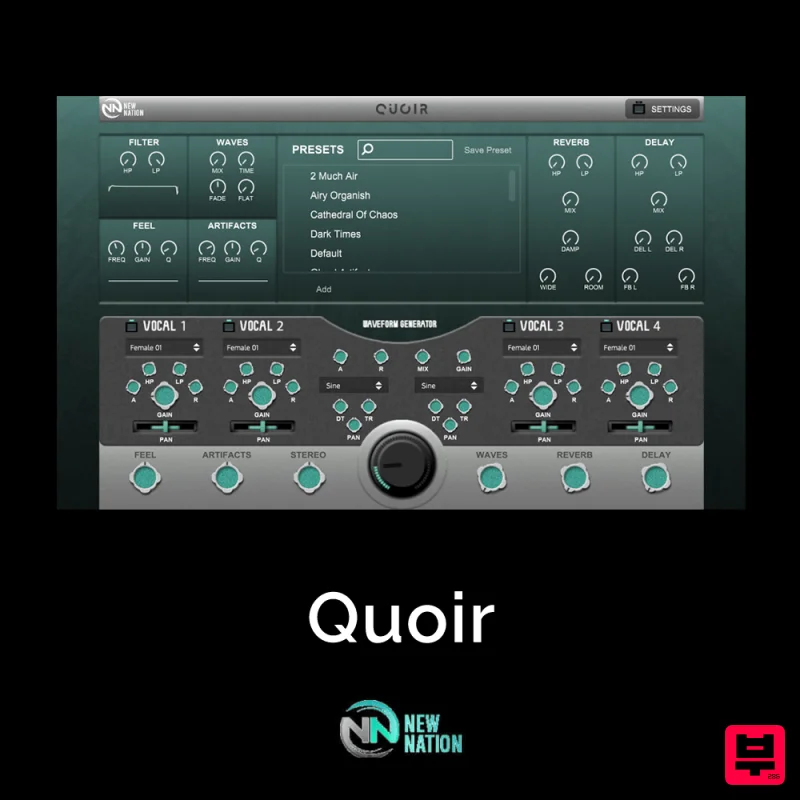
New Nation Software Quoir
Chorus
$30
Simple & Unique Vocal & Choir Sounds. The Quoir – Mixed Vocals Instrument VST will help you get the vocal & choir...
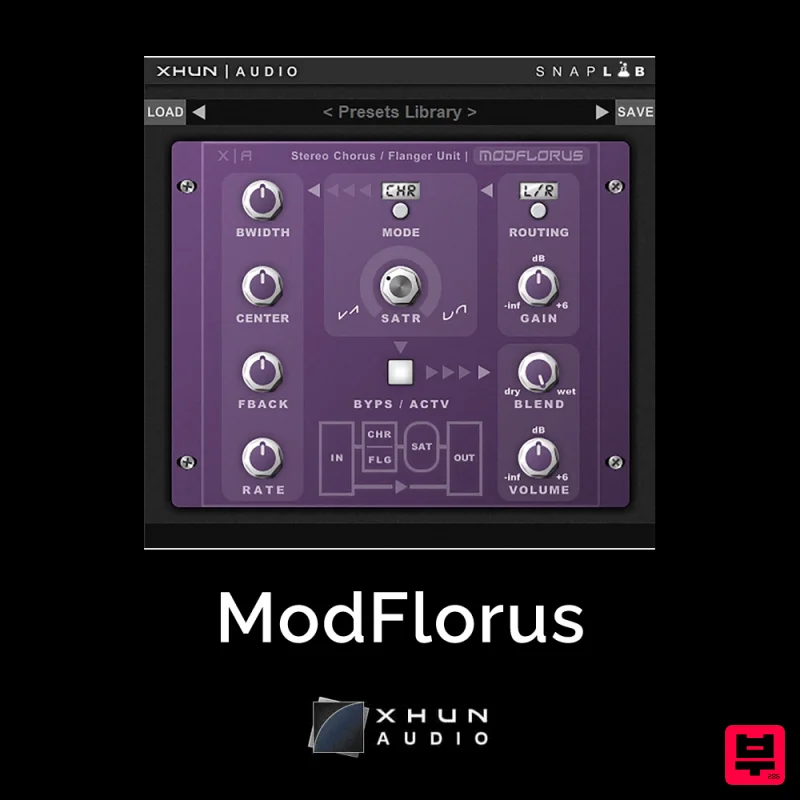
XHUN Audio ModFlorus
Chorus
$30
ModFlorus is a versatile, combined stereo chorus / flanger processor unit, an essential tool to bring out space and...
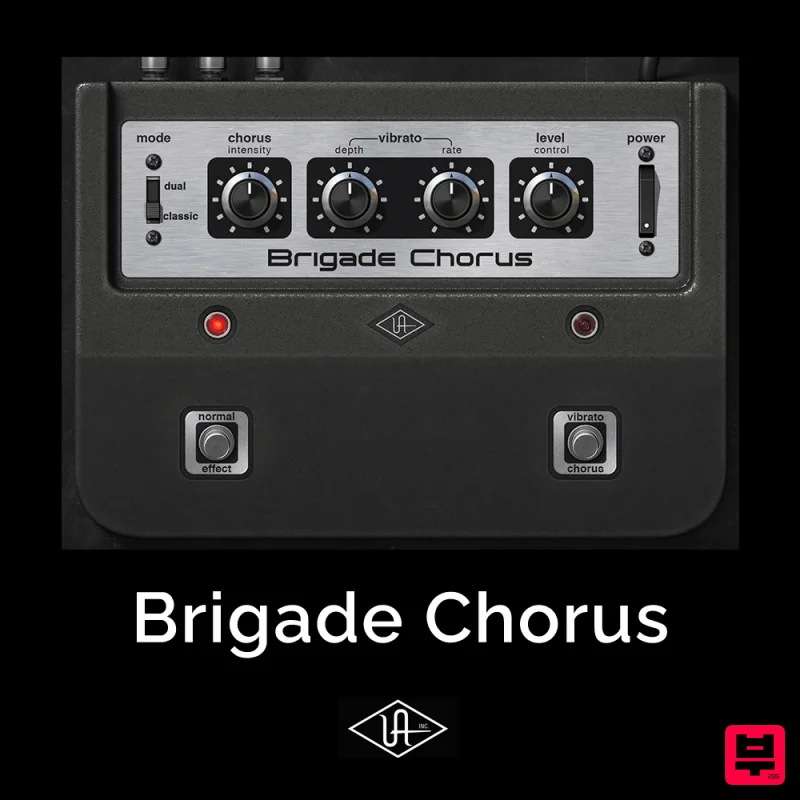
Universal Audio Brigade Chorus
Chorus
$30
Add ’70s analog movement and vibrato to anything The Brigade Chorus plug‑in emulates every inch of the legendary...
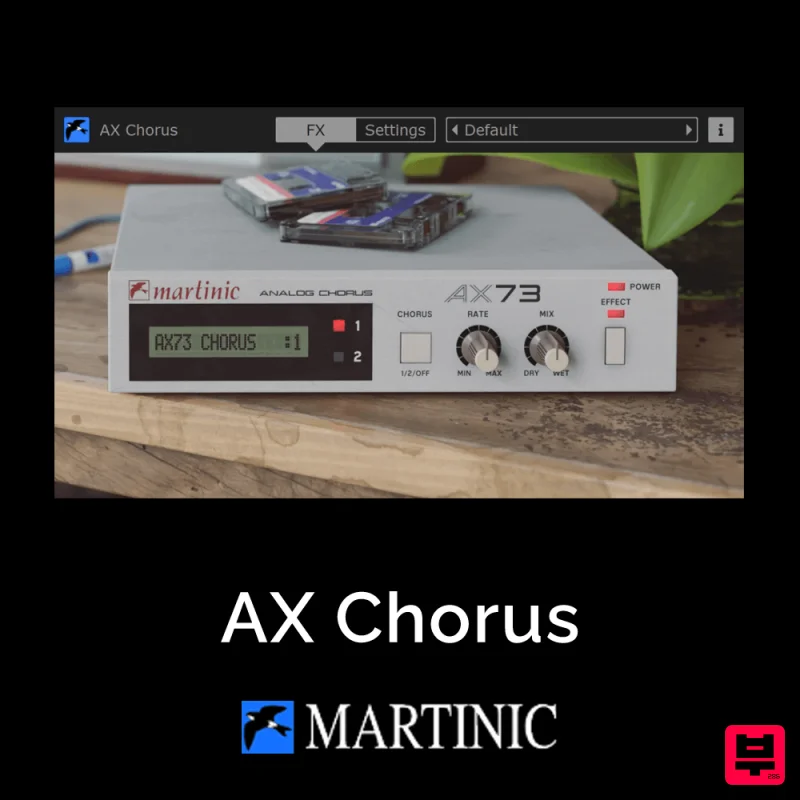
Martinic AX Chorus
Chorus
$30
Capturing the Essence of the BBD Chip The AX Chorus is based on the ACE modeled MN3009 Bucket Brigade (BBD) chip found...

Platone Studio Stage Chorus
Chorus
$30
Stage Chorus Stage Chorus by Platone Studio is not just a chorus plugin — it’s an entire vocal ensemble at your...
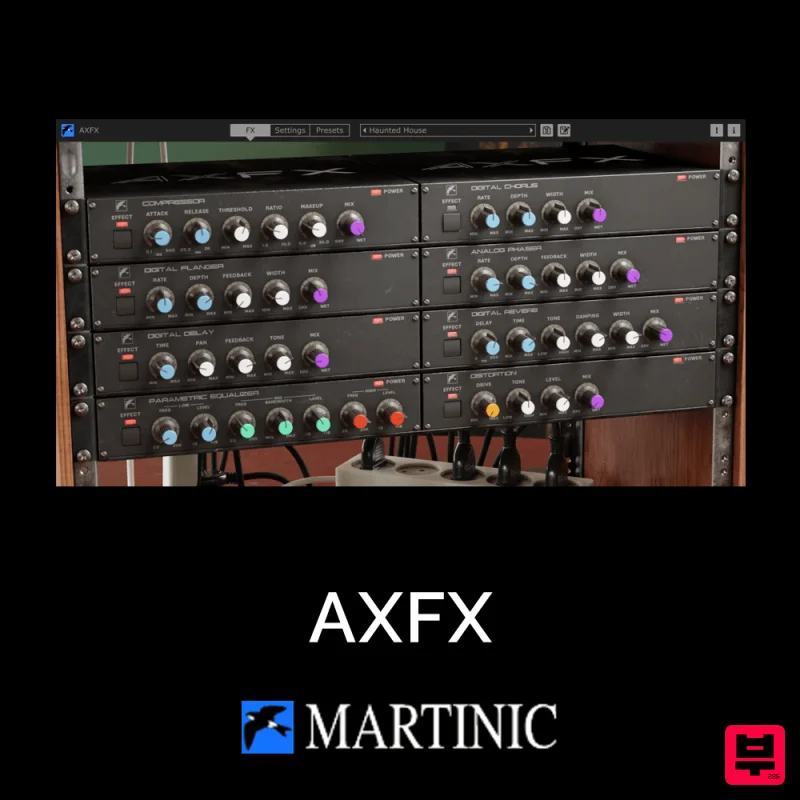
Martinic AXFX
Chorus
$30
Unveiling the Essence of an Iconic Era The Martinic AXFX AAX/AU/CLAP/VST 8-unit effect rack plugin is based on the...
Frequently Asked Questions
The Audio Magic Switch stands out for its exceptional Audio craftsmanship and innovative design.
It's designed for intermediate to advanced players who appreciate professional-quality chorus.
Browse the similar products section to see how it stacks up against other chorus.

