
Audio Damage Filterstation2
Professional music gear - detailed information and where to buy
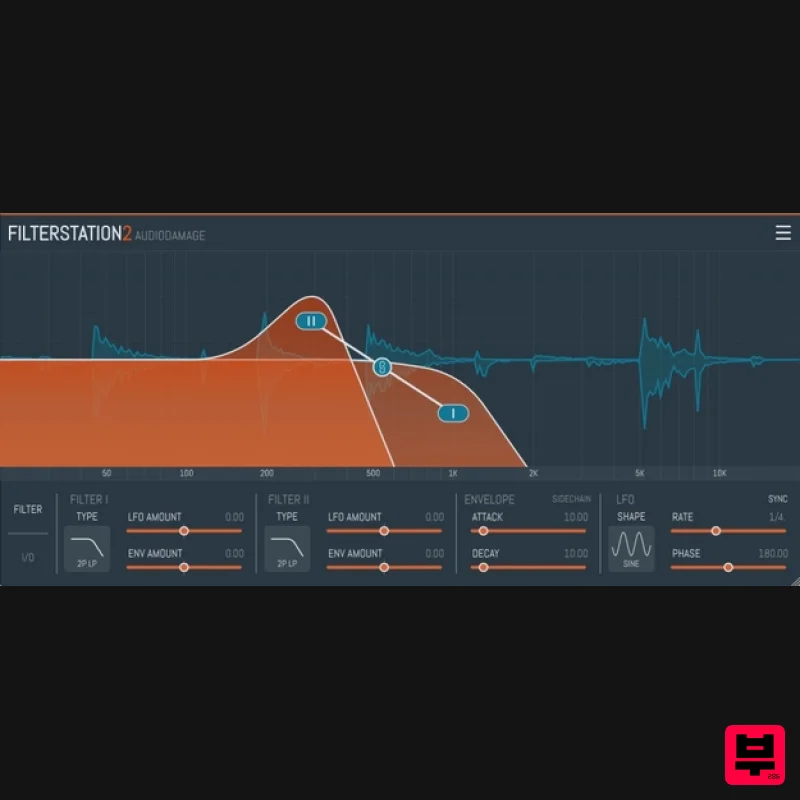
Audio Damage
Filterstation2
Product Info
* Prices may vary. Check retailer for current pricing and availability.
Product Description
- Filterstation2 is the Audio Damage take on the classic serial/parallel/stereo dual filter topology
- made famous (and some would say "indispensable") by the Sherman Filterbank and its many clones. With twelve filter algorithms
- an envelope follower with stereo sidechain input
- a full FSU section for extra signal hacking
- and an easy-to-use interface
- Filterstation2 is a valuable addition to any producer's toolkit. Filterstation2 takes our original Filterstation plugin
- and adds an all-new HiDpi/Retina-capable vector-based UI with resizability
- a completely rewritten parameter and DSP section
- a full selection of extreme modification tools
- ProTools support
- an cross-platform XML preset mechanism. Features Twelve different filter algorithms
- including MS20 emulation and our classic 914 bandpass and Filterpod lowpass models. VCA mode for tremolo and gate effects. LFO with twelve different patterns
- and both internal and tempo sync modes. Envelope follower for dynamic control of filter frequency. Serial
- parallel
- and true stereo operating modes. Sidechain input for external signal to envelope follower. Easy-to use interface for quick programming. Vector-based resizable GUI. Cross-platform XML-based preset manager. System Requirements Mac macOS 10.12 Sierra or newer (M1 Apple Silicon supported) (64-bit only) VST
- VST3
- AAX Windows Windows 8.1 or newer (64-bit only) VST
- VST3
- AAX Linux Ubuntu 18 or newer (64-bit only) VST
- VST3 Important Note: This software is 64-bit compatible ONLY and will NOT function on 32-bit systems. Note: Quanta is used as the example. Mac Installation 1. Download the .pkg file from within your Plugin Boutique User Account > Double-click it to run the installer. 2. Click 'Continue'. 3. Read the Software License Agreement > Click 'Continue'. 4. Click 'Agree'. 5. Click 'Continue'. 6. Click 'Install'. 7. Enter your computer's Username and Password > Click 'Install Software'. 8. Click 'Close'. Your software is now ready to use within your DAW! Windows Installation 1. Download the .zip file from within your Plugin Boutique User Account > Double-click it to extract the contents and double-click the .exe file to run the installer. 2. Click 'Next'. 3. Read the License Agreement > Click 'I Agree'. 4. Choose which components to install > Click 'Install'. 5. Click 'Next'. 6. Click 'Finish'. Your software is now ready to use within your DAW!
Additional Information
About the Audio Damage Filterstation2
Experience the quality and tone that makes the Audio Damage Filterstation2 a popular choice for musicians.
Why Choose the Audio Damage Filterstation2?
- •Authentic Audio Damage craftsmanship and design
- •Versatile sound suitable for multiple musical genres
- •Professional build quality and reliable performance
- •Part of Audio Damage's respected Filter lineup
Compare & Explore
Browse our complete selection of Audio Damage instruments or explore other Filter options. Use our comparison tools to find the perfect match for your musical style and budget.
Similar Products
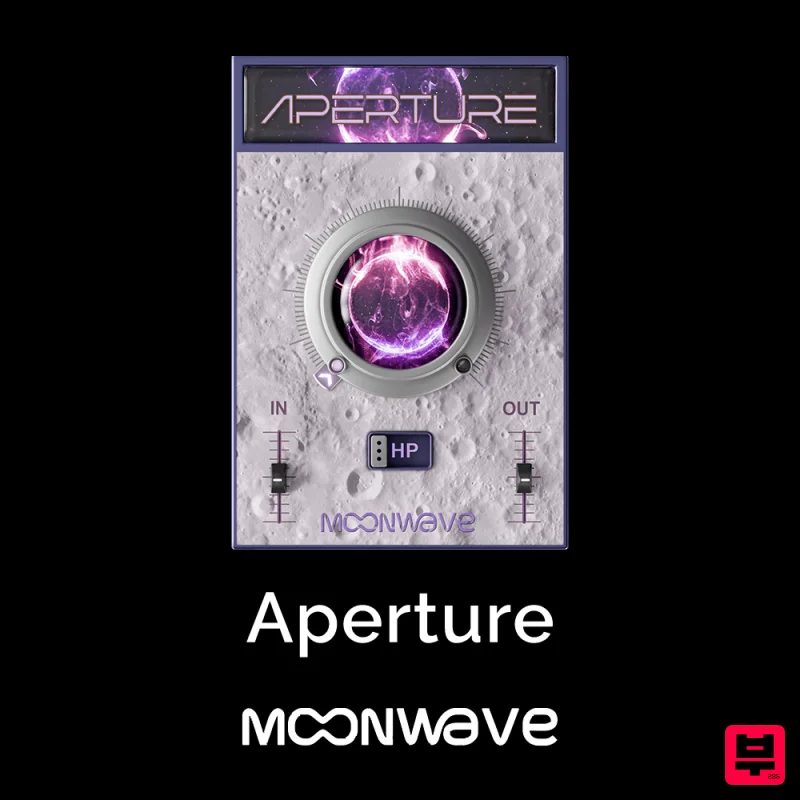
Moonwave Aperture
Filter
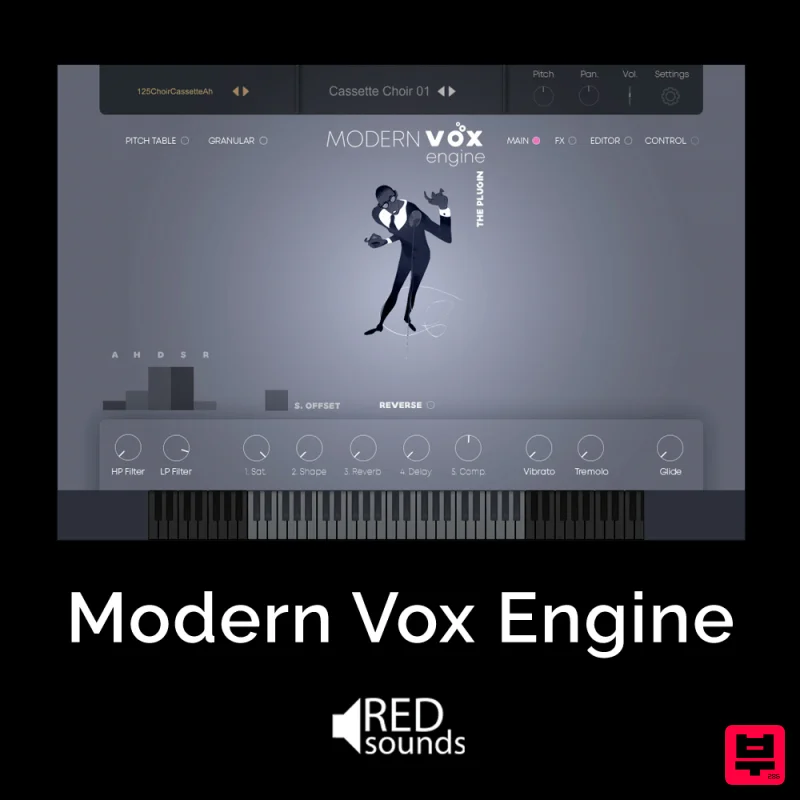
Red Sounds Modern Vox Engine
Filter
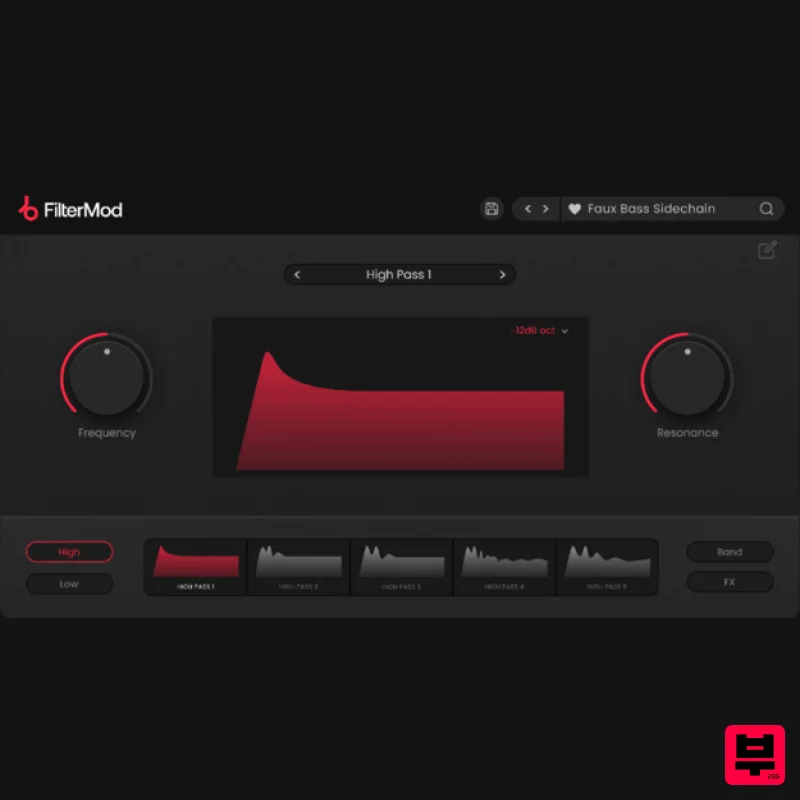
Plugin Boutique FilterMod
Filter
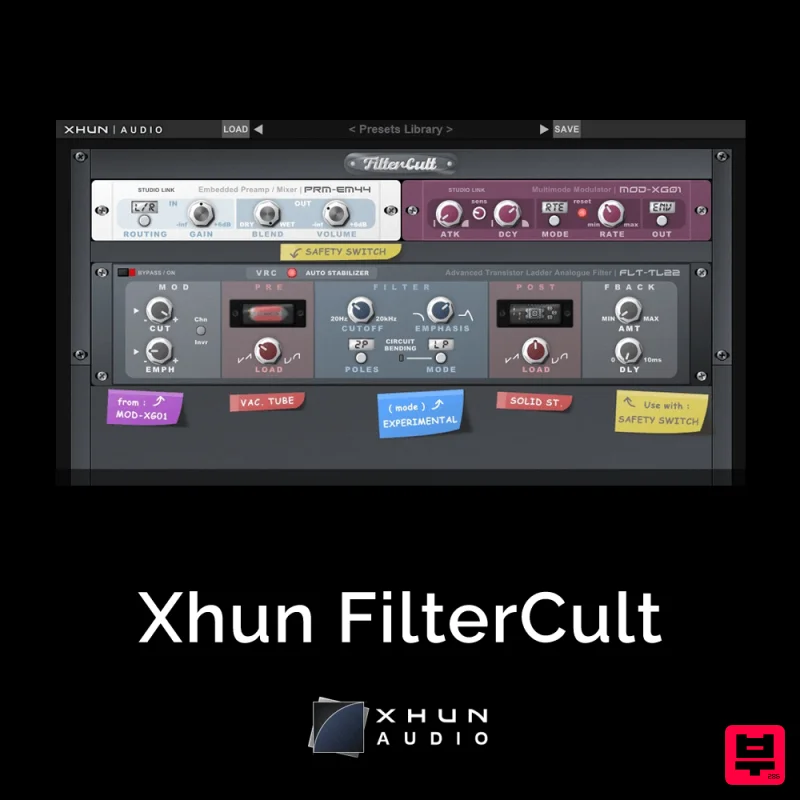
XHUN Audio Xhun FilterCult
Filter
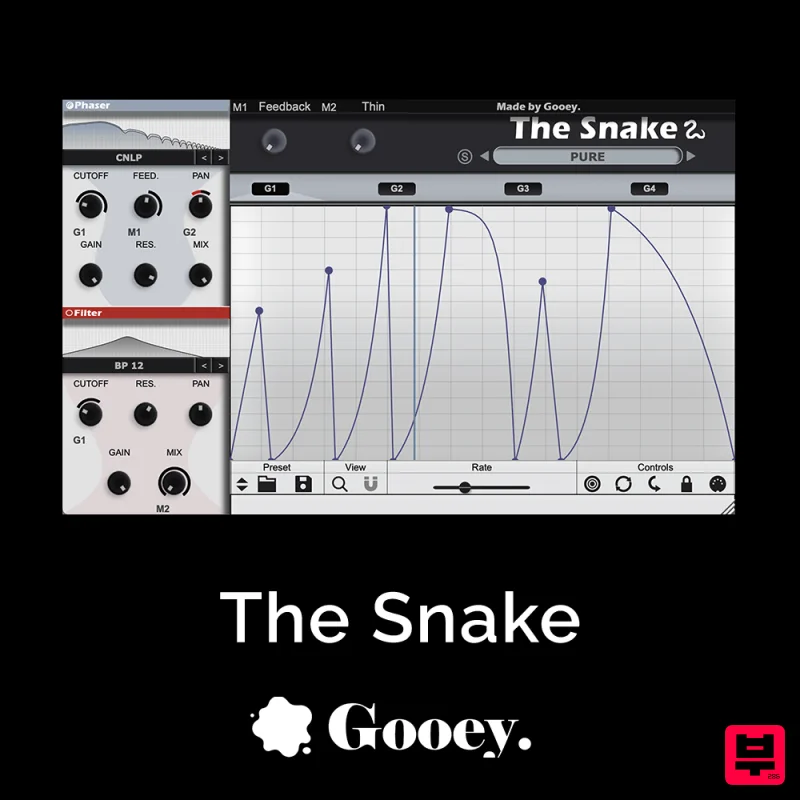
Gooey Audio The Snake
Filter
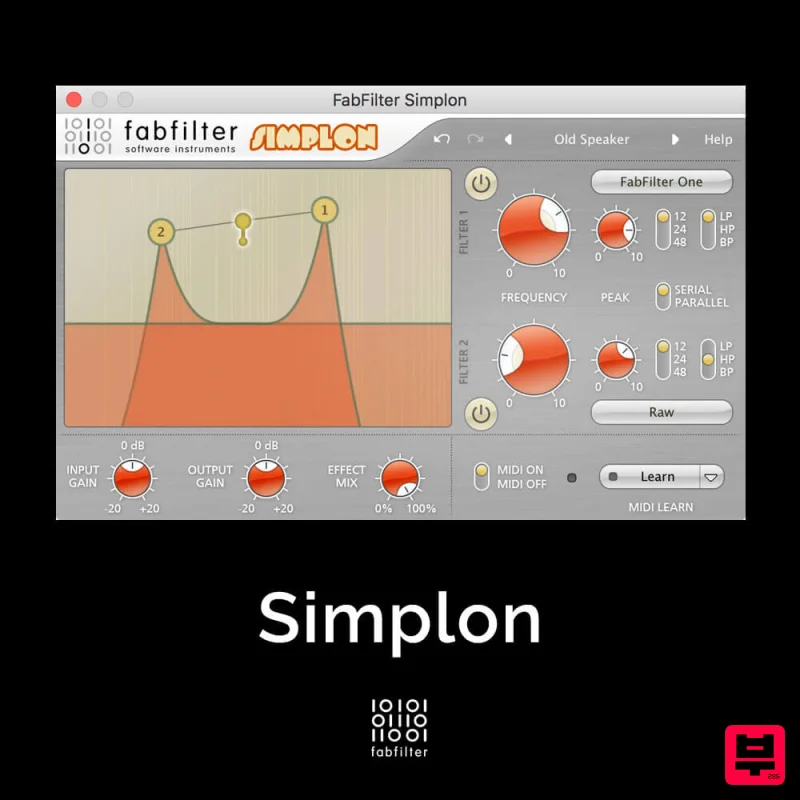
FabFilter Simplon
Filter
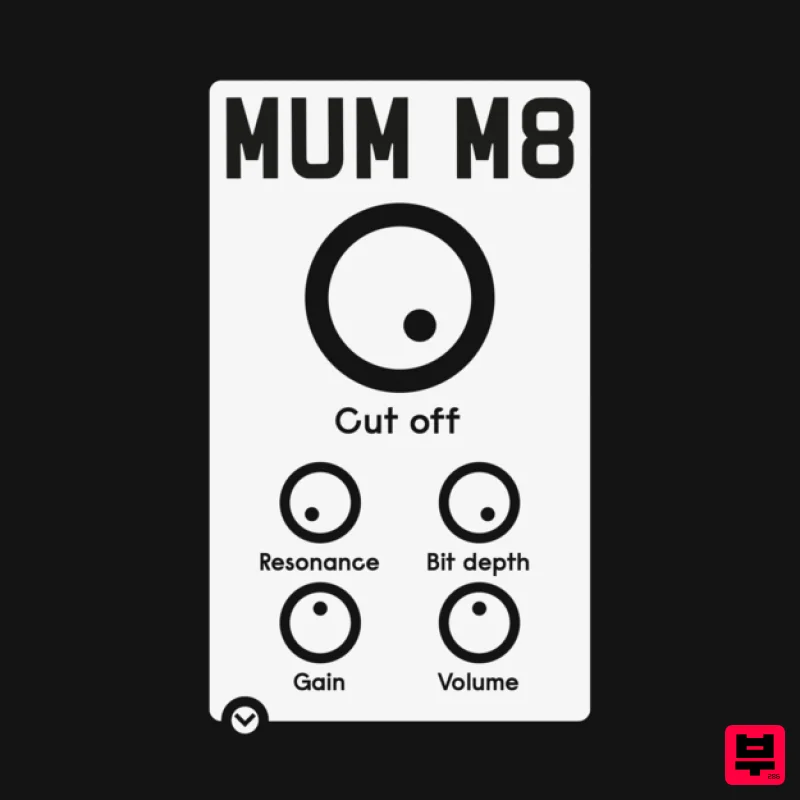
ALM / Busy Circuits MUM M8 DSP
Filter

NoiseAsh Action Filter
Filter

