
Audio Blast Blast Delay
Professional music gear - detailed information and where to buy
Audio Blast
Blast Delay
Product Info
* Prices may vary. Check retailer for current pricing and availability.
Product Description
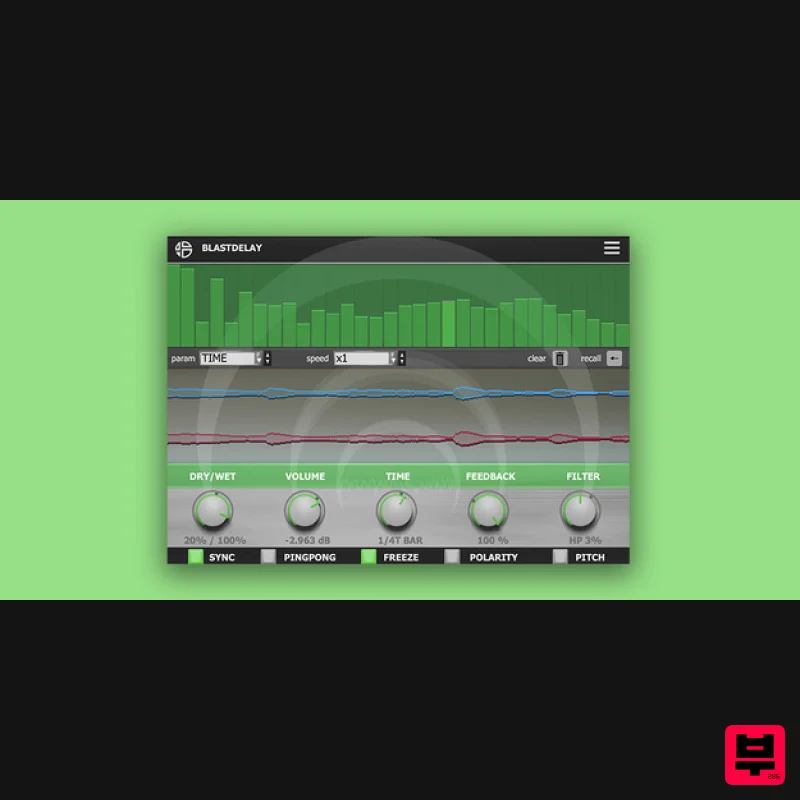
- A Simple And Intuitive Delay With A Built-In Parameter Sequencer You can program independent loops of motion sequences for each knob with independent speeds. Tweak your effect in live situations and recall all the parameters in the sequencer. The sequencer allows you to sequence all the parameters of the Blast Delay to pre-program motion sequences of parameters in loops. The sequencer is synchronized to the hosts tempo and each step of the sequencer represents the value in percentage of the parameter from 0 to 100%. Features Dry/Wet: The Dry/Wet control adjusts the balance between the processed and dry signals Volume: The Volume parameter adjusts the volume of the processed signal. Time: The Time parameter adjusts the time of the delay in milliseconds or from 1 Bar to 1/128 when sync button is activated Feedback: The Feedback parameter defines how much of each channels output signal feeds back into the delay lines inputs Filter: From -100 to 0 the parameter works as a low pass filter
- from 0 to 100 it works as a hi pass filter Sync: If the Sync switch is on
- the delay time is synced to the tempo from 1 Bar to 1/128. If the Sync switch is off
- the delay time reverts to milliseconds. In this case
- to edit the delay time
- click and drag up the Delay Time knob Ping Pong: When the Ping Pong switch is activated
- the signal jumps from the left to the right output Freeze: This button will loop the delay buffer. The input signal is no more processed by the Delay Polarity: It inverts the phase in effect by 180°
- the effect is more interesting on low value of TIME with high feedback Pitch: Pitch button causes a pitch variation when changing the delay time
- similar to the behavior of old tape delay units Parameter Sequencer: The sequencer allows you to sequence all the parameters of the Blast Delay to pre-program motion sequences of parameters in loops. System Requirements Mac MacOS 10.13+ (Apple Silicon Supported) Intel Core i5 or equivalent CPU 2GB RAM PC Windows 7+ Intel Core i5 or equivalent CPU 2GB RAM Please Note: You require an internet connection in order to install and update your products. Important note: When accessing this software via a Rent to Own plan or the Beatport Studio membership
- it's installed and run through the Beatport Access portal. An internet connection is required every 30 days to validate your license. Note: Acidbox has been used as an example. Activation 1. Go to https://www.audioblast.me/register/ > Enter your email address as well as the code found in your Plugin Boutique User Account. 2. You will now receive your Username and Serial > Make note of both of these (they will also be sent to your email address for future reference). 3. You will have received an email from Audio Blast with links to download your software > Download the relevant installer. Installation PC 1. Double-click the .exe file to begin the installation process. 2. Click 'I accept the agreement' > Click 'Next >'. 3. Select which components you wish to install > Click 'Next >'. 4. Select the location you wish to install the plugin to > Click 'Next >'. 5. Select where you would like to set up the shortcut for the standalone version > Click 'Next >. 6. Click 'Finish'. 7. Open your DAW > Locate and open Acidbox. 8. Enter the username and serial code that you received earlier > Once entered
- click anywhere to activate the plugin. Acidbox is now activated and ready for use inside your DAW! Mac 1. Double click the .pkg file to begin the installation process. 2. Click 'Continue'. 3. Click 'Continue'. 4. Click 'Agree'. 5. Click 'Continue'. 6. Click 'Close'. 7. Open your DAW > Locate and open Acidbox. 8. Enter the username and serial code that you received earlier > Once entered
- click anywhere to activate the plugin. Acidbox is now activated and ready for use inside your DAW!
Additional Information
About the Audio Blast Blast Delay
Discover the distinctive sound and feel of the Audio Blast Blast Delay, a standout choice among Delay.
Why Choose the Audio Blast Blast Delay?
- •Authentic Audio Blast craftsmanship and design
- •Versatile sound suitable for multiple musical genres
- •Professional build quality and reliable performance
- •Part of Audio Blast's respected Delay lineup
Compare & Explore
Browse our complete selection of Audio Blast instruments or explore other Delay options. Use our comparison tools to find the perfect match for your musical style and budget.
Similar Products
Red Sounds Mojo-Fi
Delay
$30
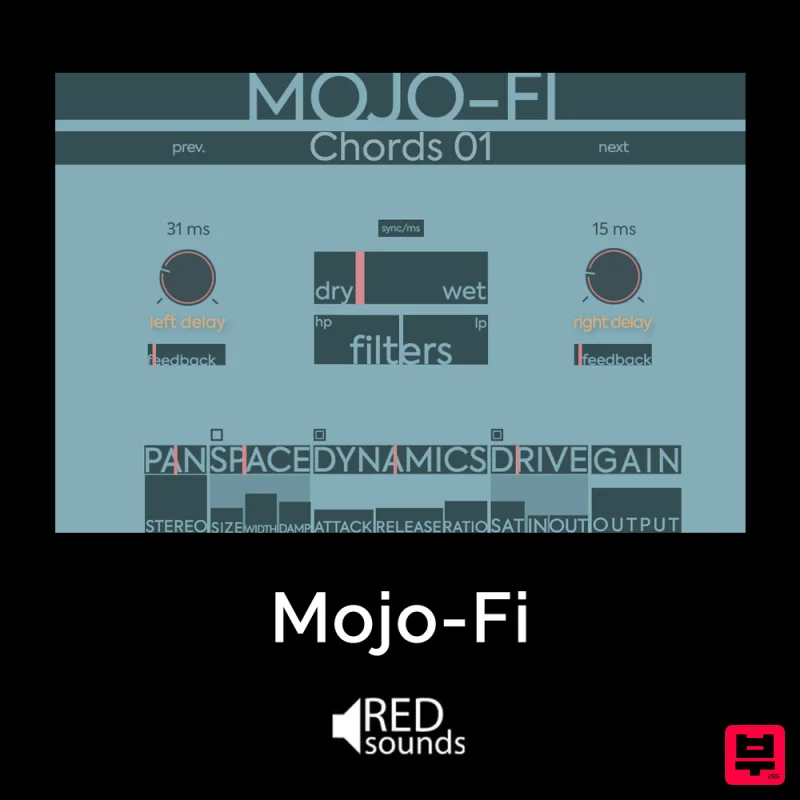
Multi-effect Delay Plugin On Steroids Great for adding life and texture to your boring soft synths, pianos, drums, and...
Beastsamples Beast-DLAY
Delay
$30
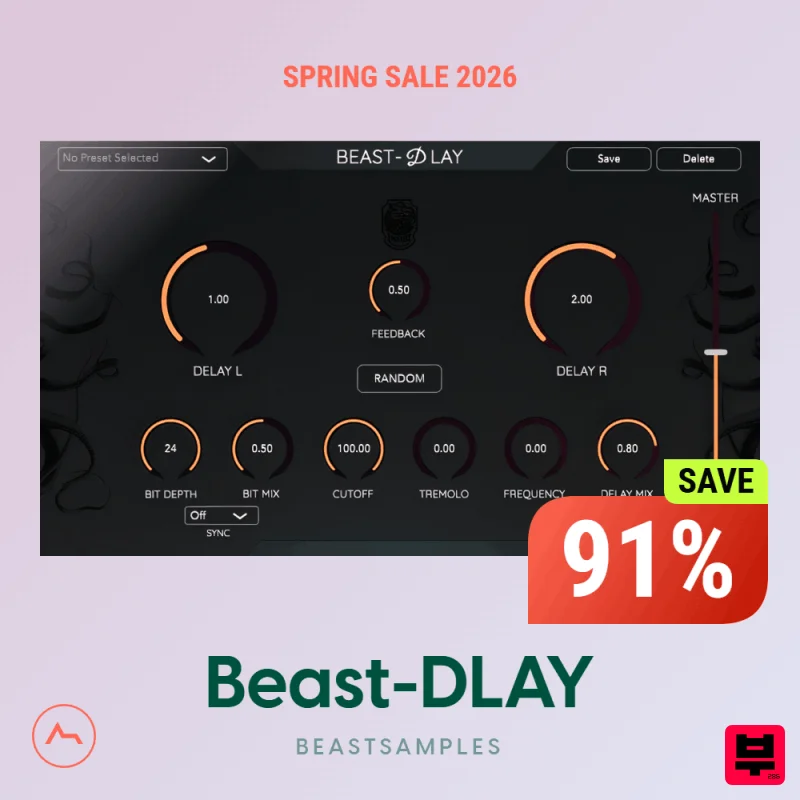
Beast-Dlay is a game-changer delay VST plugin with unprecedented processing power ready to add the hardware realism and...
Martinic Lem Echo Music
Delay
$30
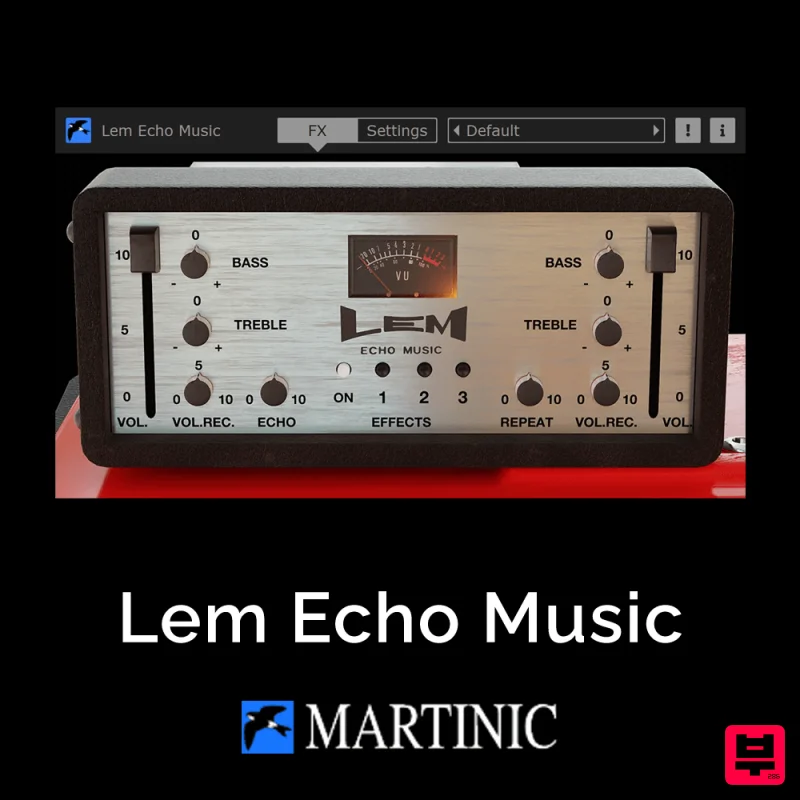
Authentic Vintage Tape Delay Emulation with Added Customization The Lem Echo Music plugin recreates the nostalgic tones...
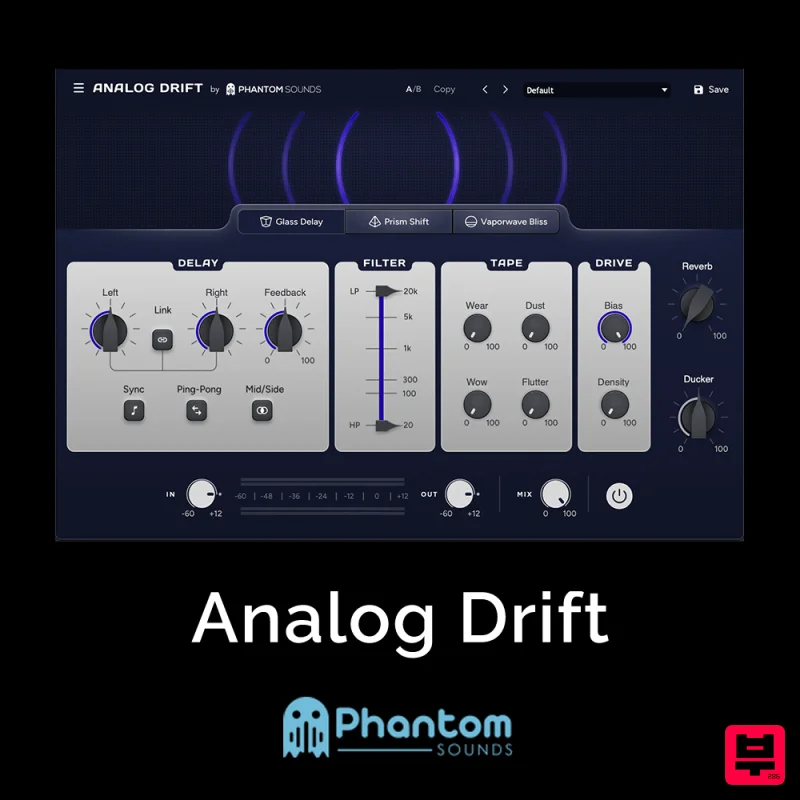
Phantom Sounds Analog Drift
Delay
$30
Redefine Your Sound with Distinctive Delays Analog Drift is a delay plugin that combines the pristine clarity of...
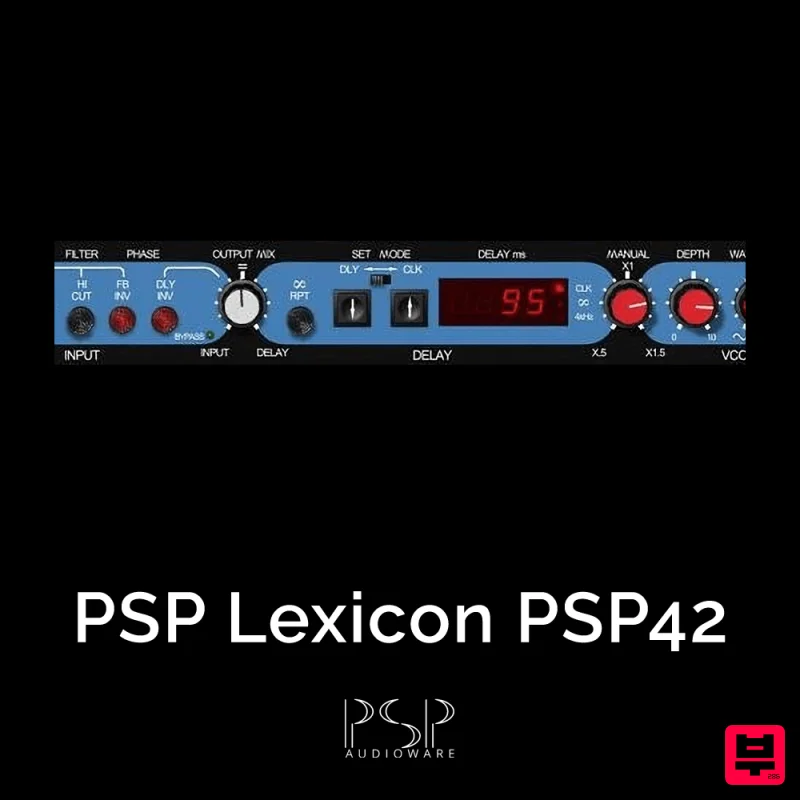
PSP Audioware PSP Lexicon PSP42x
Delay
$30
Lexicon PSP 42 is a high-quality digital stereo delay and phrase sampler plug-in based on the legendary Lexicon PCM42...
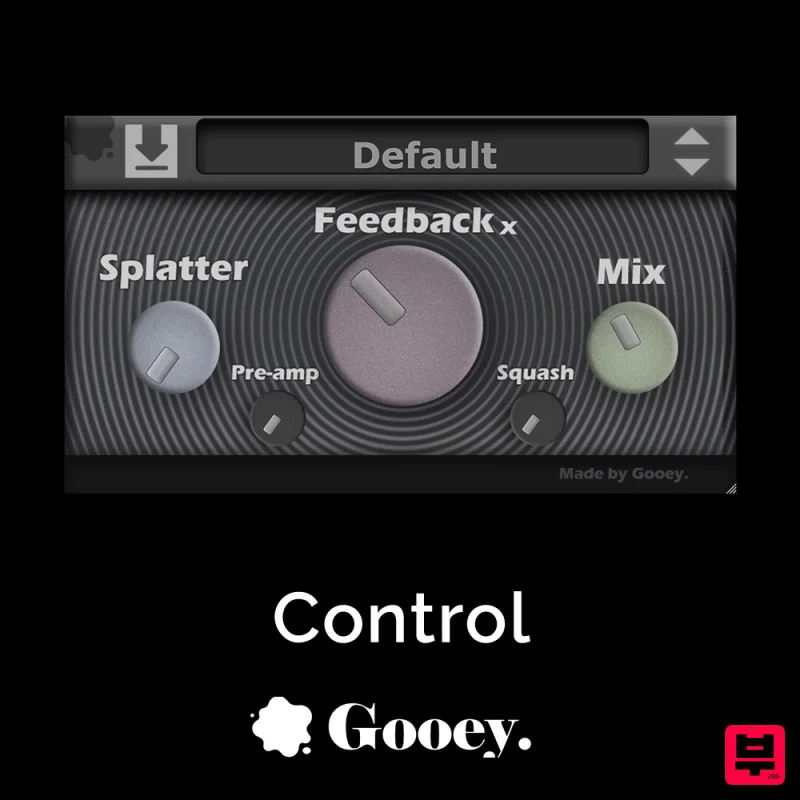
Gooey Audio Control
Delay
$30
Control by Gooey Audio is a feedback delay network plugin built for experimental sound designers, ambient composers,...
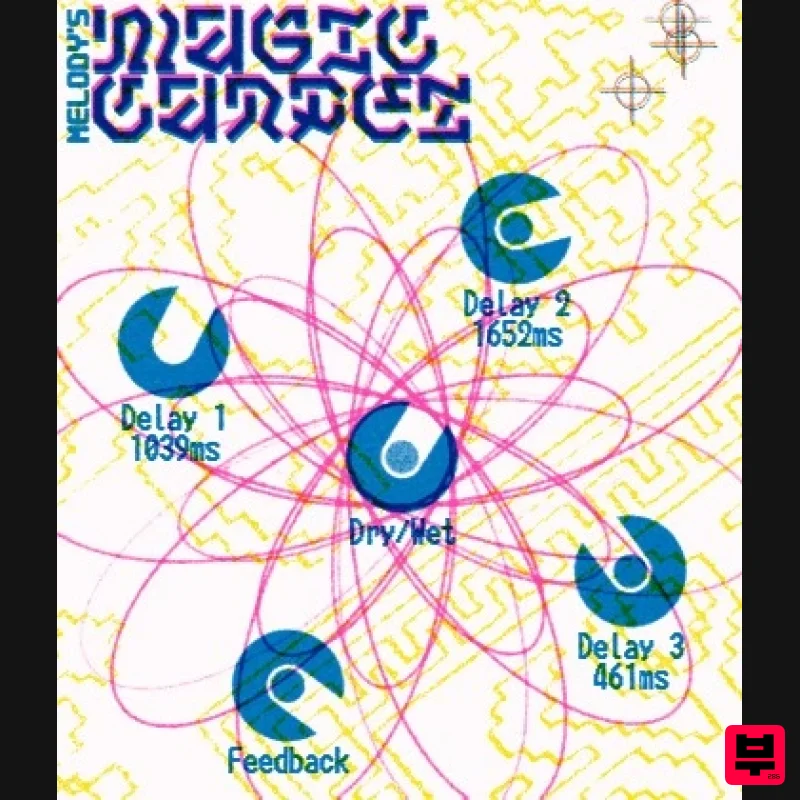
UnplugRed Magic Carpet
Delay
Free
Three delay lines with a shared feedback path, makes a delay that starts sparse but continues to get denser with each...
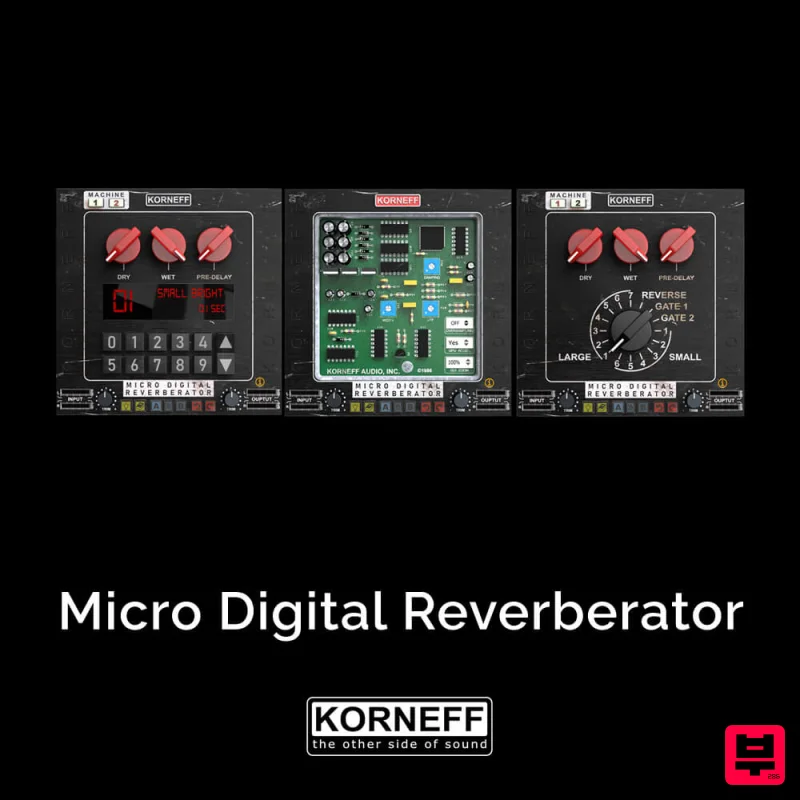
Korneff Audio Micro Digital Reverberator
Delay
$30
Nerdy. Easy. Super Cool. The Micro Digital Reverberator combines killer reverb and delay effects with a super friendly...
Frequently Asked Questions
The Audio Blast Blast Delay stands out for its exceptional Audio Blast craftsmanship and innovative design.
Yes! With its affordable price point and quality construction, it's perfect for learning delay.
Browse the similar products section to see how it stacks up against other delay.

