
Audified MixChecker Ultra+
Professional music gear - detailed information and where to buy
Audified
MixChecker Ultra+
Product Info
* Prices may vary. Check retailer for current pricing and availability.
Product Description
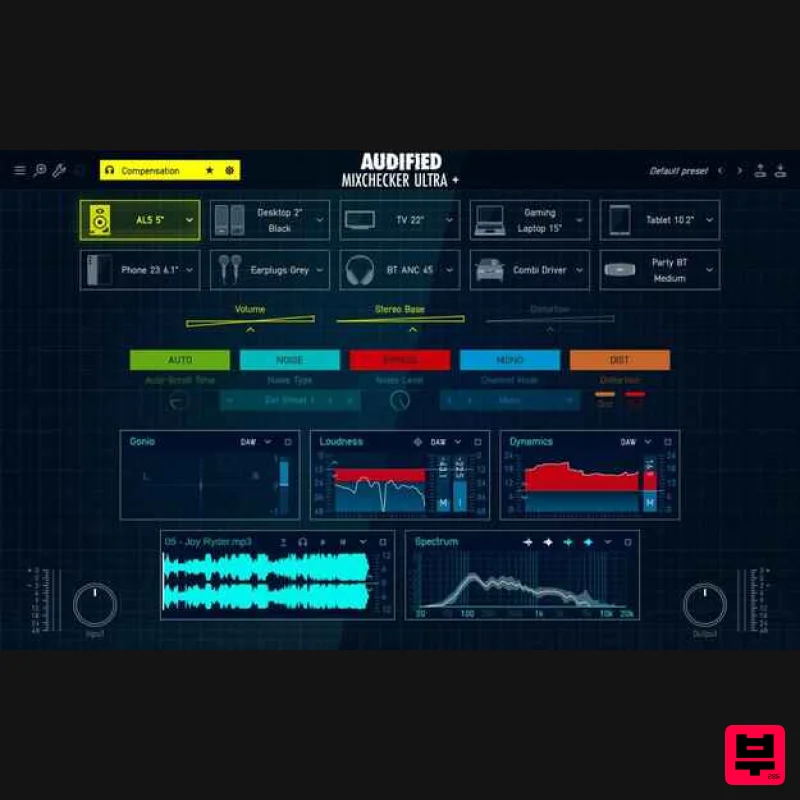
- The ultimate evolution of the mix referencing tool MixChecker ULTRA+ has always been the tool you can rely on when you want to be sure your mix will translate across more than 90 real-world listening devices — from studio monitors and laptops to the audio system in your car
- headphones
- Bluetooth speakers
- and beyond. With its detailed analytical section
- mix-to-reference comparison
- device distortion simulation
- environmental noise simulation
- and a modern workflow-first UI that saves you time and gives you full control over how your music will sound anywhere
- MixChecker ULTRA+ has become an indispensable tool for every professional. Perfect your mix with: A New Layer: Headphone Compensation Headphones are now the most common monitoring tool — not only at home
- but also for professionals working in unsuitable or untreated rooms or while traveling. Yet every pair of headphones has its own frequency response and tonal coloring that can significantly influence how you perceive your sound — and therefore the entire mix. This new overlay corrects the natural frequency response of your specific headphone model and ensures that you hear a neutral
- predictable
- and reference-grade playback before you even start switching between simulated devices. Simply put: For the first time
- you’ll hear your mix as it truly is — not as your headphones color it. Super-realistic device simulations Choose from 90+ device simulations of the most famous and popular audio devices. Includes up-to-date consumer devices such as laptops
- phones
- or earbuds. Try the sound profile of the industry-standard studio monitors and headphones. Check how your mix translates in cars
- club PAs’
- or Bluetooth speakers. You also have the ability to check your mixes in real-world noisy environments such as subways
- noisy streets
- shopping malls
- and others. IR Loader With MixChecker Ultra+
- you can import your custom Impulse Response. You can check how your mix would sound in popular acoustic spaces
- your friend’s studio
- or even a cathedral. (Supports standard WAV IR files) Advanced device controls To understand better how your mix translates on the devices
- easily adjust the settings of each device. Adjust the volume of each device independently or set the simulation stereo base to match the real-world conditions better. Our engine also considers the non-linear behavior of the devices and simulates their distortion and clipping. You can easily turn on the distortion and see if your mix would clip or distort on the selected devices. Analyze different qualities of your mix. To take the quality of your mix even further
- you need to analyze it. MixChecker Ultra+ features an analytical part where you can quickly check the basic parameters of your track. Includes a Loudness Meter
- Dynamics Meter
- Spectral Analysis
- Stereo Analysis
- and Gonio Meter. You can compare the analysis values with a reference track with the included Player module. Select from 6 different modules Each module can be selected independently from the selection window. You can also expand each module to a bigger window to see more details on the analysis. Crucial parameters of your mix Loudness: Check how loud your track is and easily see whether you are going over an adjustable threshold. The loudness module includes presets for the most popular streaming services that set the threshold to their level and help you see whether your track would fit their criteria Dynamics: Check the dynamic range of your track to quickly see the difference between the loudest and the quietest parts. (Displaying the PSR (peak to short-term loudness ratio) - the difference between the short-term loudness and the maximum true peak value measured in windows of three seconds.) Spectrum: Quickly see the frequency spectral analysis of your track and compare it to the reference track. This gives you a quick overview of which frequencies you need to focus on to improve your track. Gonio: Discover the stereo image of your track and compare how balanced your mix is. With this module
- you can also easily identify errors in your track
- such as a signal that is inverted
- fully mono
- or slightly angled towards one side. Stereo: Find out how occupied the frequencies of your mix are in the stereo field. You can then identify whether some crucial frequencies are only present on one side of the spectrum. Player: This is a core module of MixChecker Ultra+. You can import a reference track you like and quickly compare your track with the reference in each module. This speeds up your workflow and helps you identify areas to improve your mix. (Supports WAV and MP3 formats) Additional Features Presets Choose from premade presets
- or create your own. Each preset saves the 10 devices shown in the main window and the selection and position of modules. Input and Output Optimise the input and output signal values for the best result. Includes helpful VU meters on each side. Interactive tutorial included in the product If at any point in your workflow
- you get lost or forget about an exact function of a feature
- you can open the tutorial from the Menu. The tutorial will walk you through the most important features and controls and will explain everything you need to know. The legacy of MixChecker MixChecker was first introduced in 2015
- and the idea came from the big music and TV studios
- where the need to reference your mixes on different devices to save time was life-changing. MixChecker was part of the Audified portfolio for years
- and sold over 15 000 copies worldwide. The big brother
- MixChecker Pro
- came from Audified expanding on the idea and pushing it further. Introduced in 2017
- it added 50+ new devices
- additional features
- saveable presets
- and many others. Since its introduction
- it sold more than 20 000 copies worldwide and helps users take their referencing game further every day. This was
- and will be a staple in the Audified portfolio for many years to come. And now
- MixChecker Ultra+ is the next step in the evolution of the reference tool game. Driven by feedback and the desire to cover more of your needs in one product
- Audified have overhauled and improved everything about the Pro version and then some. With new
- up-to-date devices
- a new GUI
- an improved workflow
- and a whole new analytical section
- MixChecker Ultra+ is on the way to becoming the ultimate mastering suite. Many more updates and versions of MixChecker Ultra+ are also coming later. Version Comparison MixChecker Includes 12 devices Ideal for quick reference mix check Available through PluginBoutique
- Landr MixChecker Pro Includes 60+ mainly consumer devices Includes background noises
- advanced device features Perfect for more advanced reference check of your mix MixChecker Ultra+ Includes 90+ up-to-date consumer and pro-audio devices
- ability to import your own IR New GUI and improved UX New analytical section to dive deep into your mix
- Ability to import reference track and compare qualities Registration 1. Head to https: //audified.com/account. 2. Register for an account or Log in 3. Click Your Plugins > enter the serial code found in your Plugin Boutique account > click Add 4. Click Downloads > choose the Plugin > choose the Platform > click Find versions > click download icon Mac 1. Download the .pkg file from your Audified account. 2. Launch installer > click Continue. 3. Click Continue. 4. Click Agree. 5. Select your chosen method of installation > click Continue. 6. Click Install. 7. Click Close. 8. Open the plugin within your DAW > enter your license key from within your Plugin Boutique User Account > click Buy Your plugin is now installed and ready to use. Enjoy! PC 1. Download the .exe file from your Audified account. 2. Read through the Licence Agreement and select I Accept the Agreement > Next. 3. Click Next. 4. Select the folder you would like save your software to > click Next. 5. Select whether you would like to install for all Windows users on your computer
- or only the current user > Click Next. 6. Click Next. 7. Click Install. 8. Click Finish. 9. Open the plugin within your DAW > enter your license key from within your Plugin Boutique User Account > click Buy Your plugin is now installed and ready to use. Enjoy!
Additional Information
About the Audified MixChecker Ultra+
The Audified MixChecker Ultra+ represents excellent craftsmanship in the Referencing Tools category.
Why Choose the Audified MixChecker Ultra+?
- •Authentic Audified craftsmanship and design
- •Versatile sound suitable for multiple musical genres
- •Professional build quality and reliable performance
- •Part of Audified's respected Referencing Tools lineup
Compare & Explore
Browse our complete selection of Audified instruments or explore other Referencing Tools options. Use our comparison tools to find the perfect match for your musical style and budget.
Similar Products
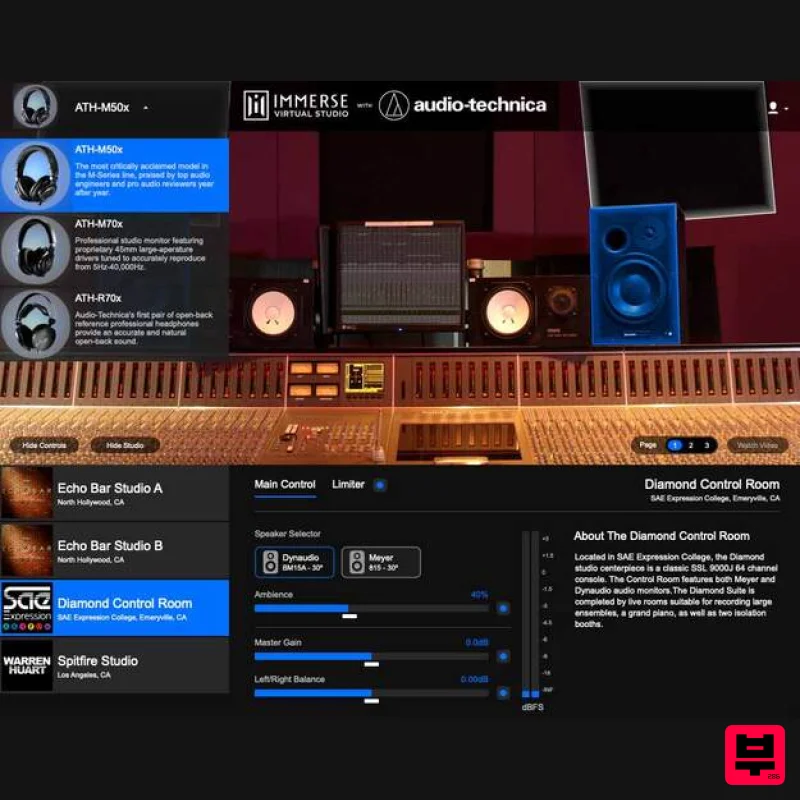
Embody Immerse Virtual Studio | Audio-Technica
Referencing Tools
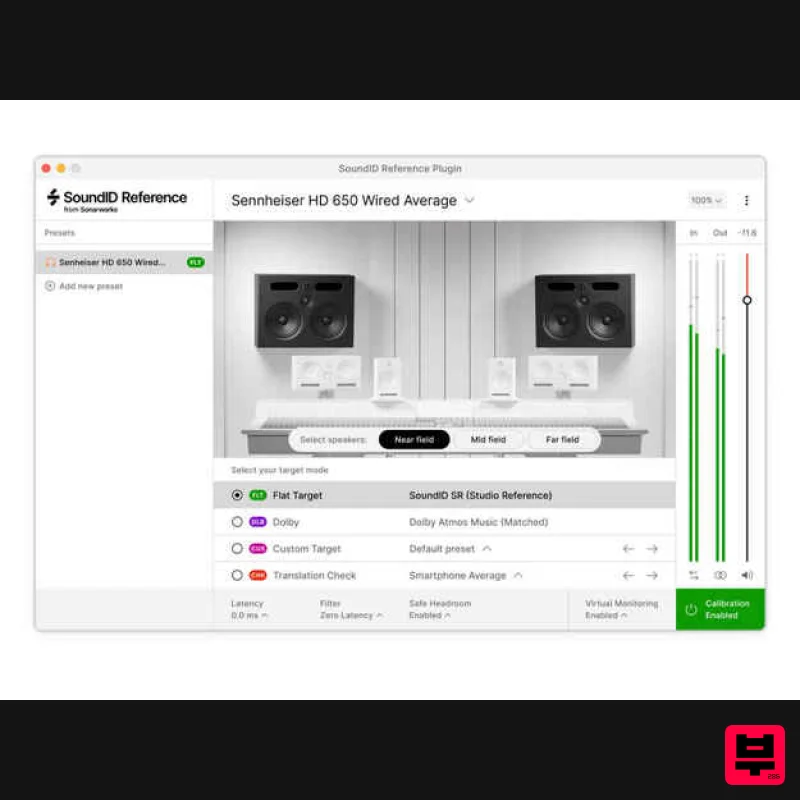
Sonarworks Virtual Monitoring Add-On for SoundID Reference
Referencing Tools
iZotope iZotope Audiolens
Referencing Tools
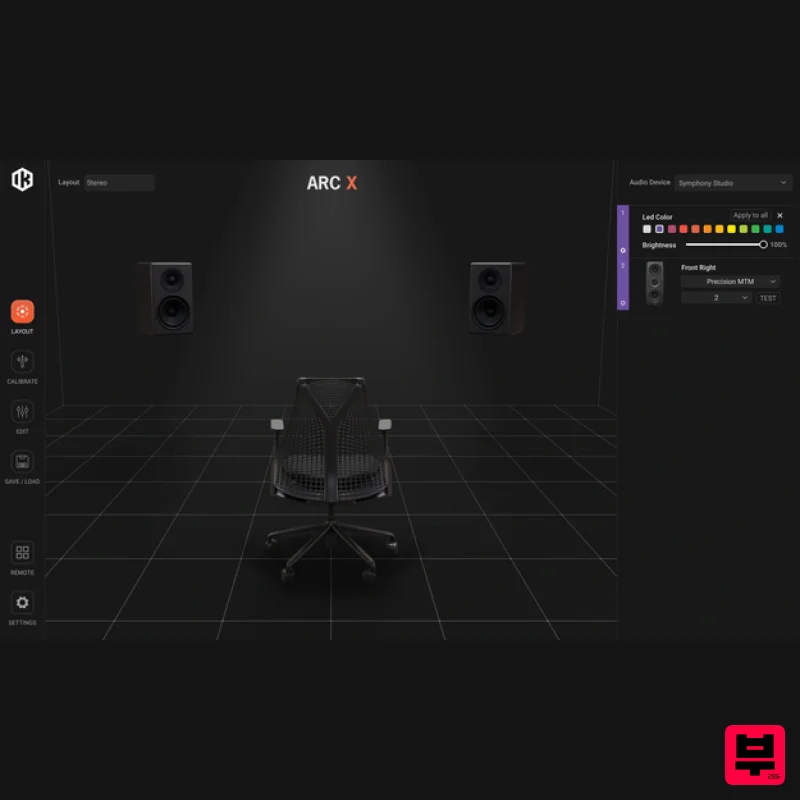
IK Multimedia ARC X
Referencing Tools
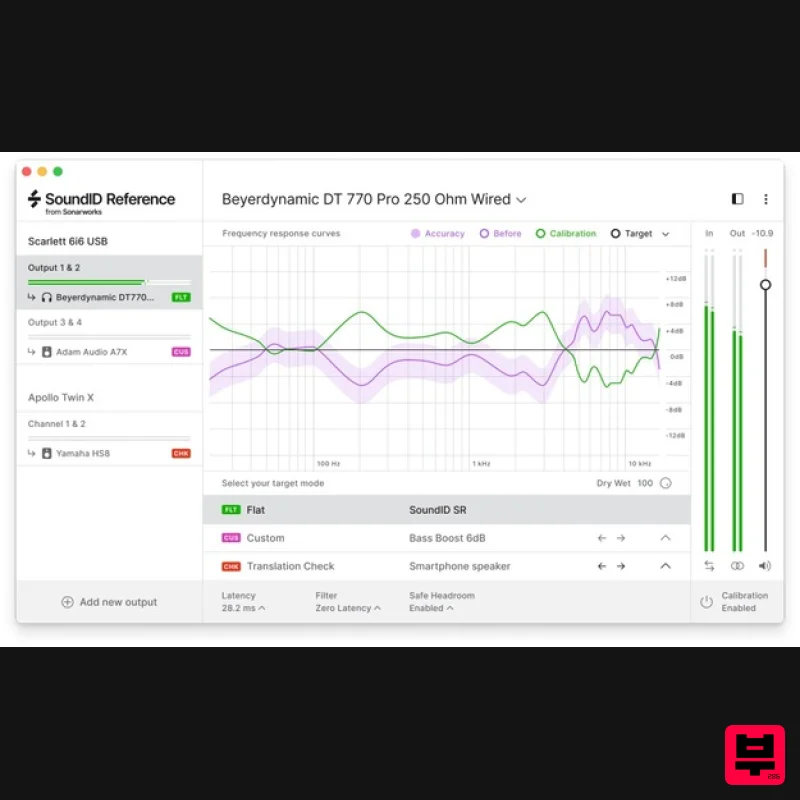
Sonarworks SoundID Reference for Headphones
Referencing Tools
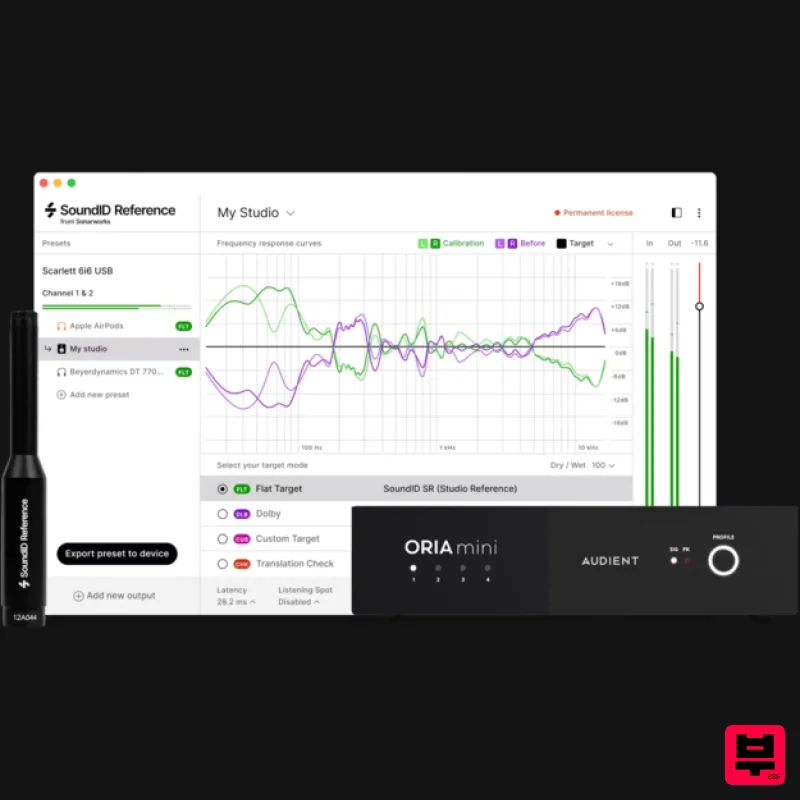
Sonarworks SoundID Reference Add-on for ORIA Mini
Referencing Tools
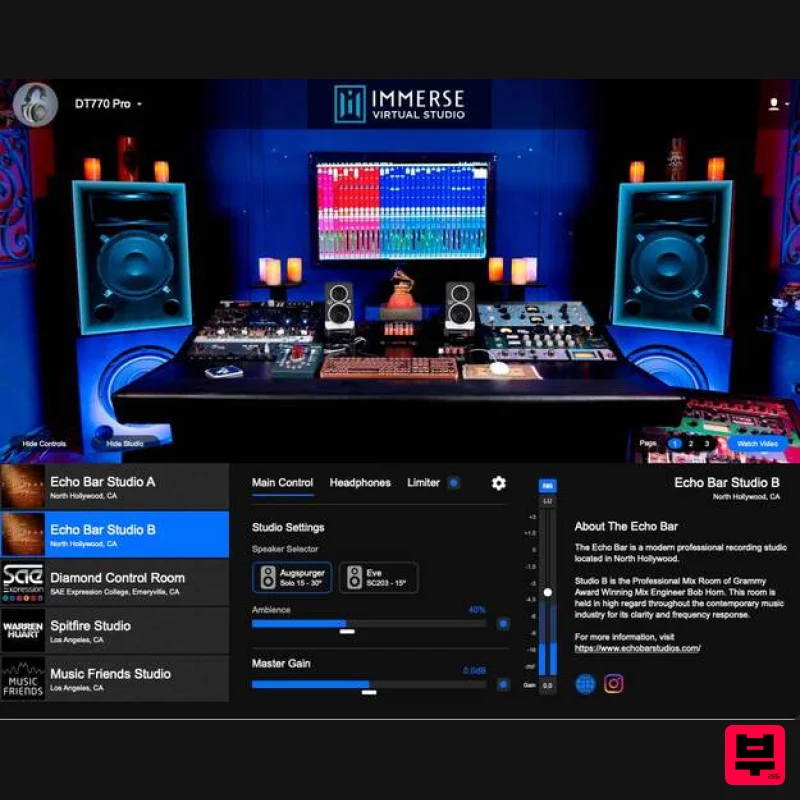
Embody Immerse Virtual Studio | All Access
Referencing Tools
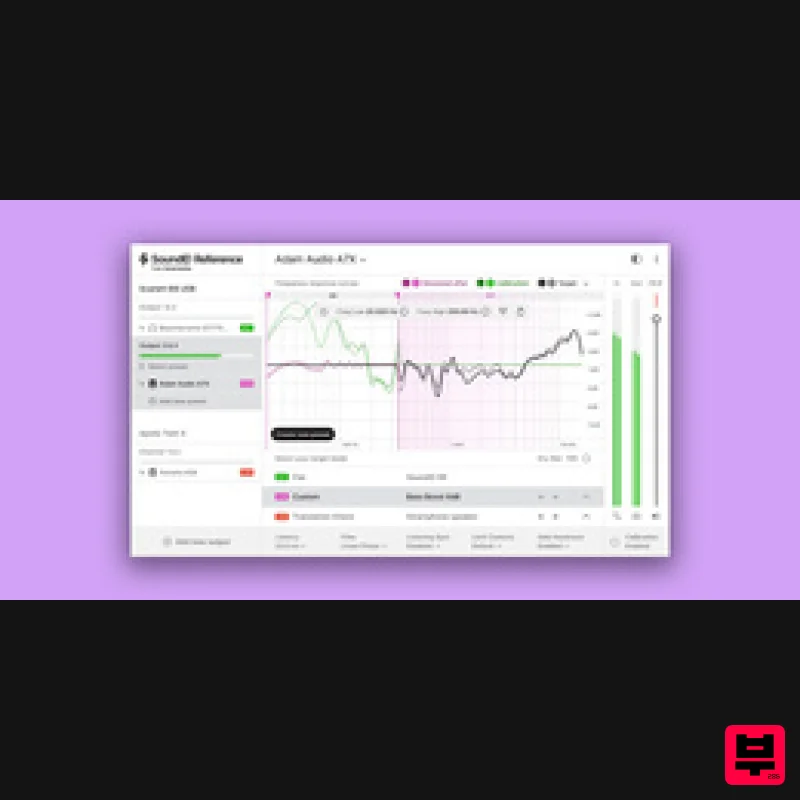
Sonarworks Sonarworks SoundID Reference
Referencing Tools

