
Audified GK Amplification 3 LE
Professional music gear - detailed information and where to buy
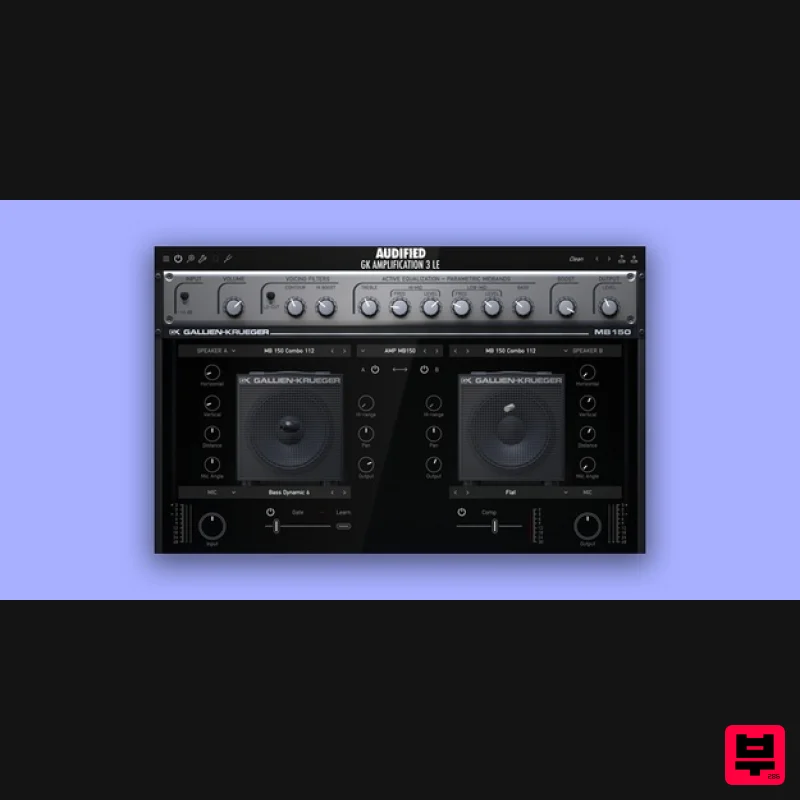
Audified
GK Amplification 3 LE
Product Info
* Prices may vary. Check retailer for current pricing and availability.
Product Description
- Embrace a simple yet versatile GK amp based on a popular combo
- enhanced with the Gate and Compressor. The reworked UI ensures effortless creativity. GK Amplification LE helps you start your bass journey with a powerful package. MB150 - Versatile amp for all your needs yet powerful. Across all genres
- from jazz to rock
- the parametric mids EQ of MB150 always brings the ideal mix-ready tone to your fingertips. Features Intuitive Gate using the advanced Learn function sets the perfect gate Super useful Compressor effectively tames your dynamic range whenever needed. Fast and accurate Tuner to always stay in tune
- no matter the tuning System Requirements Mac macOS 10.11 - macOS 12 Monterey (Intel / M1 Apple Silicon supported) (64-bit only) AAX
- VST3 Windows Windows 7 - Windows 11 (64-bit only) AAX
- VST3 Registration 1. Head to https: //audified.com/account. 2. Register for an account or Log in 3. Click Your Plugins > enter the serial code found in your Plugin Boutique account > click Add 4. Click Downloads > choose the Plugin > choose the Platform > click Find versions > click download icon Mac 1. Download the .pkg file from your Audified account. 2. Launch installer > click Continue. 3. Click Continue. 4. Click Agree. 5. Select your chosen method of installation > click Continue. 6. Click Install. 7. Click Close. 8. Open the plugin within your DAW > enter your license key from within your Plugin Boutique User Account > click Buy Your plugin is now installed and ready to use. Enjoy! PC 1. Download the .exe file from your Audified account. 2. Read through the Licence Agreement and select I Accept the Agreement > Next. 3. Click Next. 4. Select the folder you would like save your software to > click Next. 5. Select whether you would like to install for all Windows users on your computer
- or only the current user > Click Next. 6. Click Next. 7. Click Install. 8. Click Finish. 9. Open the plugin within your DAW > enter your license key from within your Plugin Boutique User Account > click Buy Your plugin is now installed and ready to use. Enjoy!
Additional Information
About the Audified GK Amplification 3 LE
Experience the quality and tone that makes the Audified GK Amplification 3 LE a popular choice for musicians.
Why Choose the Audified GK Amplification 3 LE?
- •Authentic Audified craftsmanship and design
- •Versatile sound suitable for multiple musical genres
- •Professional build quality and reliable performance
- •Part of Audified's respected Amp Simulator lineup
Compare & Explore
Browse our complete selection of Audified instruments or explore other Amp Simulator options. Use our comparison tools to find the perfect match for your musical style and budget.
Similar Products
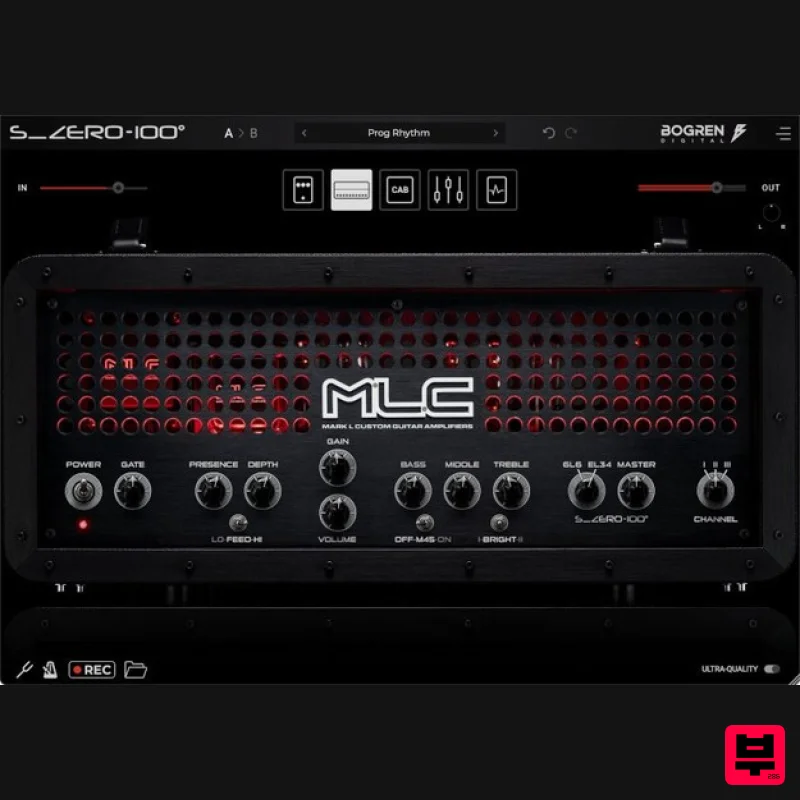
Bogren Digital MLC S_Zero 100
Amp Simulator

Two Notes Audio Engineering Torpedo Wall of Sound | Plugin Boutique Edition
Amp Simulator
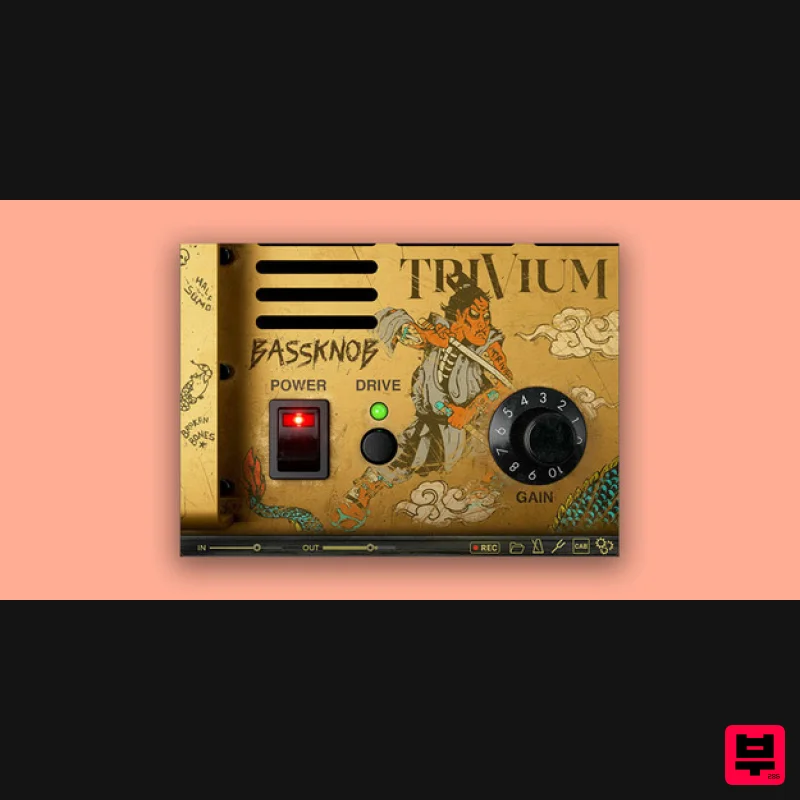
Bogren Digital BassKnob Trivium
Amp Simulator
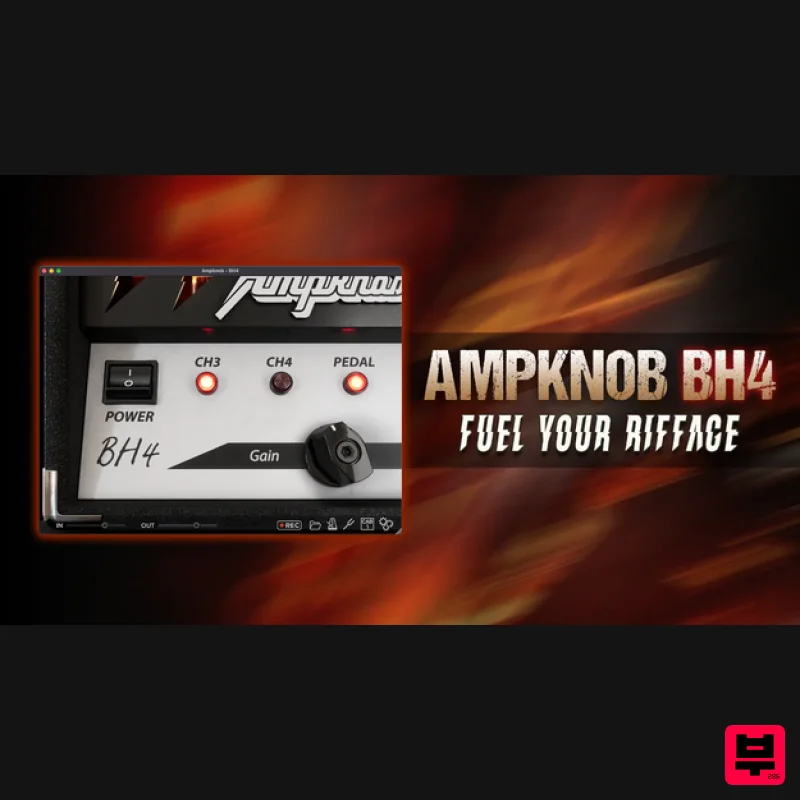
Bogren Digital AmpKnob BH4
Amp Simulator
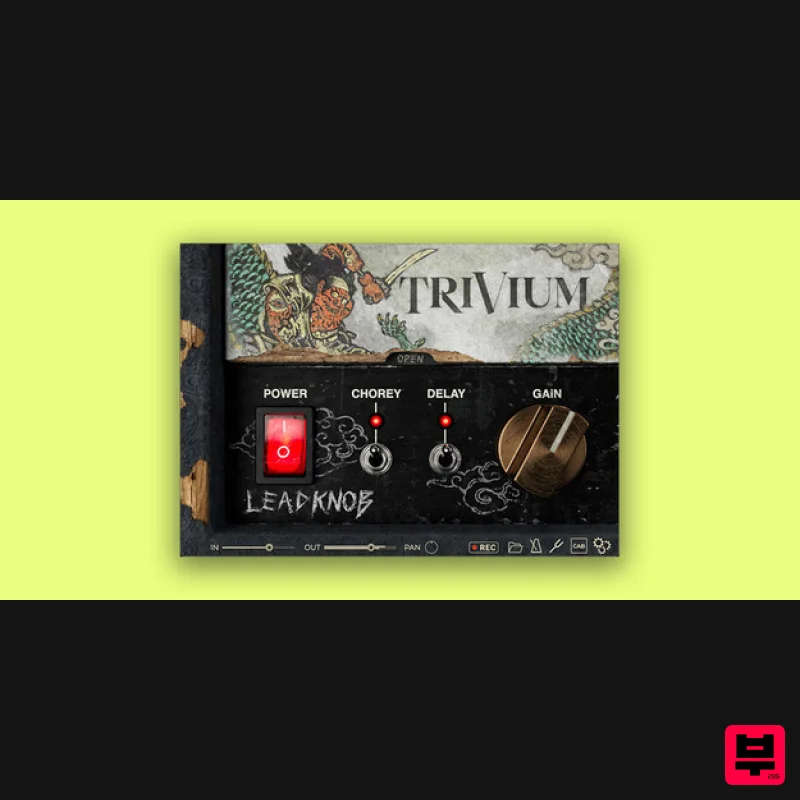
Bogren Digital AmpKnob Trivium Lead
Amp Simulator
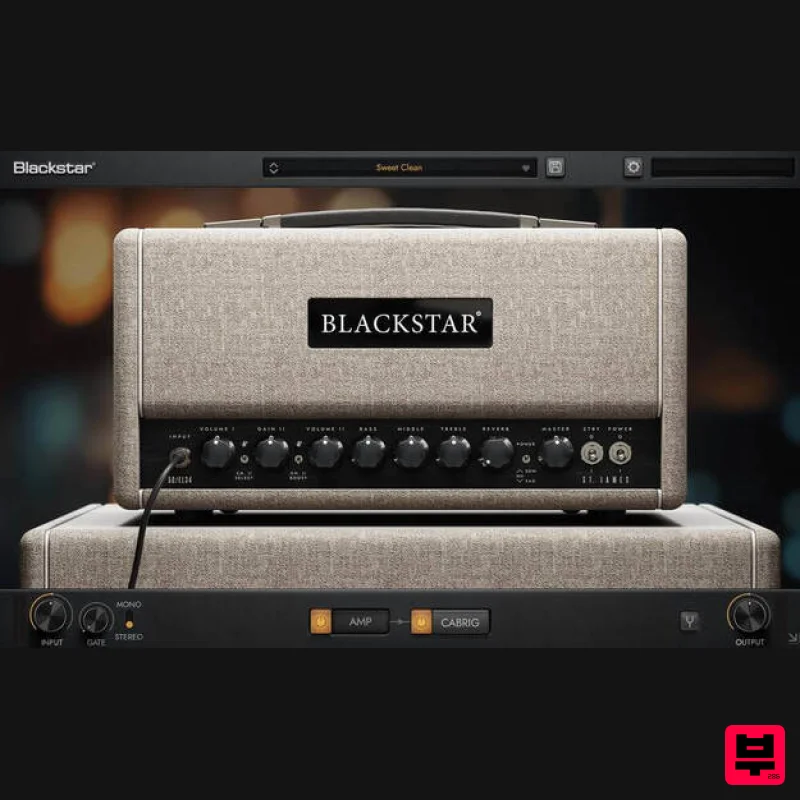
Blackstar St. James EL34
Amp Simulator
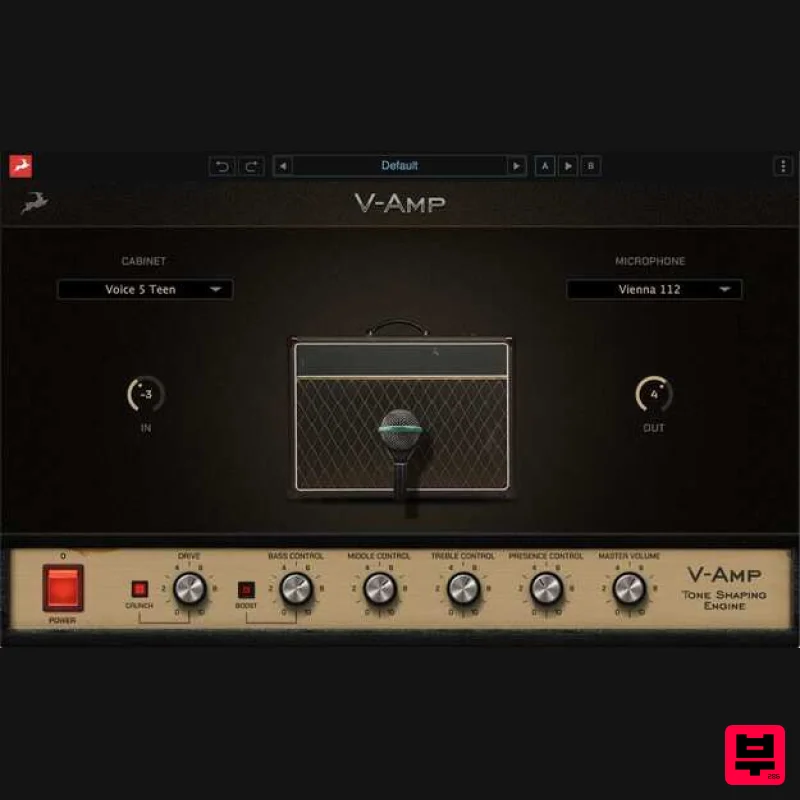
Antelope Audio V-AMP
Amp Simulator
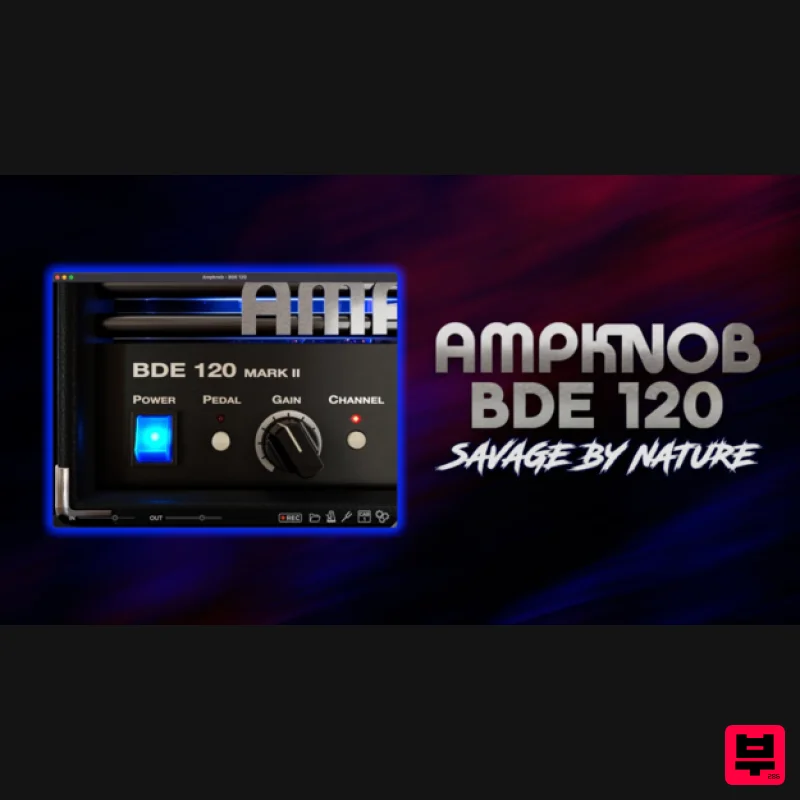
Bogren Digital AmpKnob BDE 120
Amp Simulator

