
Audacity Audacity
Professional music gear - detailed information and where to buy
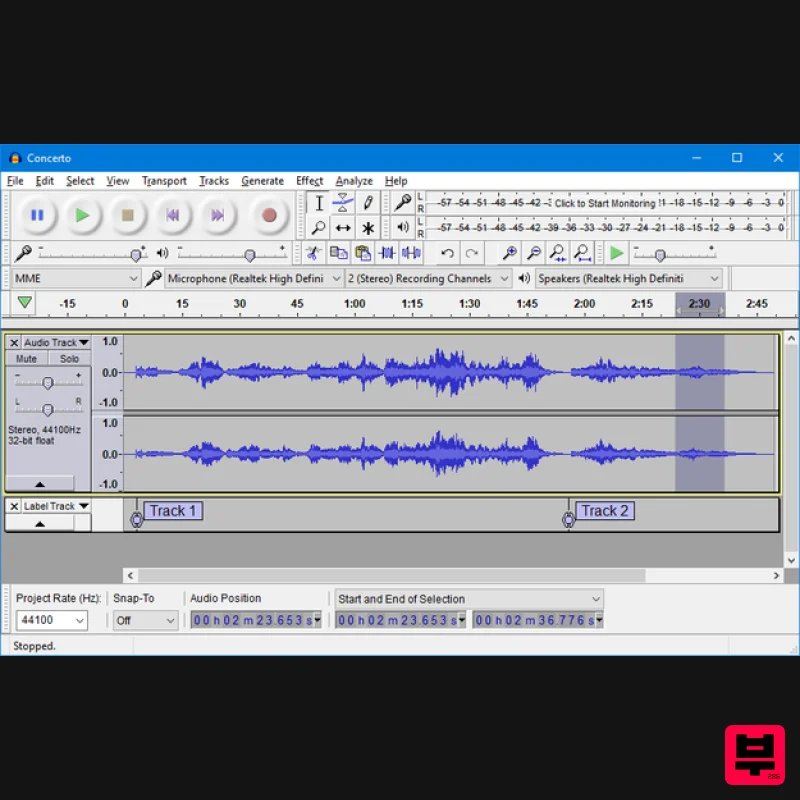
Product Description
- Free
- Open Source
- Cross-Platform Audio Software Audacity is an easy-to-use
- multi-track audio editor and recorder for Windows
- macOS
- GNU/Linux and other operating systems. Audacity is free
- open-source software. Features Recording Export and Import Sound Quality Plugins Editing Effects Accessibility Analysis Recording Audacity can record live audio through a microphone or mixer
- or digitize recordings from other media. With some sound cards
- and on any recent version of Windows
- Audacity can also capture streaming audio. Device Toolbar manages multiple recording and playback devices. Level meters can monitor volume levels before
- during and after recording. Clipping can be displayed in the waveform or in a label track. Record from microphone
- line input
- USB/Firewire devices and others. Record computer playback on Windows Vista and later by choosing “Windows WASAPI” host in Device Toolbar then a “loopback” input. Timer Record and Sound Activated Recording features. Dub over existing tracks to create multi-track recordings. Record at very low latencies on supported devices on Linux by using Audacity with JACK. Record at sample rates up to 192
- 000 Hz (subject to appropriate hardware and host selection). Up to 384
- 000 Hz is supported for appropriate high-resolution devices on Windows (using WASAPI)
- Mac OS X
- and Linux. Record at 24-bit depth on Windows (using Windows WASAPI or Windows DirectSound host)
- Mac OS X or Linux (using ALSA or JACK host). Record multiple channels at once (subject to appropriate hardware). Import and Export Import sound files
- edit them
- and combine them with other files or new recordings. Export your recordings in many different file formats
- including multiple files at once. Import and Export WAV
- AIFF
- FLAC and Ogg Vorbis files. Fast “On-Demand” import of WAV or AIFF files (letting you start work with the files almost immediately) if read directly from source. Import and export all formats supported by libsndfile such as GSM 6.10
- 32-bit and 64-bit float WAV
- RF64
- and U/A-Law. Import MPEG audio (including MP2 and MP3 files) using libmad. Import raw (headerless) audio files using the “Import Raw” command. Create WAV or AIFF files suitable for burning to audio CD. Import and export Opus
- M4A/M4R (AAC) and WMA with the optional FFmpeg library (this also supports import of audio from video files). Sound Quality Audacity supports 16-bit
- 24-bit and 32-bit (floating point) samples (the latter is Audacity’s default setting and preserves samples in excess of full scale). Sample rates and formats are converted using high-quality resampling and dithering. Tracks with different sample rates or formats are converted automatically in real-time. These settings can be managed in Quality preferences. Plugins Support for LADSPA
- Nyquist
- VST and Audio Unit effect plug-ins. Effects written in the Nyquist programming language can be easily modified in a text editor – or you can even write your own plug-in. Plugins made and collected by the community can be found on plugins.audacityteam.org Editing Easy editing with Cut
- Copy
- Paste and Delete. Find the spot to edit easily with scrubbing and seeking or Timeline Quick-Play. Unlimited sequential Undo (and Redo) in the session to go back any number of steps. Edit and mix large numbers of tracks. Multiple clips are allowed per track. Label tracks with selectable Sync-Lock Tracks feature for keeping tracks and labels synchronized. Draw Tool to alter individual sample points. Envelope Tool to fade the volume up or down Automatic Crash Recovery in the event of abnormal program termination. Effects Audacity is shipped with many effects that you can use to modify your audio. Real-time preview of LADSPA
- VST and Audio Unit (macOS) effects. Plug-in Manager handles plug-in installation and addition/removal of effects and generators from the menus. Generate tones
- silence
- noise
- instruments or rhythm track. Change the pitch without altering the tempo. Change the tempo without altering the pitch. Noise Reduction to remove static
- hiss
- hum or other constant background noises. Alter frequencies with Equalization
- Bass and Treble
- High-Pass
- Low-Pass and Notch Filter effects. Filter a frequency selection created in Spectrogram view or Spectral Selection Toolbar using spectral edit effects. Adjust volume with Compressor
- Amplify
- Normalize
- Fade In/Out
- Studio Fade Out
- Crossfade Clips
- Crossfade Tracks and Adjustable Fade effects. Reduce or Isolate Vocals given suitable stereo tracks (vocal reduction produces a stereo result). Create voice-overs for podcasts or DJ sets using the Auto Duck effect. Other built-in effects include: Distortion Echo Limiter Paulstretch (extreme stretch) Phaser Reverb Reverse Truncate Silence Wahwah Run chains of effects on a project or multiple files usimg Macros. Accessibility Tracks and selections can be fully manipulated using the keyboard. Large range of keyboard shortcuts. Excellent support for JAWS
- NVDA and other screen readers on Windows
- and for VoiceOver on Mac in legacy Audacity 2.1.1. Analysis Spectrogram view mode for visualizing and selecting frequencies. Plot Spectrum window for detailed frequency analysis. Sample Data Export for exporting a file containing amplitude values for each sample in the selection and Sample Data Import for import of numeric values from a plain ASCII text file Contrast Analysis for analyzing average RMS volume differences between foreground speech and background music. Support for adding Vamp analysis plug-ins. System Requirements Free & Cross-Platform Licensed under the GNU General Public License (GPL) Runs on Windows
- Mac OS X/macOS and GNU/Linux Mac: macOS 10.12 Sierra - macOS 11 Big Sur (M1 Macs supported via Rosetta) (64-bit only) At least 2 GB RAM and a 2 GHz processor (4 GB RAM / 4 GHz processor recommended) Windows Windows 10 - Windows 11 (32 / 64-bit) At least 2 GB RAM and a 2 GHz processor (4 GB RAM / 4 GHz processor recommended) A CPU that supports SSE2 is required (any CPU made after 2003 should support this). Note: Audacity works best on computers meeting more than the minimum requirements stated above. For lengthy multi-track projects
- Audacity recommend using machines of substantially higher specification than the minimums. Installation Instructions Windows 1. Unzip the file you have downloaded from Plugin Boutique. This will also be available in your account for future downloads. You will need to select which language you would like the installation process to be presented. 2. Select Next to continue Installation. 3. Read through the information text and select Next to continue. 4. You will need to select the folder destination for Audacity to install. 5. Select if you would like these additional options and select Next to continue. 6. Audacity is now ready to install
- select Install to continue. 7. Installation is now complete. Mac 1.Double-click the downloaded .dmg to mount it. 2. Then
- copy the "Audacity" folder from the newly mounted .dmg to /Applications or any other location of your choosing.
Additional Information
About the Audacity Audacity
The Audacity Audacity combines traditional design with modern performance for DAW enthusiasts.
Why Choose the Audacity Audacity?
- •Authentic Audacity craftsmanship and design
- •Versatile sound suitable for multiple musical genres
- •Professional build quality and reliable performance
- •Part of Audacity's respected DAW lineup
Compare & Explore
Browse our complete selection of Audacity instruments or explore other DAW options. Use our comparison tools to find the perfect match for your musical style and budget.
Similar Products
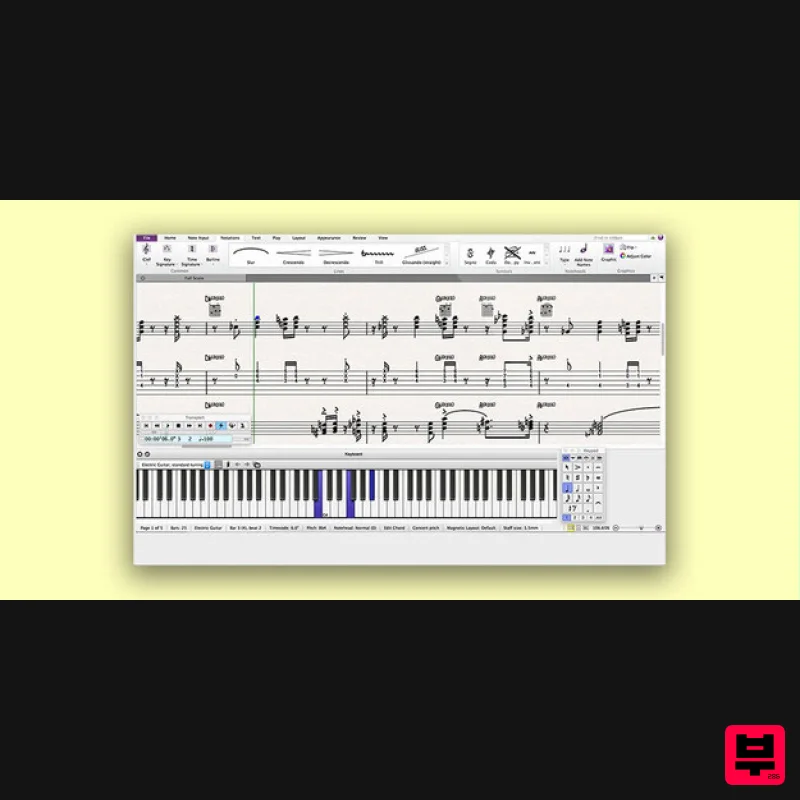
Avid Sibelius Ultimate 1 Year Subscription Educational Version
DAW
$149
Important Note: This is an educationally discounted version of Sibelius Ultimate 1 Year Subscription and is available...
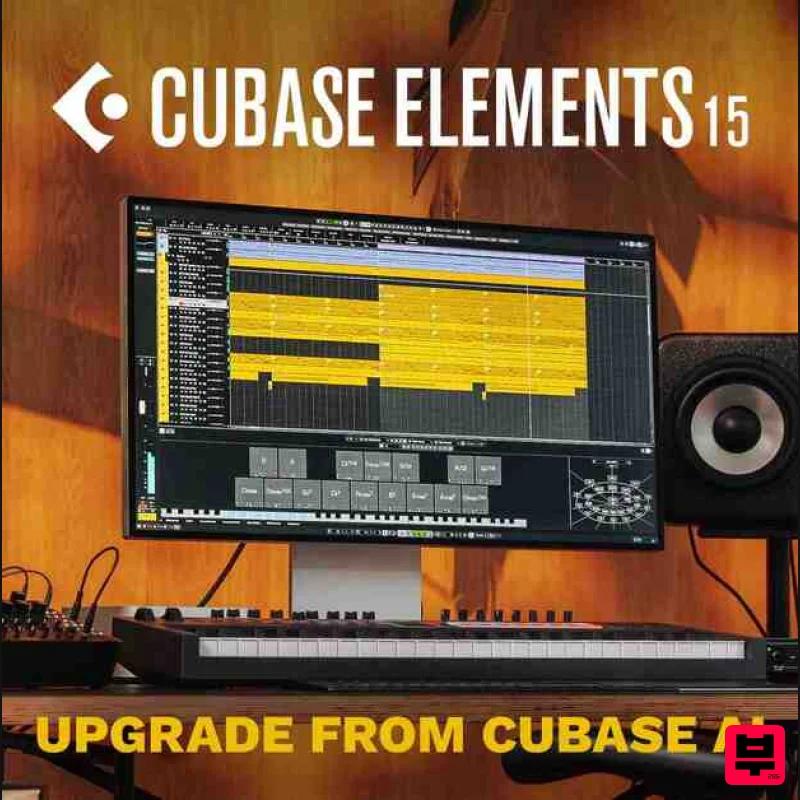
Steinberg Cubase Elements 15 Educational
DAW
$49
Important Note: This is an educational version and requires proof of educational status after purchase, the standard...
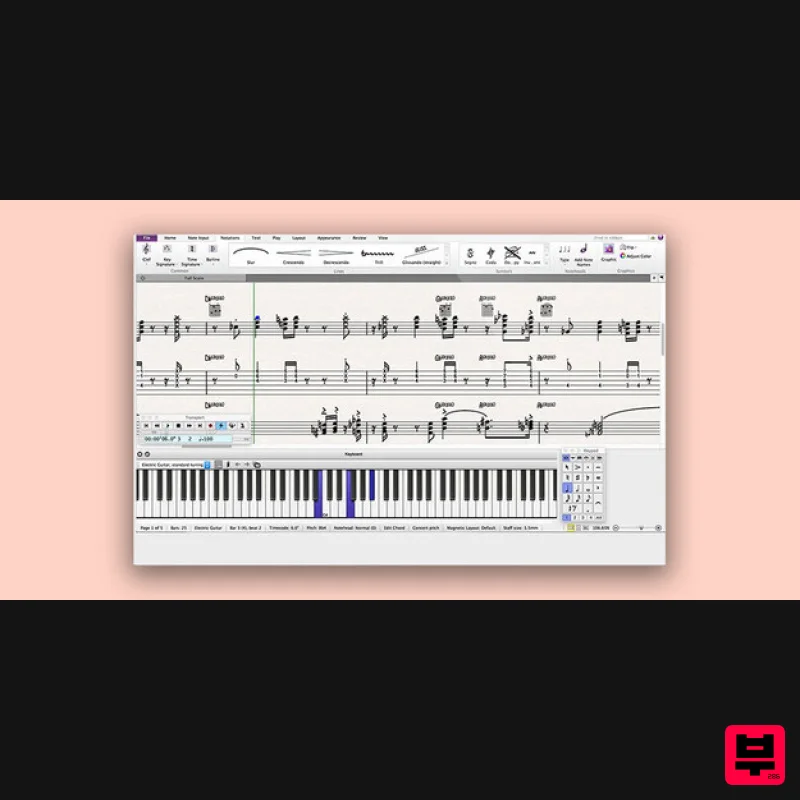
Avid Sibelius Artist 1 Year Subscription
DAW
$119
Please Note: All of the differences between versions of Sibelius can be found in detail HERE. Empowering Creative...
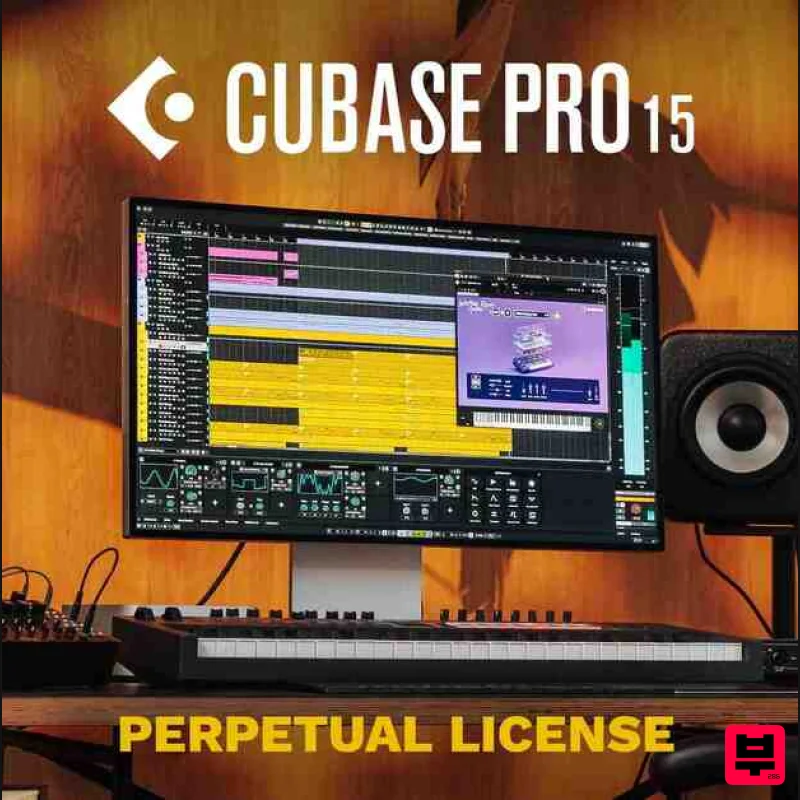
Steinberg Cubase Pro 15 Educational
DAW
$263
Important Note: This is an educational version and requires proof of educational status after purchase, the standard...
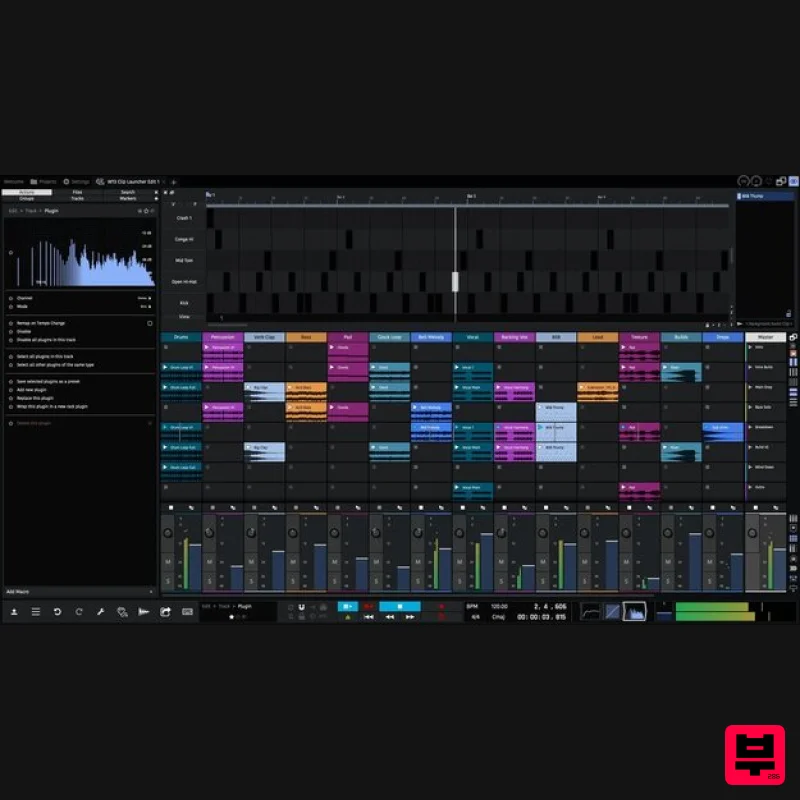
Tracktion Waveform Pro 13
DAW
$187
The most creative, inspirational and affordable digital audio workstation ever created; Waveform is laser focused on...
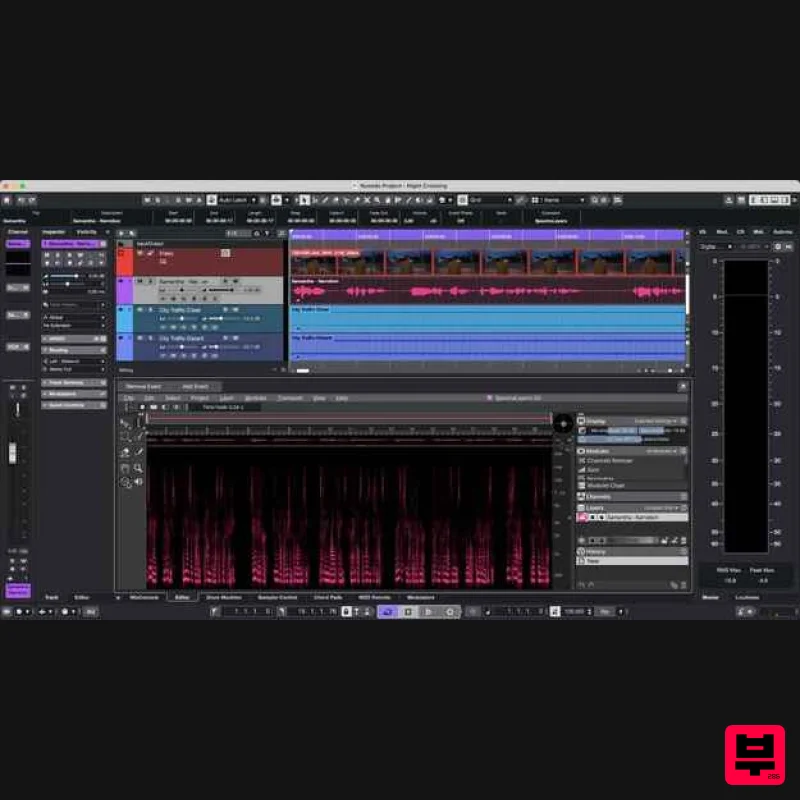
Steinberg Nuendo 15 Educational Edition
DAW
$522
Important Note: This is an educational version and requires proof of educational status after purchase, the standard...
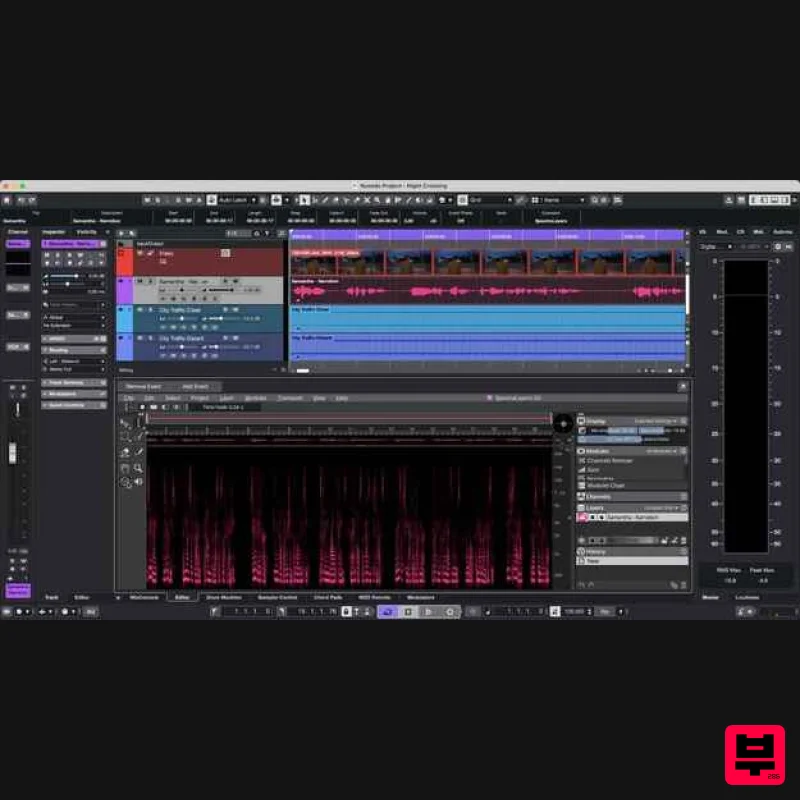
Steinberg Nuendo 15
DAW
$1,045
The new evolution in audio post-production Nuendo 15 represents the next evolution in audio post-production, offering...
Frequently Asked Questions
The Audacity Audacity stands out for its exceptional Audacity craftsmanship and innovative design.
It's designed for intermediate to advanced players who appreciate professional-quality daw.
Browse the similar products section to see how it stacks up against other daw.

