
Applied Acoustics Systems Objeq Delay
Professional music gear - detailed information and where to buy
Applied Acoustics Systems
Objeq Delay
Product Info
* Prices may vary. Check retailer for current pricing and availability.
Product Description
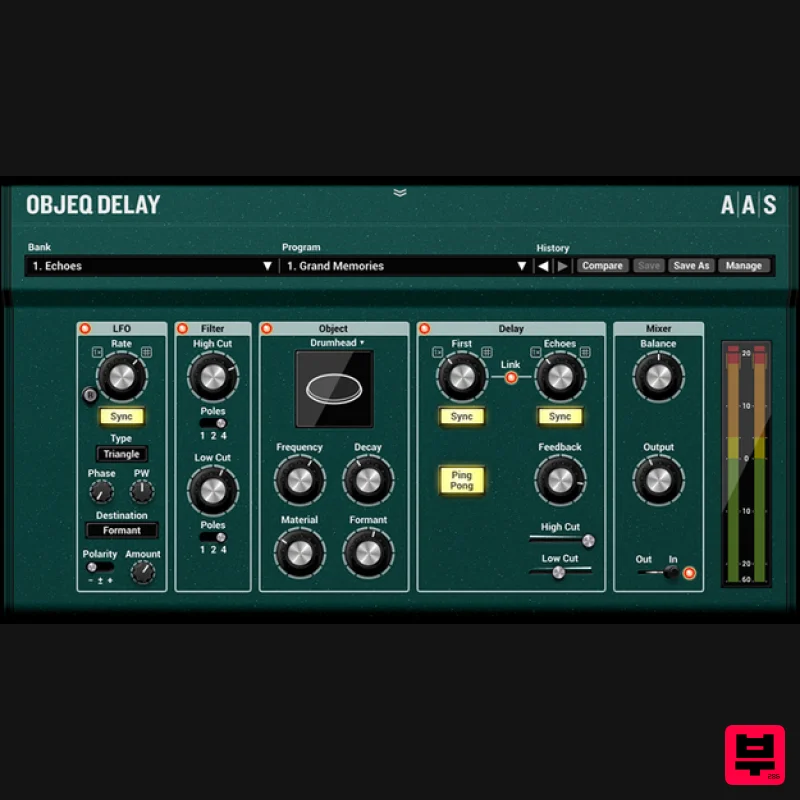
- Beyond Traditions Objeq Delay is a creative effect plug-in combining acoustic filtering with a clever delay unit. The plate
- beam
- drumhead
- and string objects impart evocative acoustic resonances to the input signal. Further shaping is also available via low- and high-cut filters. The in-series delay acts as a classic unit or can split the first and subsequent repeats to either remodel the attack or create complex rhythmic patterns. An LFO module completes the package with comprehensive modulation destinations to the filter
- resonator
- and delay parameters. "Objeq delay is a truly creative and fun effect with multifaceted applications
- " said Eric Thibeault
- the product's designer
- "Objeq Delay is obviously a great delay unit
- but the complete feature set takes it to another level. The acoustic resonator is a great percussion track enhancer—it's fantastic on kicks and snares. The split between the first and subsequent echoes can mangle simple loops into new complex rhythms. The LFO allows various modulator-type effects such as flanger and chorus. And then when you bring it all together
- a highly resonant object with the delay brings you into the drones territory." Objeq Delay is a creative delay unit with unique filtering options thanks to our acoustic object models. Going beyond traditional delay duties
- Objeq Delay delivers modulator type effects
- drum track layering
- one-shot re-crafting
- dynamic loop mangling
- and drones… Echoes - 35 Presets Objeq Delay kits out an extensive Delay module. Whether it’s for psychoacoustic effects
- slap
- rhythmic
- or super lush space-out echoes
- with modulation and feedback filters
- Objeq Delay covers the whole gamut of delay possibilities. Modulators - 44 Presets Objeq Delay boasts a comprehensive LFO with a full list of modulation destinations that allows the creation of chorus
- flanger
- vibrato
- tremolo
- and auto-filter modulation effects. Rhythmic Loop Mangers - 36 Presets Objeq Delay really augments the life of rhythmic loops. While the resonator is made as a new pulsing element
- the delay module
- with its independent first and subsequent repeats
- answers the source’s original invitation—working together to create complex and intricate new beats. Kick Track Enhancers - 25 Presets Objeq Delay’s resonators can transform kick tracks in many interesting ways—add boom decays or snap attacks in skin
- plastic
- wood
- or metal flavours. Snare Track Enhancers - 20 Presets Like kicks
- snare tracks are prime candidates for Objeq Delay’s resonators. The objects layer in weight
- body
- an acoustic ring
- or a snappier attack showing no prejudice whether your source material is acoustic or electronic. Dornes - 24 Presets With high resonance and modulation
- Objeq Delay’s resonator forms ever evolving drones that reacts to the source material in a related but often unrecognizable fashion. Richard Devine Signature - 42 Presets Expert sound designer Richard Devine bring his touch to Objeq Delay with a comprehensive set of presets that explore the extremes of the effect with all kinds of new and interesting sonic transformations. Martin Walker Signature - 40 Presets Sound designer and steampunk audio inventor Martin Walker pushes the boundaries of Objeq Delay
- discovering fresh and exciting possibilities while retaining loads of musicality. Neat Features Real-time control over any parameters via DAW automation Host tempo synchronization for effects and modulations Relaxed editing with unlimited undo/redo capability The Benefits of Physical Modelling Sound manipulation at the source core. Presets load in a flash. Installs in less than a minute - less than 11 MB on disk. Plugin Formats: Audio Units (AU) AAX Native VST System Requirements WINDOWS · MAC OS X · 64-BIT & VST · AU · RTAS · AAX NATIVE · STANDALONE AAS products are compatible with nearly all DAWs... Ableton Live Apple GarageBand Apple Logic Pro Apple Mainstage Avid Pro Tools Bitwig Studio Bandlab Cakewalk Cockos Reaper Image-Line FL Studio MOTU Digital Performer Native Instruments Komplete Kontrol Native Instruments Maschine Presonus Studio One Propellerhead Reason Steinberg Cubase Mac minimum system requirements* macOS 10.11 (El Capitan) or later Intel Core i5 (circa 2015)
- Apple M1 processor or later 64-bit DAW PC minimum system requirements Windows 10 64‑bit or later Intel Core i5 (circa 2015) processor or later 64-bit DAW *The minimum system requirements mentioned above are for standalone usage. For plug-in usage
- please refer to your DAW software requirements (Sonar
- Pro Tools
- Cubase
- Live
- Digital Performer
- Logic Pro
- etc.). Richard Devine (Producer/Sound Engineer) "It's already getting used on all of my sound design sessions." Gearspace.com "Love it! Thank you
- Applied Acoustics Systems
- for developing this effects gem!" Sonic State 'A game changer: Every now and again
- you come across a plug-in that genuinely changes the way you work and becomes—for whatever period of time—your first choice plug-in
- and that may be a week or a month or a year
- it’s one of those plug-ins.' Registration 1. Copy and paste the URL which is listed as the ‘Serial Number’ in your account into your browser search bar and click enter. 2. Enter your email address and name (the key will have been automatically entered). 3. Choose your communication preferences > Click 'Submit'. Mac Installation 1. Download the Mac Installer. 2. Open the ZIP folder you’ve just downloaded > Double click the PKG installer file. 3. You may see this message - if so
- please click 'Open'. 4. Click 'Continue'. 5. Read the Software License Agreement > Click 'Continue'. 6. Click 'Agree'. 7. Click 'Install'. 8. Tap your fingerprint or enter your password. 9. Your software will now install. 10. Open your new software in your DAW (you may need to restart your Mac and/or rescan your plugins). Your software is now ready to use within your DAW! Windows Installation 1. Download the Windows Installer. 2. Open the ZIP file you’ve just downloaded > Double click the Setup file. 3. Click 'Yes' to allow the installation to run. 4. Close your DAW if it’s open > Click 'OK'. 5. Read the License Agreement > Click ‘I Agree’. 6. Choose the install location (we recommend leaving it as the default). 7. Your software will now install. 8. The installation is now complete > Click 'Close'. 9. Open your new software in your DAW (you may need to restart your Mac and/or rescan your plugins). Your software is now ready to use within your DAW!
Additional Information
About the Applied Acoustics Systems Objeq Delay
The Applied Acoustics Systems Objeq Delay combines traditional design with modern performance for Delay enthusiasts.
Why Choose the Applied Acoustics Systems Objeq Delay ?
- •Authentic Applied Acoustics Systems craftsmanship and design
- •Versatile sound suitable for multiple musical genres
- •Professional build quality and reliable performance
- •Part of Applied Acoustics Systems's respected Delay lineup
Compare & Explore
Browse our complete selection of Applied Acoustics Systems instruments or explore other Delay options. Use our comparison tools to find the perfect match for your musical style and budget.
Similar Products
Red Sounds Mojo-Fi
Delay
PSP Audioware PSP Lexicon PSP42x
Delay
Gooey Audio Control
Delay
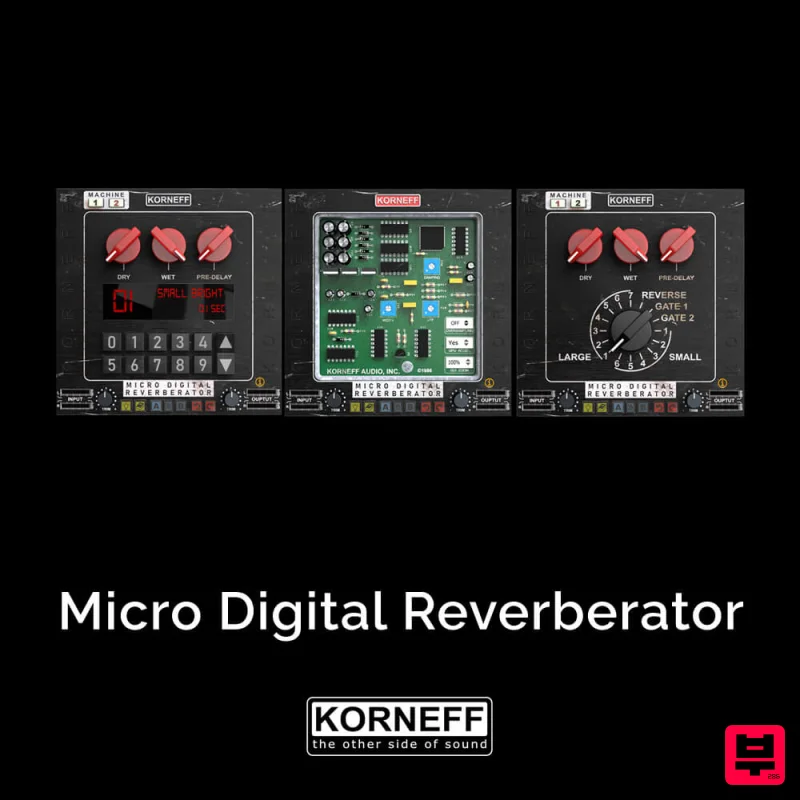
Korneff Audio Micro Digital Reverberator
Delay
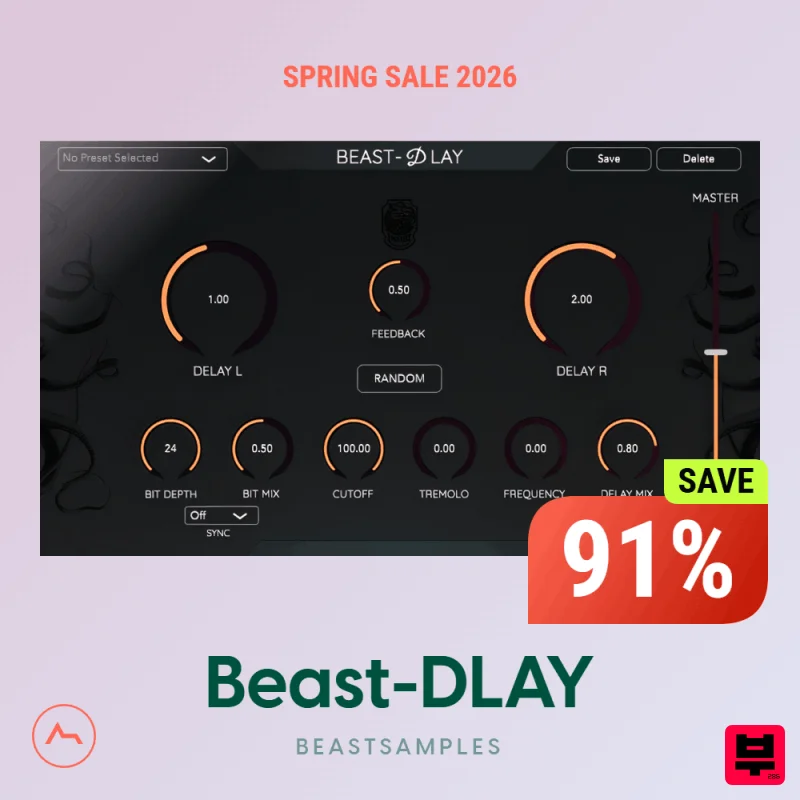
Beastsamples Beast-DLAY
Delay
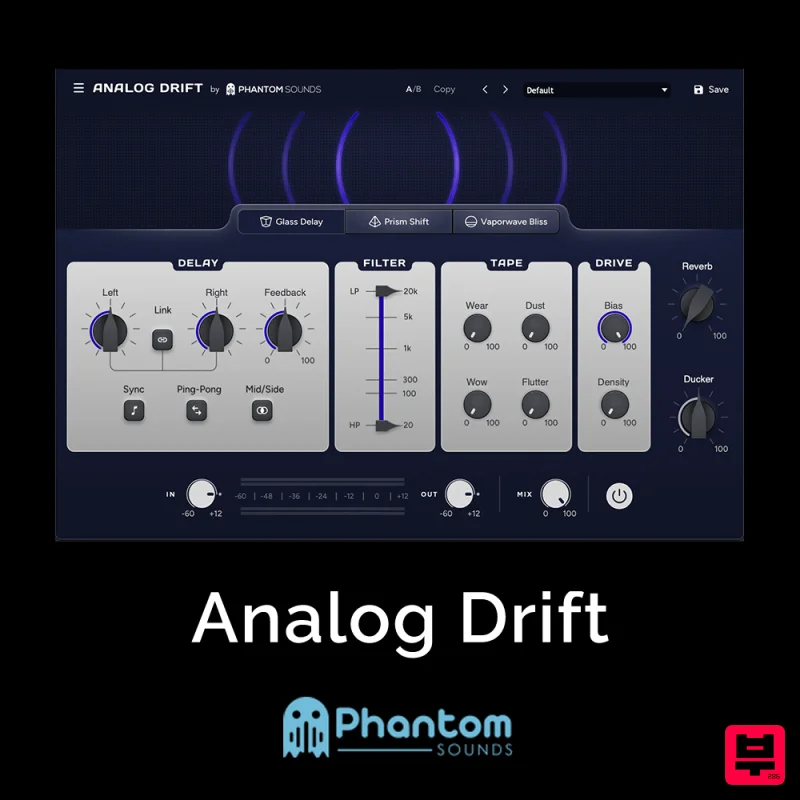
Phantom Sounds Analog Drift
Delay
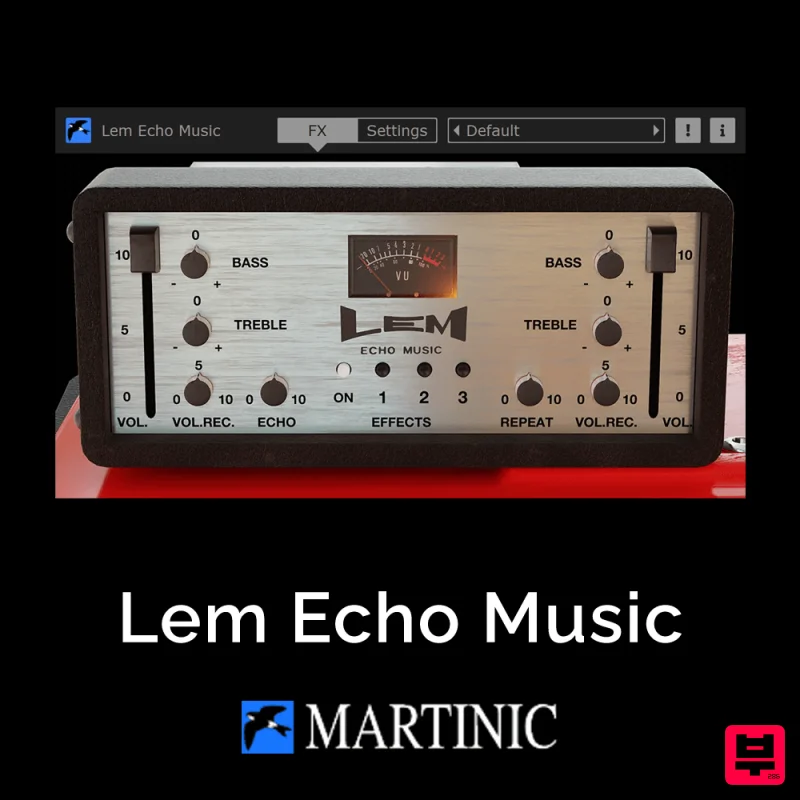
Martinic Lem Echo Music
Delay
UnplugRed Magic Carpet
Delay

