
Applied Acoustics Systems Ice Crystals Chromaphone 3 Sound Bank
Professional music gear - detailed information and where to buy
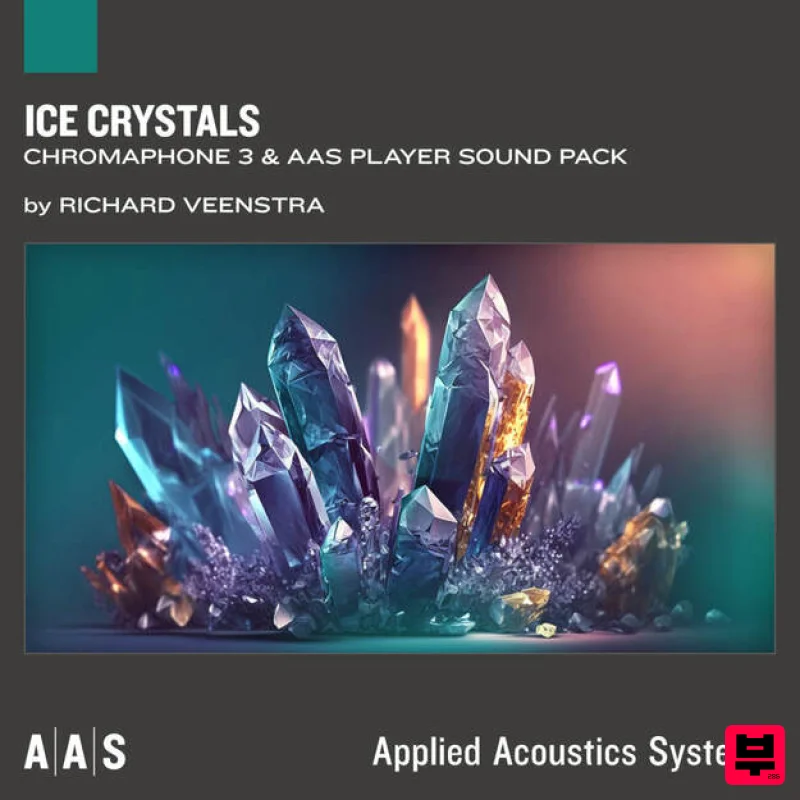
Applied Acoustics Systems
Ice Crystals Chromaphone 3 Sound Bank
Product Info
* Prices may vary. Check retailer for current pricing and availability.
Product Description
- With Ice Crystals
- his first sound pack with AAS
- Dutch sound designer Richard Veenstra unleashes an immersive collection of expressive abstract sounds perfectly tailored for those seeking to add intricate sound layers that captivate the senses. Ice Crystals transports you through a sonic labyrinth
- where icy bells resonate with crystalline clarity
- digital detuned pads weave a tapestry of ethereal melodies
- and bright deep basses provide a foundation that reverberates with intensity. Ignite your creative spark with the pack's complex rhythms that elevates your compositions to new heights. Whether you're a connoisseur of intelligent dance music
- a crispy techno enthusiast
- or a creator of deep and dark cinematic soundscapes
- Ice Crystals will infuse your music with unparalleled richness and depth. Take your music to a new dimension
- where artistry meets innovation and boundless possibilities await. Who’s Richard Veenstra? Richard Veenstra is a Dutch sound designer and composer currently based in Madrid
- Spain. He holds a Bachelor Degree in Music from Prince Claus Conservatoire Groningen and a Master of Arts from HKU University of the Arts Utrecht
- specializing in Composition in Contexts. His blend of analog synthesizers
- vintage tape machines
- digital production techniques
- and foley sound design techniques
- lead to a signature sound
- audible in all his works to date. Richard works for software and hardware musical instrument companies like Elektron
- Ableton
- Splice
- Arturia
- Native Instruments
- Soniccouture
- Loopmasters
- Toontrack
- and Applied Acoustics Systems
- providing sound design
- factory presets and sample libraries. As a composer and producer
- he works with internationally acclaimed artists
- has released music on Hexagon Records
- Universal Music
- Spinnin’ Records
- 49 REC.
- and Kostbar Musik. Richard has performed at various venues
- festivals and spaces throughout Europe and The United States
- such as Palais de Tokyo Paris
- Berghain Berlin
- Roundhouse London
- Paradiso Amsterdam
- and SIR Studios Los Angeles. Richard is co-founder of German music library website Feature Music
- has been teaching composition and sound design at conservatoires and music academies and co-developed the Experimental Sound curriculum at Deutsche Pop/University of West-London. As of 2020
- Richard is also a member of music and sound design agency The Solos. System Requirements This preset collection can be used with the free AAS Player plug-in as well as the Chromaphone 3 analogue synthesizer. After you have installed the sound bank
- there are two options to use it: A. Chromaphone 3 - Ice Crystals will automatically be added to Chromaphone 3 if it is installed on your computer. B. AAS Player - If you don't own Chromaphone 3
- you will be able to play Ice Crystals from the AAS Player plug-in or standalone application. Please note: Objeq Delay is used as an example as the installation process is the same for all Applied Acoustics Systems products. Registration 1. Copy and paste the URL which is listed as the ‘Serial Number’ in your account into your browser search bar and click enter. 2. Enter your email address and name (the key will have been automatically entered). 3. Choose your communication preferences > Click 'Submit'. Mac Installation 1. Download the Mac Installer. 2. Open the ZIP folder you’ve just downloaded > Double click the PKG installer file. 3. You may see this message - if so
- please click 'Open'. 4. Click 'Continue'. 5. Read the Software License Agreement > Click 'Continue'. 6. Click 'Agree'. 7. Click 'Install'. 8. Tap your fingerprint or enter your password. 9. Your software will now install. 10. Open your new software in your DAW (you may need to restart your Mac and/or rescan your plugins). Your software is now ready to use within your DAW! Windows Installation 1. Download the Windows Installer. 2. Open the ZIP file you’ve just downloaded > Double click the Setup file. 3. Click 'Yes' to allow the installation to run. 4. Close your DAW if it’s open > Click 'OK'. 5. Read the License Agreement > Click ‘I Agree’. 6. Choose the install location (we recommend leaving it as the default). 7. Your software will now install. 8. The installation is now complete > Click 'Close'. 9. Open your new software in your DAW (you may need to restart your Mac and/or rescan your plugins). Your software is now ready to use within your DAW!
Additional Information
About the Applied Acoustics Systems Ice Crystals Chromaphone 3 Sound Bank
The Applied Acoustics Systems Ice Crystals Chromaphone 3 Sound Bank combines traditional design with modern performance for Synth Presets enthusiasts.
Why Choose the Applied Acoustics Systems Ice Crystals Chromaphone 3 Sound Bank?
- •Authentic Applied Acoustics Systems craftsmanship and design
- •Versatile sound suitable for multiple musical genres
- •Professional build quality and reliable performance
- •Part of Applied Acoustics Systems's respected Synth Presets lineup
Compare & Explore
Browse our complete selection of Applied Acoustics Systems instruments or explore other Synth Presets options. Use our comparison tools to find the perfect match for your musical style and budget.
Similar Products

Resonance Sound Main Stage Techno Vol. 1 for Serum 2
Synth Presets

W. A. Production Cinematic Synths for Babylon 2
Synth Presets
W. A. Production Progressive Trance for InstaComposer 3
Synth Presets
W. A. Production Melodic Techno for InstaComposer 3
Synth Presets
Resonance Sound FILTH Vol. 1 for Serum 2
Synth Presets
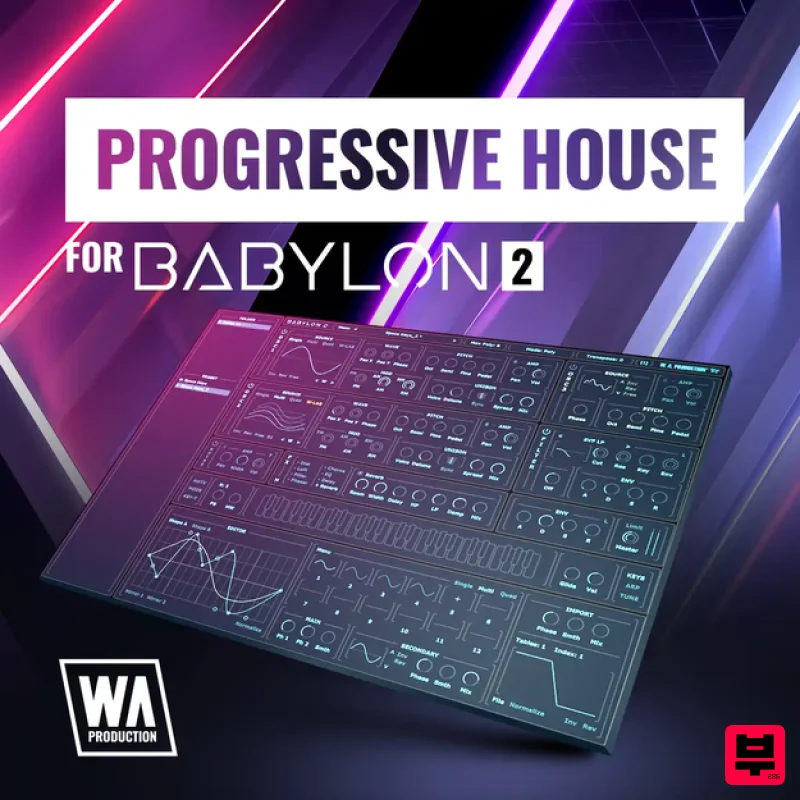
W. A. Production Progressive House for Babylon 2
Synth Presets

Resonance Sound UK Speed Garage Vol. 1 for Serum 2
Synth Presets

Resonance Sound Stranger Serum Synths Vol. 1 for Serum 2
Synth Presets

