
Apisonic Labs Speedrum Lite
Professional music gear - detailed information and where to buy
Apisonic Labs
Speedrum Lite
Product Info
* Prices may vary. Check retailer for current pricing and availability.
Product Description
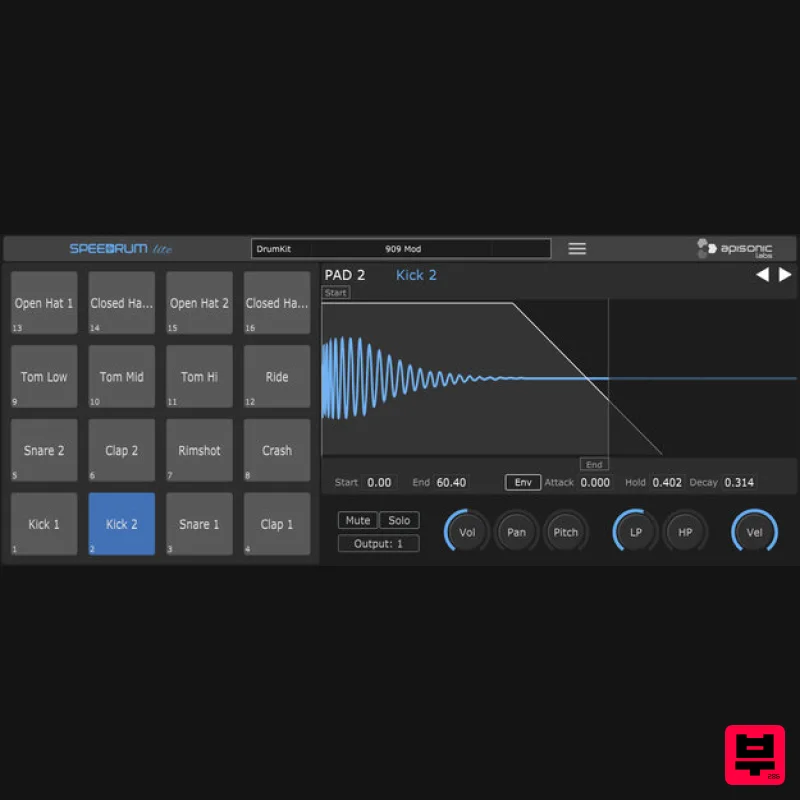
- A Simple MPC Style Sampler Speedrum Lite is the little brother of a Speedrum. A "simple" drum - percussion MPC style sampler. It is designed to be easy to use and to have a fast workflow. It has everything essential you need to start making beats. Features Mpc style pads layout - 16 pads Sample loading by drag and drop or via pad’s context Copy and swap pads with drag and drop Low and High Pass filter Voice Mode: Mono or Poly 8 "Cut" (choke) and "Cut By" groups Pad can Trigger the other pad Waveform view of loaded sample Start and End of sample can be adjusted + AHD Envelope Every pad can be set to one of 16 available stereo outputs Supported Saving and Loading drumkits Fully resizable from 60 to 200 % Internal sample browser with sample preview WAV
- FLAC
- OGG file format support System Requirements Windows 7 or above - VST
- VST3 - 64 & 32 bit macOS 10.7 or above - VST
- VST3
- AU - 64 bit Linux Ubuntu 18 or above - VST
- VST3 - 64 bit Please note: Speedrum Lite used as an example Mac Installation 1. Download the installer from your Plugin Boutique user account and extract the zip folder. 2. Run the SpeedrumLite.pkg installer file. Click "Continue". 3. Click "Continue". 4. Click "Continue". 5. Click "Agree". 6. Click "Continue". 7. Click "Install". 8. Click "Install Software". 9. Click "Close". 10. Launch your DAW and create a new track
- then insert Speedrum Lite onto the channel. Your software is now installed and ready to use. Windows Installation 1. Download the installer from your Plugin Boutique user account and extract the zip folder. 2. Open the Windows folder. 3. Select x64 for 64-bit systems
- or x86 for 32-bit systems. 4. Run the setup.exe file. 5. Click "I accept the agreement"
- then click "Next". 6. Click "Next". 7. Click "Next". 8. Click "Next". 9. Click "Install". 10. Click "Finish". 11. Launch your DAW and create a new track
- then insert Speedrum Lite onto the channel. Your software is now installed and ready to use.
Additional Information
About the Apisonic Labs Speedrum Lite
The Apisonic Labs Speedrum Lite combines traditional design with modern performance for Sampler enthusiasts.
Why Choose the Apisonic Labs Speedrum Lite?
- •Authentic Apisonic Labs craftsmanship and design
- •Versatile sound suitable for multiple musical genres
- •Professional build quality and reliable performance
- •Part of Apisonic Labs's respected Sampler lineup
Compare & Explore
Browse our complete selection of Apisonic Labs instruments or explore other Sampler options. Use our comparison tools to find the perfect match for your musical style and budget.
Similar Products
UJAM UJAM BRAAASS
Sampler
Audiomodern SOUNDBOX
Sampler
New Nation Software Albanju
Sampler
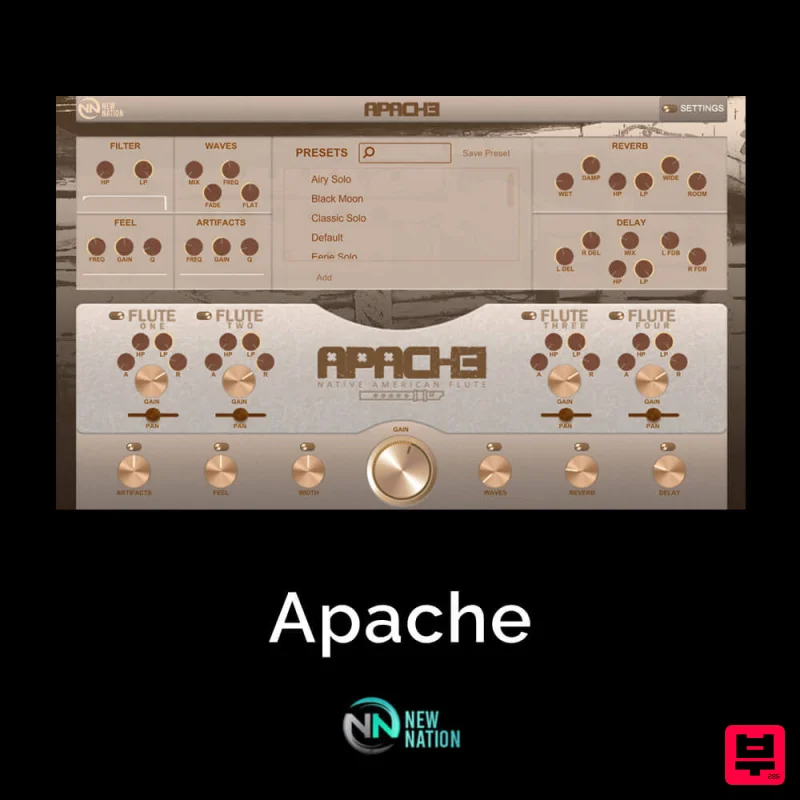
New Nation Software Apache
Sampler
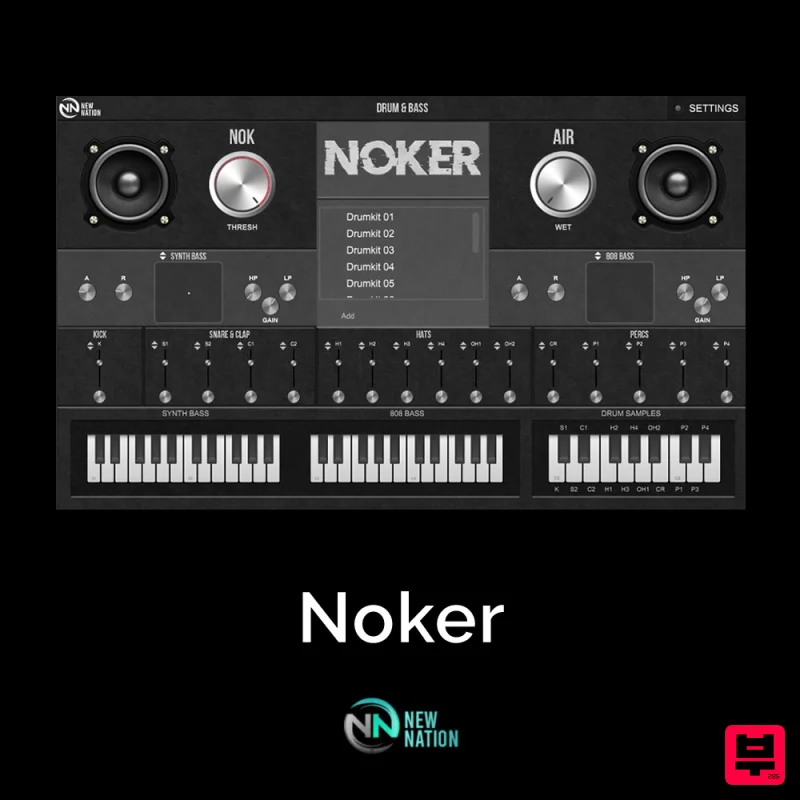
New Nation Software Noker
Sampler
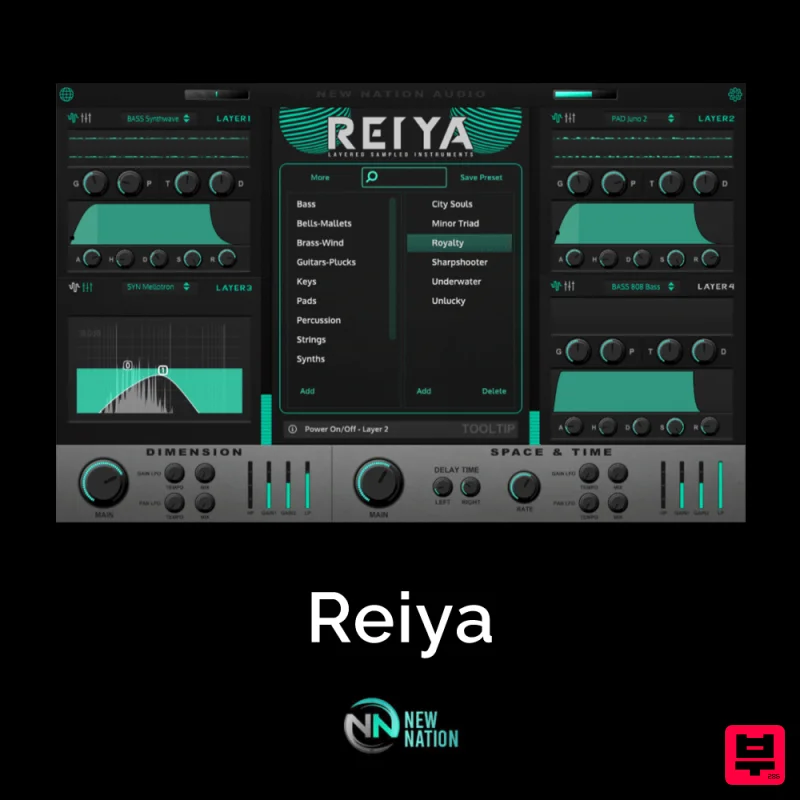
New Nation Software Reiya
Sampler
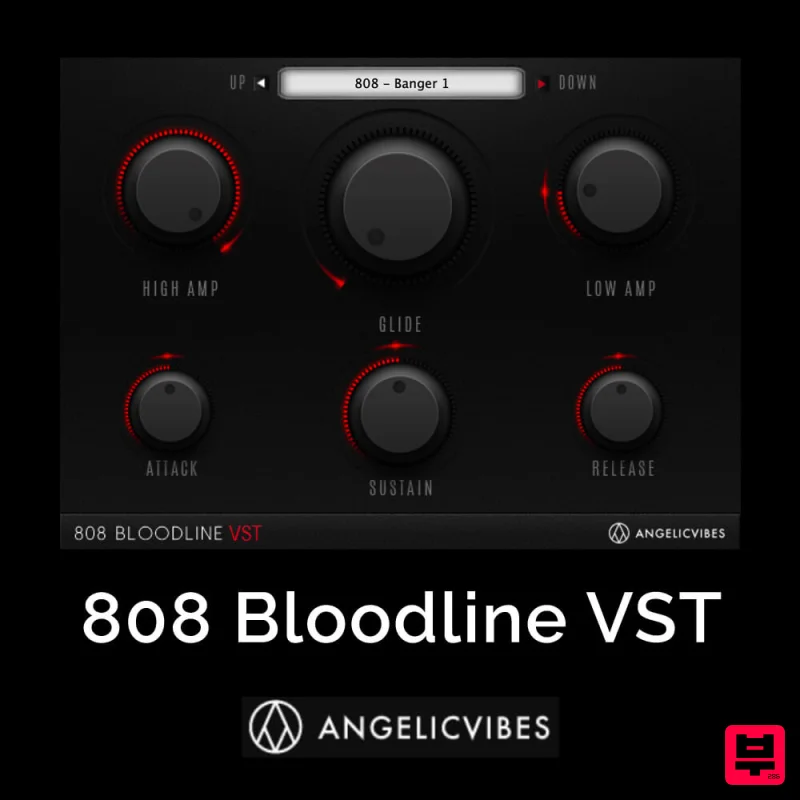
AngelicVibes 808 Bloodline VST
Sampler
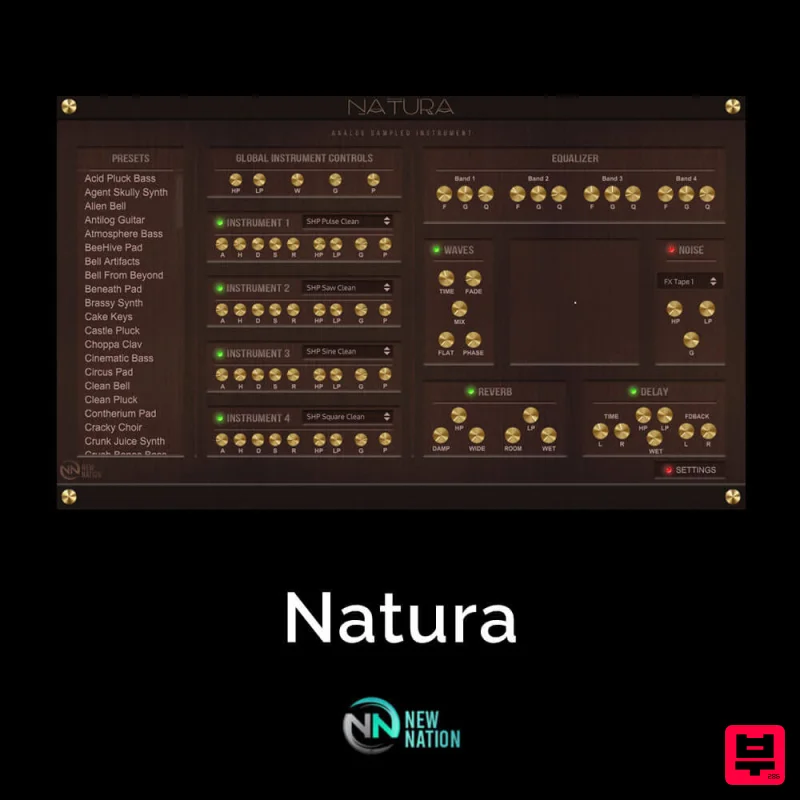
New Nation Software Natura
Sampler

