
AKAI MPC 2
Professional music gear - detailed information and where to buy
Product Description
- The Ultimate in Standalone Music Production MPC is the ultimate in modern music production and beat making. Now
- MPC standalone devices come packed with even more inspiring plugin instrument sounds
- creative editing possibilities
- arranging and vocal effects processing
- as well as award-winning mixing and mastering plugins from world-renowned AIR Music Tech. Redefining the creative vista and driving MPC X and MPC Live in standalone and controller mode is AKAI Professional’s reimagined MPC Software; a cutting-edge production suite combining 128-track sequencing capability
- real-time time-stretching
- clip-launch functionality
- advanced MIDI editing capability
- VST compatibility in controller mode
- operation as a standalone application on Mac & PC
- advanced sampling & audio editing/recording functionality
- seamless DAW integration
- a redesigned GUI and much more. Whether you’re seeking freedom from computer-based music production
- or searching for the perfect controller for DAW-centric creative exploration
- MPC Software grants the ultimate in adaptive creative versatility. MPC More Flexible Than Ever You can now unleash your creativity while harnessing the power of MPC software in a way that works best for you. (Laptop not included) Heavyweight Production Hub The latest version of the acclaimed composition software features audio track recording
- real-time audio warping
- Audio and MIDI drag-and-drop
- along with enhanced Q-Link™ control. A Fully Featured DAW MPC 2 is designed to be the ultimate platform for unrestricted creative versatility alongside must-have tools that deliver unprecedented surgical control. MPC 2 supports all 3rd Party Midi controllers with templates for all popular models. MPC has graduated from a highly acclaimed performance instrument to a fully-featured DAW. MPC Software now includes DrumSynth
- the new synthesizer drum plugin for futuristic drum sound design. Enjoy the power to sculpt and shape unique synthesized drum sounds to build the drum library of your dreams and develop advanced rhythmic textures to lift your music production into an entirely new level of creativity. In addition to DrumSynth
- MPC features MIDI Multi capability - transforming MPC into the ultimate MIDI sequencing studio centerpiece. Now you can simultaneously connect and route all the MIDI gear in your studio including class-compliant USB Keyboards
- MIDI interfaces and USB to CV modules
- supercharging your I/O capability. Fuse this with deep internal MIDI routing capability across tracks
- comprehensive MIDI routing to any MIDI-compatible synthesizer
- drum machine or sound module
- and even multitrack recording capability
- and MPC forms the beating heart of any production setup
- unleashing the true power of all your gear. Incredible Sonic Tools Based in Germany
- AIR Music Technology started as Wizoo Sound Design
- one of the earliest pioneers in virtual instrument technology. The AIR team is responsible for the core of much of the effects offerings in Avid’s Pro Tools® software
- and also developed a suite of award-winning virtual instruments specifically for Pro Tools. Leveraging this history of excellence
- AIR’s has created four exclusive new instrument plugins for MPC
- as well as including their highly acclaimed suite of FX plugins. Introducing Audio Track Recording Outfitted with resizable faders
- an adaptive channel strip
- a dedicated audio track editing window
- resizable waveform view and much more
- MPC 2 is designed to be the ultimate platform for unrestricted creative versatility alongside must-have tools that deliver unprecedented surgical control. Real-Time Time-Stretch and Pitch-Shifting MPC 2 makes it easy to creatively manipulate the time and pitch of any source material: a chopped vocal in an audio track
- a drum loop in a clip program or an orchestral phrase loaded into a chromatic sampler program. New in Version 2.10 AIR Vocal Suite Record and mix the perfect vocals right in the MPC. Whether on standalone devices or in the MPC desktop software
- the AIR Vocal Insert Effects Suite delivers the modern vocal production tools featured across all contemporary music. From Rap to Pop and R&B and beyond
- this vocal plugin collection is an essential toolkit with popular pitch and harmonic effects like those used by top music producers and mix engineers around the world. AIR Effects For music production that pushes the boundaries of genre and style
- you need more than just sounds and drum samples. AIR Stutter and Granulator are just part of the 7 additions to the AIR Insert Effects library for creating dynamic song arrangements and transition FX. Create exciting beat drops
- climactic song bridges
- unique sound design and more with the new AIR Insert Effects Plugins. MPC Plugin Instruments MPC expands the included content with 4 Plugin instruments for a diverse set of inspiring sounds. These new plugin instruments include AIR Hype: a powerful synthesizer instrument
- AIR Mellotron: a faithful recreation of a legendary tape-based sampling keyboard. Based on the classic string synthesizer keyboard and WayOutWare Odyssey
- AIR Solina is a faithful recreation of the all-time favourite analogue duophonic synth with added extensive control. These powerful instruments aren’t just basic emulations of iconic analogue synthesizers
- but interactive sound engines with built-in processing and controls for experimenting and creating inventive sounds. Drum & Keygroup Engine Updates The MPC Drum Program and Keygroup engines are enhanced for more creativity and on-the-fly performance effects. Akai Sample Tail adds a natural decay to samples
- eliminating abrupt chops and clip noises. Keygroup Programs have a Portamento feature for note slides as well as achieving the ubiquitous 808 kick drum glide sound of contemporary music production. The Drum Programs also have 12 plugin effects
- some including RingMode
- BitCrush and Bass Enhancer
- that are great for real-time processing and the spontaneous manipulation of drum samples. Workflow Enhancements MPC has its most efficient workflow ever. Finding samples is lightning fast with the new Recursive Search which digs deep into all folders and matches the search terms. With Key Detection
- MPC will automatically detect the key of the imported sample
- saving you time previously spent on randomly guessing and clicking piano roll notes. Browse and search through MPC Plugin Instrument presets right from the File
- Media and TUI browsers for a super convenient way to find and select instrument Presets. Create and save custom effects chains with the FX Racks function
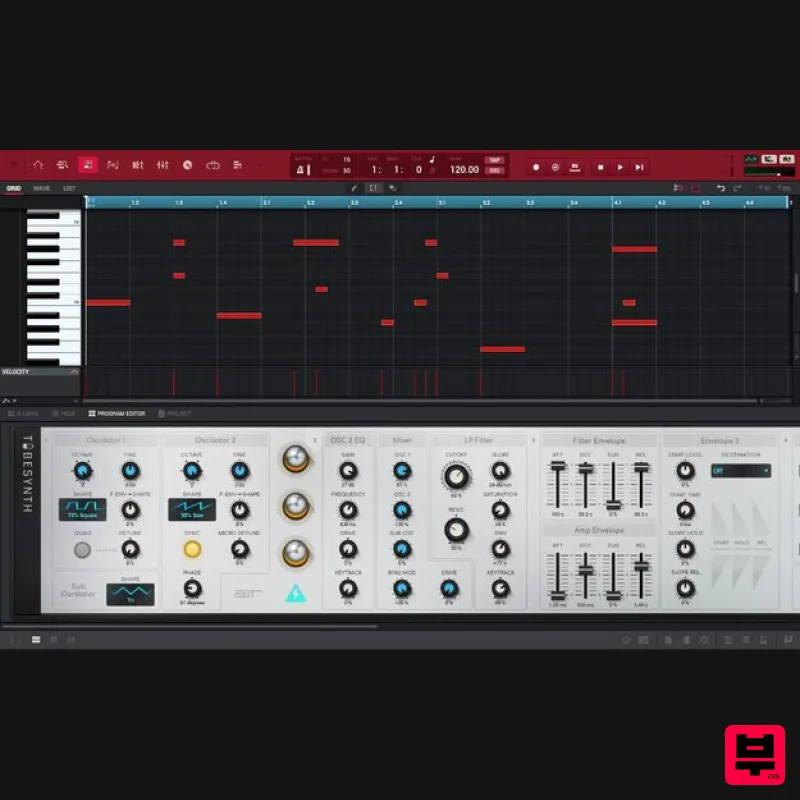
- enabling quick access to frequently used audio processing plugins without interrupting the creative flow. MPC 2 includes: New AIR Virtual Instruments (built into DAW): AIR TubeSynth
- AIR Bassline & AIR Electric MPC Plugins - DrumSynth & Mother Ducker sidechain effect An Extended Factory Library including over 20GB of content covering all popular modern genres. Features MPC 2.10 Software 128 track production suite DAW integration Autosampler Crossfade Looper Open-ended supported for all MIDI controllers Real-time stretch and pitch shift MIDI control and advanced editing functionalities 5 additional MPC Expansion Packs AIR TubeSynth
- Bassline and Electric 16 Classic AIR effects from Pro Tools 12 AIR plugins specifically written for MPC Mother Ducker sidechain effect System Requirements Windows Windows 8.1 - 10 2GB free disk space (20GB for all content recommended) 4GB RAM (8GB recommended) Dual-core 2.5GHz CPU Mac macOS 10.14 - macOS 11 Big Sur (M1 compatible when running with Rosetta) 2GB free disk space (20GB for all content) 4GB RAM (8GB recommended) Dual-core 2.5GHz CPU Step 1: First
- you will need to activate your new license using the iLok License Manager. Please use the guides below for help on how to do this: If you don't have an iLok account please use this guide - Getting started with the iLok License Manager If you already have an iLok account please move ahead to this guide: Activating a license with the iLok License Manager Step 2: Head to the AKAI MPC 2 Activation & Installation Guide Area: AKAI MPC2 Activation & Installation Guides Step 3: Select the correct AKAI MPC 2 Installation Guide for your operating system: AKAI MPC2 Installation Guide: Mac AKAI MPC2 Installation Guide: Windows Step 4 Select the AKAI MPC 2 Factory Library Installation Guide for your operating system: MPC2 Factory Library Installation Guide: Mac MPC2 Factory Library Installation Guide: Windows Experiencing problems? If you are experiencing issues with any of the download material on this page
- please contact us via our support ticket service HERE
Additional Information
About the AKAI MPC 2
Discover the distinctive sound and feel of the AKAI MPC 2, a standout choice among DAW.
Why Choose the AKAI MPC 2?
- •Authentic AKAI craftsmanship and design
- •Versatile sound suitable for multiple musical genres
- •Professional build quality and reliable performance
- •Part of AKAI's respected DAW lineup
Compare & Explore
Browse our complete selection of AKAI instruments or explore other DAW options. Use our comparison tools to find the perfect match for your musical style and budget.
Similar Products
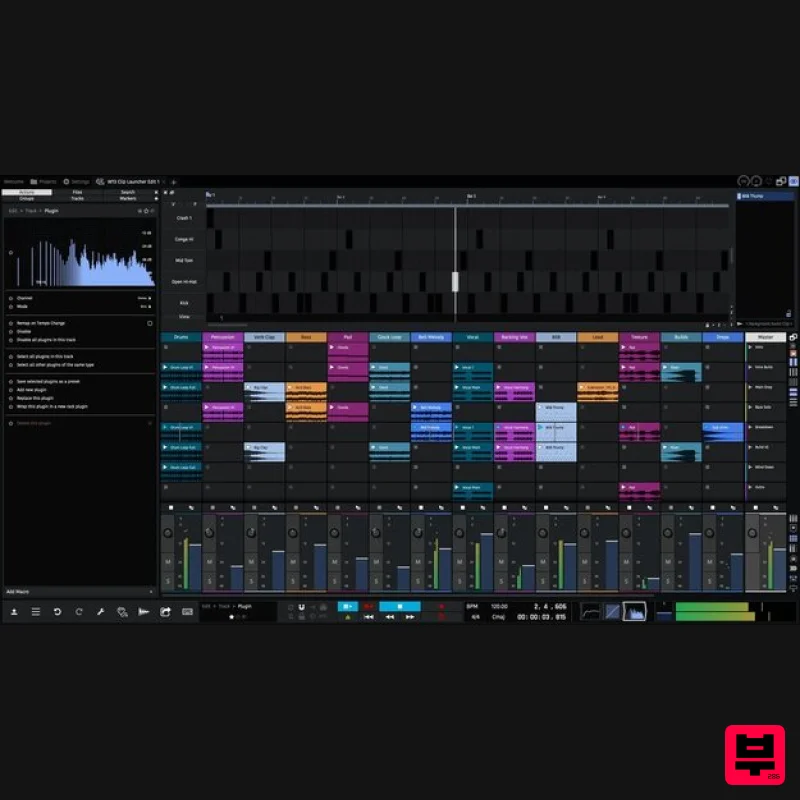
Tracktion Waveform Pro 13
DAW
$187
The most creative, inspirational and affordable digital audio workstation ever created; Waveform is laser focused on...
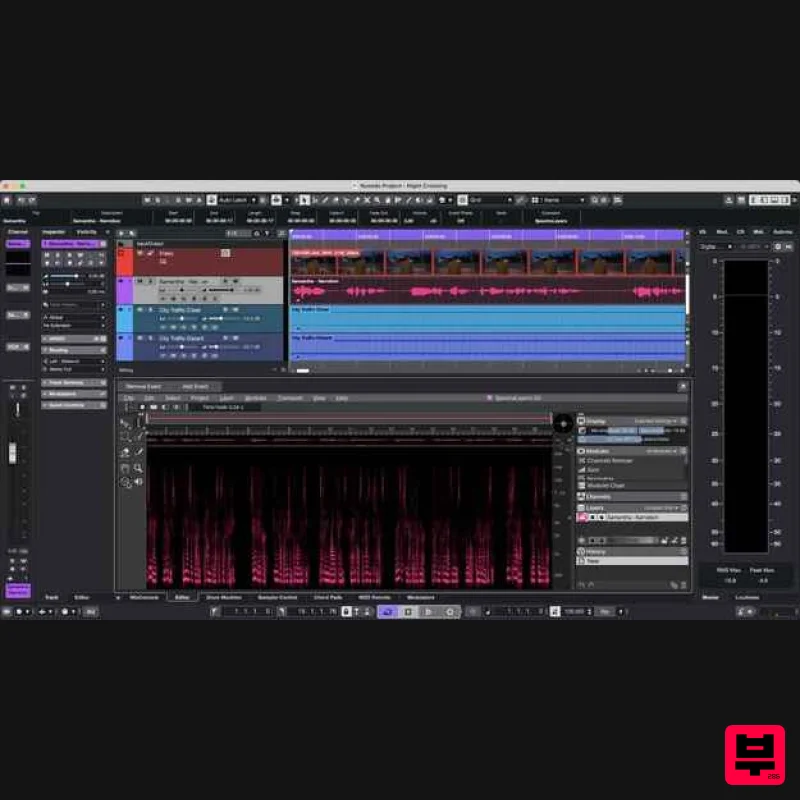
Steinberg Nuendo 15 Educational Edition
DAW
$522
Important Note: This is an educational version and requires proof of educational status after purchase, the standard...
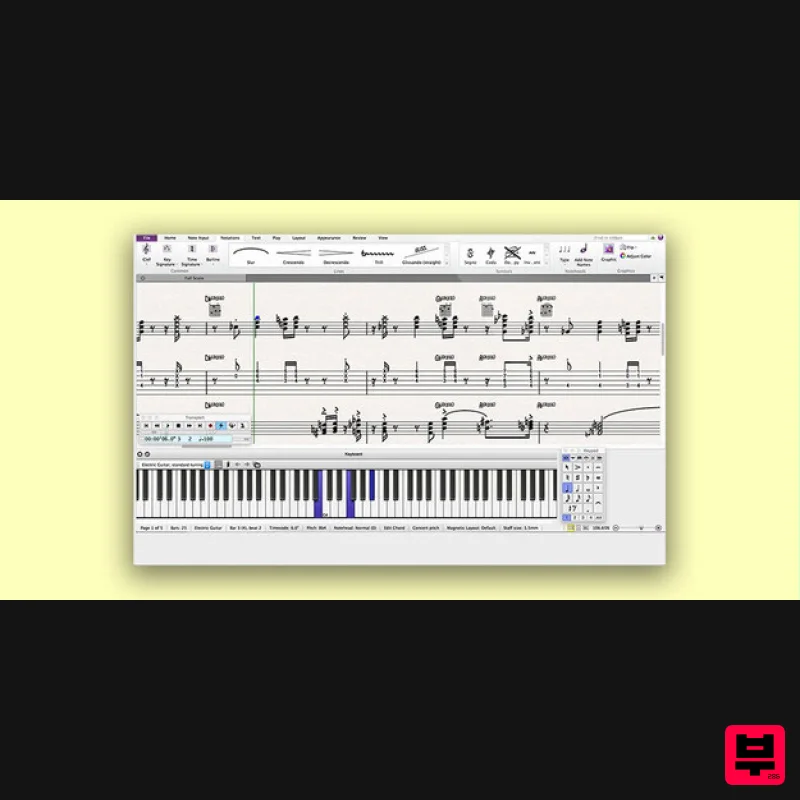
Avid Sibelius Ultimate 1 Year Subscription Educational Version
DAW
$149
Important Note: This is an educationally discounted version of Sibelius Ultimate 1 Year Subscription and is available...
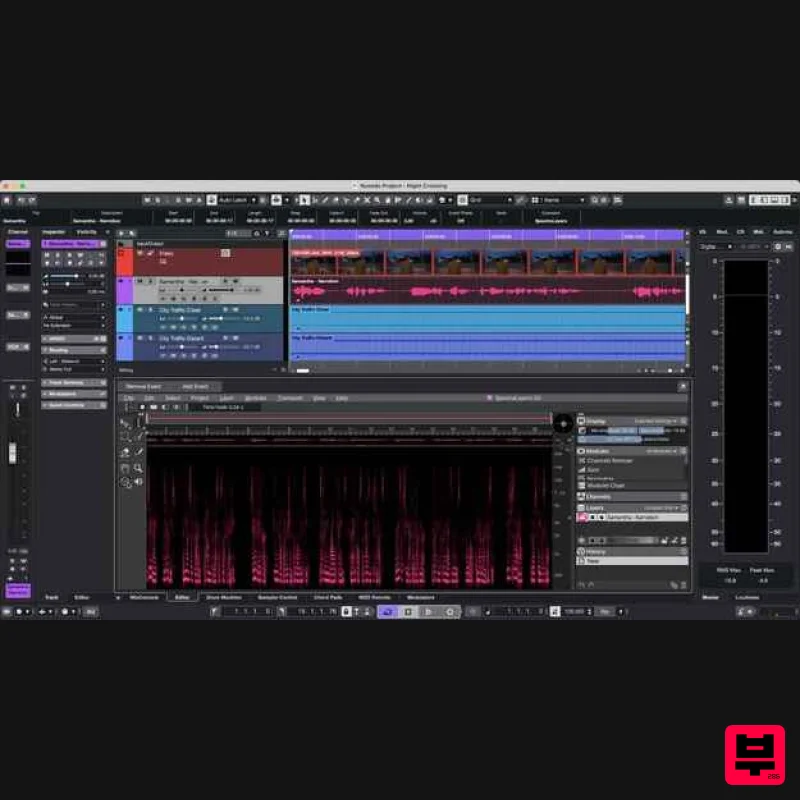
Steinberg Nuendo 15
DAW
$1,045
The new evolution in audio post-production Nuendo 15 represents the next evolution in audio post-production, offering...
Steinberg Cubase Elements 15 Educational
DAW
$49
Important Note: This is an educational version and requires proof of educational status after purchase, the standard...
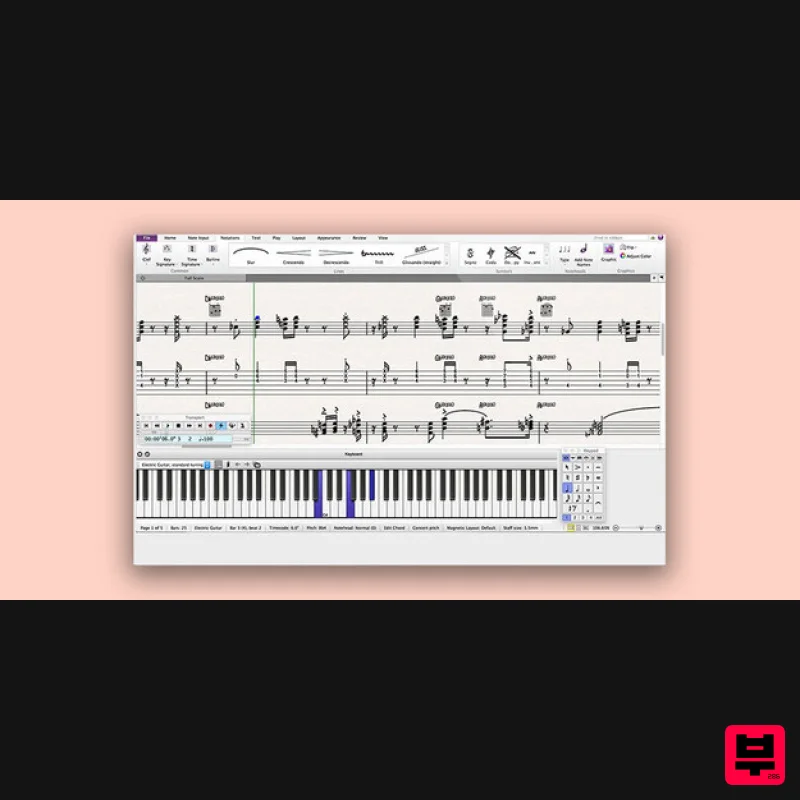
Avid Sibelius Artist 1 Year Subscription
DAW
$119
Please Note: All of the differences between versions of Sibelius can be found in detail HERE. Empowering Creative...
Steinberg Cubase Pro 15 Educational
DAW
$263
Important Note: This is an educational version and requires proof of educational status after purchase, the standard...
Frequently Asked Questions
The AKAI MPC 2 stands out for its exceptional AKAI craftsmanship and innovative design.
Yes! With its affordable price point and quality construction, it's perfect for learning daw.
Browse the similar products section to see how it stacks up against other daw.

