
AIR Music Technology Vocal Tuner
Professional music gear - detailed information and where to buy
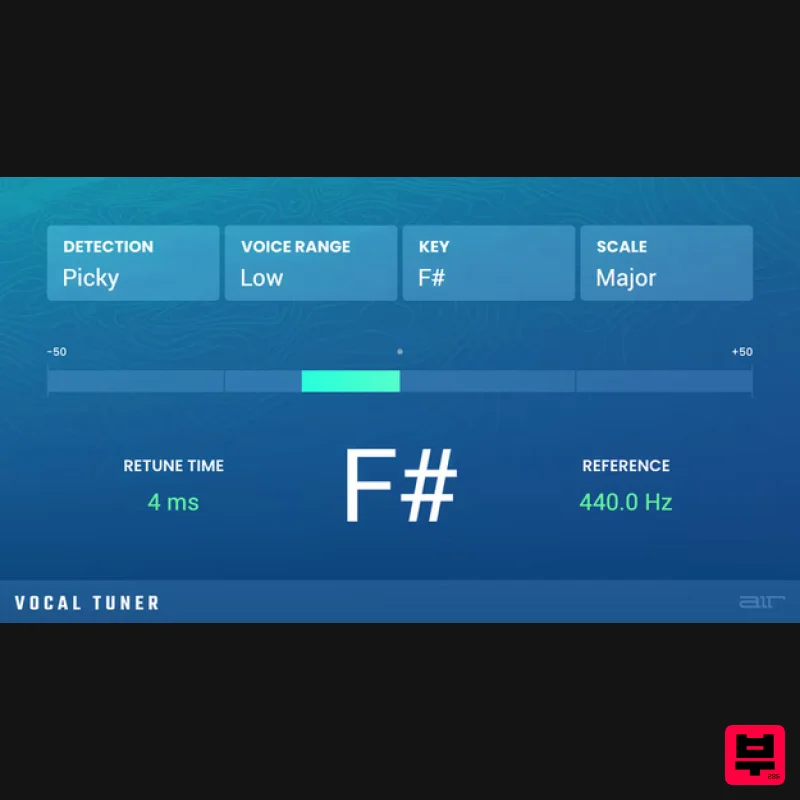
AIR Music Technology
Vocal Tuner
Product Info
* Prices may vary. Check retailer for current pricing and availability.
Product Description
- Always In Tune AIR Vocal Tuner is a revolutionary automatic pitch correction plugin for MPC standalone devices and MPC Desktop software. Whatever modern vocal sound you're aiming for
- AIR Vocal Tune can achieve it instantly. Apply gentle
- discreet pitch correction on a slow jam ballad or in-your-face robotic-style processing for melodic rap - all with ease. The versatile AIR Vocal Tuner is ready for any style and genre with a powerful set of controls to quickly dial in detection behavior key
- scale and retune time. System Requirements Mac macOS 12
- 15 (Intel & Apple Silicon) 4GB RAM (8GB recommended) Dual-core 2.5GHz CPU VST 2/3 Plugin compatible host AAX plugin compatible host AU plugin compatible host Windows Windows 10 - Windows 11 4GB RAM (8GB recommended) Dual-core 2.5GHz CPU VST 2/3 compatible host AAX plugin compatible host Important notes: An internet connection is required to authorise this software. Mac Installation 1. Click the 'DOWNLOAD' button in your Plugin Boutique account. 2. Open the .pkg file > click 'Continue' to begin the installation process. 3. Select your installation destination > click 'Continue'. 4. Choose your preferred installation location > click 'Install'. 5. Click 'Close' to complete the installation process. Activation 1. Open your DAW
- launch Hype > click 'SIGN IN'. 2. Click 'CREATE ACCOUNT' (If you already have an account
- enter your details > click 'SIGN IN' and skip to Step 6.) 3. Enter your personal details > click 'NEXT STEP'. 4. Select the brands you are interested in > click 'I agree' > click 'CREATE Account'. 5. Please close the browser window and check the link sent to your email to confirm your account. 6. Re-open Hype within your DAW > click 'ACTIVATE'. 7. Enter the serial number found in your Plugin Boutique account > click 'ACTIVATE'. 8. Click 'CONTINUE' to close the activation window. Your software is now activated and ready to use! Windows Installation 1. Click the 'DOWNLOAD' button in your Plugin Boutique account. 2. Extract the .zip file and open the .exe file to begin the installation process. 3. Select which plugin components you would like to install > click 'Next'. 4. Choose whether you would like to 'Create a desktop shortcut' > click 'Next'. 5. Click 'Install' to close the installation window. Activation 1. Open your DAW
- launch Hype > click 'SIGN IN'. 2. Click 'CREATE ACCOUNT' (If you already have an account
- enter your details > click 'SIGN IN' and skip to Step 6.) 3. Enter your personal details > click 'NEXT STEP'. 4. Select the brands you are interested in > click 'I agree' > click 'CREATE Account'. 5. Please close the browser window and check the link sent to your email to confirm your account. 6. Re-open Hype within your DAW > click 'ACTIVATE'. 7. Enter the serial number found in your Plugin Boutique account > click 'ACTIVATE'. 8. Click 'CONTINUE' to close the activation window. Your software is now activated and ready to use!
Additional Information
About the AIR Music Technology Vocal Tuner
The AIR Music Technology Vocal Tuner represents excellent craftsmanship in the Vocal Processing category.
Why Choose the AIR Music Technology Vocal Tuner?
- •Authentic AIR Music Technology craftsmanship and design
- •Versatile sound suitable for multiple musical genres
- •Professional build quality and reliable performance
- •Part of AIR Music Technology's respected Vocal Processing lineup
Compare & Explore
Browse our complete selection of AIR Music Technology instruments or explore other Vocal Processing options. Use our comparison tools to find the perfect match for your musical style and budget.
Similar Products
Krotos Krotos Dehumaniser 2
Vocal Processing
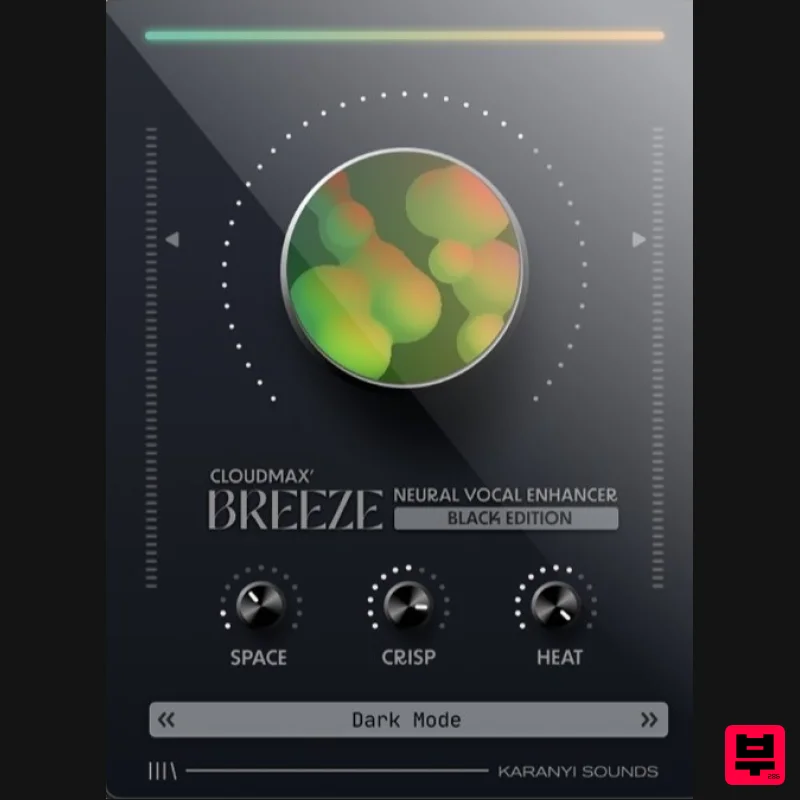
Karanyi Sounds Cloudmax Breeze Black Edition
Vocal Processing
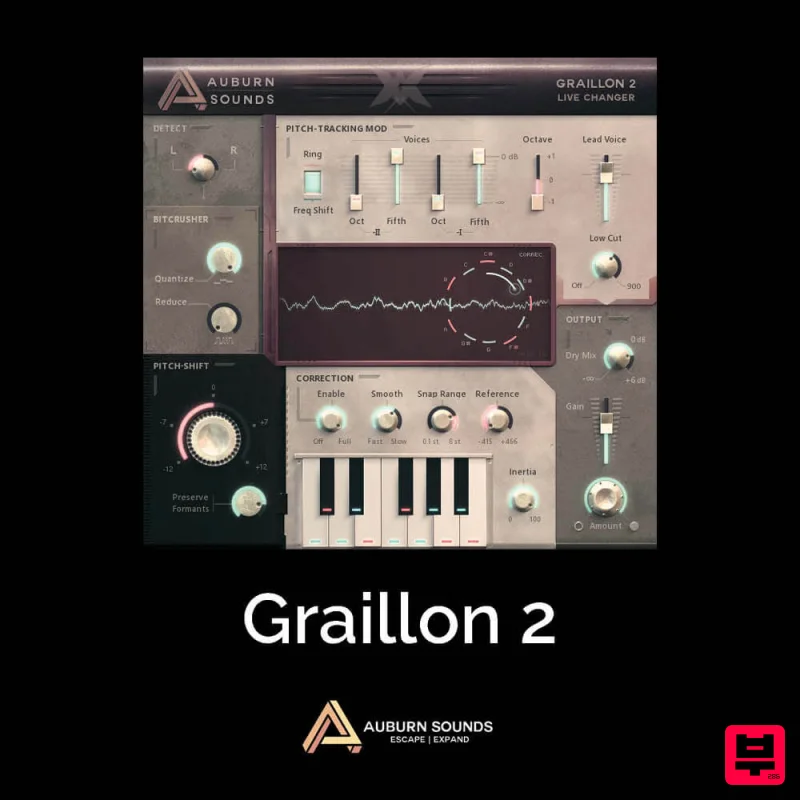
Auburn Sounds Graillon 2
Vocal Processing
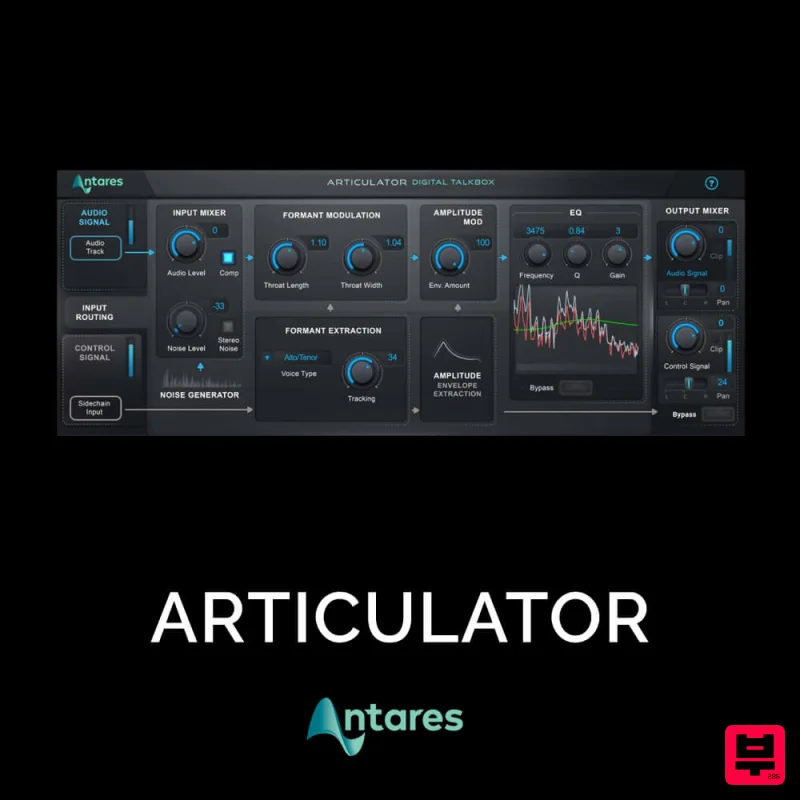
Antares ARTICULATOR
Vocal Processing
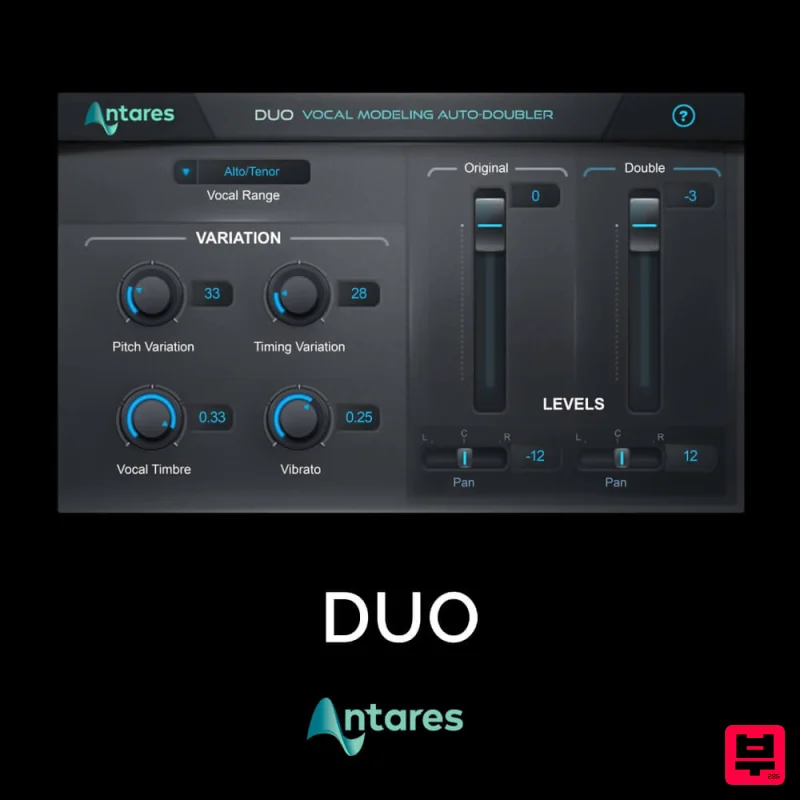
Antares DUO
Vocal Processing
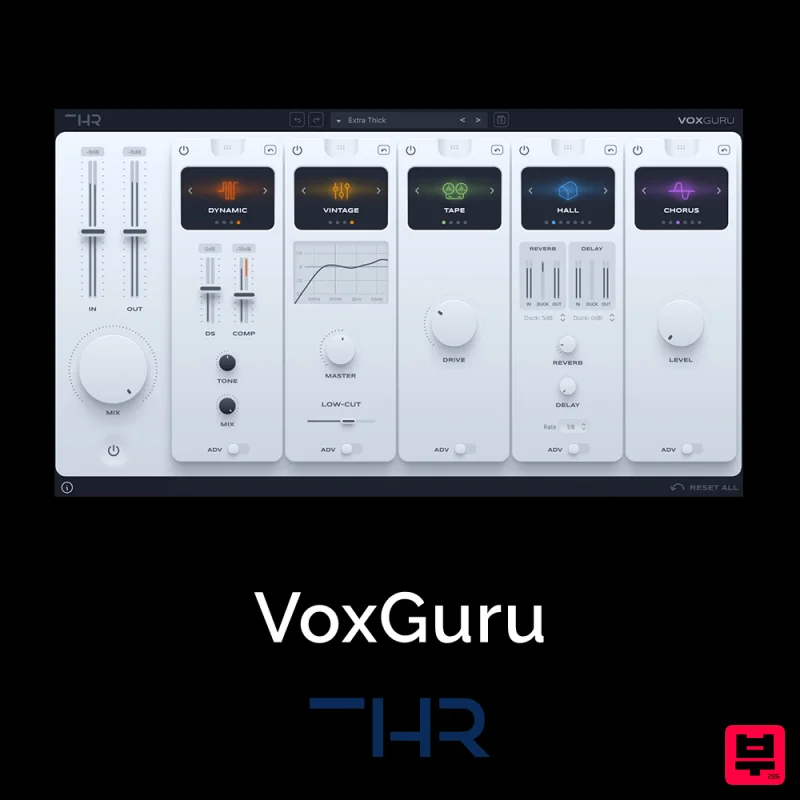
THR VoxGuru
Vocal Processing
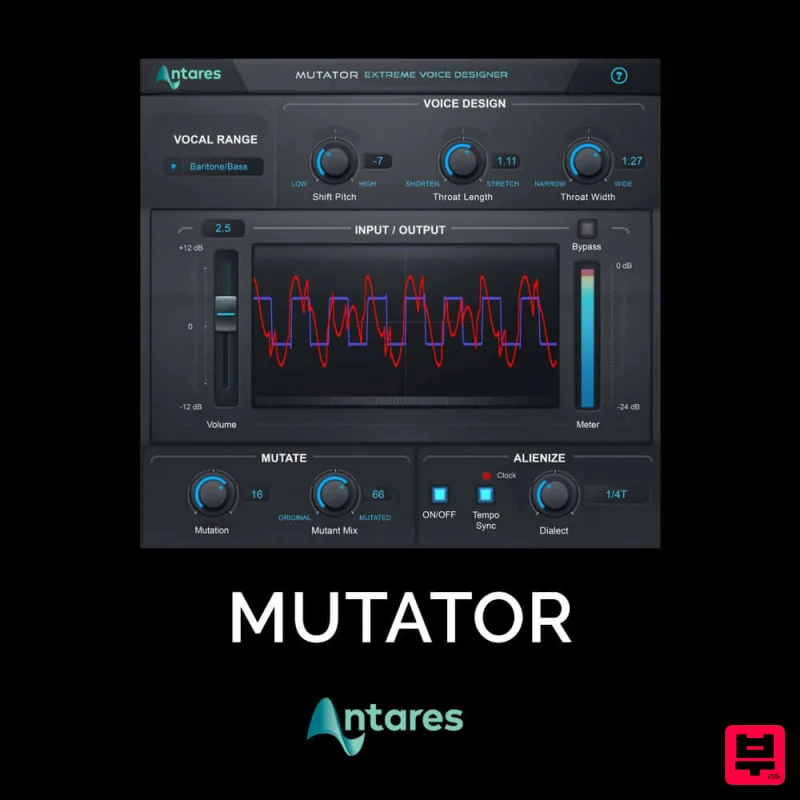
Antares MUTATOR
Vocal Processing
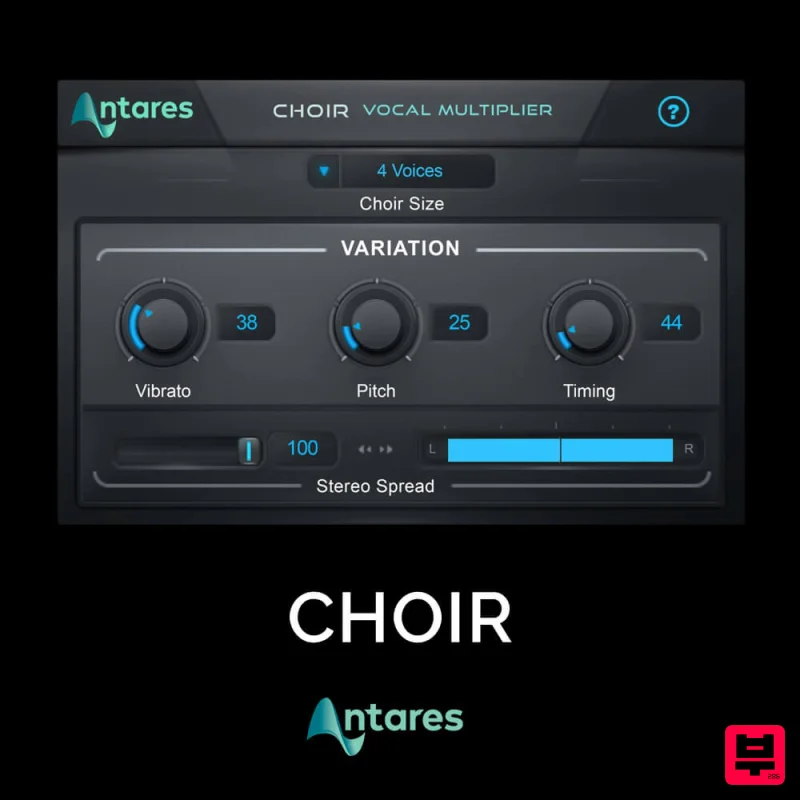
Antares CHOIR
Vocal Processing

