
AIR Music Technology Jura Chorus
Professional music gear - detailed information and where to buy
AIR Music Technology
Jura Chorus
Product Info
* Prices may vary. Check retailer for current pricing and availability.
Product Description
- Following the overwhelming success and critical acclaim of the Air Jura synthesiser
- AIR Music Technology introduces its latest audio plugin
- Jura Chorus
- the chorus effect from the classic hardware synth. Famed for its iconic stereo chorus effect
- the Jura Chorus plugin is designed to bring a touch of vintage magic to modern mixes. Bringing The ‘80s To Every Track Jura Chorus is a tribute to the original hardware synth’s legendary chorus effect
- praised for its ability to add warmth
- width
- and that unmistakable ‘80s aura. This classic vibe can now be added to a diverse range of instruments including synths
- guitars
- bass
- and vocals
- thanks to its compatibility with both DAWs and AKAI hardware. Affordability Meets High-Quality Sound The Jura Chorus is not just a powerhouse of sonic possibilities; it’s also incredibly budget-friendly. Now producers
- both amateur and professional
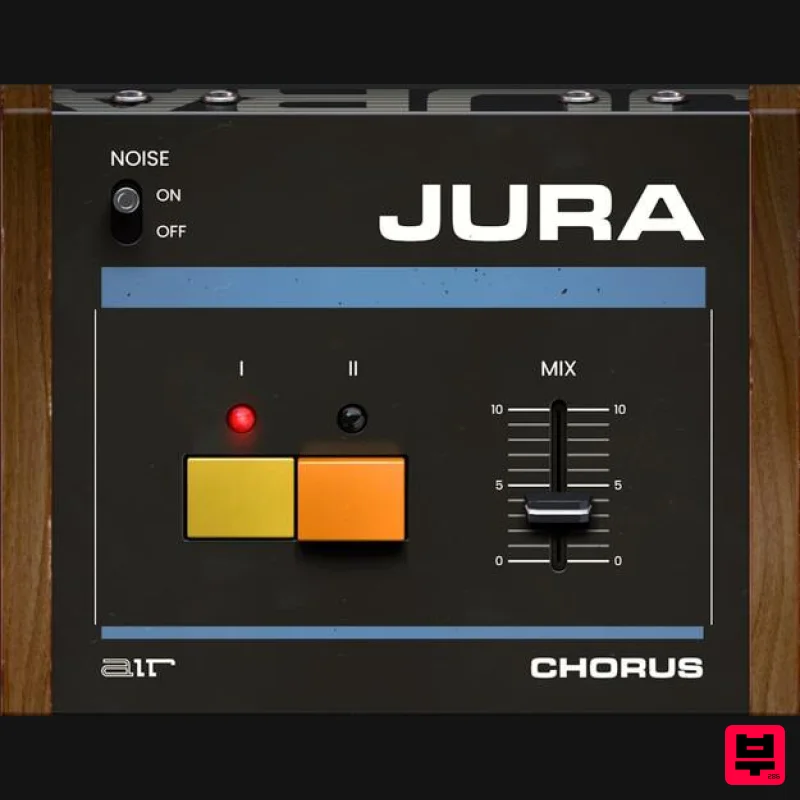
- can elevate their mixes without straining their finances. Customisation At Your Fingertips The plugin features two unique chorus types: Chorus I and Chorus II
- along with the option to use both simultaneously for an unparalleled aural experience. Users can also fine-tune the blend of the effect with a dedicated mix control. To further enhance its authenticity
- AIR Music have even included a switch to add modelled noise from the original hardware unit. Chorus Options Chorus I: Provides a subtle lift to your sound
- adding a layer that’s almost subliminal yet impactful. Chorus II: Increases the depth and width of your audio
- delivering that quintessential chorus magic. Both at Once: Amplify your mix with both chorus effects for an ultra-rich and dimensional sound. Why Jura Chorus? For music producers on the hunt for expansive pads
- atmospheric soundscapes
- melodious guitars
- or beefy bass tones
- the Jura Chorus plugin is a must-have addition to the studio toolkit. System Requirements Mac macOS 12
- 15 (Intel & Apple Silicon) Dual-core 2.5GHz CPU or higher 4 GB RAM (8 GB RAM recommended) 2 GB Free Disk Space (20GB for all content recommended) VST 2/3 Plugin compatible host AAX plugin compatible host AU plugin compatible host Windows Windows 10 - Windows 11 Dual-core 2.5GHz CPU or higher 4 GB RAM (8 GB RAM recommended) 2 GB Free Disk Space (20GB for all content recommended) VST 2/3 Plugin compatible host AAX plugin compatible host Please Note: Hype has been used as an example. Mac Installation 1. Click the 'DOWNLOAD' button in your Plugin Boutique account. 2. Open the .pkg file > click 'Continue' to begin the installation process. 3. Select your installation destination > click 'Continue'. 4. Choose your preferred installation location > click 'Install'. 5. Click 'Close' to complete the installation process. Activation 1. Open your DAW
- launch Hype > click 'SIGN IN'. 2. Click 'CREATE ACCOUNT' (If you already have an account
- enter your details > click 'SIGN IN' and skip to Step 6.) 3. Enter your personal details > click 'NEXT STEP'. 4. Select the brands you are interested in > click 'I agree' > click 'CREATE Account'. 5. Please close the browser window and check the link sent to your email to confirm your account. 6. Re-open Hype within your DAW > click 'ACTIVATE'. 7. Enter the serial number found in your Plugin Boutique account > click 'ACTIVATE'. 8. Click 'CONTINUE' to close the activation window. Your software is now activated and ready to use! Windows Installation 1. Click the 'DOWNLOAD' button in your Plugin Boutique account. 2. Extract the .zip file and open the .exe file to begin the installation process. 3. Select which plugin components you would like to install > click 'Next'. 4. Choose whether you would like to 'Create a desktop shortcut' > click 'Next'. 5. Click 'Install' to close the installation window. Activation 1. Open your DAW
- launch Hype > click 'SIGN IN'. 2. Click 'CREATE ACCOUNT' (If you already have an account
- enter your details > click 'SIGN IN' and skip to Step 6.) 3. Enter your personal details > click 'NEXT STEP'. 4. Select the brands you are interested in > click 'I agree' > click 'CREATE Account'. 5. Please close the browser window and check the link sent to your email to confirm your account. 6. Re-open Hype within your DAW > click 'ACTIVATE'. 7. Enter the serial number found in your Plugin Boutique account > click 'ACTIVATE'. 8. Click 'CONTINUE' to close the activation window. Your software is now activated and ready to use!
Additional Information
About the AIR Music Technology Jura Chorus
The AIR Music Technology Jura Chorus combines traditional design with modern performance for Chorus enthusiasts.
Why Choose the AIR Music Technology Jura Chorus?
- •Authentic AIR Music Technology craftsmanship and design
- •Versatile sound suitable for multiple musical genres
- •Professional build quality and reliable performance
- •Part of AIR Music Technology's respected Chorus lineup
Compare & Explore
Browse our complete selection of AIR Music Technology instruments or explore other Chorus options. Use our comparison tools to find the perfect match for your musical style and budget.
Similar Products

Platone Studio Stage Chorus
Chorus
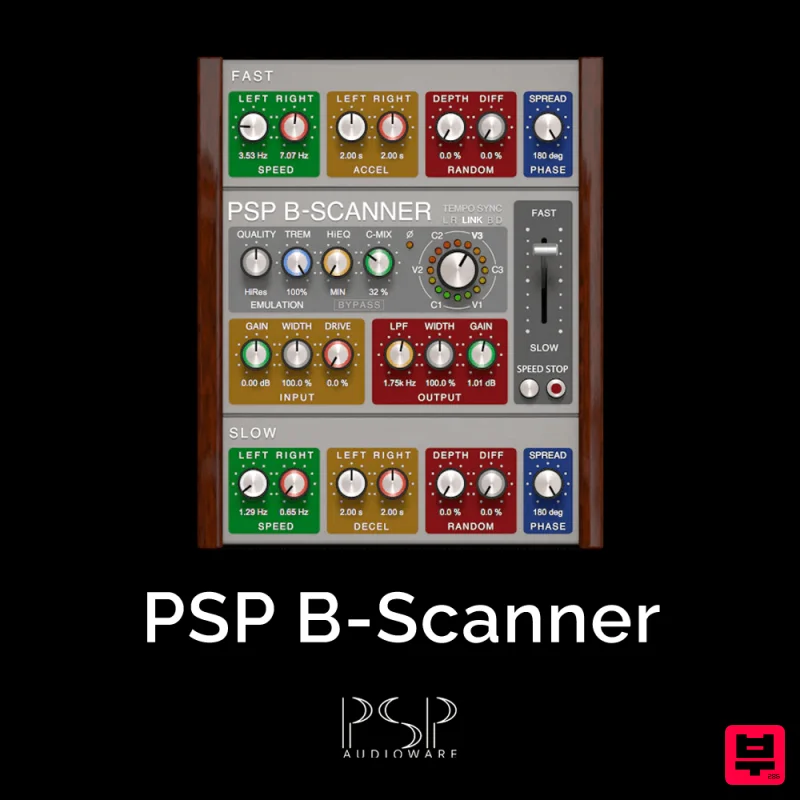
PSP Audioware PSP B-Scanner
Chorus
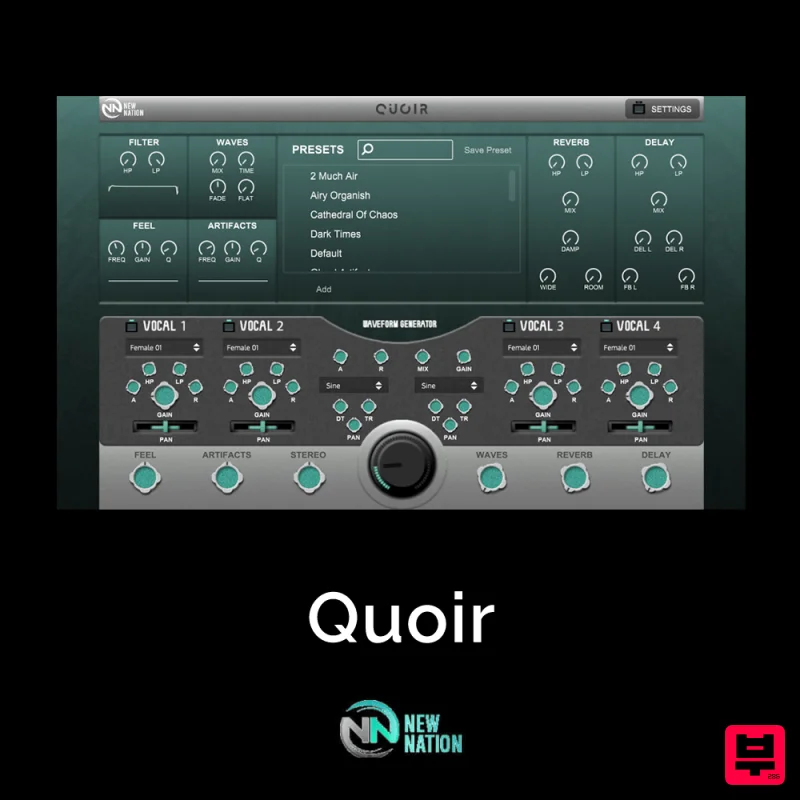
New Nation Software Quoir
Chorus
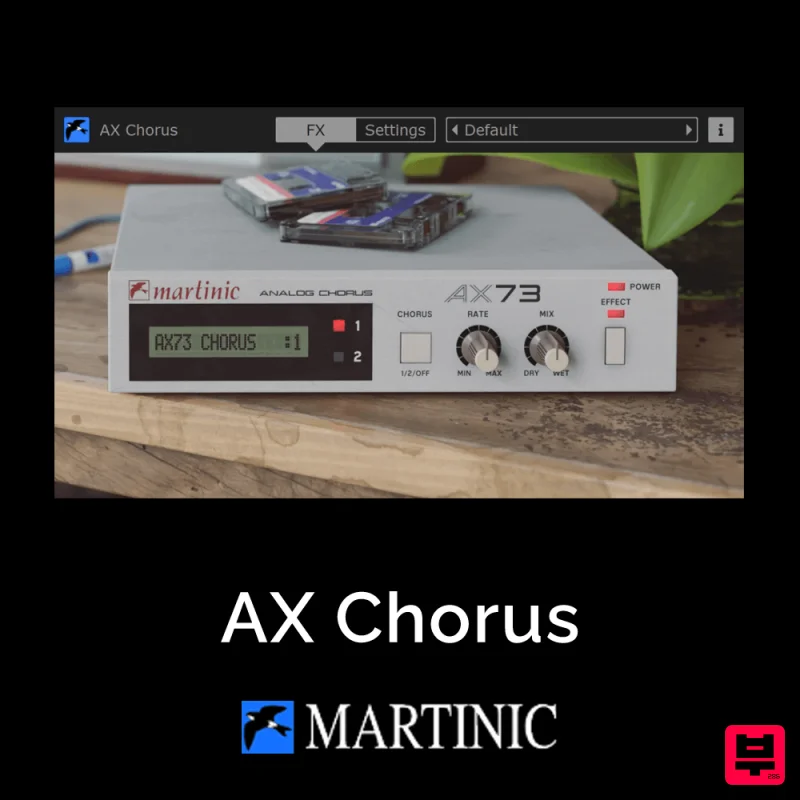
Martinic AX Chorus
Chorus
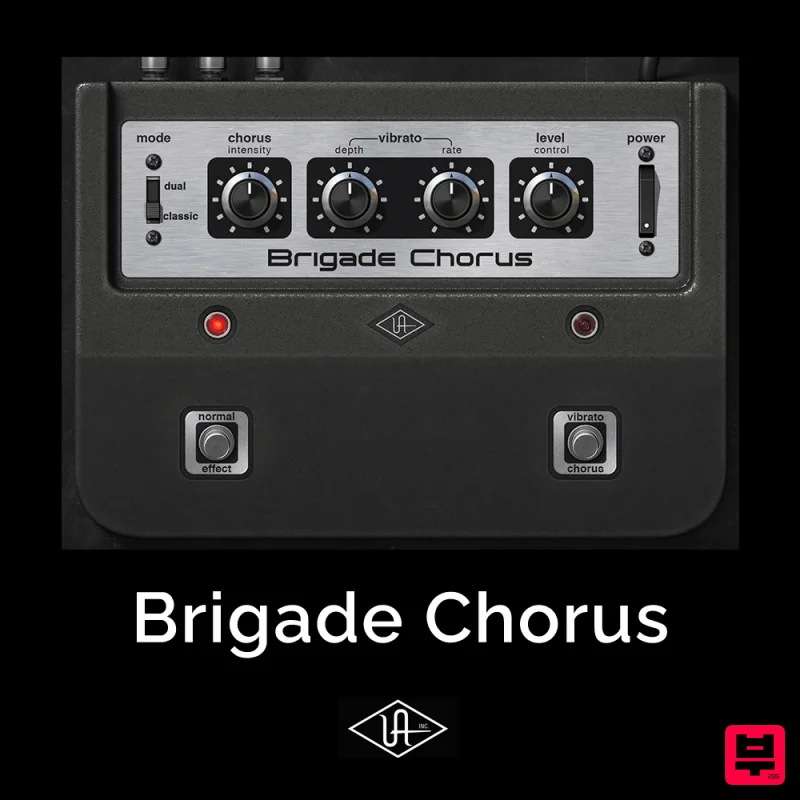
Universal Audio Brigade Chorus
Chorus
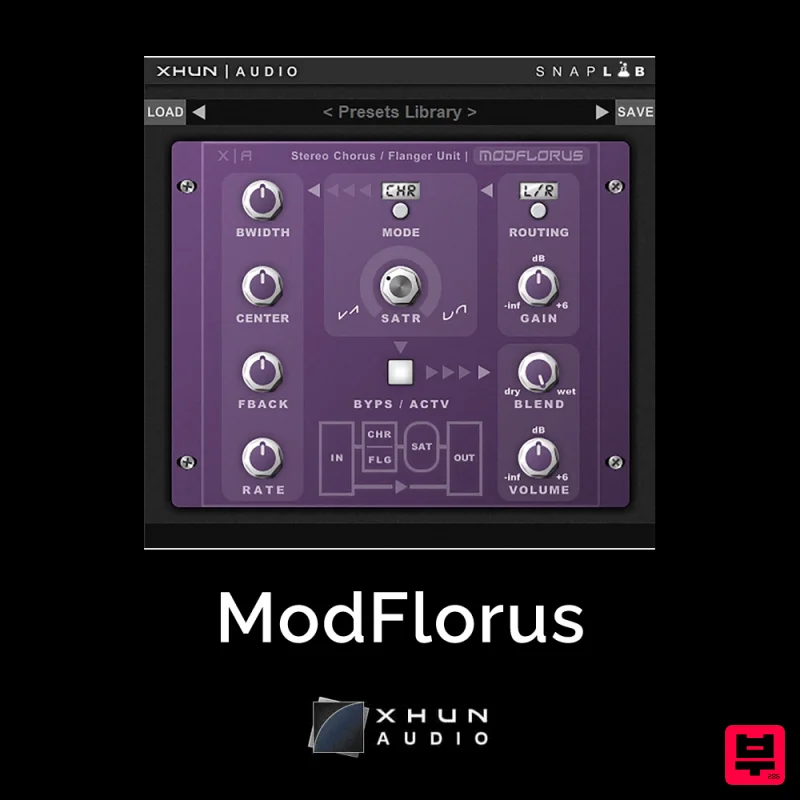
XHUN Audio ModFlorus
Chorus
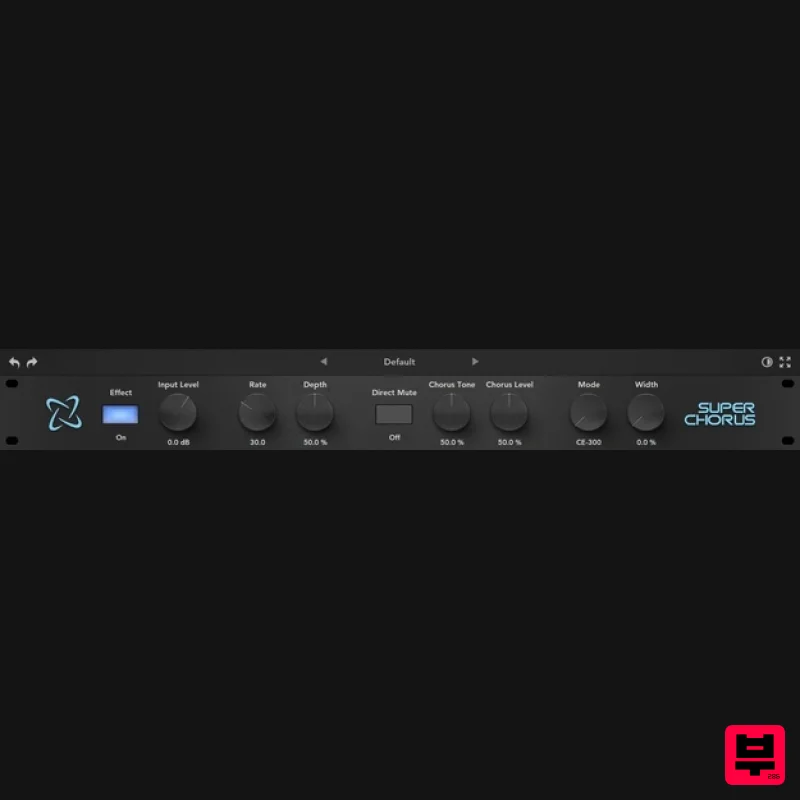
Rave Generation Super Chorus
Chorus
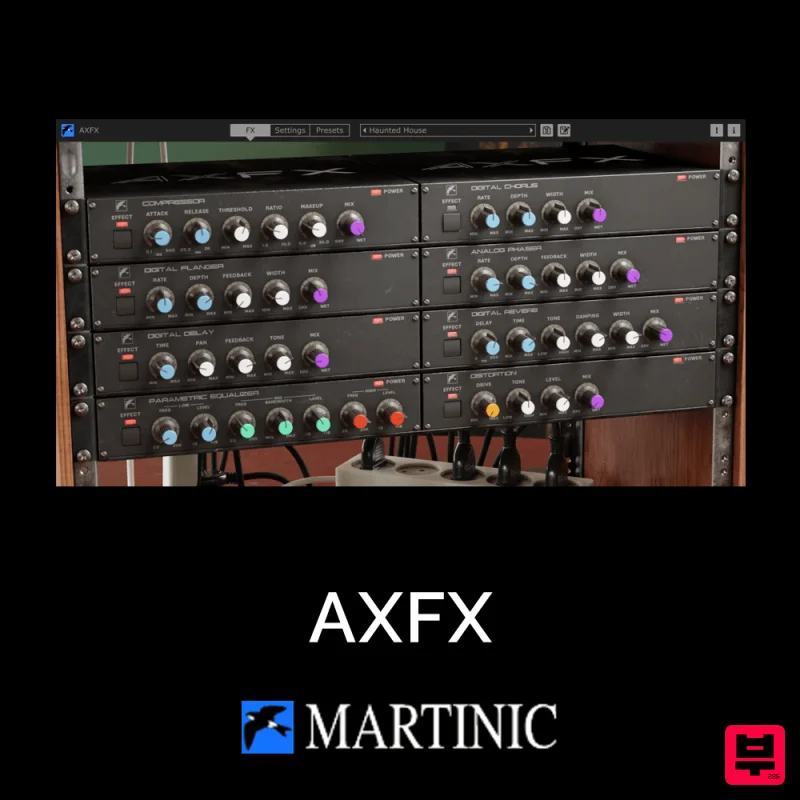
Martinic AXFX
Chorus

