
AIR Music Technology Fly Tape II
Professional music gear - detailed information and where to buy
AIR Music Technology
Fly Tape II
Product Info
* Prices may vary. Check retailer for current pricing and availability.
Product Description
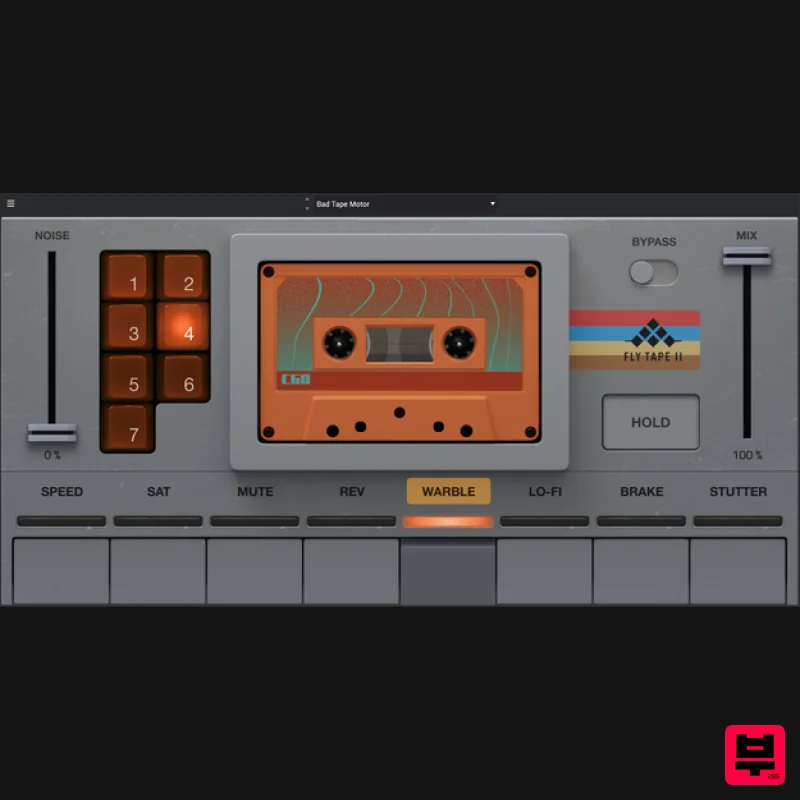
- Classic Cassette Character Add a vintage vibe to your productions with retro sonic textures and colorful saturation on the fly. Fly Tape II is a new adaptation of the popular tape cassette FX iOS app originally created by AIR Music Technology's friends at MSXII Sound Design. With their collaboration and sound design expertise
- AIR Music Technology have developed Fly Tape II to bring that classic tape emulation sound to your DAW or MPC standalone workflow. Subtle Inflections
- Perfect Imperfections Fly Tape II introduces an intuitive
- easy-to-explore user interface that features retro button controls and eight independent tape-style modes—with additional sub controls per mode to mangle
- stretch
- lo-fi
- and retro-fly your sound. Built for dynamic change-ups and expressive shifts
- Fly Tape II invites you to add movement with special sonic moments you can automate or play live. Crunch your drums
- reverse and saturate your mix bus
- tape stop your breaks
- put your string pads into the vintage realm
- or warble and stretch your electric pianos into a perfect fit for your mix. With the addition of an independent NOISE slider
- you can bring just the right amount of tape hiss and noise into the overall blend. Fly Tape Il opens a world of creativity with limitless possibilities—all in a performance-ready
- studio-grade interface. 8 Specialized Character Modes An essential tool for any beatmaker or producer looking to bring a sense of nostalgia to their sound
- Fly Tape II has eight distinct modes for dialing in your preferred amount of warmth and texture—each adding a unique tape-style sonic footprint to your sound. Speed - Select from four variable tape speeds to dial in the classic ½
- and additional cassette-style speeds. These variations allow you to create unique time-stretching artifacts and tonal coloration—perfect for crafting a dreamy
- nostalgic tone in your tracks. Saturation - Explore one of three powerful overdrive modes: Boost
- and Drive. From subtle harmonic enhancement to tube-style distortion
- each option is carefully modeled to deliver the warmth and color of a true analog emulation. Mute & Reverse - Chop
- pause
- or flip your audio on the fly. Fly Tape II’s dedicated Mute and Reverse buttons make transitions seamless
- allowing you to incorporate elements of suspense
- spontaneous breaks
- and rhythmic reversals with precision. Warble - Add movement to your mix with seven expressive variations of wow and flutter. Simulating the gentle imperfections of retro cassette tape
- these warble effects bring your sounds to life with randomized amounts of pitch modulation—ideal for vintage synth leads
- pads
- or lo-fi melodies. Lo-fi - Choose from eight preset variations
- each offering a level of intentionally imperfect and unpolished audio. From dusty cassette hiss to bit reduction
- the mellow mood and sounds you craft in this mode will transport you to a simpler time. Brake - Recreate the sound of tape coming to a physical stop with four variations of tape brake duration. These slowing effects mimic the feel of analog playback halting in real time
- making this mode valuable for transitions
- breakdowns
- DJ-style fades
- and any type of dramatic flourish. Stutter - Slice your audio into rhythmic fragments with options for eight distinct timing functions. This mode encourages experimental chopping to create new sounds
- using segmentation to add texture
- energy
- or syncopation into any loop or track. Windows Windows 10
- 11 166 MB approx free disk space 4GB RAM (8GB recommended) Dual Core 2.5GHz CPU VST 2/3 compatible host Mac macOS 13 - 15 347 MB approx free disk space 4GB RAM (8GB recommended) Dual Core 2.5GHz CPU VST 2/3 compatible host AU plugin compatible host Please Note: Hype has been used as an example. Mac Installation 1. Click the 'DOWNLOAD' button in your Plugin Boutique account. 2. Open the .pkg file > click 'Continue' to begin the installation process. 3. Select your installation destination > click 'Continue'. 4. Choose your preferred installation location > click 'Install'. 5. Click 'Close' to complete the installation process. Activation 1. Open your DAW
- launch Hype > click 'SIGN IN'. 2. Click 'CREATE ACCOUNT' (If you already have an account
- enter your details > click 'SIGN IN' and skip to Step 6.) 3. Enter your personal details > click 'NEXT STEP'. 4. Select the brands you are interested in > click 'I agree' > click 'CREATE Account'. 5. Please close the browser window and check the link sent to your email to confirm your account. 6. Re-open Hype within your DAW > click 'ACTIVATE'. 7. Enter the serial number found in your Plugin Boutique account > click 'ACTIVATE'. 8. Click 'CONTINUE' to close the activation window. Your software is now activated and ready to use! Windows Installation 1. Click the 'DOWNLOAD' button in your Plugin Boutique account. 2. Extract the .zip file and open the .exe file to begin the installation process. 3. Select which plugin components you would like to install > click 'Next'. 4. Choose whether you would like to 'Create a desktop shortcut' > click 'Next'. 5. Click 'Install' to close the installation window. Activation 1. Open your DAW
- launch Hype > click 'SIGN IN'. 2. Click 'CREATE ACCOUNT' (If you already have an account
- enter your details > click 'SIGN IN' and skip to Step 6.) 3. Enter your personal details > click 'NEXT STEP'. 4. Select the brands you are interested in > click 'I agree' > click 'CREATE Account'. 5. Please close the browser window and check the link sent to your email to confirm your account. 6. Re-open Hype within your DAW > click 'ACTIVATE'. 7. Enter the serial number found in your Plugin Boutique account > click 'ACTIVATE'. 8. Click 'CONTINUE' to close the activation window. Your software is now activated and ready to use!
Additional Information
About the AIR Music Technology Fly Tape II
The AIR Music Technology Fly Tape II combines traditional design with modern performance for Tape Emulation enthusiasts.
Why Choose the AIR Music Technology Fly Tape II?
- •Authentic AIR Music Technology craftsmanship and design
- •Versatile sound suitable for multiple musical genres
- •Professional build quality and reliable performance
- •Part of AIR Music Technology's respected Tape Emulation lineup
Compare & Explore
Browse our complete selection of AIR Music Technology instruments or explore other Tape Emulation options. Use our comparison tools to find the perfect match for your musical style and budget.
Similar Products
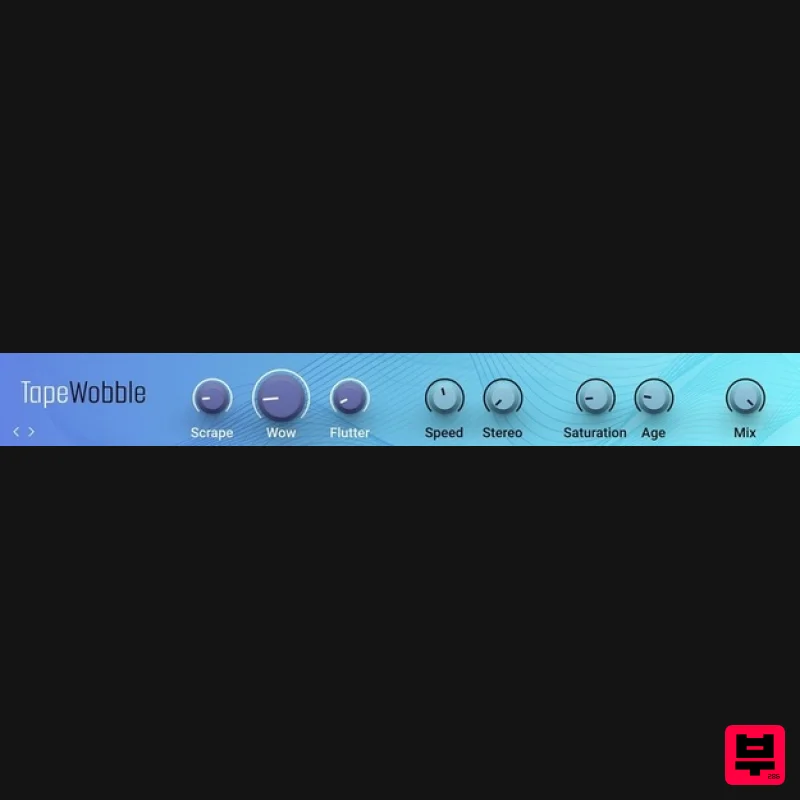
Native Instruments Tape Wobble
Tape Emulation
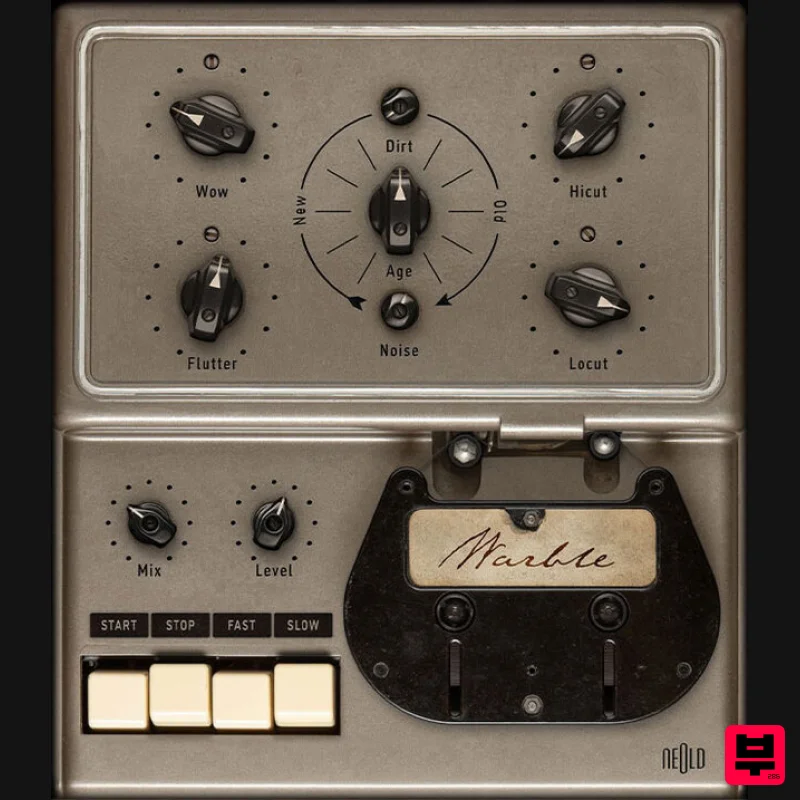
Plugin Alliance NEOLD WARBLE
Tape Emulation
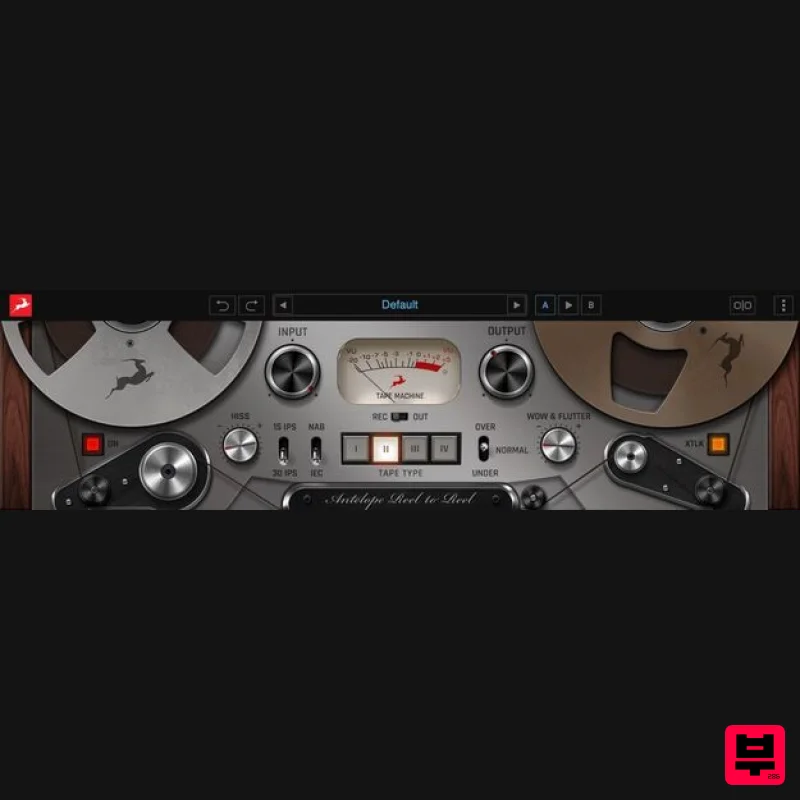
Antelope Audio Reel-To-Reel
Tape Emulation
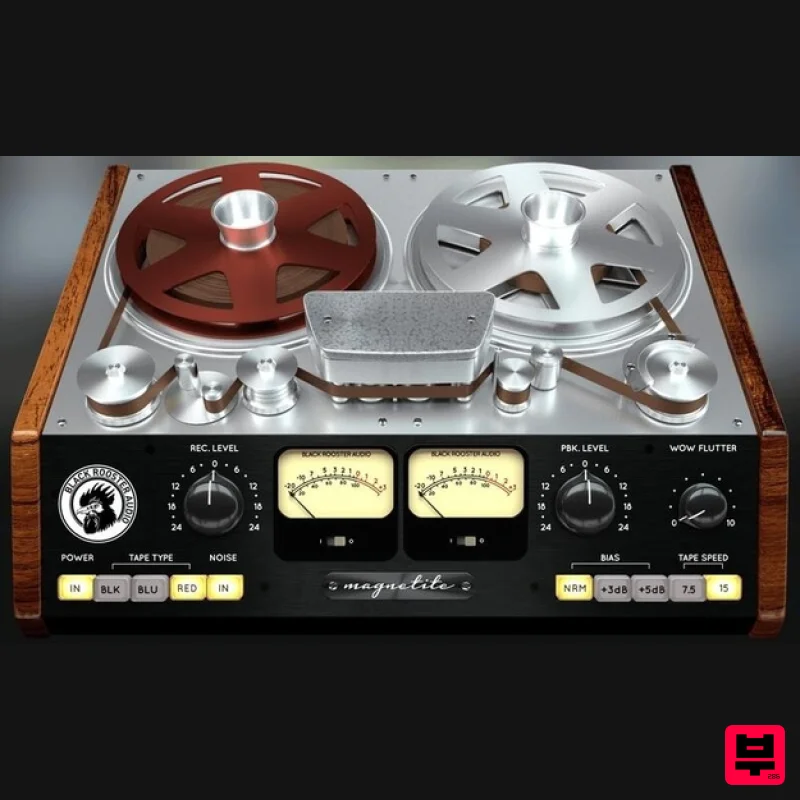
Black Rooster Audio Magnetite
Tape Emulation
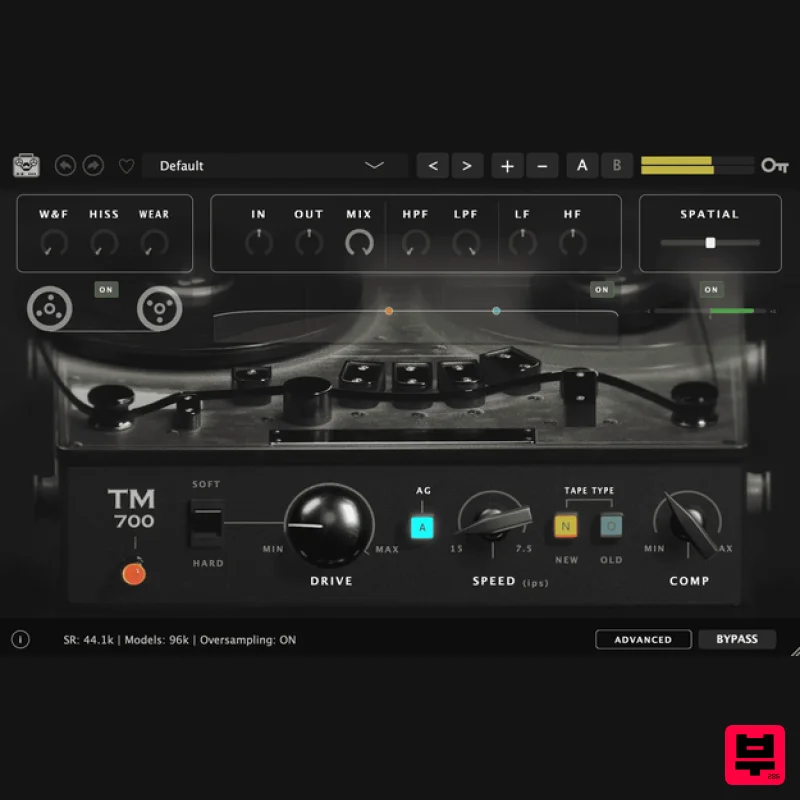
Tone Empire TM700 V3
Tape Emulation
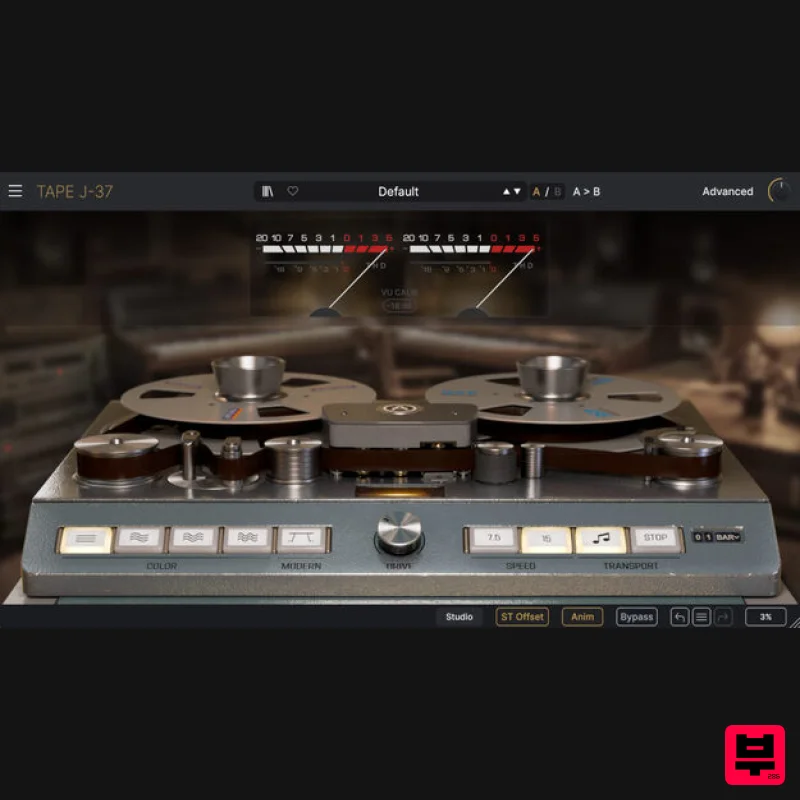
Arturia Tape J-37
Tape Emulation
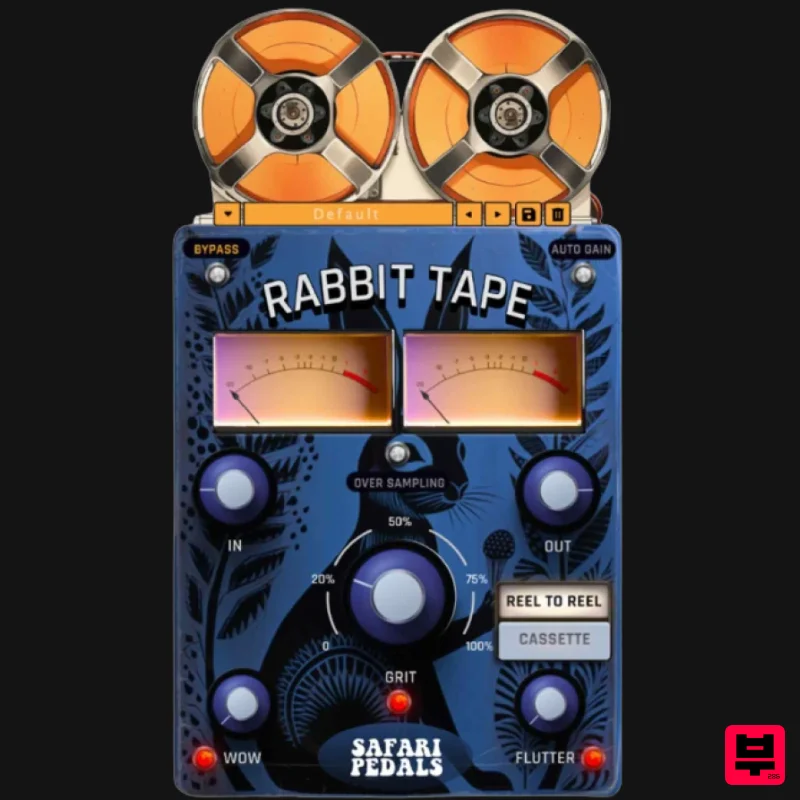
Safari Audio Rabbit Tape
Tape Emulation
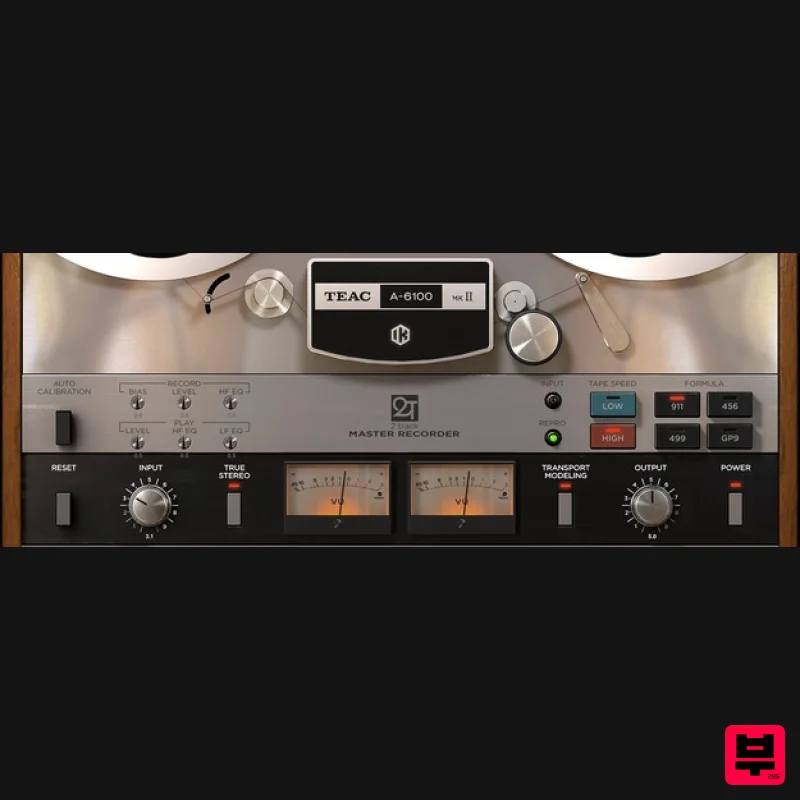
IK Multimedia TEAC A-6100 MKII
Tape Emulation

