
AIR Music Technology Flex Beat
Professional music gear - detailed information and where to buy
AIR Music Technology
Flex Beat
Product Info
* Prices may vary. Check retailer for current pricing and availability.
Product Description
- Unleash Your Creativity Flex Your Beats With Flex Beat Flex Beat - the ultimate rhythmic tool
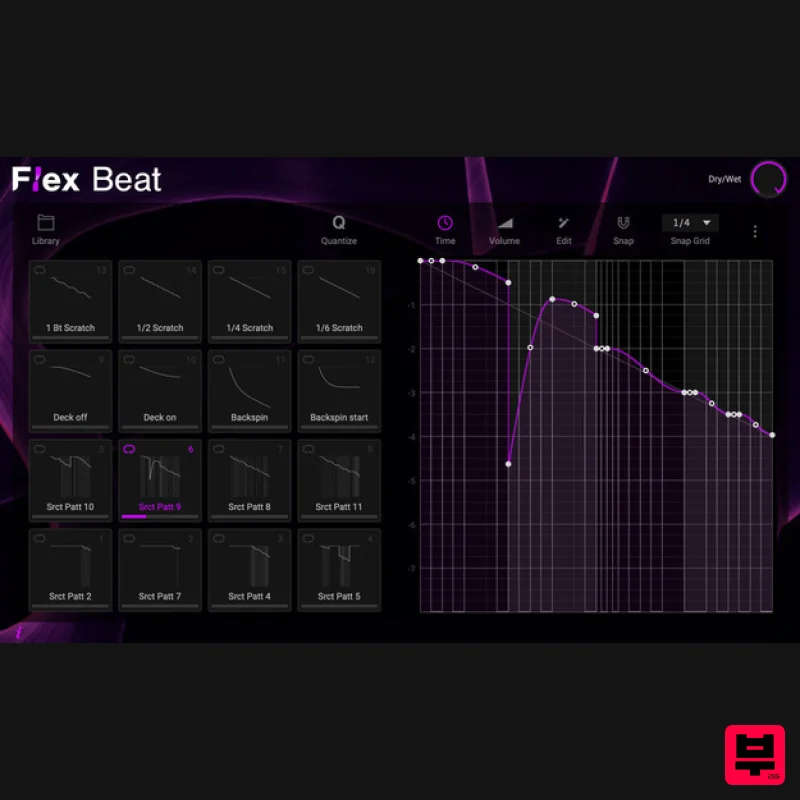
- giving you complete control over the timing and groove of your music. Flex Beat lets you create beat chops
- DJ-style scratches
- Trance gates and reverse or half-time your audio with ease. Producers of any genre can twist samples beyond recognition or add extra flavor to any loop in your sample collection. Sound Mangling at your Fingertips Flex Beat enables you to add rhythm and movement to your music. With a library of hundreds of presets
- you can add anything from simple scratches to full-fledged pitch-shifting automation with just a few clicks. You can even change existing presets or create your own patterns to use in your projects. Grid Editor The pattern editor helps you compose beats and songs with effortless control over pitch
- velocity and steps. With the pattern editor
- you can easily edit values in the sequencer like you would in a DAW
- adjust curve types and envelope tools
- snap notes to the grid
- randomize values and save presets. Run it Back Select a mode to play the pads in loop
- one shot or hold behaviour and move through the patterns available to you. One Shot: Plays the selected pad pattern through to completion then reverts back to previous pad Loop: Default behaviour
- the pad pattern is always looping Hold: Plays the selected pad pattern while the pad is held then reverts back to previous pad Features 16 performance pads for pattern presets Pad play modes for Loop
- One Shot and Hold behavior Pads are MIDI controllable using MIDI sidechain input Preset banks for instant inspiration Ability to launch quantized patterns
- so your music never skips a beat Large library of pad presets with a preview function Detailed pattern editor with snap
- adjustable curve types and envelope tools. Export or import pattern presets in .fnv format compatible with Gross Beat ™ Dry / Wet mix System Requirements Mac macOS 12 Monterey - macOS 14 Sonoma (Apple Silicon compatible) 1GB Disk Space 4GB RAM (8GB recommended) Dual-core 2.5GHz CPU VST 2/3 Plugin compatible host AU plugin compatible host Windows Windows 10 - Windows 11 1GB Disk Space 4GB RAM (8GB recommended) Dual-core 2.5GHz CPU VST 2/3 compatible host Important notes: An internet connection is required to authorise this software. Mac Installation 1. Click the 'DOWNLOAD' button in your Plugin Boutique account. 2. Open the .pkg file > click 'Continue' to begin the installation process. 3. Select your installation destination > click 'Continue'. 4. Choose your preferred installation location > click 'Install'. 5. Click 'Close' to complete the installation process. Activation 1. Open your DAW
- launch Hype > click 'SIGN IN'. 2. Click 'CREATE ACCOUNT' (If you already have an account
- enter your details > click 'SIGN IN' and skip to Step 6.) 3. Enter your personal details > click 'NEXT STEP'. 4. Select the brands you are interested in > click 'I agree' > click 'CREATE Account'. 5. Please close the browser window and check the link sent to your email to confirm your account. 6. Re-open Hype within your DAW > click 'ACTIVATE'. 7. Enter the serial number found in your Plugin Boutique account > click 'ACTIVATE'. 8. Click 'CONTINUE' to close the activation window. Your software is now activated and ready to use! Windows Installation 1. Click the 'DOWNLOAD' button in your Plugin Boutique account. 2. Extract the .zip file and open the .exe file to begin the installation process. 3. Select which plugin components you would like to install > click 'Next'. 4. Choose whether you would like to 'Create a desktop shortcut' > click 'Next'. 5. Click 'Install' to close the installation window. Activation 1. Open your DAW
- launch Hype > click 'SIGN IN'. 2. Click 'CREATE ACCOUNT' (If you already have an account
- enter your details > click 'SIGN IN' and skip to Step 6.) 3. Enter your personal details > click 'NEXT STEP'. 4. Select the brands you are interested in > click 'I agree' > click 'CREATE Account'. 5. Please close the browser window and check the link sent to your email to confirm your account. 6. Re-open Hype within your DAW > click 'ACTIVATE'. 7. Enter the serial number found in your Plugin Boutique account > click 'ACTIVATE'. 8. Click 'CONTINUE' to close the activation window. Your software is now activated and ready to use!
Additional Information
About the AIR Music Technology Flex Beat
Discover the distinctive sound and feel of the AIR Music Technology Flex Beat, a standout choice among Sampler.
Why Choose the AIR Music Technology Flex Beat?
- •Authentic AIR Music Technology craftsmanship and design
- •Versatile sound suitable for multiple musical genres
- •Professional build quality and reliable performance
- •Part of AIR Music Technology's respected Sampler lineup
Compare & Explore
Browse our complete selection of AIR Music Technology instruments or explore other Sampler options. Use our comparison tools to find the perfect match for your musical style and budget.
Similar Products
New Nation Software Apache
Sampler
New Nation Software Noker
Sampler
UJAM UJAM BRAAASS
Sampler
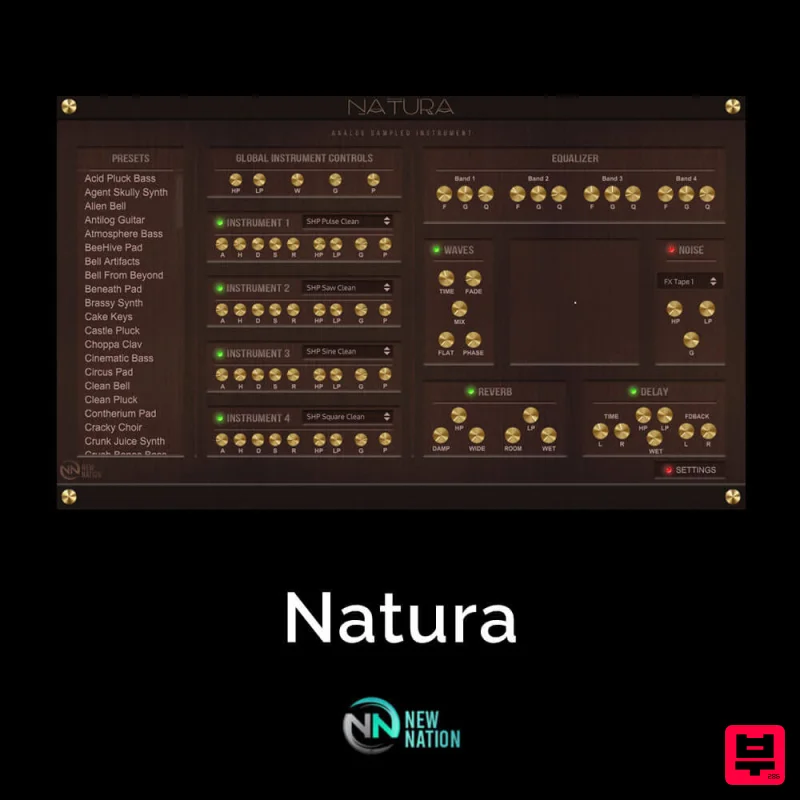
New Nation Software Natura
Sampler
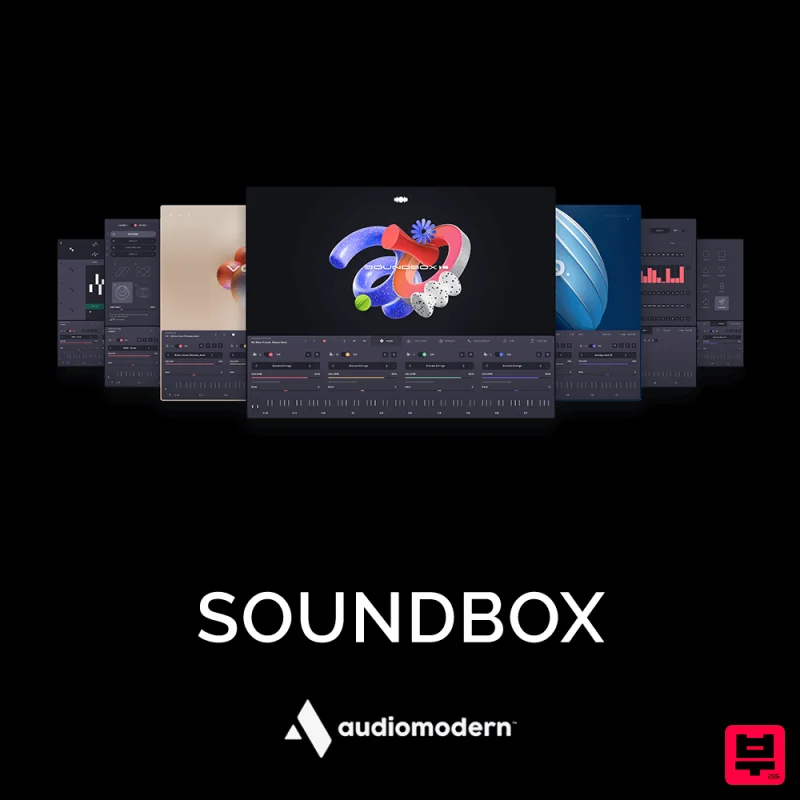
Audiomodern SOUNDBOX
Sampler
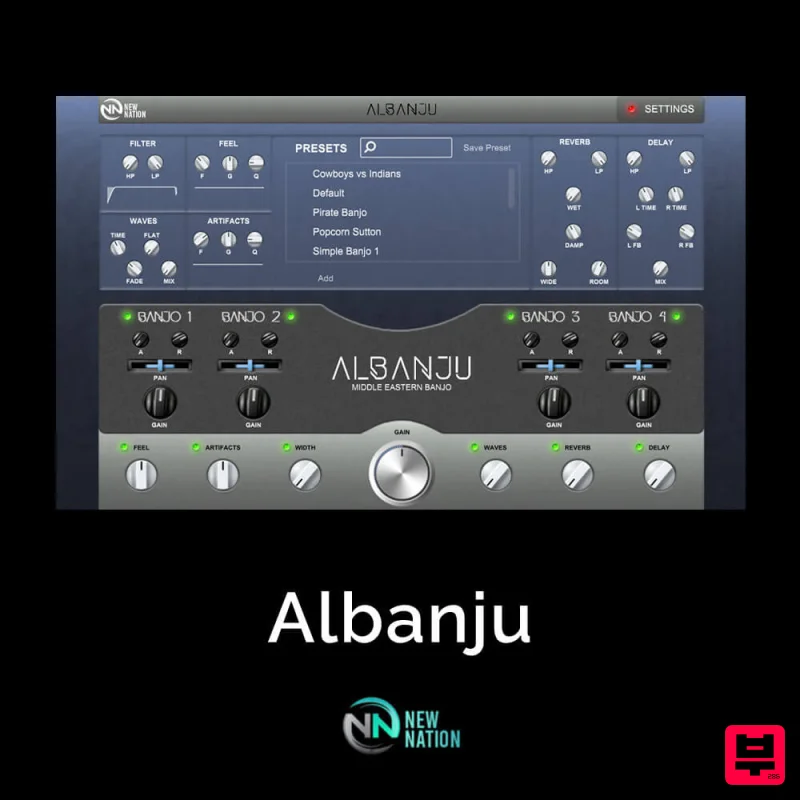
New Nation Software Albanju
Sampler
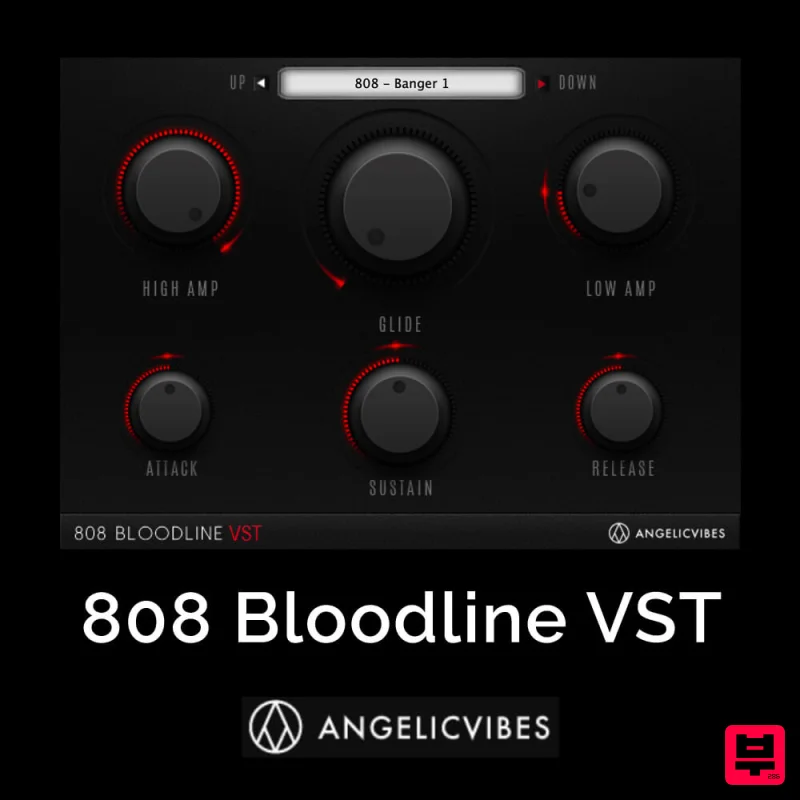
AngelicVibes 808 Bloodline VST
Sampler
New Nation Software Reiya
Sampler

