
AIR Music Technology Delay Pro
Professional music gear - detailed information and where to buy
AIR Music Technology
Delay Pro
Product Info
* Prices may vary. Check retailer for current pricing and availability.
Product Description
- Dual Engine
- Analog
- Digital
- Filters
- Distortion
- Limiter
- Chorus
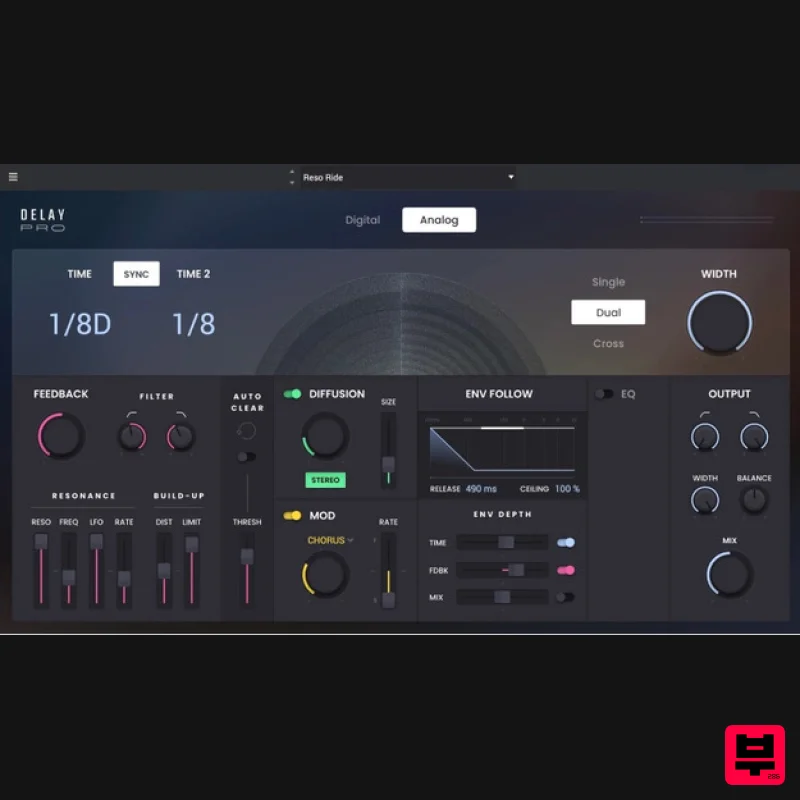
- LFO... The team at AIR Music Technology decided to come up with a delay plugin that gives you all we ever wanted from a delay plugin
- and then add some more stuff besides! For starters
- there are modulation and LFO options
- a stereo widener… and some more EQ… and distortion
- and they’ve thrown in a limiter too
- and a chorus
- as well as a stereo and wobble effect. But they kept thinking about some really powerful extras… to take your in-the-box mixes outside the box! Auto Clear Auto Clear means your delays last as long as you want...not a moment longer. Diffusion Diffusion takes your delay and makes it sound like a reverb by the edges Envelope Follow Envelope Follow shapes the delay effect over time...from subtle to insane Autoclear Is Magical Autoclear gives you the option to have enormous delay based effects that stop when you need them to
- for example
- when the next note hits. It’s something you have to hear to really get your head around. Once you’ve used it you’ll wonder how you ever used an echo without it Then There's Diffusion Diffusion is a cool effect that the delay sound
- taking it into the realm of a reverb
- it’s a way of knocking off some of the hard edges. Just like a reverb you can also adjust the size of the space and widen the stereo image. Unparalleled Control Envelop Follow allows you to control how the delay evolves over time. You can have the delay time
- feedback
- and mix change over time with control over when that happens using ceiling and and release time. Features Wide range of logically categorised presets Up to four second delay time Fully BPM syncable Three stereo modes for creating complex offset and bouncing delays
- plus width control Choose between characteristic digital and analog behaviours Comprehensive feedback section including high and low pass filters
- resonant filter with resonance and LFO
- and distortion and limiter. Auto-clear function Diffusion section with stereo switch and size control to create subtle washes Modulation section with three distinct modes (Wobble
- Stereo and Chorus) with slow and fast modulation control for classic tape emulation effects and more. Powerful envelope follower assignable to time
- feedback and mix parameters Parametric EQ band Output section with high and low pass filtering
- width
- balance and mix controls System Requirements Mac macOS 11.7 - macOS 13 Monterey (Compatible With Apple Silicon) Dual-core 2.5GHz CPU or higher 4 GB RAM (8 GB RAM recommended) 2 GB Free Disk Space (20GB for all content recommended) Windows Windows 10 - Windows 11 (64-bit only) Dual-core 2.5GHz CPU or higher 4 GB RAM (8 GB RAM recommended) 2 GB Free Disk Space (20GB for all content recommended) MPC/FORCE Standalone Compatibility Flavor Pro is designed to run on standalone MPC systems running 2.11 or later
- and FORCE systems running 3.2 or later
- including: MPC One MPC Live MPC Live II MPC X MPC Key 61 FORCE Ashea "Wow
- this plugin is instantly inspiring and allows for the super fast creation of some really textured & interesting delay sounds. If
- like me
- you enjoy creating vibey
- atmospheric ear candy or huge vocal throws with a tonne of modulation
- you’ll love this. Plus
- auto-clear is a very clever time saver! A great tool for any Pop or EDM producer." Craig Bauer "Air Delay Pro is phenomenal. The depth of sounds possible is refreshing... to say the least. If you love delays and want something special then check this out!" Please Note: Hype has been used as an example. Mac Installation 1. Click the 'DOWNLOAD' button in your Plugin Boutique account. 2. Open the .pkg file > click 'Continue' to begin the installation process. 3. Select your installation destination > click 'Continue'. 4. Choose your preferred installation location > click 'Install'. 5. Click 'Close' to complete the installation process. Activation 1. Open your DAW
- launch Hype > click 'SIGN IN'. 2. Click 'CREATE ACCOUNT' (If you already have an account
- enter your details > click 'SIGN IN' and skip to Step 6.) 3. Enter your personal details > click 'NEXT STEP'. 4. Select the brands you are interested in > click 'I agree' > click 'CREATE Account'. 5. Please close the browser window and check the link sent to your email to confirm your account. 6. Re-open Hype within your DAW > click 'ACTIVATE'. 7. Enter the serial number found in your Plugin Boutique account > click 'ACTIVATE'. 8. Click 'CONTINUE' to close the activation window. Your software is now activated and ready to use! Windows Installation 1. Click the 'DOWNLOAD' button in your Plugin Boutique account. 2. Extract the .zip file and open the .exe file to begin the installation process. 3. Select which plugin components you would like to install > click 'Next'. 4. Choose whether you would like to 'Create a desktop shortcut' > click 'Next'. 5. Click 'Install' to close the installation window. Activation 1. Open your DAW
- launch Hype > click 'SIGN IN'. 2. Click 'CREATE ACCOUNT' (If you already have an account
- enter your details > click 'SIGN IN' and skip to Step 6.) 3. Enter your personal details > click 'NEXT STEP'. 4. Select the brands you are interested in > click 'I agree' > click 'CREATE Account'. 5. Please close the browser window and check the link sent to your email to confirm your account. 6. Re-open Hype within your DAW > click 'ACTIVATE'. 7. Enter the serial number found in your Plugin Boutique account > click 'ACTIVATE'. 8. Click 'CONTINUE' to close the activation window. Your software is now activated and ready to use!
Additional Information
About the AIR Music Technology Delay Pro
The AIR Music Technology Delay Pro represents excellent craftsmanship in the Delay category.
Why Choose the AIR Music Technology Delay Pro?
- •Authentic AIR Music Technology craftsmanship and design
- •Versatile sound suitable for multiple musical genres
- •Professional build quality and reliable performance
- •Part of AIR Music Technology's respected Delay lineup
Compare & Explore
Browse our complete selection of AIR Music Technology instruments or explore other Delay options. Use our comparison tools to find the perfect match for your musical style and budget.
Similar Products
Phantom Sounds Analog Drift
Delay
$30
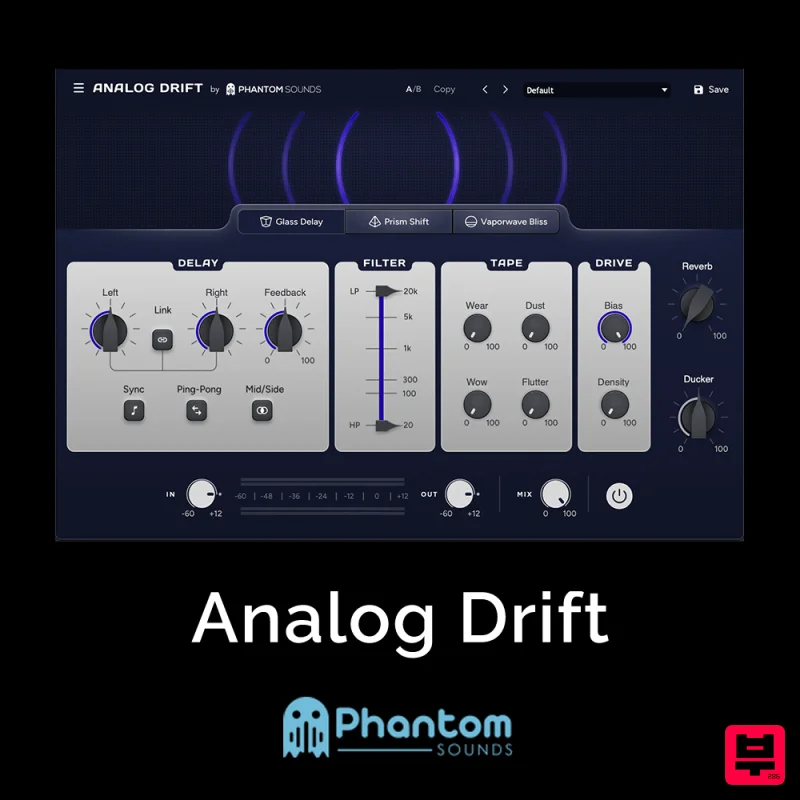
Redefine Your Sound with Distinctive Delays Analog Drift is a delay plugin that combines the pristine clarity of...
Korneff Audio Micro Digital Reverberator
Delay
$30
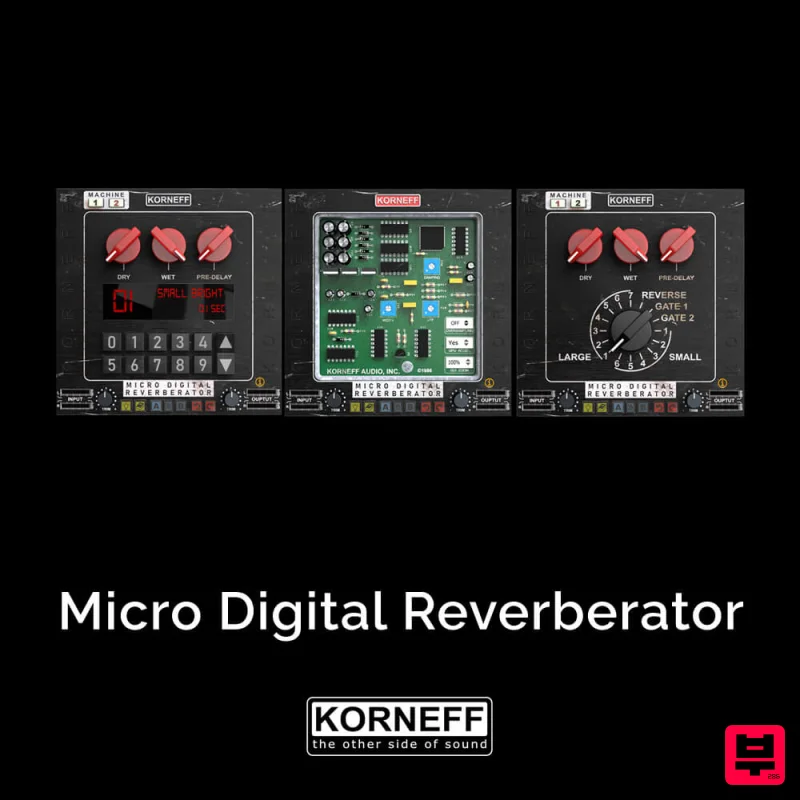
Nerdy. Easy. Super Cool. The Micro Digital Reverberator combines killer reverb and delay effects with a super friendly...
Red Sounds Mojo-Fi
Delay
$30
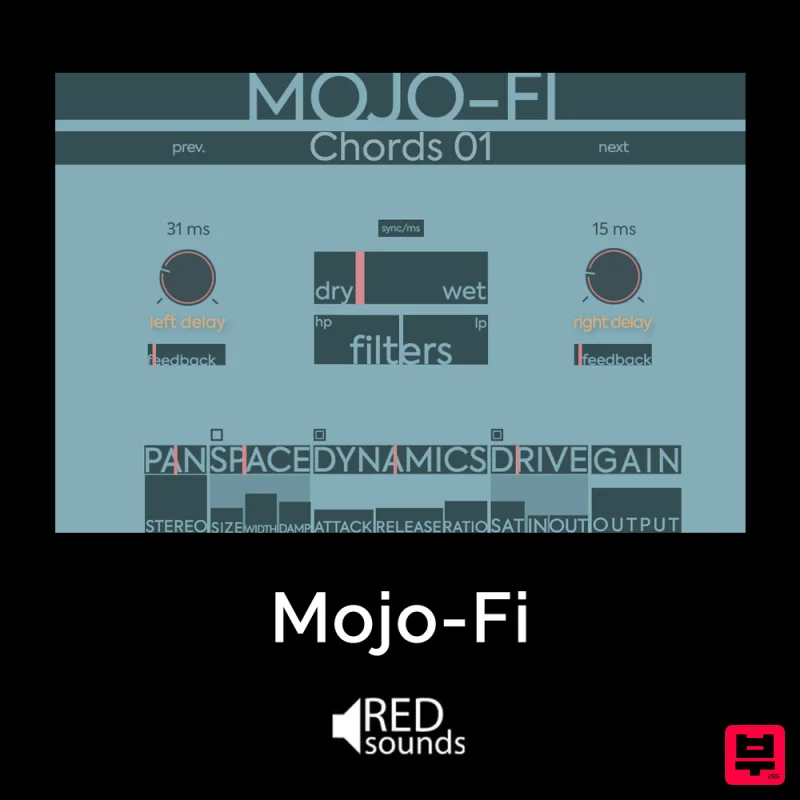
Multi-effect Delay Plugin On Steroids Great for adding life and texture to your boring soft synths, pianos, drums, and...
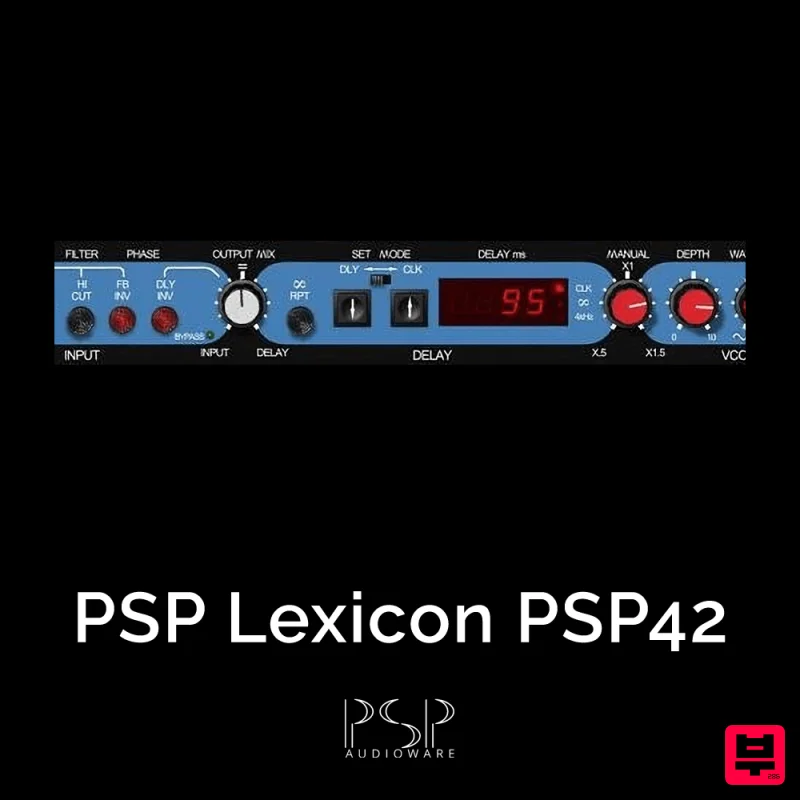
PSP Audioware PSP Lexicon PSP42x
Delay
$30
Lexicon PSP 42 is a high-quality digital stereo delay and phrase sampler plug-in based on the legendary Lexicon PCM42...
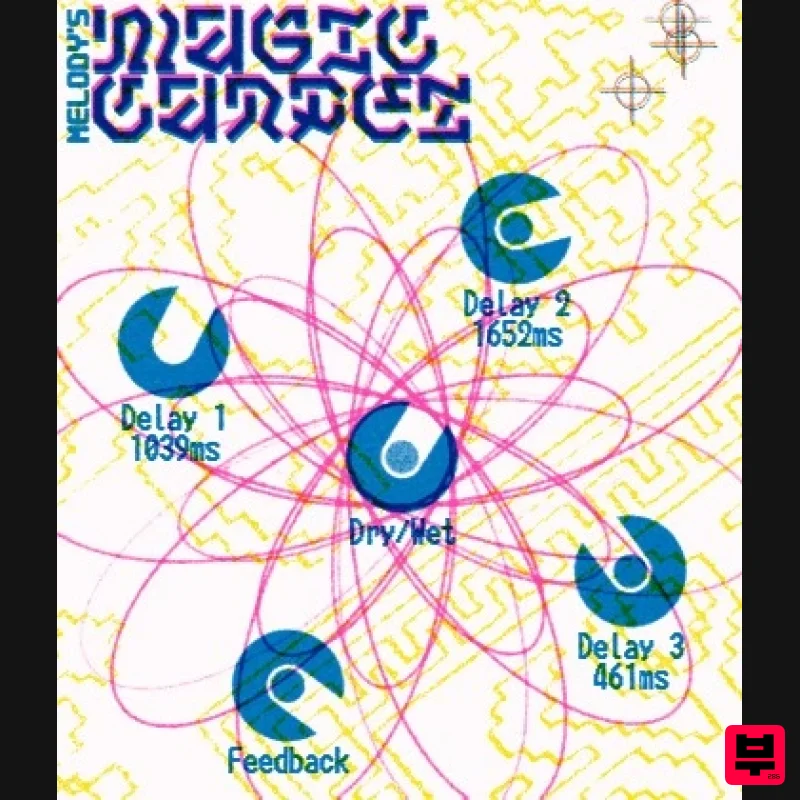
UnplugRed Magic Carpet
Delay
Free
Three delay lines with a shared feedback path, makes a delay that starts sparse but continues to get denser with each...
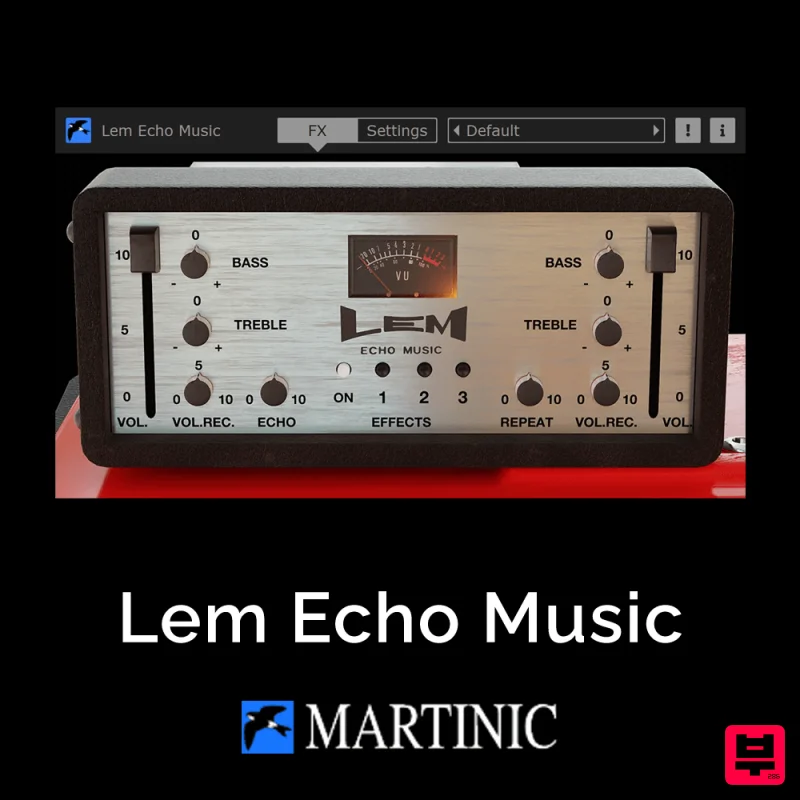
Martinic Lem Echo Music
Delay
$30
Authentic Vintage Tape Delay Emulation with Added Customization The Lem Echo Music plugin recreates the nostalgic tones...
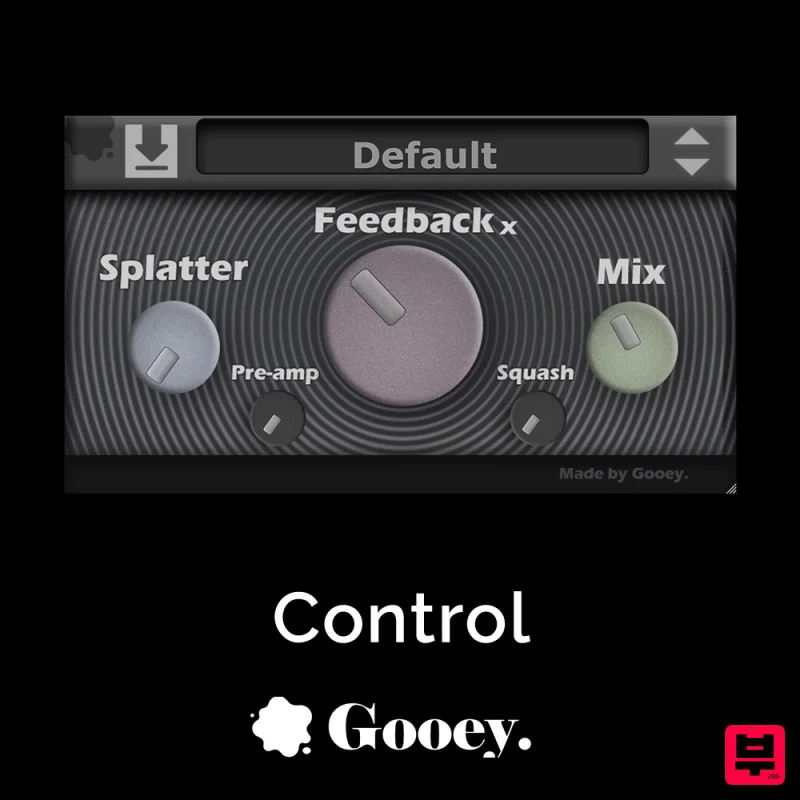
Gooey Audio Control
Delay
$30
Control by Gooey Audio is a feedback delay network plugin built for experimental sound designers, ambient composers,...
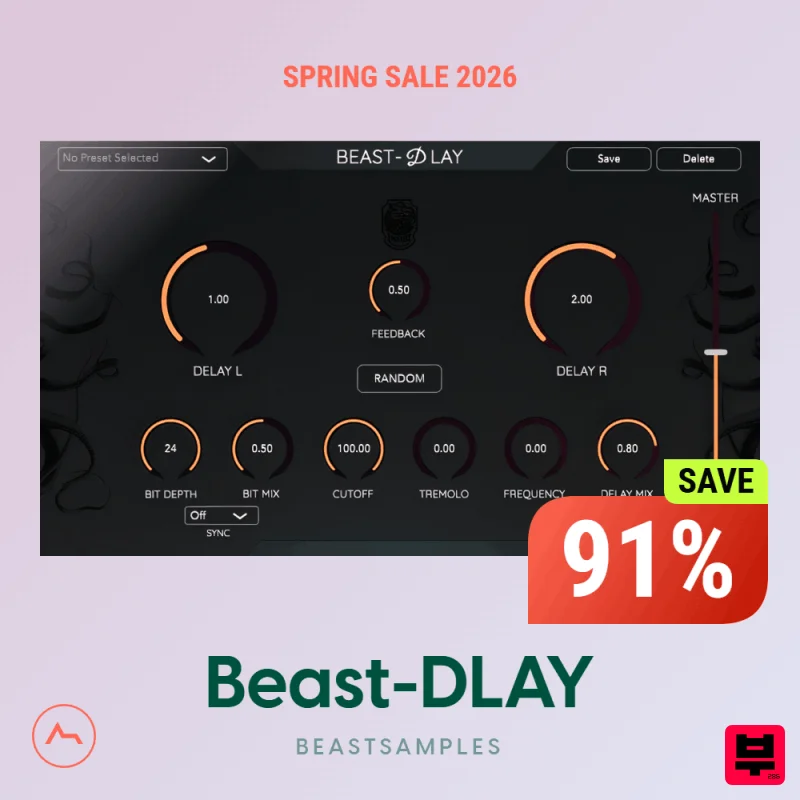
Beastsamples Beast-DLAY
Delay
$30
Beast-Dlay is a game-changer delay VST plugin with unprecedented processing power ready to add the hardware realism and...
Frequently Asked Questions
The AIR Music Technology Delay Pro stands out for its exceptional AIR Music Technology craftsmanship and innovative design.
Yes! With its affordable price point and quality construction, it's perfect for learning delay.
Browse the similar products section to see how it stacks up against other delay.

