
Acon Digital Equalize
Professional music gear - detailed information and where to buy
Acon Digital
Equalize
Product Info
* Prices may vary. Check retailer for current pricing and availability.
Product Description
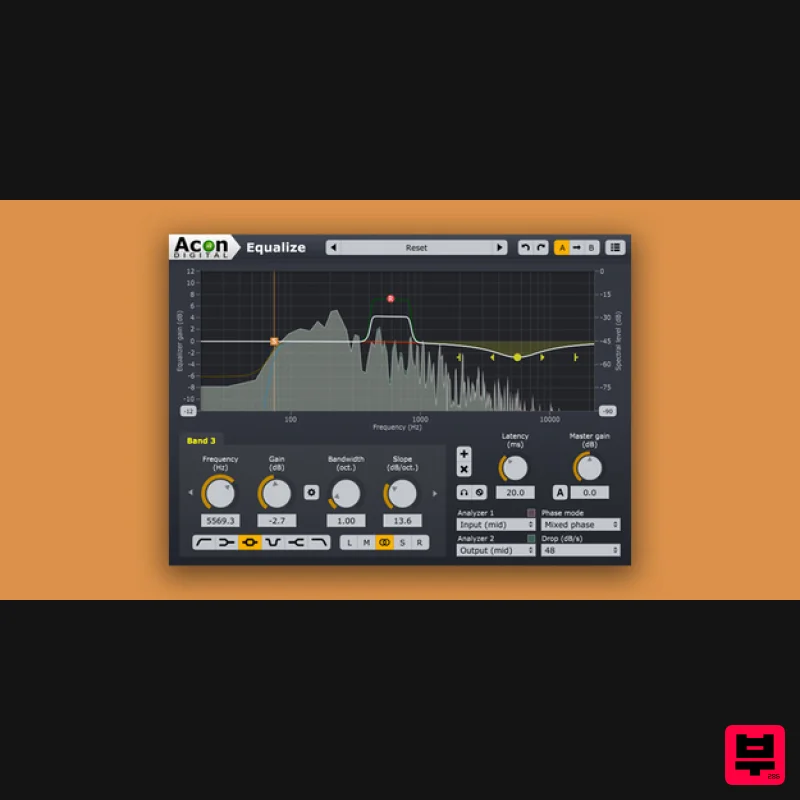
- The new Equalize 2 — now with Tilt and Bandpass Filters Acon Digital Equalize is a parametric equalizer plug-in that combines unique features with excellent workflow and an intuitive user interface. Unlike other equalizers
- you can freely adjust not only center frequency
- gain and bandwidths
- but also the filter slope for each band. The filter slope can be set anywhere from 3 dB to ultra-sharp 120 dB per octave. Needless to say
- you can operate Equalize as a zero latency plug-in when using the minimum phase mode or choose to preserve the phase relationships in the linear phase mode. Equalize goes one step further
- though
- and introduces the unique mixed phase mode that allows you to set the latency freely in the range 5 to 120 milliseconds while preserving the phase relationships as far as possible. That gives a unique control over potential pre-ringing artifacts which is a common problem with linear phase filtering. Latency values below 20 milliseconds ensure that any pre-ringing is masked by the temporal masking of the human hearing while preserving the time-alignment across the audible frequency range. Great care has been taken to provide a user interface that is straightforward to use. Band parameters can be adjusted using handles directly in the graphical representation of the frequency response
- including bandwidths and filter slopes. A flexible real-time analyzer lets you monitor every aspect of the processing. You can easily switch between full
- side
- left or right channel processing for each band and Equalize automatically routes the audio signal internally to ensure the best results and lowest possible latency. Highlights Eight different band filter types — low cut
- low shelf
- peak
- tilt
- bandpass
- notch
- high shelf and high cut Up to twelve independent bands Freely adjustable gain
- frequency
- bandwidth
- resonance and filter slope Three different phase modes
- including the novel mixed phase mode with adjustable latency Choose channel mode for each band independently (mid
- side
- left
- right or full processing) Acon Digital Equalize 2 is available for both Windows (PC) and OS X (Macintosh). Both 32 and 64 bit versions are available
- and the plug-in formats VST
- VST3
- AAX and Audio Units (OS X only) are supported. The upgrade to version 2 is free for all Equalize customers and the license key is valid in version 2. The new version of Equalize includes two new filter types – tilt and bandpass. It now offers a total of eight different filter types. Just like the previously available filters
- both the tilt and bandpass filters offer the unique continuously adjustable filter slopes in the range 3 to 120 dB per octave. The frequency range of the equalizer curve can now be altered conveniently by dragging the edges of the frequency axis or moved by clicking and dragging the center. This makes it possible to zoom in on specific frequency ranges for more precise control. A new preferences page offer user settings such as analyzer resolution and user interface language. Another new feature is the optional piano keyboard display above the frequency axis. Band frequencies can easily be set to match a tone’s frequency by clicking the key on the piano keyboard. New Features at a Glance Two new filter types — tilt and bandpass filters Adjustable frequency range in the equalizer curve editor Optional piano keyboard display EUCON and full Pro Tools HW controller support New preferences page with spectrum analyzer
- tooltip
- language and piano roll settings Spectrum analyzer with adjustable frequency tilt Features Platforms and Plug-in Formats Available as VST
- VST3 or AAX plug-ins on PC (Windows) Available as VST
- VST3
- AAX or AU plug-ins on Apple Macintosh (OS X) Native 32 bit or 64 bit versions of all plug-ins are available Supports sampling rates up to 96 kHz Supports multi-channel formats such as 5.1 and 7.1 surround Acon Digital Equalize Up to twelve equalizer bands Eight different band filter types (low cut
- low shelf
- peak
- tilt
- bandpass
- notch
- high shelf and high cut) Band frequency
- gain
- bandwidth
- resonance and filter slope is freely adjustable for each band Three different filter modes
- minimum phase
- linear phase or the novel mixed phase Adjustable latency and pre-ringing time in mixed phase mode Zero latency in minimum phase mode Channel mode (mid
- side
- left
- right or full processing) can be set independently for each band Multiple selection of bands Resizable graphical user interface Solo and bypass modes Optional automatic make-up gain Optional gain to bandwidth linking Two spectrum analyzers that can analyze the input or output signal from the mid
- side
- left or right channel Graphical visualization of the equalizer frequency response Preset manager and a large number of factory presets Save
- load and categorize user presets System Requirements PC Version (Windows) Windows 10+ Intel Core i3 or AMD multi-core processor (Intel Core i5 or faster recommended) 1366 x 768 display resolution (1920 x 1080 or higher recommended) 1 GB RAM (4 GB or more recommended) 1 GB free HD space A host application that is compatible with VST
- VST3 or AAX (Pro Tools 10.3.5 or higher) Macintosh Version macOS 10.15 or later (Intel and Silicon supported) (64-bit only) Runs natively on ARM64 and Intel 1 GB RAM (4 GB or more recommended) 1 GB free HD space A host application that is compatible with AU
- VST3 or AAX (Pro Tools 11 or higher) Important note: When accessing this software via a Rent to Own plan or the Beatport Studio membership
- it's installed and run through the Beatport Access portal. An internet connection is required every 30 days to validate your license. Awards Mixcoach "Great Swiss army knife EQ. I highly recommend this one. The new mixed phase mode – it’s fantastic." Pro Tools Expert "It’s a very
- very powerful plug-in. Very well designed
- very clean and lovely interface." Computer Music "Equalize’s variable control over its filter slopes – something we don’t recall seeing on any other EQ." Please Note: Remix is used as an example. Activation 1. Click the 'Download' button in your account or head to https://acondigital.com/redeem/ 2. Click Sign Up to create an account > If you already have an account
- skip to step 5. 3. Enter your name
- email address
- and the password you wish to use > Click 'Sign Up'. 4. Open your email address and locate the conformation email sent by Acon Digital > Open it and click the link. 5. Log in to your account. 6. You will now be given your activation code - take note of this > Download the relevant installer using the links provided. Installation PC 1. Run the downloaded .exe installer. 2. Click 'I accept this agreement' > Click 'Next'. 3. Click 'Next'. 4. Click 'Next'. 5. Click 'Install'. 6. Click 'Finish'. 7. Open your DAW > Locate Remix and open it > Enter the activation code you received previously > Click 'Authorize'. Your software is now activated and ready to use in your DAW! Mac 1. Run the downloaded .dmg installer. 2. Click 'Continue'. 3. Click 'Continue'. 4. Click 'Agree'. 5. Click 'Continue'. 6. Click 'Install'. 7. Click 'Close'. 8. Open your DAW > Locate Remix and open it > Enter the activation code you received previously > Click 'Authorize'. Your software is now activated and ready to use in your DAW!
Additional Information
About the Acon Digital Equalize
The Acon Digital Equalize combines traditional design with modern performance for EQ enthusiasts.
Why Choose the Acon Digital Equalize?
- •Authentic Acon Digital craftsmanship and design
- •Versatile sound suitable for multiple musical genres
- •Professional build quality and reliable performance
- •Part of Acon Digital's respected EQ lineup
Compare & Explore
Browse our complete selection of Acon Digital instruments or explore other EQ options. Use our comparison tools to find the perfect match for your musical style and budget.
Similar Products
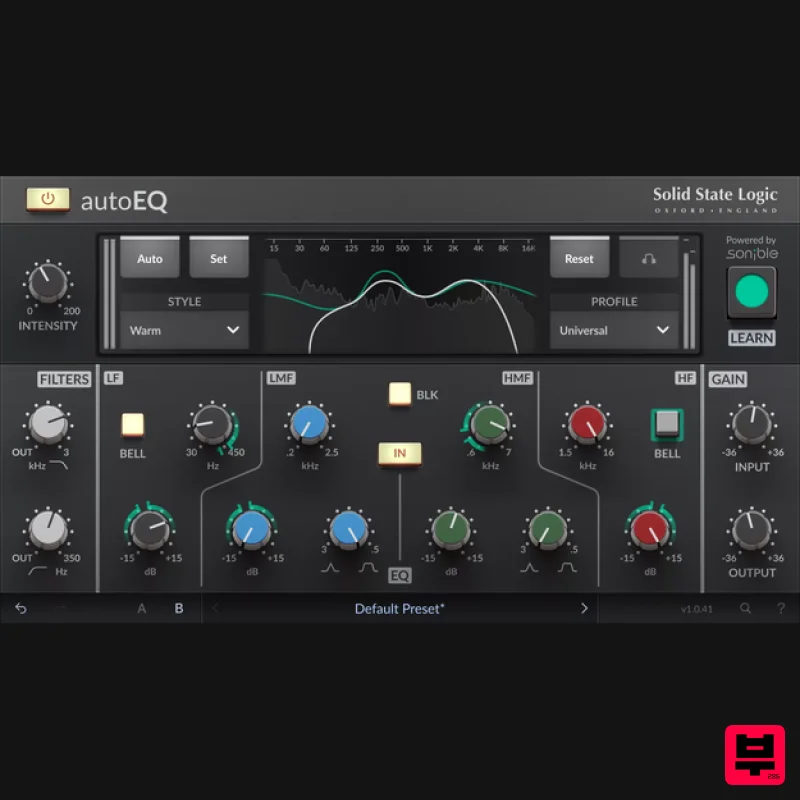
Solid State Logic SSL autoEQ
EQ
$109
SSL 4000E EQ processing with sonible AI assisted analysis Introducing autoEQ, part of the autoSeries with autoDYN and...
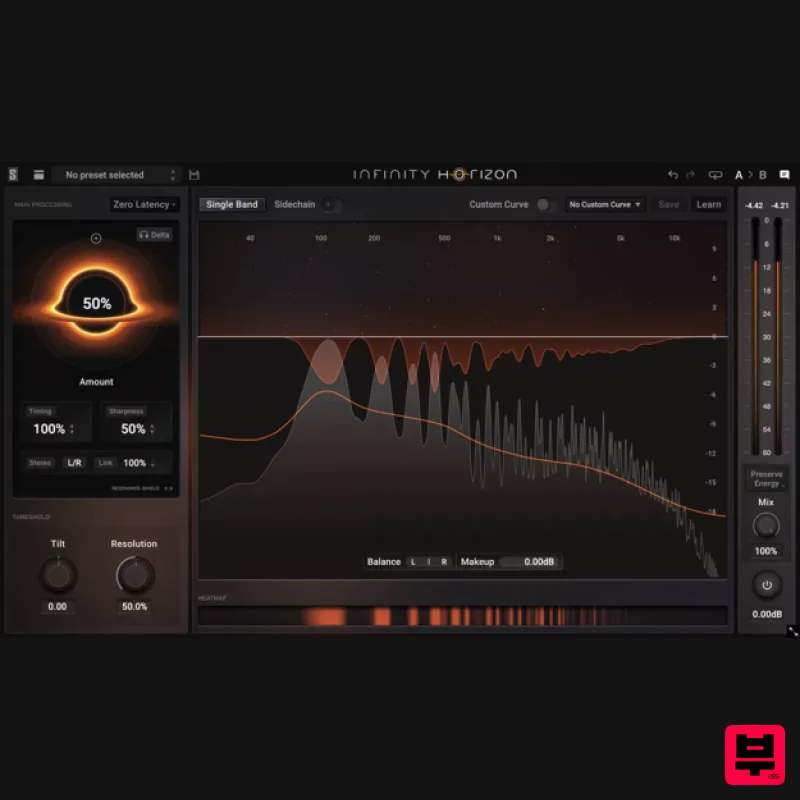
Slate Digital Infinity Horizon
EQ
$156
Rogue Frequencies Cannot Escape Infinity Horizon finds harsh frequency build ups and them in real time. If you're...
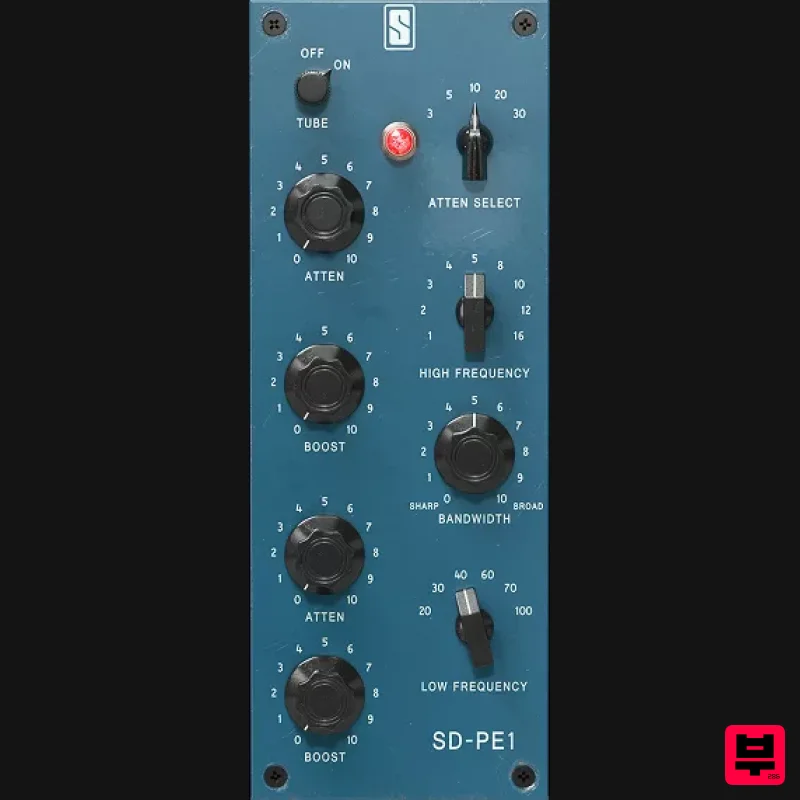
Slate Digital SD-PE1
EQ
$104
Meet SD-PE1! The most unique passive equalizer ever made joins the ever-expanding lineup of processors that make up the...
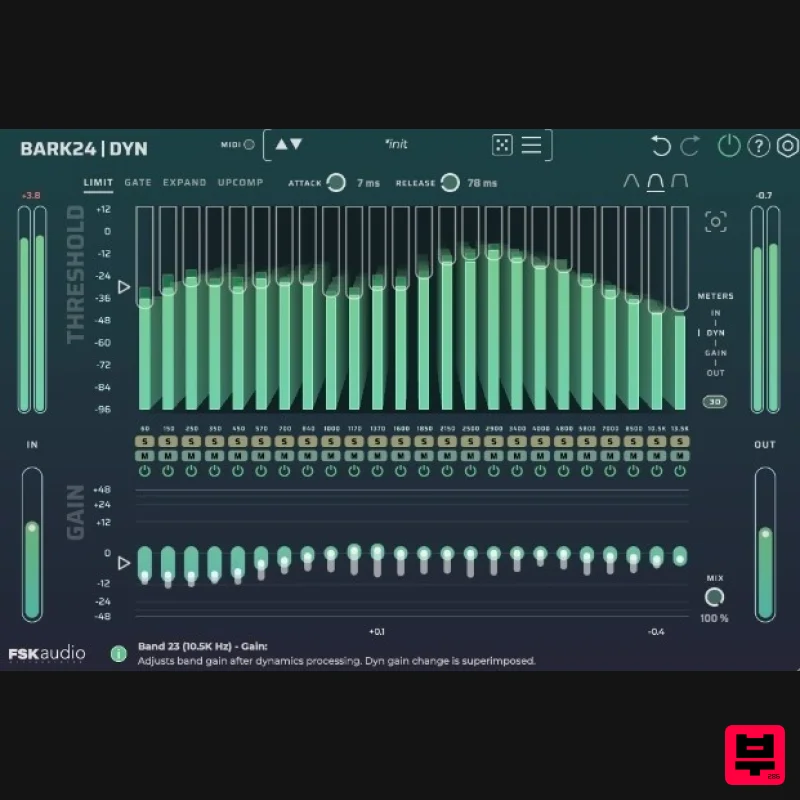
FSK Audio Bark24 | Dyn
EQ
$120
Bark24 | Dyn is a dynamic EQ that takes you far beyond a standard compressor or EQ. Based on the Bark scale - a model...
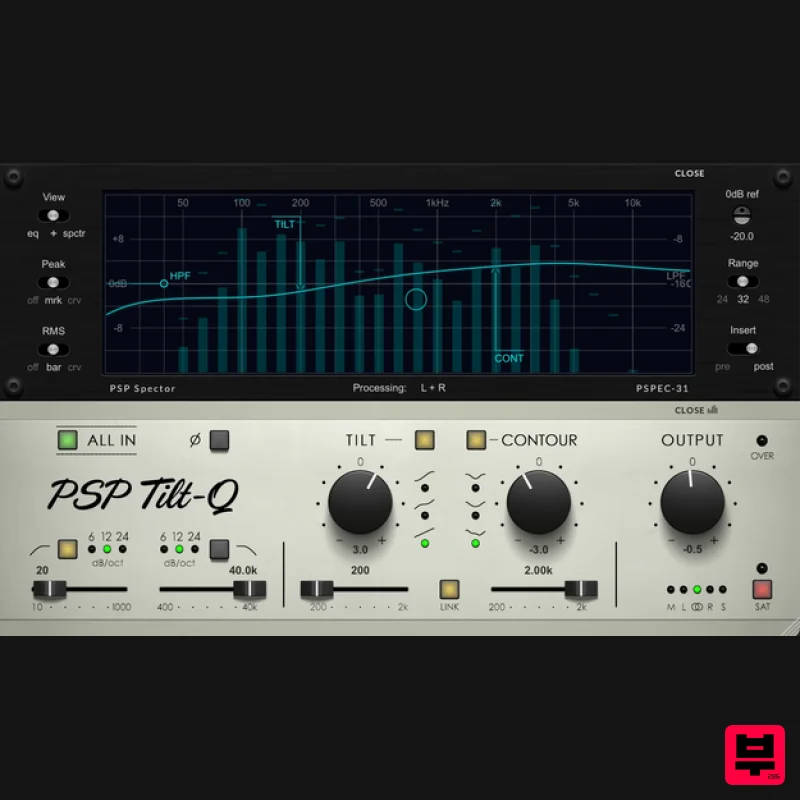
PSP Audioware PSP Tilt-Q
EQ
$72
Tilt Equalizer with Three Characteristics Musical tilt EQ offering three distinct curve shapes, allowing you to quickly...
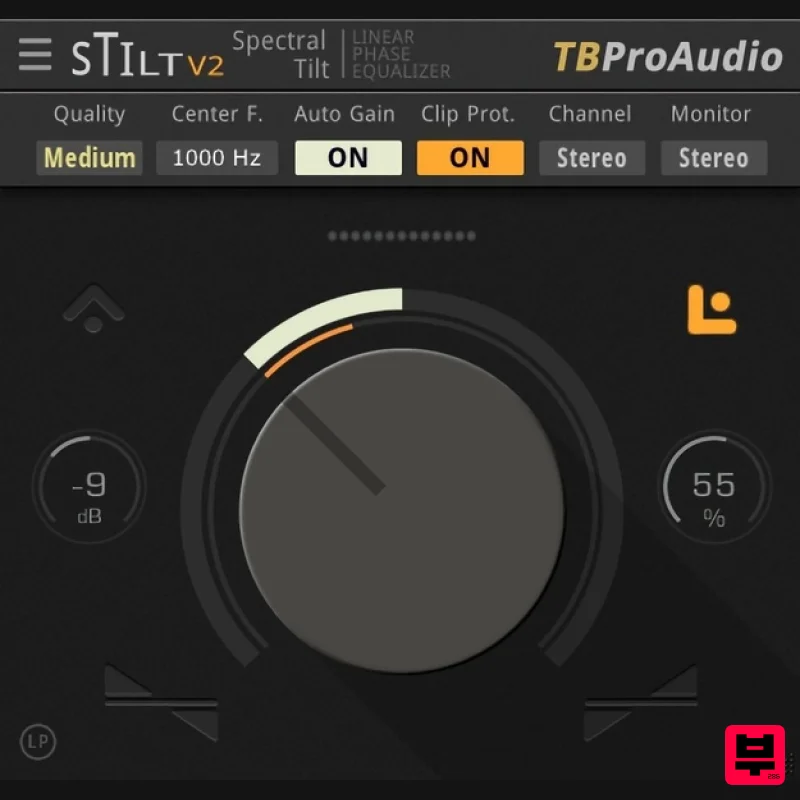
TBProAudio sTiltV2
EQ
Free
sTilt is a linear/minimum phase and IIR filter which tilts the audio spectrum around a given center frequency. Features...
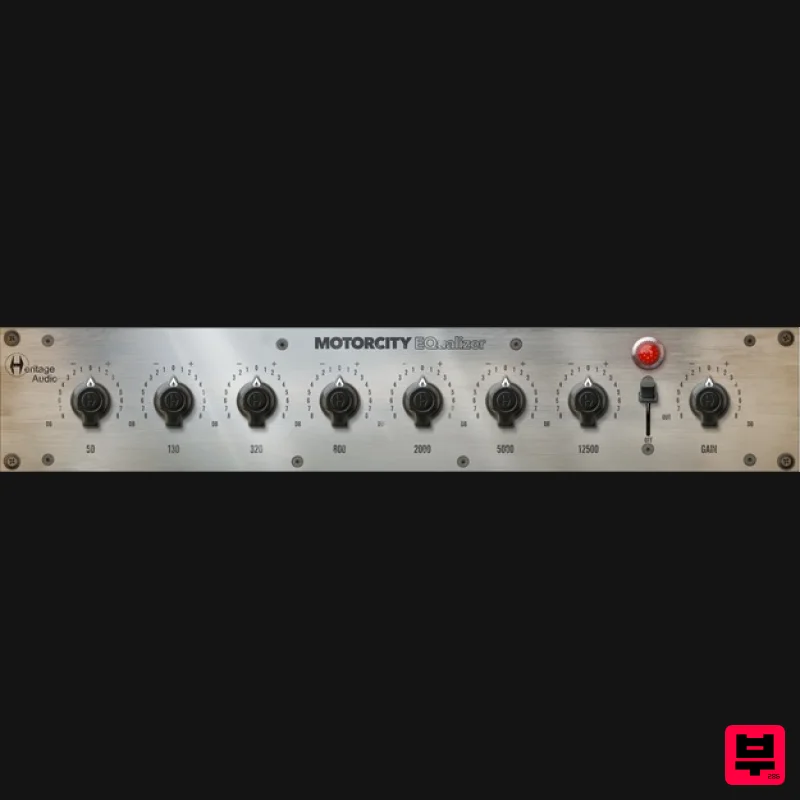
Heritage Audio MOTORCITY EQ
EQ
$104
The classiest EQ ever created finally gets the thorough plugin treatment it so long deserved Recreated from the...
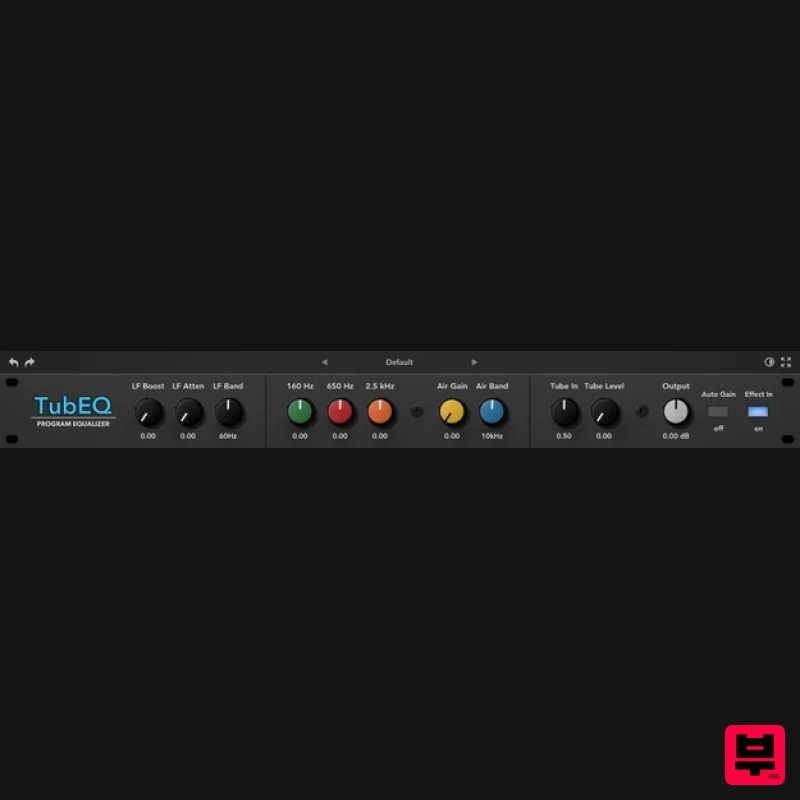
Rave Generation TubEQ
EQ
$42
TubEQ is an authentic analog equalizer plugin that combines the musical character of two legendary EQs in a single...
Frequently Asked Questions
The Acon Digital Equalize stands out for its exceptional Acon Digital craftsmanship and innovative design.
Yes! With its affordable price point and quality construction, it's perfect for learning eq.
Browse the similar products section to see how it stacks up against other eq.

