
Acon Digital DeBleed:Drums
Professional music gear - detailed information and where to buy
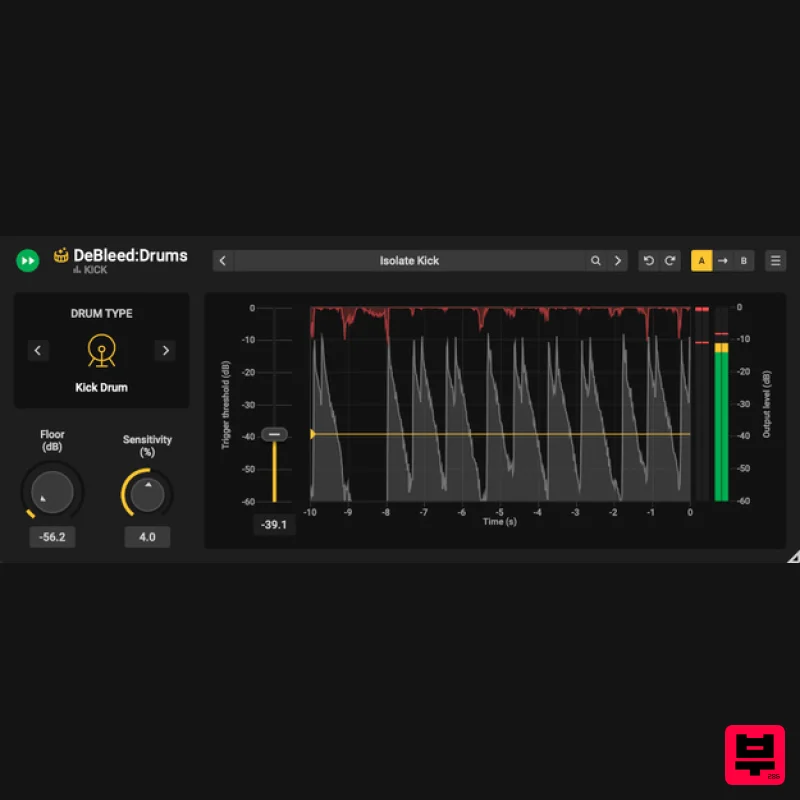
Acon Digital
DeBleed:Drums
Product Info
* Prices may vary. Check retailer for current pricing and availability.
Product Description
- Real-Time Drum Mic Spill Removal Plug-in If you work with recorded drums
- you’ll know that unwanted mic bleed can be a big problem
- making mixes sound muddy and lacking in definition. Not anymore! DeBleed: Drums is an advanced AI-powered plug-in that enables mixing engineers and studio professionals to quickly and transparently remove unwanted mic spill from drum recordings in real-time
- without compromising on quality. Designed to enhance clarity and streamline the mixing process
- DeBleed: Drums is an essential studio software tool that ensures engineers can achieve tight
- professional drum mixes faster and more efficiently than ever before. Conventional noise gates can often struggle to remove mic bleed effectively
- to choked hits
- missing ghost notes
- and excessive spill. The result? Drums that sound flat
- lifeless
- or even needing to be replaced entirely with samples. DeBleed: Drums revolutionizes the process. It precisely isolates drum hits
- minimizes spill
- and retains the authentic resonance of your kit. Say goodbye to bad-detections and unnatural gating — experience clean
- tight
- and dynamic drum sounds every time. For optimal results
- DeBleed: Drums leverages neural network technology to separate drum kit elements
- like kicks and snares
- while DSP algorithms protect transients for clarity. Its triggering logic sets thresholds to remove bleed efficiently
- delivering a cleaner and more natural drum mix. Say Sayonara to Spill — Get Crystal-Clear Mixes Today Professionals and enthusiasts alike can benefit from DeBleed: Drums. A simple to use plug-in designed to assist engineers and mixers
- offering a faster workflow and superior results when cleaning up drum recordings in the mixing stage. Put simply
- this plug-in excels at removing unwanted bleed from individual drum tracks
- ensuring a polished and professional mix. Features AI-Driven Precision: Trained on hours of real drum recordings for high-quality results. Instant Real-Time Stem Separation: Works as an insert effect so no waiting for tedious offline processing and no data privacy issues Powerful Sensitivity control: Get your perfect setting in seconds Trigger Threshold: Remove even more spill and only process the hits you want to Preset Manager: Save time getting started Perpetual License: No subscription needed System Requirements Windows Windows 11 / 10 Intel Core i5 or AMD multi-core processor (Intel Core i7 or faster recommended) 1366 x 768 display resolution (1920 x 1080 or higher recommended) 1 GB RAM (4 GB or more recommended) 1 GB free HD space A host application that is compatible with VST
- VST3 or AAX (Pro Tools 12 or higher) Mac OS X 10.13 or later Runs natively on ARM64 and Intel 1 GB RAM (4 GB or more recommended) 1 GB free HD space A host application that is compatible with AU
- VST3 or AAX (Pro Tools 12.8.3 or higher) Darrell Thorp "DeBleed: Drums is a game changer!" Robert L. "The isolation I can get with DeBleed...this will save me hours. As much as it's incredible to have this kind of control
- I love that with some tweaking
- it doesn't destroy the tone of the instrument
- which at the end of the day is what is important." Daniel Moyler "DeBleed:Drums just got me out of a hole on a mix! Amazing plug-in!" Please Note: Remix is used as an example. Activation 1. Click the 'Download' button in your account or head to https://acondigital.com/redeem/ 2. Click Sign Up to create an account > If you already have an account
- skip to step 5. 3. Enter your name
- email address
- and the password you wish to use > Click 'Sign Up'. 4. Open your email address and locate the conformation email sent by Acon Digital > Open it and click the link. 5. Log in to your account. 6. You will now be given your activation code - take note of this > Download the relevant installer using the links provided. Installation PC 1. Run the downloaded .exe installer. 2. Click 'I accept this agreement' > Click 'Next'. 3. Click 'Next'. 4. Click 'Next'. 5. Click 'Install'. 6. Click 'Finish'. 7. Open your DAW > Locate Remix and open it > Enter the activation code you received previously > Click 'Authorize'. Your software is now activated and ready to use in your DAW! Mac 1. Run the downloaded .dmg installer. 2. Click 'Continue'. 3. Click 'Continue'. 4. Click 'Agree'. 5. Click 'Continue'. 6. Click 'Install'. 7. Click 'Close'. 8. Open your DAW > Locate Remix and open it > Enter the activation code you received previously > Click 'Authorize'. Your software is now activated and ready to use in your DAW!
Additional Information
About the Acon Digital DeBleed:Drums
The Acon Digital DeBleed:Drums represents excellent craftsmanship in the Drum Tools category.
Why Choose the Acon Digital DeBleed:Drums?
- •Authentic Acon Digital craftsmanship and design
- •Versatile sound suitable for multiple musical genres
- •Professional build quality and reliable performance
- •Part of Acon Digital's respected Drum Tools lineup
Compare & Explore
Browse our complete selection of Acon Digital instruments or explore other Drum Tools options. Use our comparison tools to find the perfect match for your musical style and budget.
Similar Products
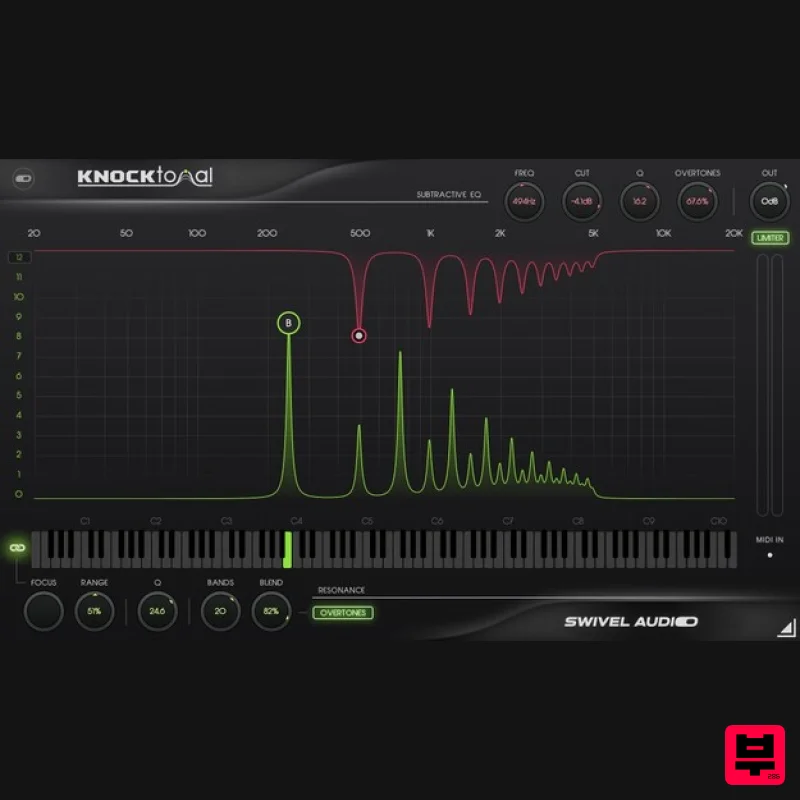
Plugin Alliance Swivel Audio Knocktonal
Drum Tools
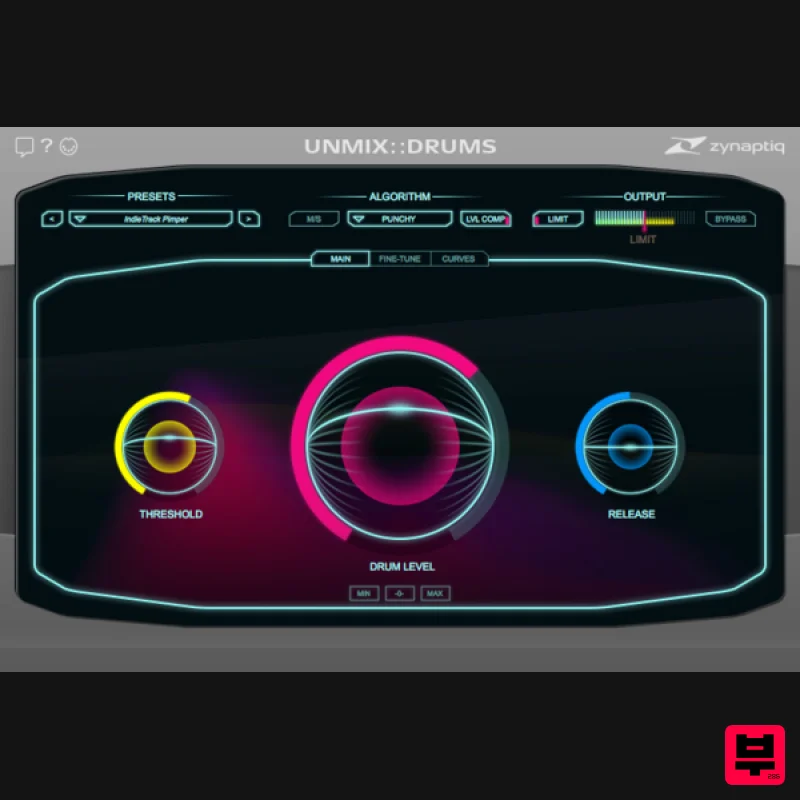
Zynaptiq UNMIX::DRUMS
Drum Tools
XLN Audio Addictive Trigger Line
Drum Tools
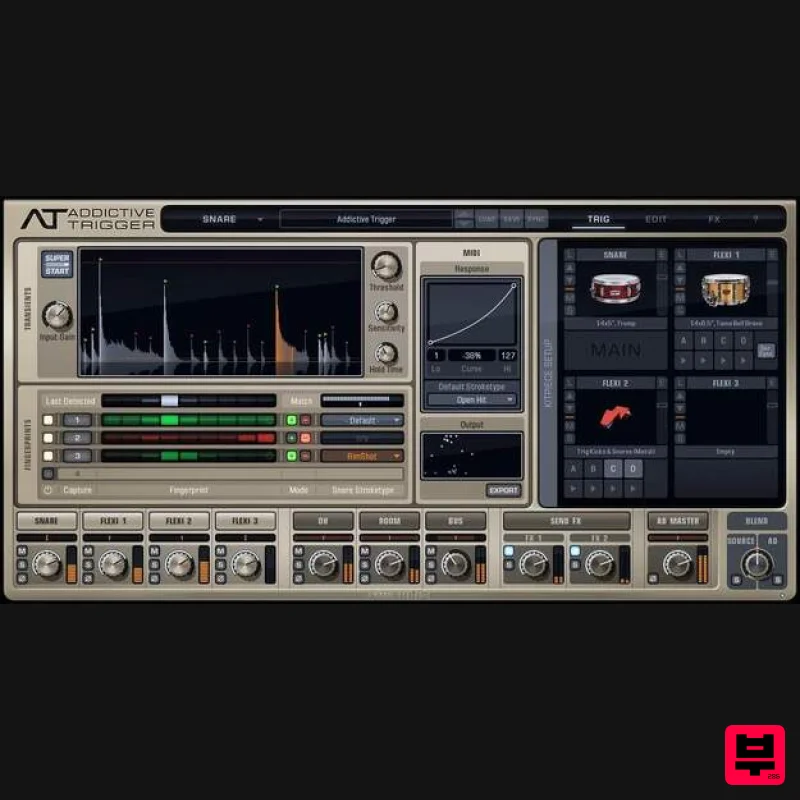
XLN Audio Addictive Trigger
Drum Tools
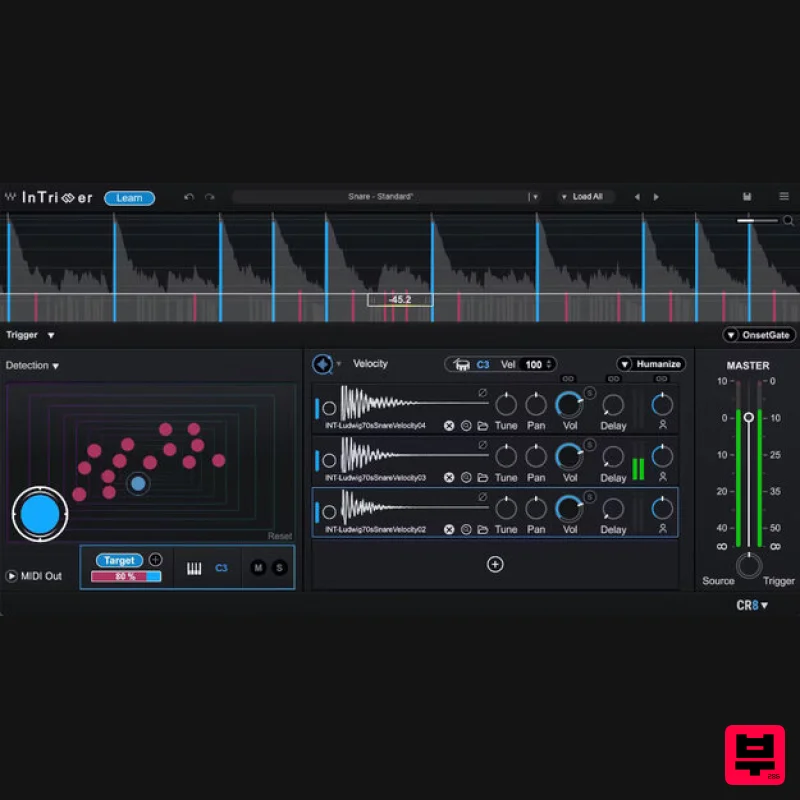
Waves InTrigger
Drum Tools
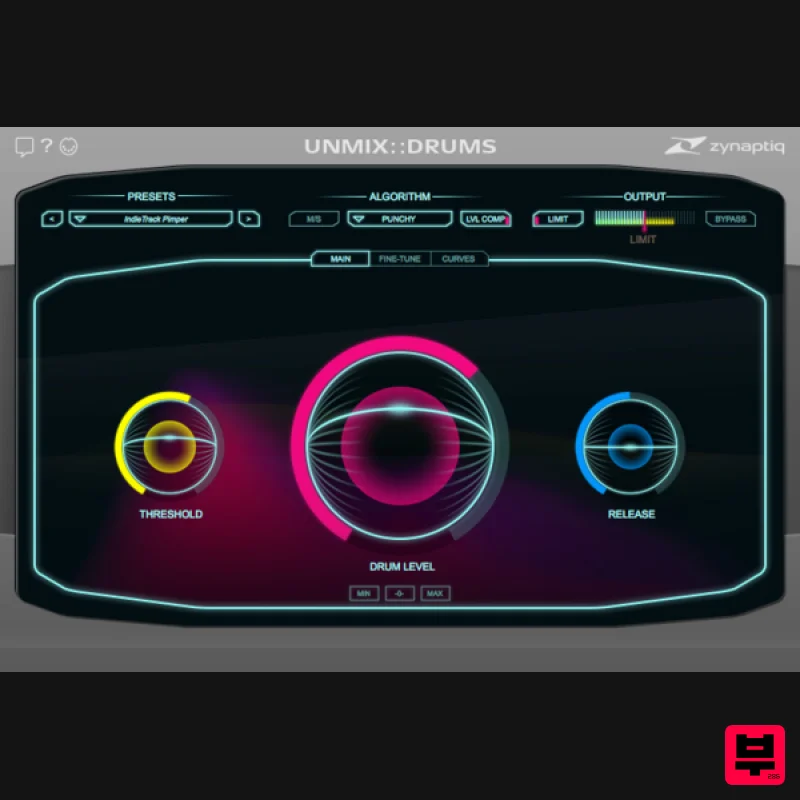
Zynaptiq UNMIX::DRUMS Educational Version
Drum Tools
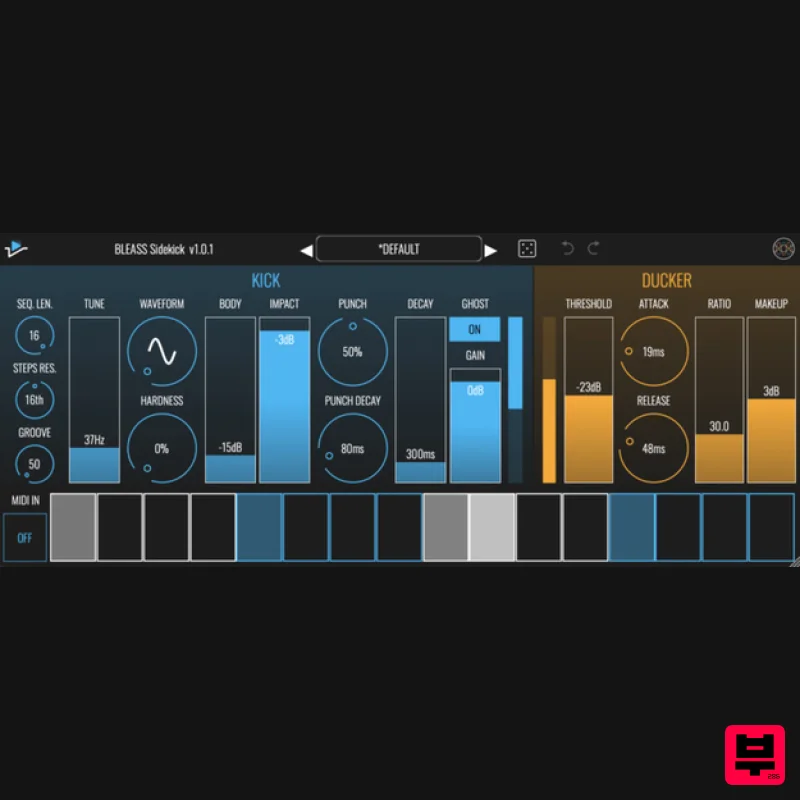
BLEASS BLEASS Sidekick
Drum Tools
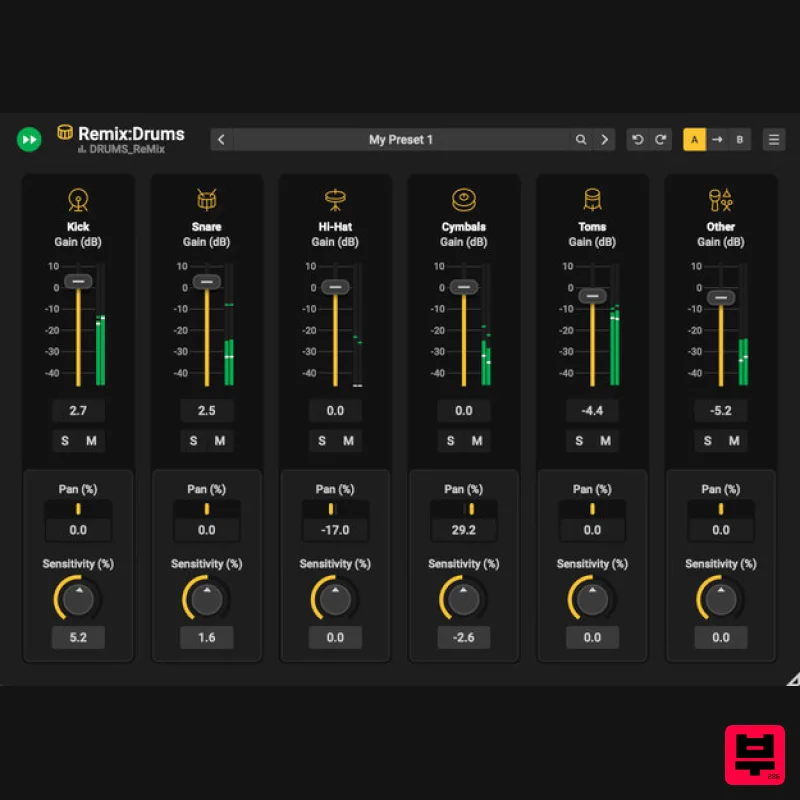
Acon Digital Remix:Drums
Drum Tools

