
Acon Digital Acoustica 7 Standard Edition
Professional music gear - detailed information and where to buy
Acon Digital
Acoustica 7 Standard Edition
Product Info
* Prices may vary. Check retailer for current pricing and availability.
Product Description
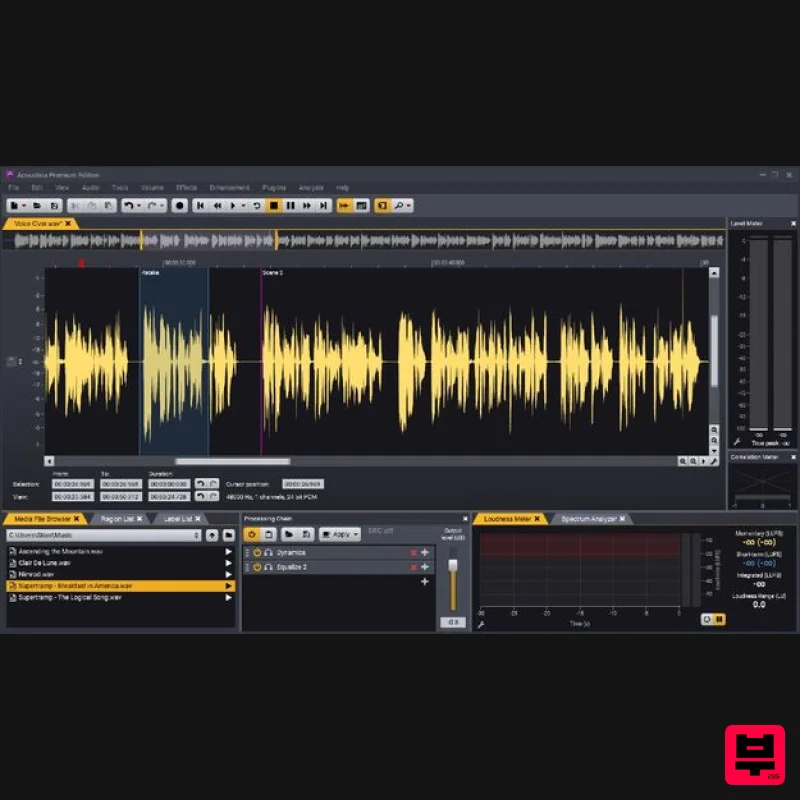
- The New Acoustica 7.2 – Now with Stem Separation Tools Acoustica 7 is the perfect solution for audio editing
- mastering and restoration work on both Mac and PC. The application is available in a Premium Edition and a lower cost Standard Edition. Both editions offer a new Remix tool based on the Spleeter artificial intelligence models which can split a complete mix in up to five stems and remix them in real-time. You can also import a complete mix into a multitrack session and let Acoustica create separate tracks for each stem automatically. The Premium Edition adds a new Extract Dialogue tool that automatically removes background noise from dialogue. Furthermore
- the Premium Edition offers advanced features such as spectral editing with powerful retouch algorithms and multi-channel support up to 7.1 surround. Acon Digital's award-winning plug-ins Equalize 2
- Verberate 2
- Restoration Suite 2 and Mastering Suite are included. The Transfer plug-in makes audio transfers between Pro Tools and Acoustica a breeze. What's new in version 7.3? Native support for Apple Silicon processors such as Apple M1 Improved selection tools in the spectral editor: Geometries can now be moved and resized Improved Remix tool with adjustable sensitivity for each stem and a separate download is no longer required Improved audio quality of the Time Stretch and Transpose tools Several improvements in the multitrack editor
- including clip fades
- region selection with optional looping and snapping Files can now be dragged from the Media File Browser and dropped in the clip editor
- multitrack sessions or CD projects Ultimate Audio Quality Acoustica offers support for state-of-the-art audio resolutions up to 32 bit and sampling rates up to 384 kHz
- ensuring that all of your work comes across at the highest quality. Acoustica Premium Edition even supports multi-channel audio recording and editing such as 5.1 and 7.1 surround sound. Audio Restoration Integrated audio restoration tools help you get the most out of recordings impaired by background noise
- clicks
- crackle
- clipping or missing high-frequency content. The Premium Edition contains the same set of professional tools as Acon Digital's Restoration Suite. Multitrack Editing Mix audio from different tracks in real-time
- insert audio effects or create cross-fades easily in multitrack sessions. You can loop or time stretch clips directly from the multitrack timeline and automate volume
- pan and send levels. Processing Tools
- Chains and Plug-ins High-quality processing tools ranging from a new suite of dynamic processing tools to EQ and effects like reverb and chorus are integrated along with sample rate conversion
- time stretching and pitch shifting. You can create chains of audio processors and apply or store them for later use. A powerful batch processor is included and VST
- VST3 and AU (Mac only) plug-ins are supported. Analysis Tools Analysis tools such as spectrum
- spectrogram and wavelet analysis are available. Real-time analyzers visualize your audio output (EBU R-128 loudness
- level
- spectral and phase correlation). Features General Features: Supported driver models for audio recording and playback (Windows): ASIO
- Windows Audio (exclusive and non-exclusive)
- DirectSound Supported driver models for audio recording and playback (Mac): CoreAudio Maximum number of audio channels: 2 (stereo) Maximum sample rate: 384 kHz Supported bit resolutions: Up to 32 bit PCM or floating-point Time formats: Hour:Min:Sec:MS
- (23.98
- 29.97 drop frame
- 29.97 non-drop frame
- 30 fps)
- Sample index
- Bar: beat:tick Number of undo and redo levels: Unlimited Timer and input level triggered recording Ultra-fast non-destructive editing engine Standard cut
- copy
- paste and mix editing Optional Auto de-click at splice points Drag and drop editing Support for labels and region markers Support for Workspace files Cleaning Wizard that simplifies LP or tape to CD transfers Regions can be saved as separate files Tabbed MDI user interface Multitrack Editing: Multitrack editor Maximum number of rendered audio channels - 2 (stereo) Maximum number of tracks - Unlimited Processing chains - Track inserts
- master inserts and send effects Loop or time stretch clips Crossfade between clips Automation curves - Volume
- left to right pan
- back to front pan and send level Real-Time Analysers: Level meter with true or sample peak
- peak hold and RMS indicators Level meter modes - K-20
- K-14
- K12 and digital full scale Customizable level meter ballistic settings Loudness meter - Yes (EBU R-128 compliant) Spectrum analyzer Phase correlation meter Time display Seamlessly Integrated Plug-Ins (only available inside application): Restoration Suite 2 - DeNoise Light (no adaptive mode and fewer parameters) Acon Digital Verberate 2 - Feature limited version Acon Digital Equalize - Feature limit version with minimum phase mode only Audio Processing: Processing chain Plug-in support - VST
- VST3 and AU Real-time preview audio processors Preset manager Volume curves Fade ins and outs with five different curves High-quality sample format conversion Dithering and noise shaping Channel mixer for stereo image adjustments Batch processing (files and complete folder structures) Add sampler loops Loop fader (cross-faded loops) Test signal generator Dynamics (compressor
- expanded and gate) Multiband Dynamics (multiband compressor
- expanded and gate) Limiter Remix Audio Restoration: DeClick DeClip DeNoise - Standard version without adaptive mode and fewer parameters DeHum Vitalize Automatically remove DC offsets Effects: Reverb Convolution reverb Echo (multitap delay width feedback filtering and optional stereo bouncing) Modulate (flanger and phaser) Chorus Transpose (pitch change) Time Stretching Harmonizer with up to four voices File Formats: Supported audio formats - WAV
- WAV64
- AIFF
- MP4 (AAC – Windows 7 or higher required)
- FLAC
- WMA Edit ACID information i wave files Integrated file browser pane in the workspace CD Projects: Integrated audio burning Disc At Once burning (DAO) for gapless recording Import audio tracks from CDs Supports buffer underun protection schemes Save and load CD projects Erase CD-RWs System Requirements PC Version (Windows) Windows 7 / 8.x / 10 (64 bit only) Intel Core i3 or AMD multi-core processor (Intel Core i5 or faster recommended) 1366 x 768 display resolution (1920 x 1080 or higher recommended) 4 GB RAM 10 GB free HD space Macintosh Version (OS X) OS X 10.9 or later (macOS 11 Big Sur and M1 Apple Silicon Mac supported) (64 bit only) 4 GB RAM 10 GB free HD space Nirto Karsten Fischer (NSONICS) "Finally a stereo and surround audio editor which is elegant
- fast and has great plug-in support. Acoustica is now a backbone of my workflows. The built-in tools are also of very high quality." Kubus Media "I have been in search for an audio editor with a minimalist UI
- streamlined workflow and professional feature set for quite some time now — the wait is over!" Please Note: Remix is used as an example. Activation 1. Click the 'Download' button in your account or head to https://acondigital.com/redeem/ 2. Click Sign Up to create an account > If you already have an account
- skip to step 5. 3. Enter your name
- email address
- and the password you wish to use > Click 'Sign Up'. 4. Open your email address and locate the conformation email sent by Acon Digital > Open it and click the link. 5. Log in to your account. 6. You will now be given your activation code - take note of this > Download the relevant installer using the links provided. Installation PC 1. Run the downloaded .exe installer. 2. Click 'I accept this agreement' > Click 'Next'. 3. Click 'Next'. 4. Click 'Next'. 5. Click 'Install'. 6. Click 'Finish'. 7. Open your DAW > Locate Remix and open it > Enter the activation code you received previously > Click 'Authorize'. Your software is now activated and ready to use in your DAW! Mac 1. Run the downloaded .dmg installer. 2. Click 'Continue'. 3. Click 'Continue'. 4. Click 'Agree'. 5. Click 'Continue'. 6. Click 'Install'. 7. Click 'Close'. 8. Open your DAW > Locate Remix and open it > Enter the activation code you received previously > Click 'Authorize'. Your software is now activated and ready to use in your DAW!
Additional Information
About the Acon Digital Acoustica 7 Standard Edition
The Acon Digital Acoustica 7 Standard Edition combines traditional design with modern performance for Audio Editor enthusiasts.
Why Choose the Acon Digital Acoustica 7 Standard Edition?
- •Authentic Acon Digital craftsmanship and design
- •Versatile sound suitable for multiple musical genres
- •Professional build quality and reliable performance
- •Part of Acon Digital's respected Audio Editor lineup
Compare & Explore
Browse our complete selection of Acon Digital instruments or explore other Audio Editor options. Use our comparison tools to find the perfect match for your musical style and budget.
Similar Products
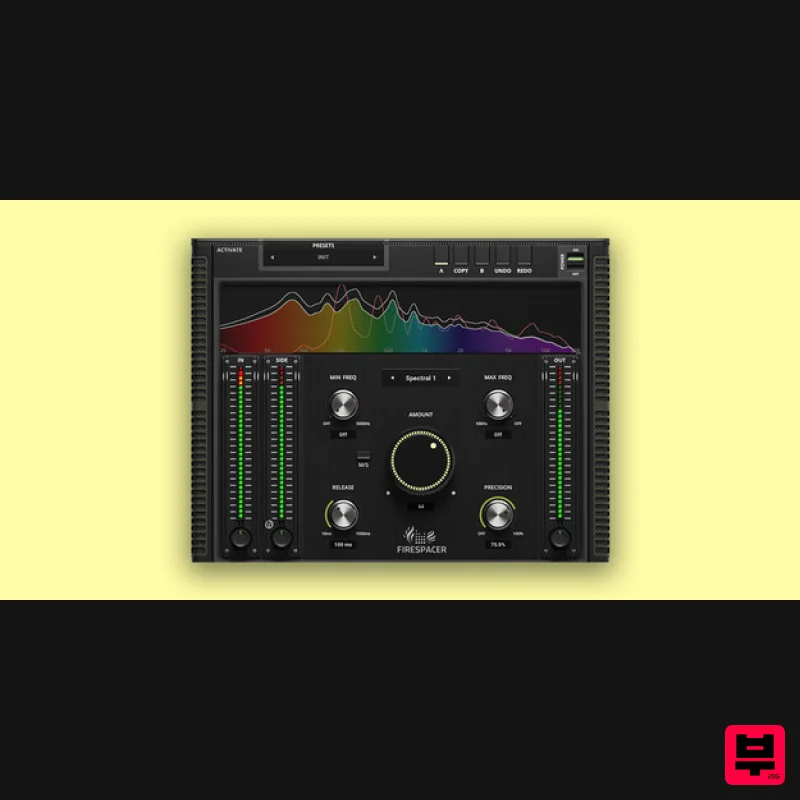
United Plugins FireSpacer
Audio Editor
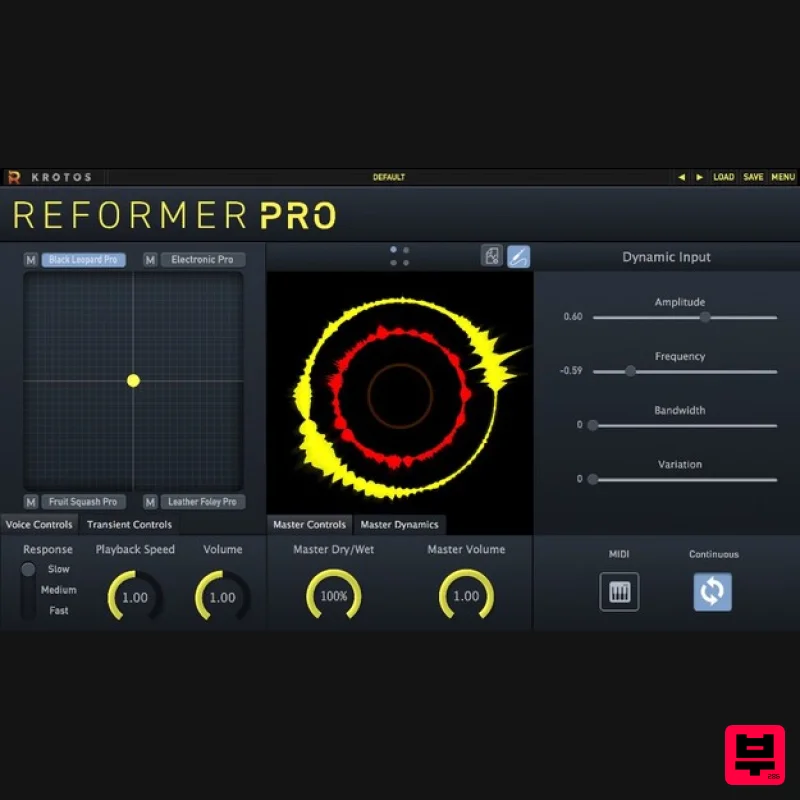
Krotos Reformer Pro
Audio Editor
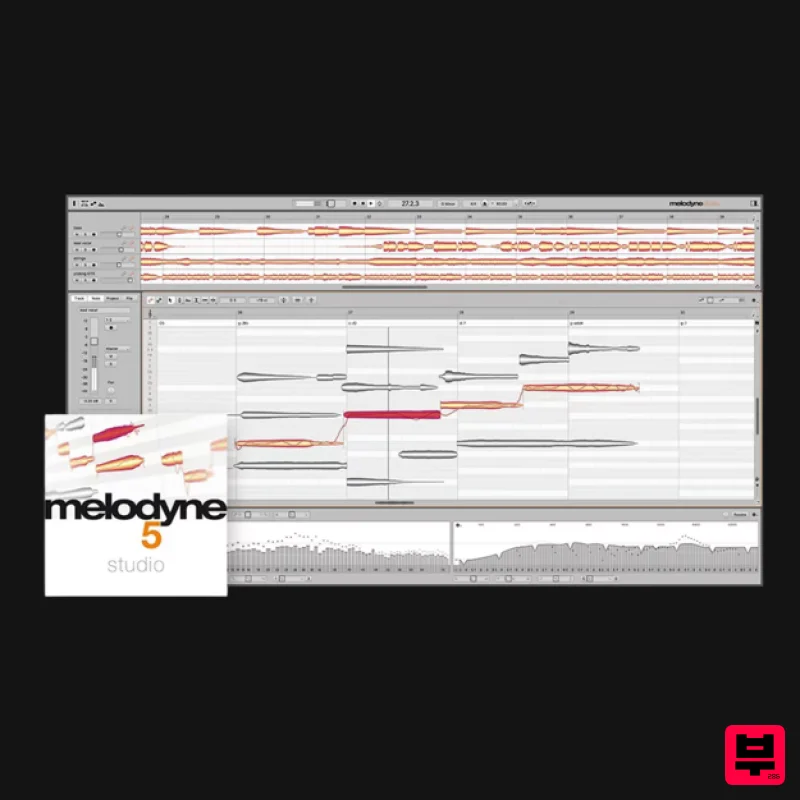
Celemony Melodyne 5 Studio
Audio Editor
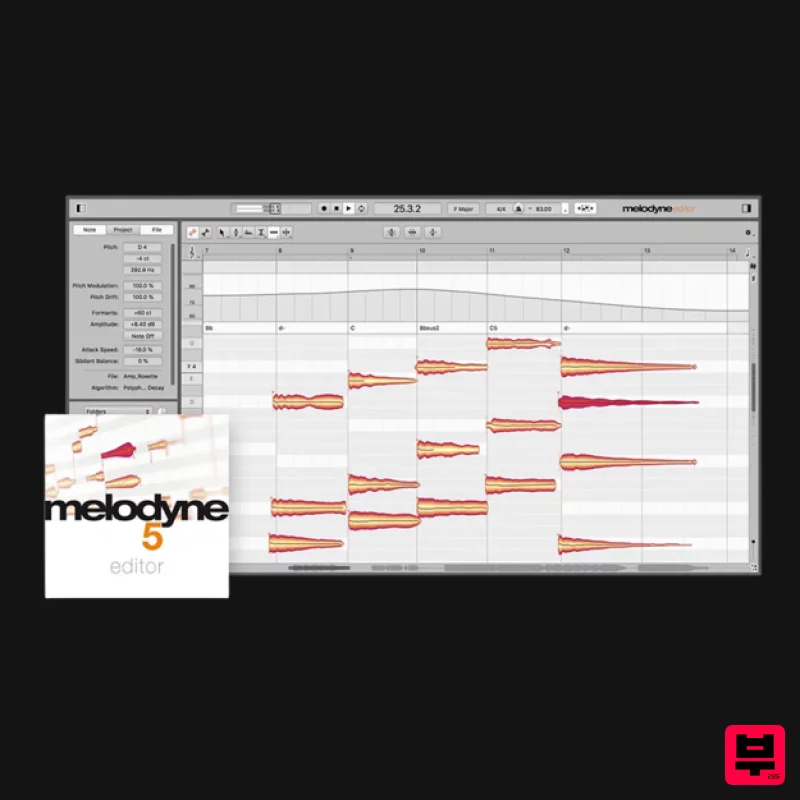
Celemony Melodyne 5 Editor
Audio Editor
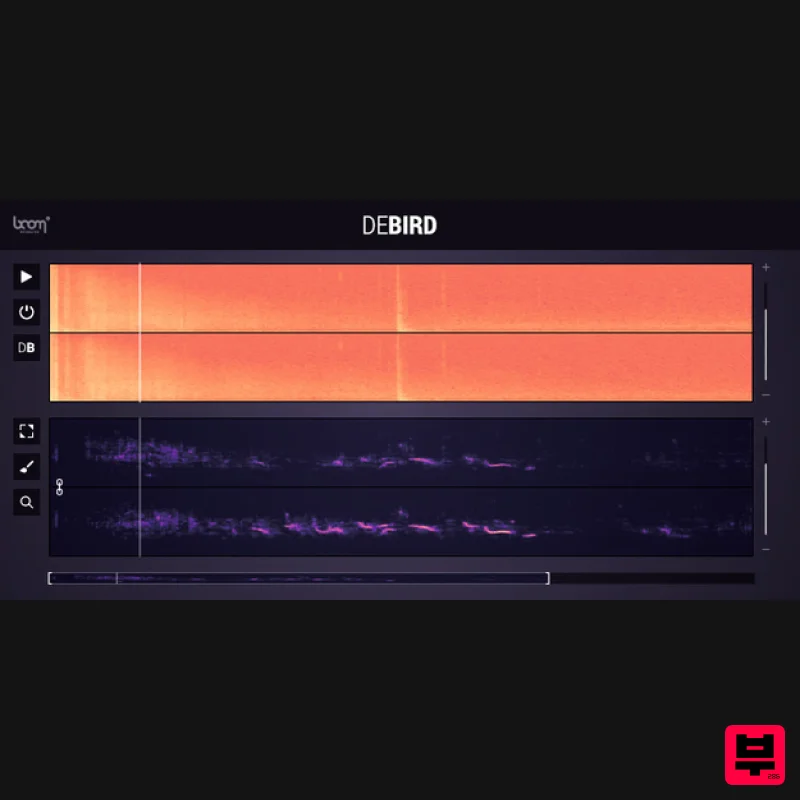
Boom DEBIRD
Audio Editor
Celemony Celemony Melodyne 5 Assistant
Audio Editor

Yum Audio Extractor
Audio Editor
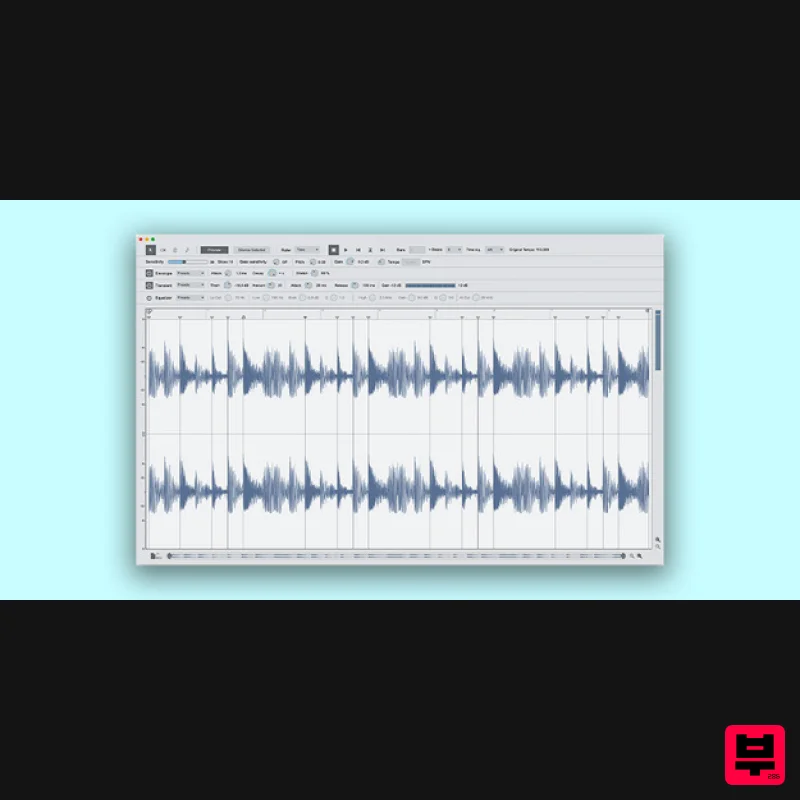
Reason Studios ReCycle 2.5
Audio Editor

