
510k POLYLLOP
Professional music gear - detailed information and where to buy
Product Description
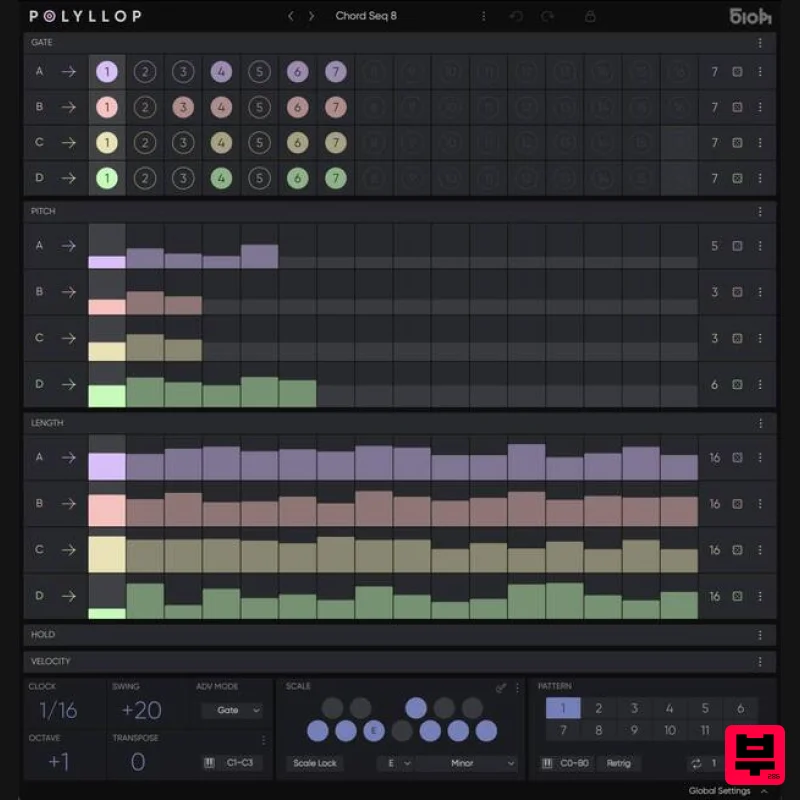
- Four Voice Polymetric Sequencer Building on the foundation and logic of 510k's flagship sequencer SEQUND
- POLYLLOP pushes things further into polyphonic and polymetric territory. Designed for those who want to go beyond simple step sequencing
- POLYLLOP lets you sequence up to four independent voices—each with their own rhythm
- melody
- duration
- and velocity lanes. Whether you're sketching out evolving arpeggios
- layering chords
- or exploring shifting textures
- POLYLLOP gives you plenty of control—without slowing you down. POLYLLOP is not a synth and doesn’t generate sound—it outputs MIDI
- making it ideal for controlling both soft synths and hardware setups. It integrates with all major DAWs
- with clear routing instructions and a minimal interface that keeps the focus on creativity. From chord progressions to rhythmic pulses
- POLYLLOP adapts easily to a wide range of creative tasks in your production workflow. Features Four independent lanes for Gate
- Pitch
- Length
- Hold
- and Velocity — each with adjustable length and playback modes. Polymeter sequencing — set different step counts per lane to create rich
- evolving polyrhythms and shifting patterns. Real-time MIDI Transpose — shift sequences chromatically or in scale degrees via MIDI input for expressive live use or DAW automation. Scale Quantization — keep everything in key or go fully chromatic; custom user scales and root shift support included. Advanced Play Modes — Forward
- Backward
- Pendulum
- Bi-directional
- Random (x2)
- for each lane independently. Step Lock — protect steps from randomization and reset for precise control over evolving patterns. Integrated randomization and density control — apply controlled chance to notes
- rhythms
- and dynamics per lane or globally. Pattern system — up to 12 patterns per preset
- instantly switchable via MIDI notes for live performance or quick variation. Export to MIDI — drag sequences directly into your DAW if live MIDI recording isn’t supported. MIDI Advance Mode — drive POLYLLOP’s step progression from your MIDI keyboard or clip for free-form rhythmic control. Expanded Transpose Options — including Scale-Dependent and Classic modes. Easy UI Workflow — intuitive handling of blocks
- lanes
- and presets. System Requirements Mac Mac OS 10.14 or higher (Intel / Apple Silicon supported (64-bit only) Windows Windows 10 (64-bit only) Important Notes An internet connection is required to validate the serial key during activation and occasional rechecks. Please note: Seqund is used as the example Mac 1. Download the zip folder from your Plugin Boutique User Account and double-click it to oåpen and reveal the installer file. 2. Double-click the .pkg file to begin the installation process > click ‘Continue’. 3. Read through the End User License Agreement and click ‘Continue’. 4. Click ‘Agree’. 5. Select which plugin component (s) you wish to install > click ‘Continue’. 6. Check the install location > click ‘Install’. 7. The installation of your software has successfully completed > click 'Close’. 8. Open your DAW and load up your recently installed plugin. 9. Enter the serial number provided within your Plugin Boutique User Account and click 'OK'. The Software is now Activated and Ready for Use Within Your DAW! Windows 1. Download the zip folder from your Plugin Boutique User Account and double-click it to open and reveal the installer file. 2. Double-click the installer file to begin the installation process. 3. Select the location in which you would like to install Seqund > click 'Next'. 4. Select the plugin component (s) you wish to install > click 'Next'. 5. Select a VST2 folder location in which to install the component to > click 'Next'. 6. Review the installation > click 'Install'. 7. Click 'Finish'. 8. Open your DAW and load up your recently installed plugin > Click the 3 vertical dot located at the top of the plugin > Click 'Manage Your License'. 9. Enter the serial number provided within your Plugin Boutique User Account and click 'OK'. The Software is now Activated and Ready for Use Within Your DAW!
Additional Information
About the 510k POLYLLOP
Experience the quality and tone that makes the 510k POLYLLOP a popular choice for musicians.
Why Choose the 510k POLYLLOP?
- •Authentic 510k craftsmanship and design
- •Versatile sound suitable for multiple musical genres
- •Professional build quality and reliable performance
- •Part of 510k's respected Sequencer lineup
Compare & Explore
Browse our complete selection of 510k instruments or explore other Sequencer options. Use our comparison tools to find the perfect match for your musical style and budget.
Similar Products
HY-Plugins HY-MPS3
Sequencer
$59
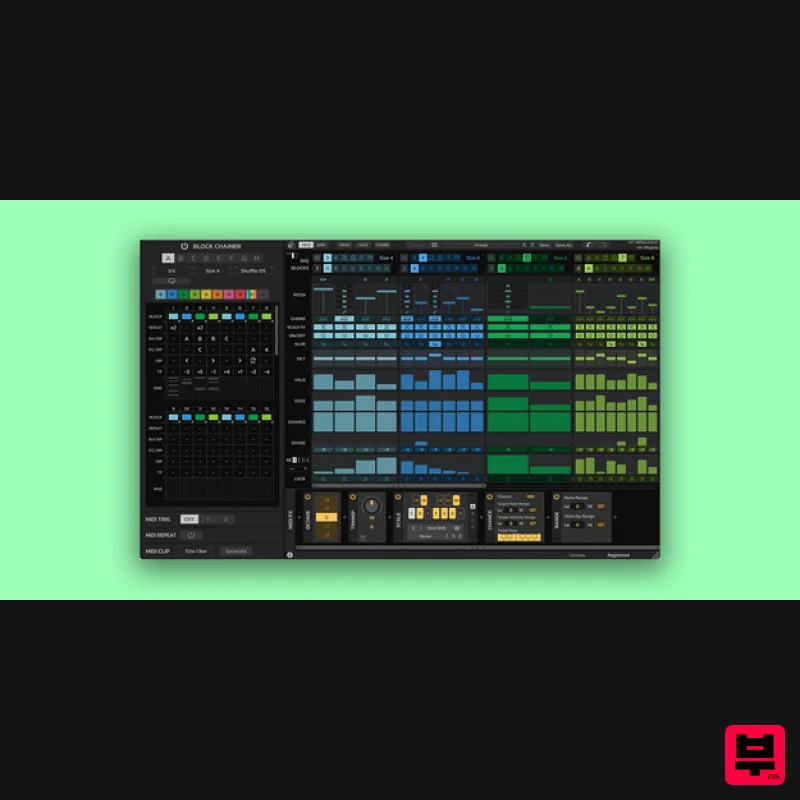
Block Base Sequencer / Arpeggiator HY-MPS3 is a sequencer/ arpeggiator plugin consisting of 8 block sequencers. The...
Sinevibes Switch v3
Sequencer
$29
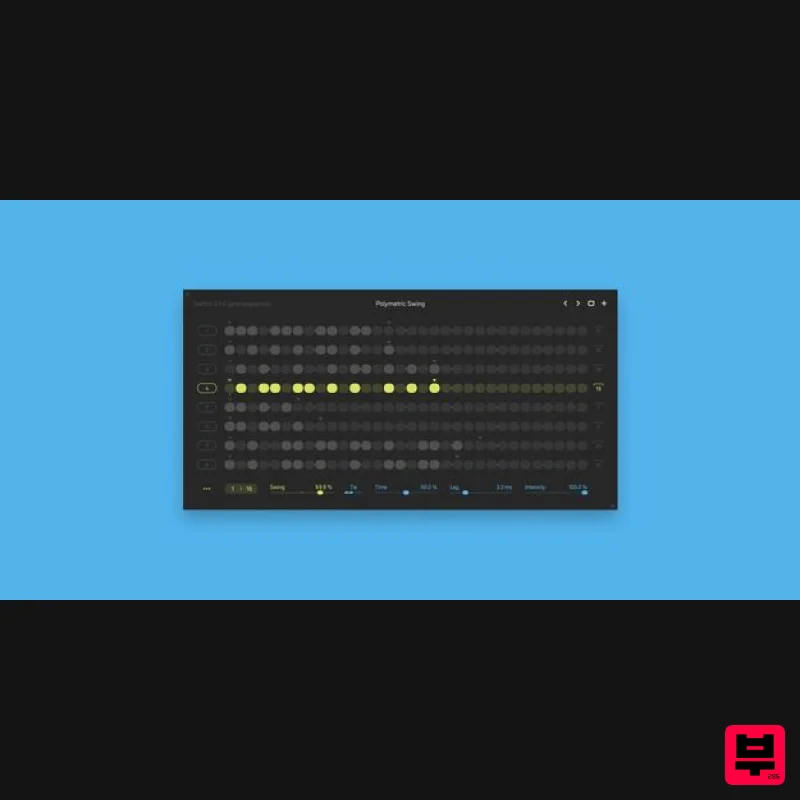
Please Note: Switch v3 is a free upgrade for those who owned the previous version of Switch. Switch is a gate...
Audiomodern Freezr
Sequencer
$30
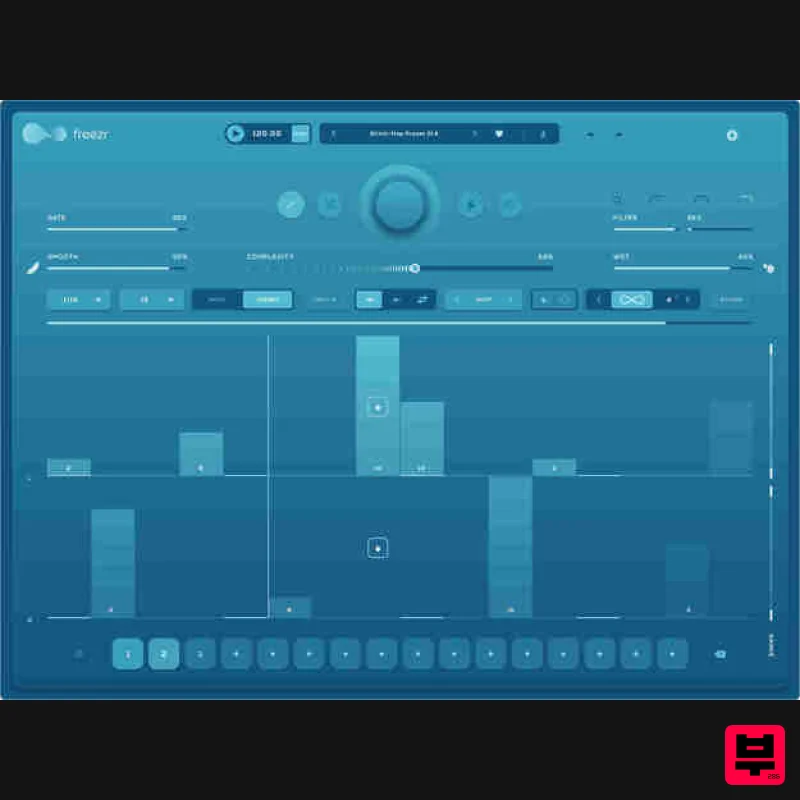
Freezr is a supercharged Freeze sequencer plugin designed to capture and sequence audio in an innovative and expressive...
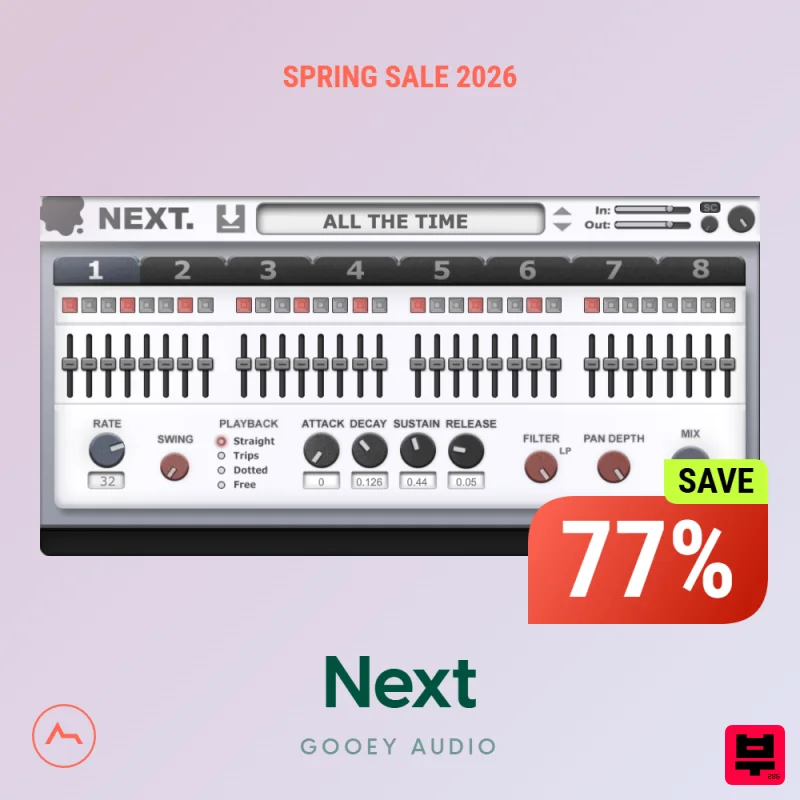
Gooey Audio Next
Sequencer
$30
Bring Rhythm to Life Trance Gate & Step Sequencer Plugin Elevate your electronic music with NEXT by Gooey Audio....
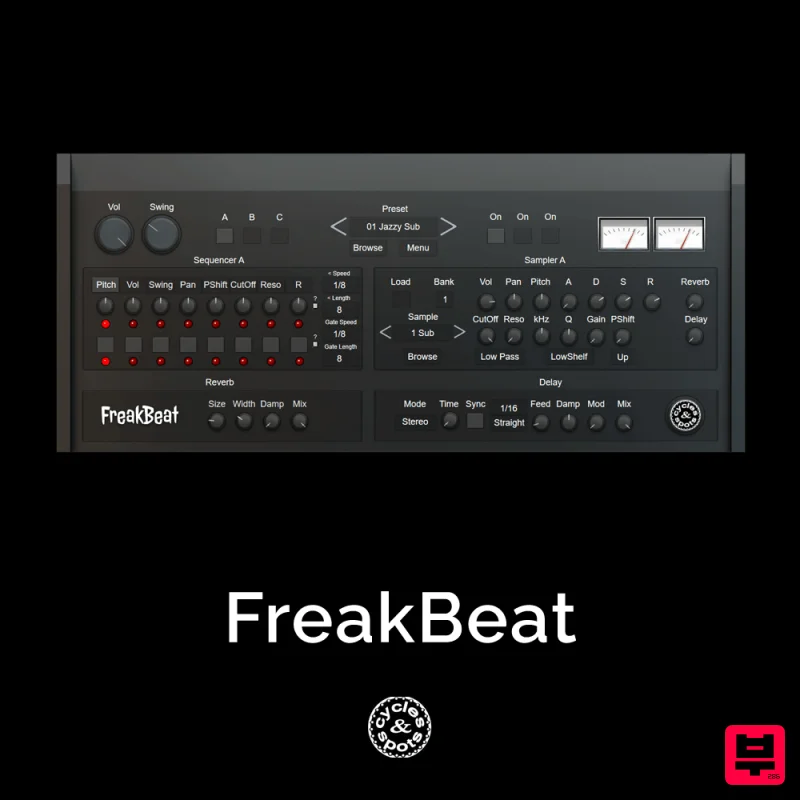
Cycles & Spots FreakBeat
Sequencer
$30
Cycles & Spots present an experimental randomizable drum sequencer plugin with unusal grooves / shuffles. 3 samplers...
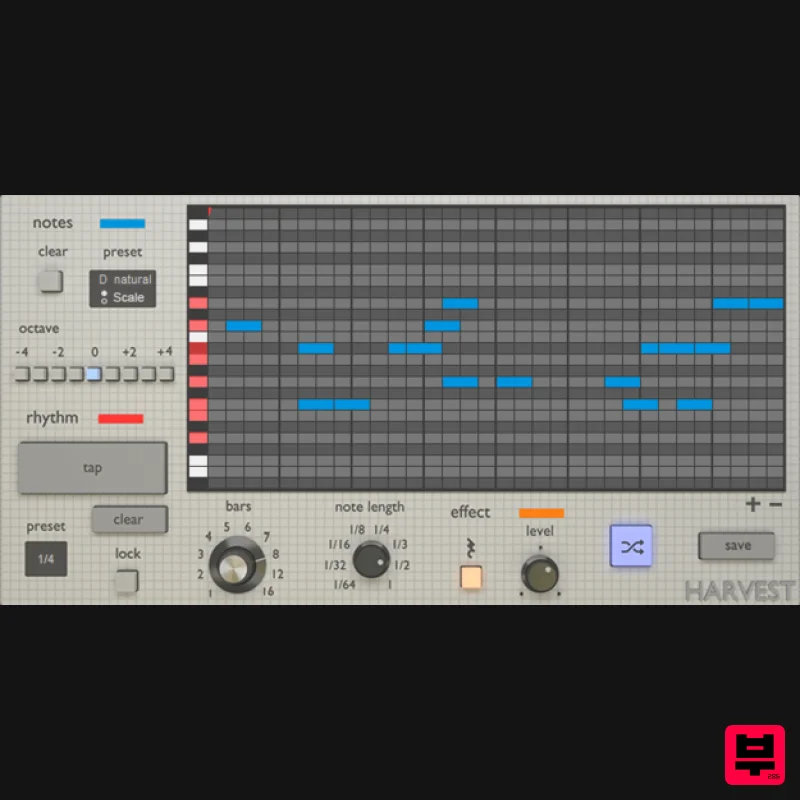
Harvest Plugins Harvest Mini
Sequencer
Free
Harvest Mini is a MIDI sequence generator. It's a VST Plugin that can produce melodies, chords, and drum patterns....
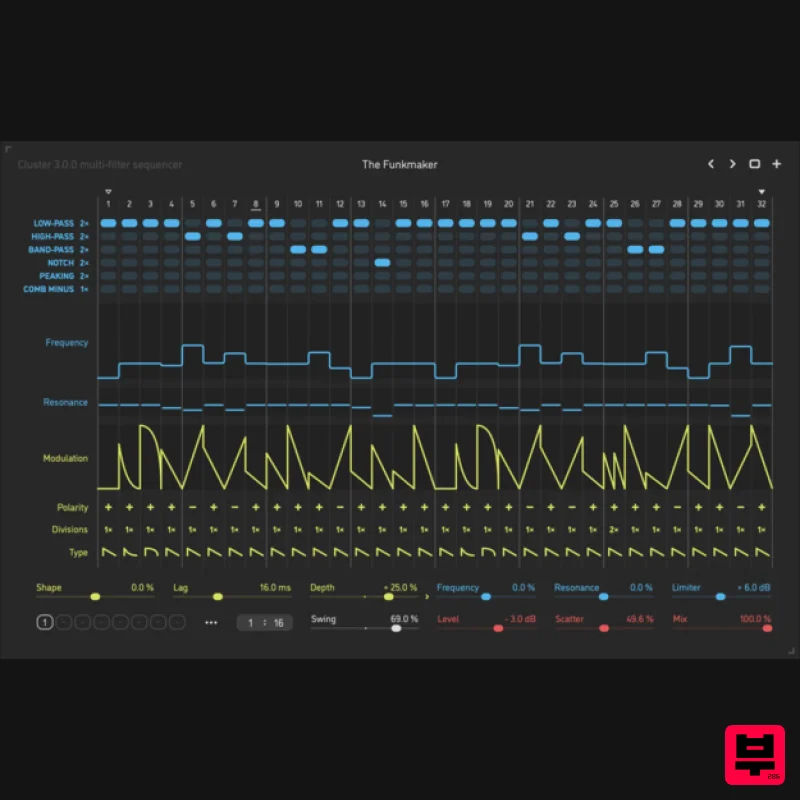
Sinevibes Cluster v3
Sequencer
$44
Cluster is a multi-filter sequencer. The core concept is simple at first – a filter with a modulation envelope –...
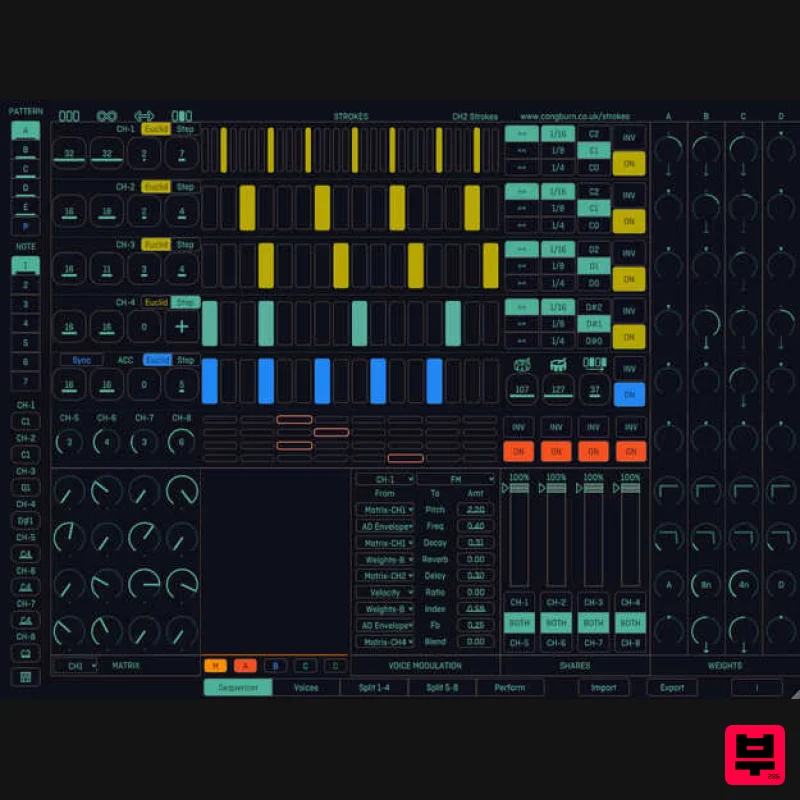
Cong Burn Strokes
Sequencer
$51
Important Note: This is a purchase path for the VST3/AU edition of Cong Burn Strokes, and is not iPad compatible....
Frequently Asked Questions
The 510k POLYLLOP stands out for its exceptional 510k craftsmanship and innovative design.
Yes! With its affordable price point and quality construction, it's perfect for learning sequencer.
Browse the similar products section to see how it stacks up against other sequencer.

