
Best Sound Manipulation VST Plugins 2026
Navigating the world of sound manipulation requires specialized tools that go beyond simple effects. This roundup explores the absolute best VST and AU plugins available for sculpting, transforming, and designing sound in your DAW. We focus on plugins that offer deep control and creative potential for sound designers and producers alike.
Last updated: October 1, 2026
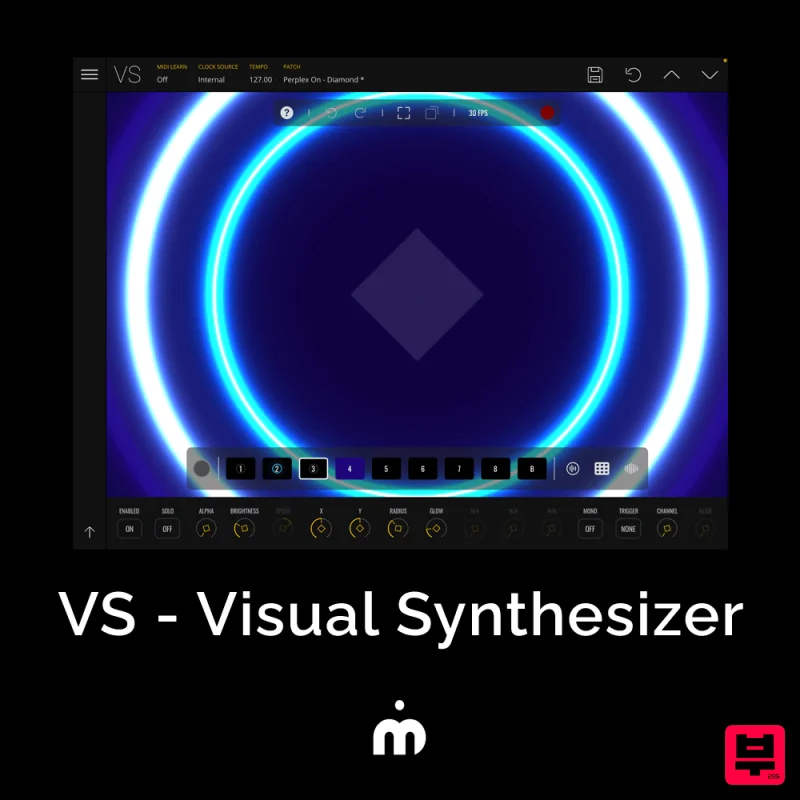
Imaginando VS - Visual Synthesizer
- • Creates unique sounds and textures
- • Multiple manipulation algorithms
- • Spectral and granular manipulation
- • Unpredictable and hard to control results
- • CPU-intensive complex algorithms
- • Results require heavy editing
How to Choose the Best Vst Sound Manipulation
Algorithmic Depth
This measures how complex and unique the underlying sound generation algorithms are. Deeper algorithms allow for more creative and unpredictable sound textures, moving beyond simple presets.
Modulation Flexibility
This assesses the range and complexity of LFOs, envelopes, and modulation sources available within the plugin. High flexibility is crucial for creating dynamic and evolving sounds.
Interface Intuition
This evaluates the usability and logical arrangement of controls within the plugin interface. An intuitive interface allows producers to quickly achieve complex sonic goals without excessive time spent navigating menus.
Performance & Latency
This focuses on the plugin's processing efficiency and real-time performance within the DAW. Low latency is non-negotiable for professional, real-time sound design.
Sound Fidelity
This measures the quality and clarity of the output signal. High fidelity ensures that the manipulated sound remains rich, detailed, and free from digital artifacts.
Buying Guide
When selecting a sound manipulation plugin, prioritize algorithmic depth and modulation flexibility above all else. Don't just look for effects; look for tools that allow you to generate entirely new sonic material. A practical tip: Always test a plugin with complex, non-standard source material to truly gauge its ability to handle intricate sound design.
How This List Is Built
We don't play these instruments — we're a catalog, not a review desk, and we'd rather say so than pretend otherwise. This page covers 1 vst sound manipulation from the Thomann catalogue, which is the largest single source of specification data in this category: 1 in detail, the rest listed with their specifications.
Position is computed, not curated. We parse the manufacturer's own description into actual values — nut width, scale, fret count, fingerboard radius, size, alloy — and rank on them: how many specifications a model has published, how many of them are measurable numbers, and how precisely it meets this page's criterion. A product image adds a little. Price is not a ranking signal: it tells you nothing about whether a neck fits your hand. The same inputs always produce the same order, so nothing here is shuffled to look fresh.
What this list is good for: narrowing a category down to a shortlist by spec and budget. What it isn't: a substitute for hearing an instrument. Before you buy, read hands-on reviews and, where you can, play it. Full methodology.

