
Best Midi Sequencer VST Plugins 2026
Navigating the vast landscape of MIDI sequencing plugins can be challenging for producers. This roundup focuses exclusively on the top VST/AU Midi Sequencer plugins for 2026, designed to help musicians select the most powerful and intuitive tools for their workflow. We analyze features, performance, and usability to cut through the noise and identify the best sequencing solutions available.
Last updated: October 1, 2026
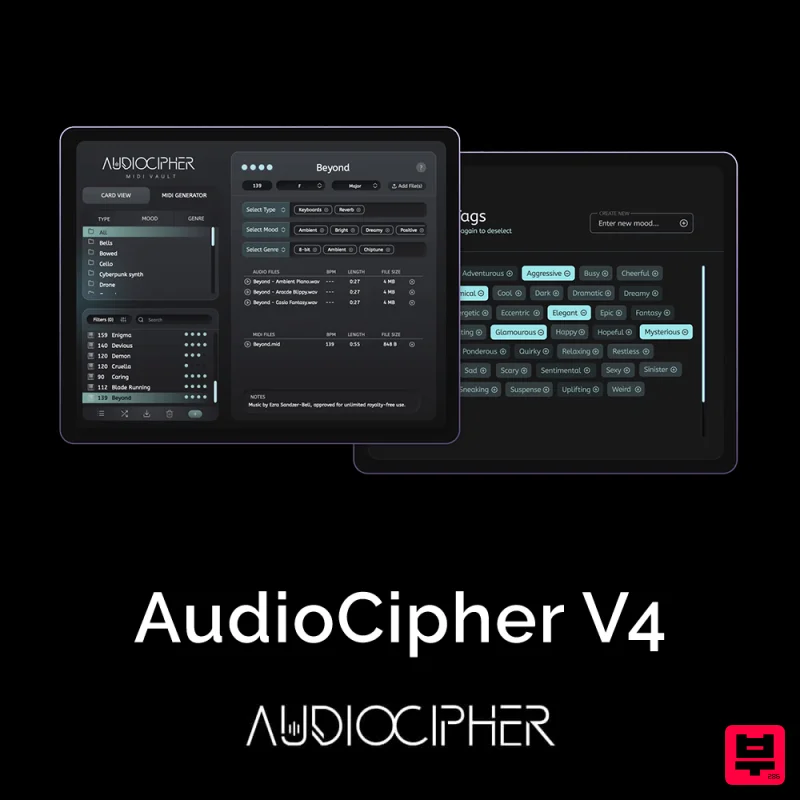
AudioCipher AudioCipher V4: MIDI Vault
- • Pattern chaining and variation
- • Euclidean rhythm generation
- • MIDI CC automation per step
- • MIDI routing setup can be complicated
- • May not integrate with all DAWs
- • Redundant for basic sequencing needs
How to Choose the Best Vst Midi Sequencer
MIDI Latency and Responsiveness
This is critical for real-time performance and avoiding frustrating delays when playing complex melodies. Low latency ensures that the sequencing feels immediate and accurate to the musician's intent.
Polyphony and Voice Management
Great sequencers must handle complex, multi-layered MIDI streams efficiently without introducing artifacts or limiting note density. Effective voice management is key for advanced orchestration and sound design.
Rhythmic Precision and Quantization
The ability to set incredibly precise rhythmic grids and handle complex, human-like timing is essential for professional results. Superior quantization tools allow for micro-adjustments that refine the groove perfectly.
Workflow Integration and UX
The plugin must feel intuitive and seamlessly integrate with the host DAW's existing workflow. A poor user experience can negate powerful features, so ease of use is paramount.
Sound Engine Quality
While a sequencer is functional, the internal sound engine quality dictates the final musical output. High-quality synthesis and instrument modeling ensure that the sequenced performance sounds professional and rich.
Buying Guide
When choosing a sequencer, prioritize the plugin that aligns best with your specific musical style—whether you are focused on complex orchestration, fast rhythmic programming, or intricate sound design. Always test the free trials within your preferred DAW to ensure the latency and workflow feel perfect for your unique production environment. A practical tip: always check the plugin's support for custom MIDI controllers, as this often dictates the speed and ease of your physical performance.
How This List Is Built
We don't play these instruments — we're a catalog, not a review desk, and we'd rather say so than pretend otherwise. This page covers 1 vst midi sequencer from the Thomann catalogue, which is the largest single source of specification data in this category: 1 in detail, the rest listed with their specifications.
Position is computed, not curated. We parse the manufacturer's own description into actual values — nut width, scale, fret count, fingerboard radius, size, alloy — and rank on them: how many specifications a model has published, how many of them are measurable numbers, and how precisely it meets this page's criterion. A product image adds a little. Price is not a ranking signal: it tells you nothing about whether a neck fits your hand. The same inputs always produce the same order, so nothing here is shuffled to look fresh.
What this list is good for: narrowing a category down to a shortlist by spec and budget. What it isn't: a substitute for hearing an instrument. Before you buy, read hands-on reviews and, where you can, play it. Full methodology.

