
Best Stereo Image VST Plugins 2026
Achieving a truly immersive stereo image is crucial for professional mixing and mastering. This roundup dives deep into the best Stereo Image VST plugins available for 2026, helping producers select tools that enhance spatial depth and clarity. We examine the nuances that separate excellent stereo imaging from mediocre results in your DAW.
Last updated: July 15, 2026 • Next update: July 22, 2026
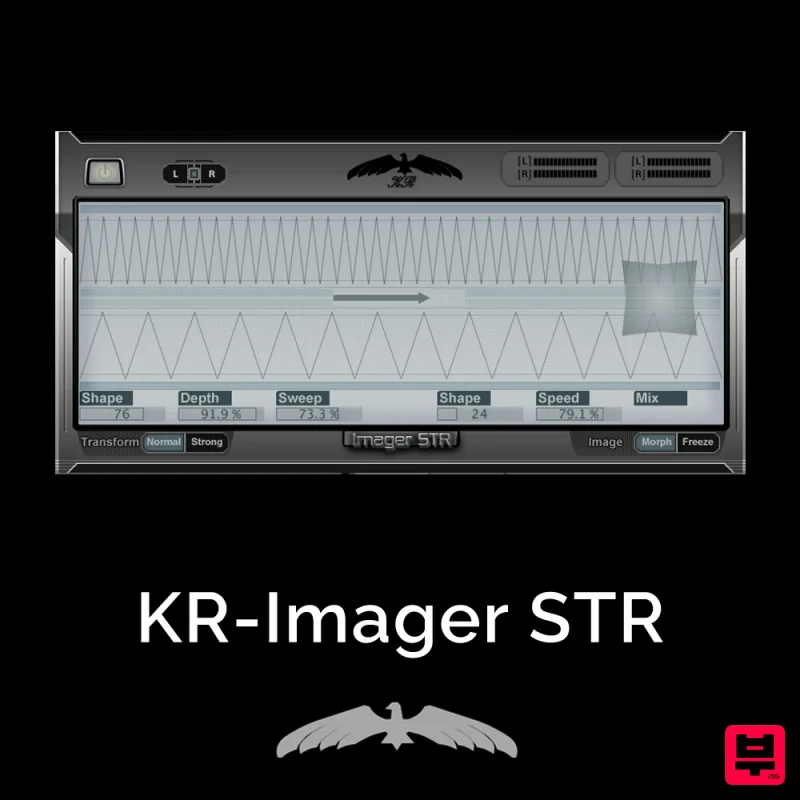
KResearch KR-Imager STR
- • Panning enhancement beyond simple pan
- • Control stereo width and imaging
- • Mid/Side processing capabilities
- • Requires careful monitoring to judge
- • Overcooking stereo image sounds unnatural
- • Mono compatibility problems possible
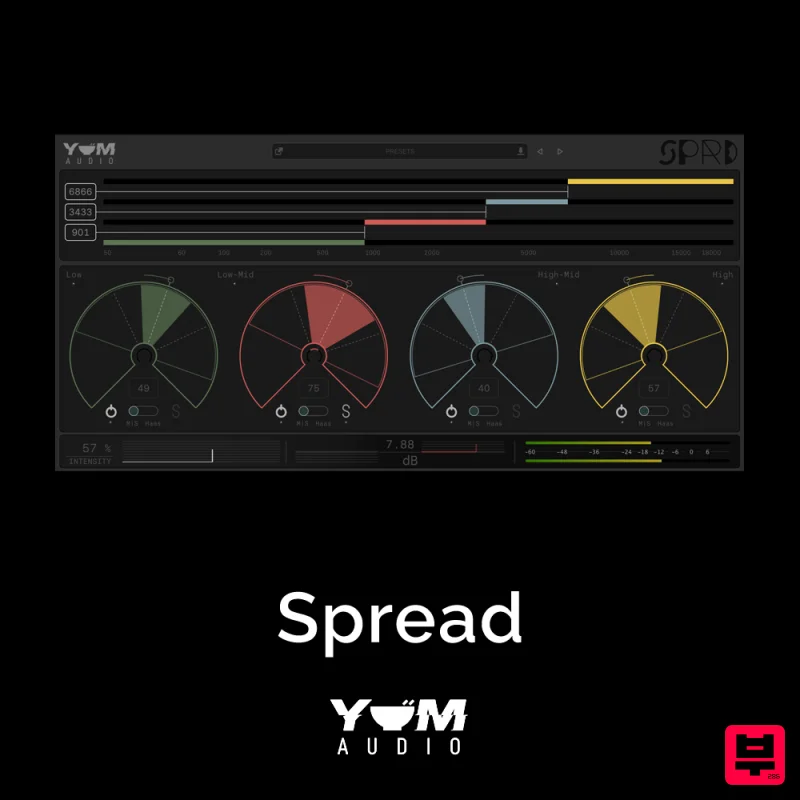
Yum Audio Spread
- • Mid/Side processing capabilities
- • Correlation metering for compatibility
- • Stereo to mono conversion checking
- • Overcooking stereo image sounds unnatural
- • Requires careful monitoring to judge
- • Phase artifacts from excessive widening
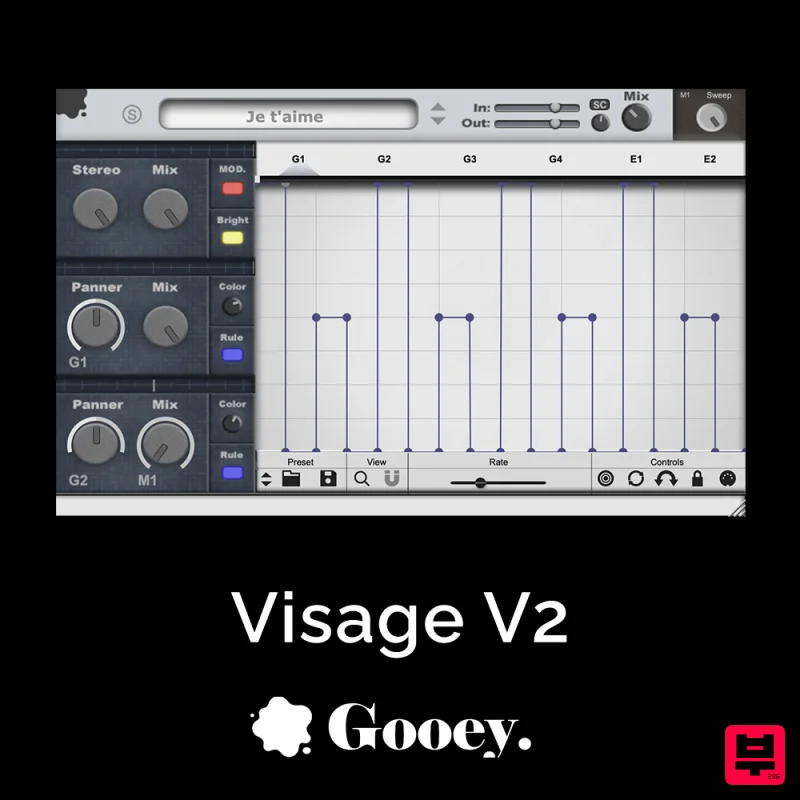
Gooey Audio Visage V2 – Stereo Fattener & Advanced Pan Sculptor Plugin
- • Frequency-dependent stereo control
- • Panning enhancement beyond simple pan
- • Correlation metering for compatibility
- • Not suitable for mono sources
- • Phase artifacts from excessive widening
- • Mono compatibility problems possible
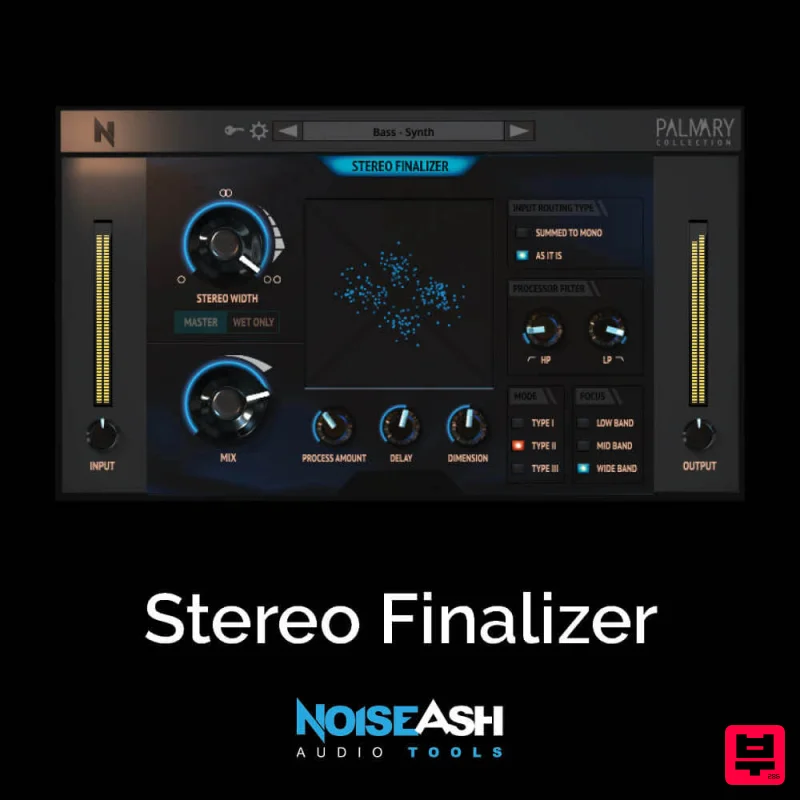
NoiseAsh Stereo Finalizer
- • Stereo to mono conversion checking
- • Panning enhancement beyond simple pan
- • Mid/Side processing capabilities
- • Not suitable for mono sources
- • Overcooking stereo image sounds unnatural
- • Requires careful monitoring to judge
How to Choose the Best Stereo Image
Phase Coherence Management
This determines how accurately the plugin handles phase relationships between the left and right channels, preventing comb filtering and ensuring a cohesive soundscape.
Frequency Distribution Control
Great stereo imaging allows precise control over where specific frequency bands reside in the stereo field, enabling targeted spatial placement of instruments.
Mid/Side Separation Clarity
The effectiveness of separating the center (Mid) information from the side (Side) information dictates the quality of spatial definition and stereo width.
Dynamic Range Handling
The plugin must maintain dynamic integrity while applying spatial effects, ensuring subtle shifts in volume don't introduce unwanted artifacts.
Intuitive Workflow
Ease of use in the DAW is paramount; complex spatial tools must be accessible and offer logical, non-destructive parameter adjustments for efficient mixing.
Buying Guide
When selecting a stereo image plugin, prioritize those that offer granular control over phase and frequency distribution over simple stereo widening. Don't just look for plugins that add width; seek tools that allow you to sculpt the actual spatial relationship between elements. A practical tip: Always test the plugin on complex, dense mixes to see how it handles phase interactions before committing to a purchase.
Our Methodology
We evaluated plugins based on their ability to manipulate phase coherence, manage frequency distribution across the stereo field, and offer intuitive control. Testing involved mixing complex musical scenarios to assess real-world performance and sonic fidelity.

