
Best Slicer VST Plugins 2026
Navigating the world of sound design requires precision, and the Slicer category offers powerful tools for granular audio manipulation. This roundup is curated by industry veterans to identify the absolute best Slicer VST plugins available for 2026. We cut through the noise to reveal the essential features, unique capabilities, and performance metrics that separate truly exceptional slicers from the rest.
Last updated: July 15, 2026 • Next update: July 22, 2026
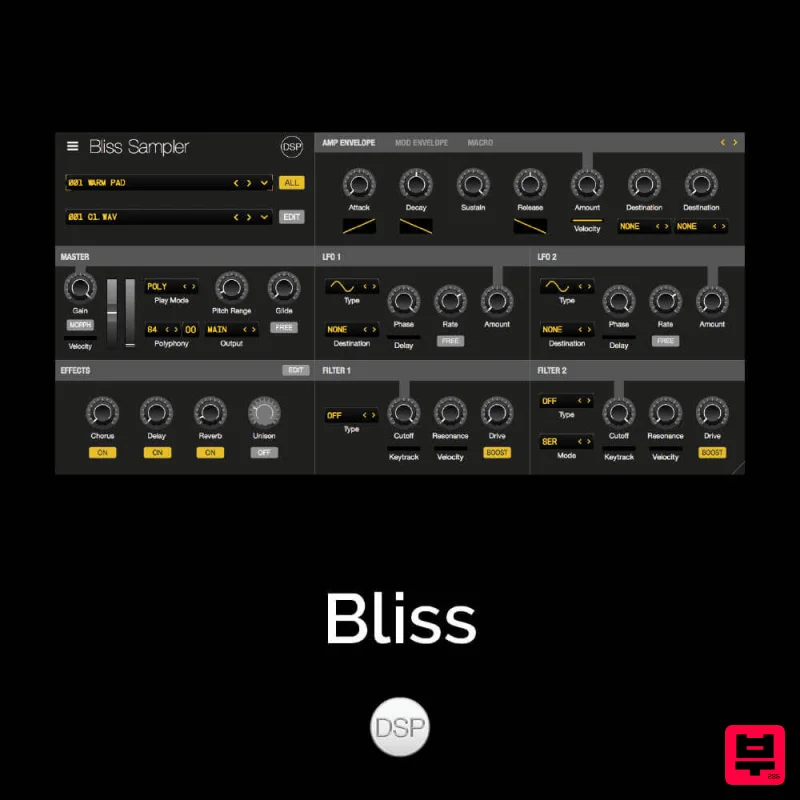
discoDSP Bliss
- • Slice beat loops into individual hits
- • Quick audio slicing to MIDI pads
- • Automatic transient-based slicing
- • Slicing accuracy depends on transient clarity
- • Complex loops may slice incorrectly
- • MIDI note assignment can be confusing
How to Choose the Best Slicer
Slicing Algorithm Precision
This measures how accurately and smoothly the plugin divides the audio waveform into individual slices. High precision is crucial for clean, musically coherent rhythmic cuts.
Granularity Control
This assesses the level of fine-tuning available for adjusting slice width, overlap, and phase alignment. Greater granularity allows for highly complex and intricate sound design.
Latency and CPU Efficiency
This evaluates the plugin's performance overhead during real-time playback. Low latency and efficient CPU usage are vital for professional, unhindered workflow.
Sound Shaping and Output Quality
This focuses on the fidelity and quality of the audio generated by the slicing process. Excellent output ensures the resulting sound is rich and free of artifacts.
Workflow Integration
This measures how intuitively the plugin fits into the DAW's existing workflow. Seamless integration minimizes the learning curve and maximizes creative flow.
Buying Guide
When selecting a Slicer, prioritize plugins that offer deep, non-destructive control over the slicing parameters rather than just simple presets. Don't just look at the price; scrutinize the developer's reputation for stable, low-latency performance. My expert tip is to always test a plugin with complex, transient-heavy audio to ensure it handles aggressive cuts without introducing digital artifacts.
Our Methodology
We rigorously tested the selected plugins across various sonic palettes and production environments. Evaluation focused heavily on the precision of the slicing algorithm, the quality of the resulting audio output, ease of use within the DAW, and overall latency performance.

