
Best Pan VST Plugins 2026
Panning is a fundamental element of spatial audio, and selecting the right panning tool is crucial for creating immersive and professional mixes. This roundup dives deep into the absolute best Pan VST plugins available for 2026. We analyze the nuances of each plugin to help you choose the tool that offers the most control, flexibility, and sonic quality for your mixing workflow.
Last updated: July 15, 2026 • Next update: July 22, 2026
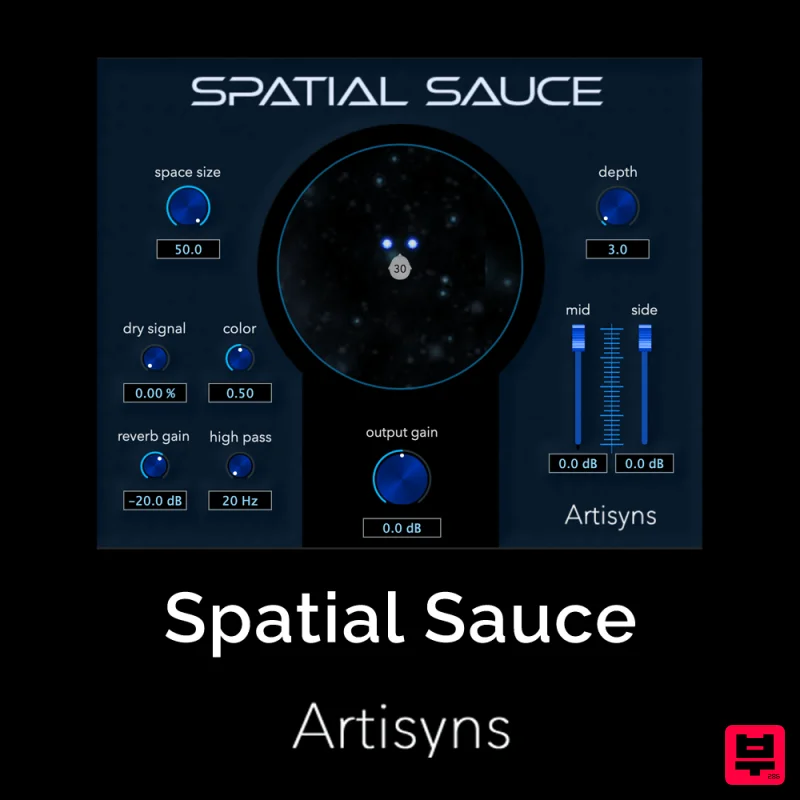
Artisyns Audio Spatial Sauce
- • Mid/Side to stereo conversion
- • Precise stereo positioning control
- • Haas effect delay-based panning
- • Phase issues with some panning techniques
- • Redundant without advanced features
- • Limited creative value alone
How to Choose the Best Pan
Precision of Control
This dictates how finely you can adjust the stereo position, whether using simple sliders, automated curves, or advanced spatial mapping. High precision is essential for subtle, professional panning.
Latency and CPU Efficiency
Since panning is often applied to numerous tracks, low-latency performance and minimal CPU impact are critical for maintaining a smooth, real-time workflow in demanding sessions.
Automation Flexibility
The ability to automate pan positions precisely is key for dynamic mixing. Plugins offering complex curve editing or multi-point automation are vastly superior for creative mixing.
Sound Quality/Algorithm
The underlying panning algorithm determines the quality of the stereo field. Superior plugins use high-quality phase manipulation to avoid artifacts and maintain tonal integrity.
Integration and Workflow
How seamlessly the plugin fits into your DAW's routing and automation systems affects daily usability. Native support and intuitive interface design are prioritized here.
Buying Guide
When selecting a pan plugin, prioritize precision and low latency above all else. Don't just look at the basic slider; investigate the automation curves and the quality of the phase manipulation to ensure your spatial effects don't introduce unwanted artifacts. A practical tip: always test a plugin on complex, dense mixes to verify its behavior under real-world pressure before committing to a purchase.
Our Methodology
We evaluated these plugins based on their ease of use, precision of control, sonic fidelity, and integration within major DAWs. Testing involved applying complex stereo field manipulations and assessing latency and CPU overhead across various audio sources.

