
Best Loudness VST Plugins 2026
Achieving professional loudness is crucial for modern music production, and selecting the right VST plugin is essential. This roundup explores the best Loudness VST plugins for 2026, focusing on dynamic range management and mastering consistency. We delve into the differences between top contenders to help you make an informed choice for your mixing workflow.
Last updated: July 15, 2026 • Next update: July 22, 2026
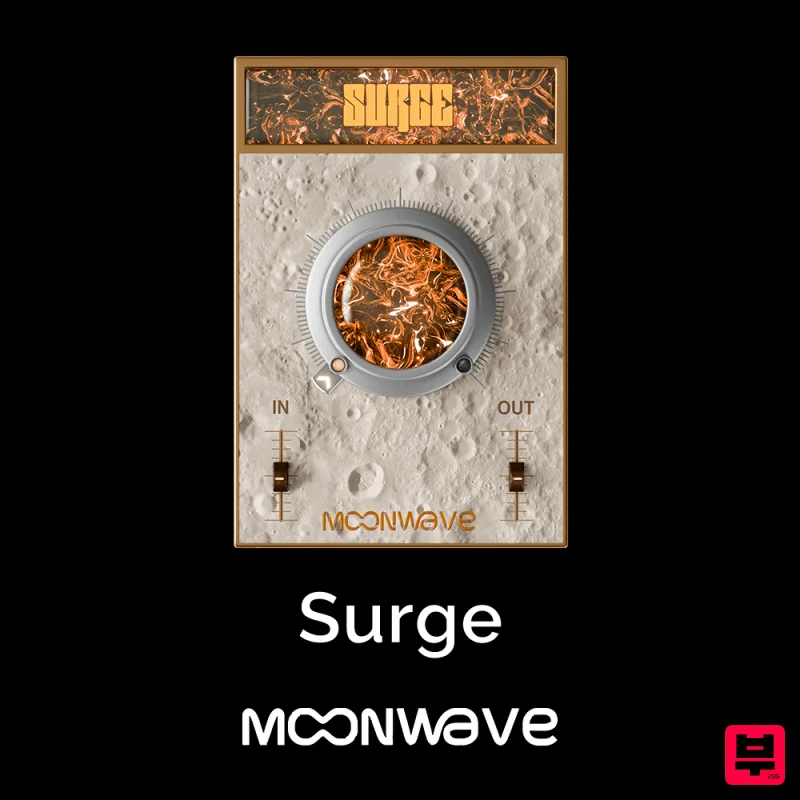
Moonwave Surge
- • Precise LUFS measurement and control
- • LRA measurement for dynamic content
- • True peak metering included
- • Technical focus requires knowledge
- • Loudness wars mindset can damage quality
- • Some features in free LUFS meters
How to Choose the Best Loudness
Loudness Meter Accuracy
This determines how accurately the plugin measures and targets perceived loudness, which is the core function of a loudness plugin. Inaccurate meters lead to inconsistent results and poor mastering decisions.
Dynamic Range Control
Great loudness plugins manage the difference between the loudest and quietest parts of a track effectively. Superior control allows for punchy, impactful mixes without crushing the dynamics.
Spectral Integrity
This factor assesses how the plugin handles the frequency spectrum during processing. Maintaining spectral integrity ensures that loudness adjustments do not introduce unwanted coloration or distortion.
Workflow Integration
Ease of use within the DAW and integration with existing signal chains is vital for professional efficiency. A seamless workflow saves time and reduces complexity.
Sidechain Sophistication
For advanced mixing, the ability to intelligently control one signal based on another is critical. Advanced sidechaining enables complex dynamic relationships necessary for professional mixing.
Buying Guide
When selecting a Loudness VST plugin, prioritize tools that offer granular control over dynamic range rather than just simple limiting. Don't settle for plugins that offer a one-size-fits-all approach; look for those that allow you to sculpt the audio subtly. A practical tip: always test the plugin on a track with varying dynamic content to ensure it handles both quiet and loud sections gracefully before committing to a purchase.
Our Methodology
Plugins were rigorously tested across various genres and audio sources to assess their accuracy and processing capabilities. Evaluation focused heavily on spectral fidelity, dynamic control, and ease of use within DAWs. We prioritized plugins that offer both creative control and objective loudness measurement.

